Skip to content
View in the app

A better way to browse. Learn more.

Pokemon Revolution Online

A full-screen app on your home screen with push notifications, badges and more.

To install this app on iOS and iPadOS
  1. Tap the Share icon in Safari
  2. Scroll the menu and tap Add to Home Screen.
  3. Tap Add in the top-right corner.
To install this app on Android
  1. Tap the 3-dot menu (⋮) in the top-right corner of the browser.
  2. Tap Add to Home screen or Install app.
  3. Confirm by tapping Install.
New Trade Zone
Trade Zone is now live
Use the new Trade Zone for auctions and instant-price trades so Pokemon and item offers are easy to find.
Open Trade Zone

Serein07

Registered User
  • Joined

  • Last visited

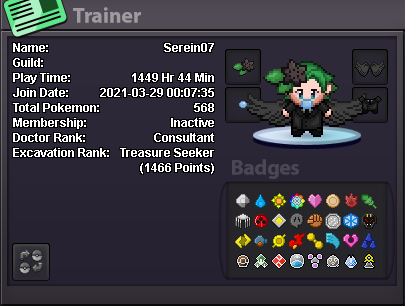
  1. In-Game Name: Serein07 Country: Canada Age: 23 Screenshot of your Pokémon ID: What do you enjoy doing most in PRO? Mostly PVE and hunting Which guild fits your playstyle best? (ECHLEON)
  2. I got it! Thank you so much! I've been trying for a few days lol, I thought I've already read the book... Now, everything is great! Thanks!!!
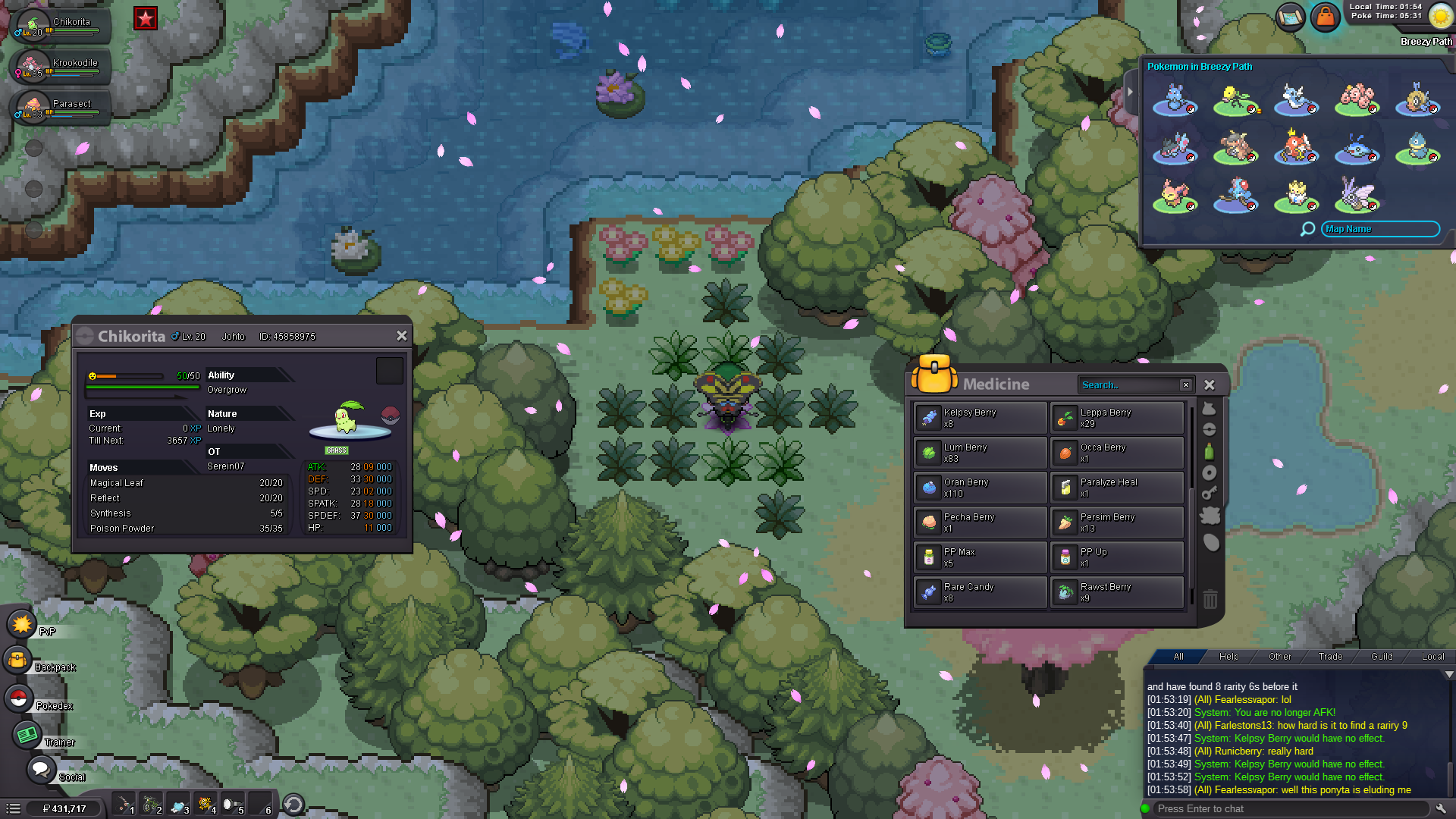
  3. I tried this several times, but nothing happened. I chose the right answer to answer the mayor question (spring festival - shaymin), and I've put my chikorita that has magical leaf on the first place, and of course 100 oran berries. But nothing happens when I walk over the pink flower. Did I miss something?

Account

Navigation

Search

Search

Configure browser push notifications

Chrome (Android)
  1. Tap the lock icon next to the address bar.
  2. Tap Permissions → Notifications.
  3. Adjust your preference.
Chrome (Desktop)
  1. Click the padlock icon in the address bar.
  2. Select Site settings.
  3. Find Notifications and adjust your preference.