




New Trade Zone
Trade Zone is now live
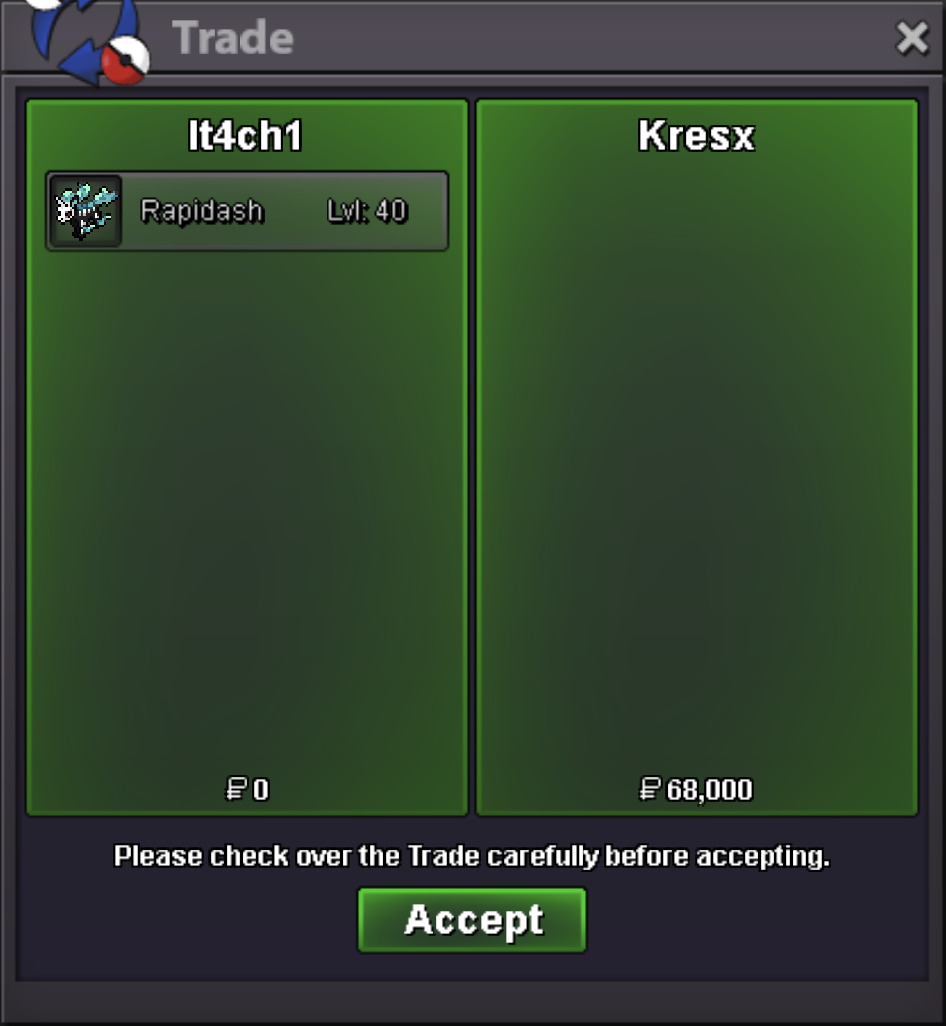
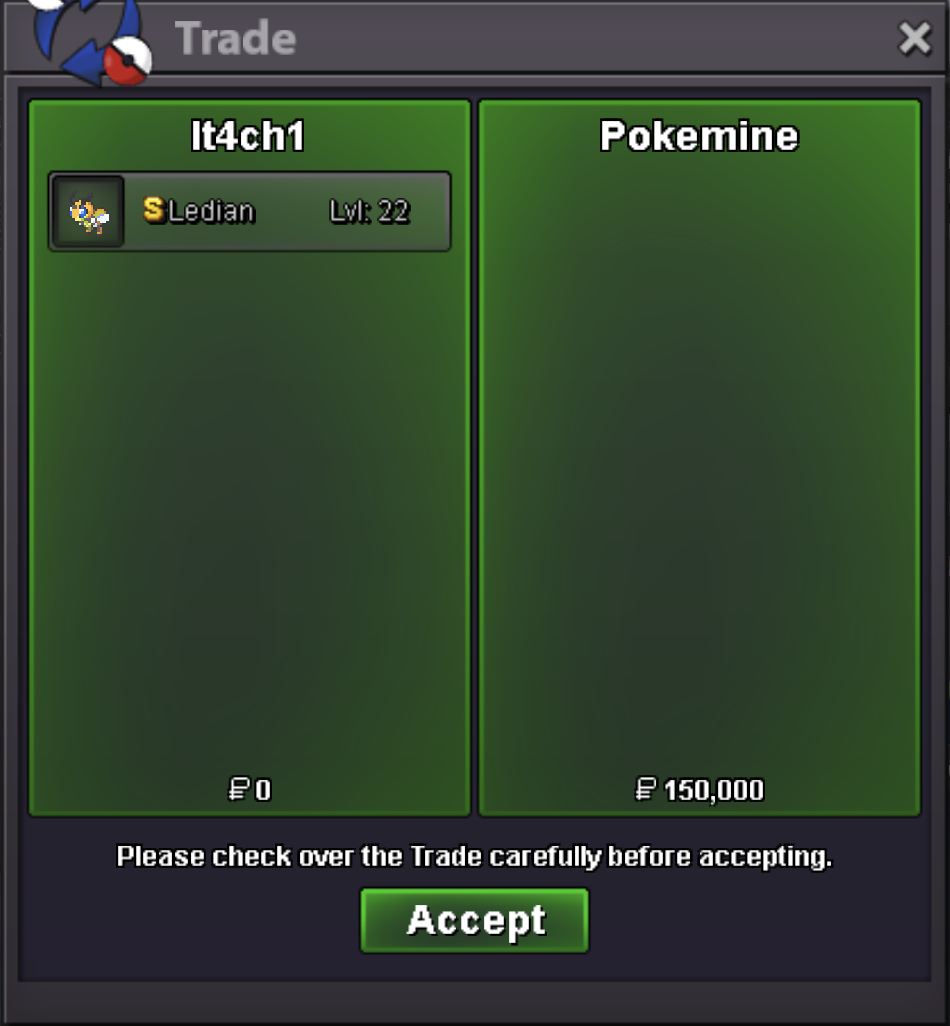
Use the new Trade Zone for auctions and instant-price trades so Pokemon and item offers are easy to find.


Jaqenhgar
Registered User
-
Joined
-
Last visited
-
+1
-
wtb these 7
-
You’re welcome @Atoums , hope it helps. Also thanks for creating for this collaborative space <3
-
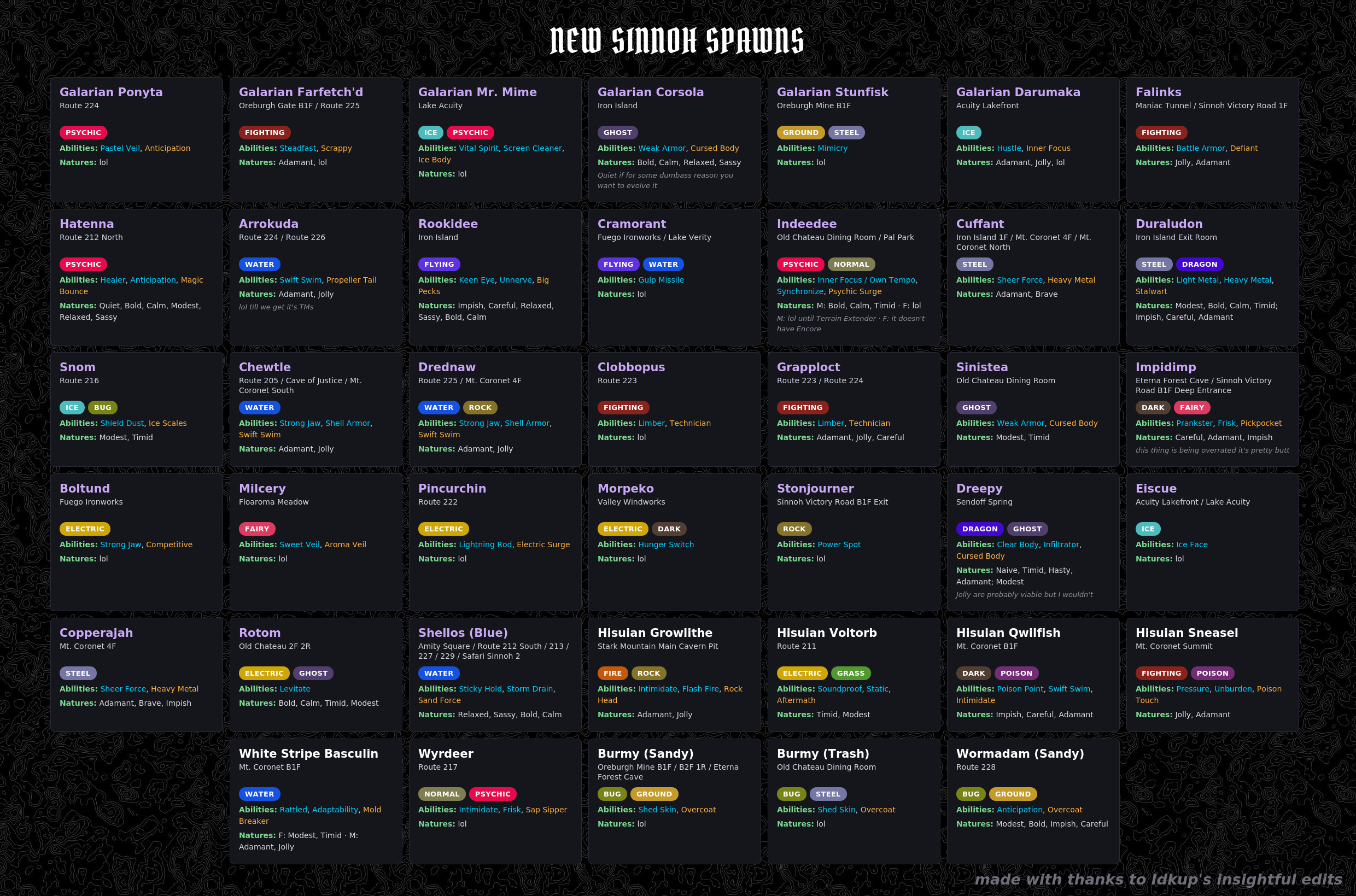
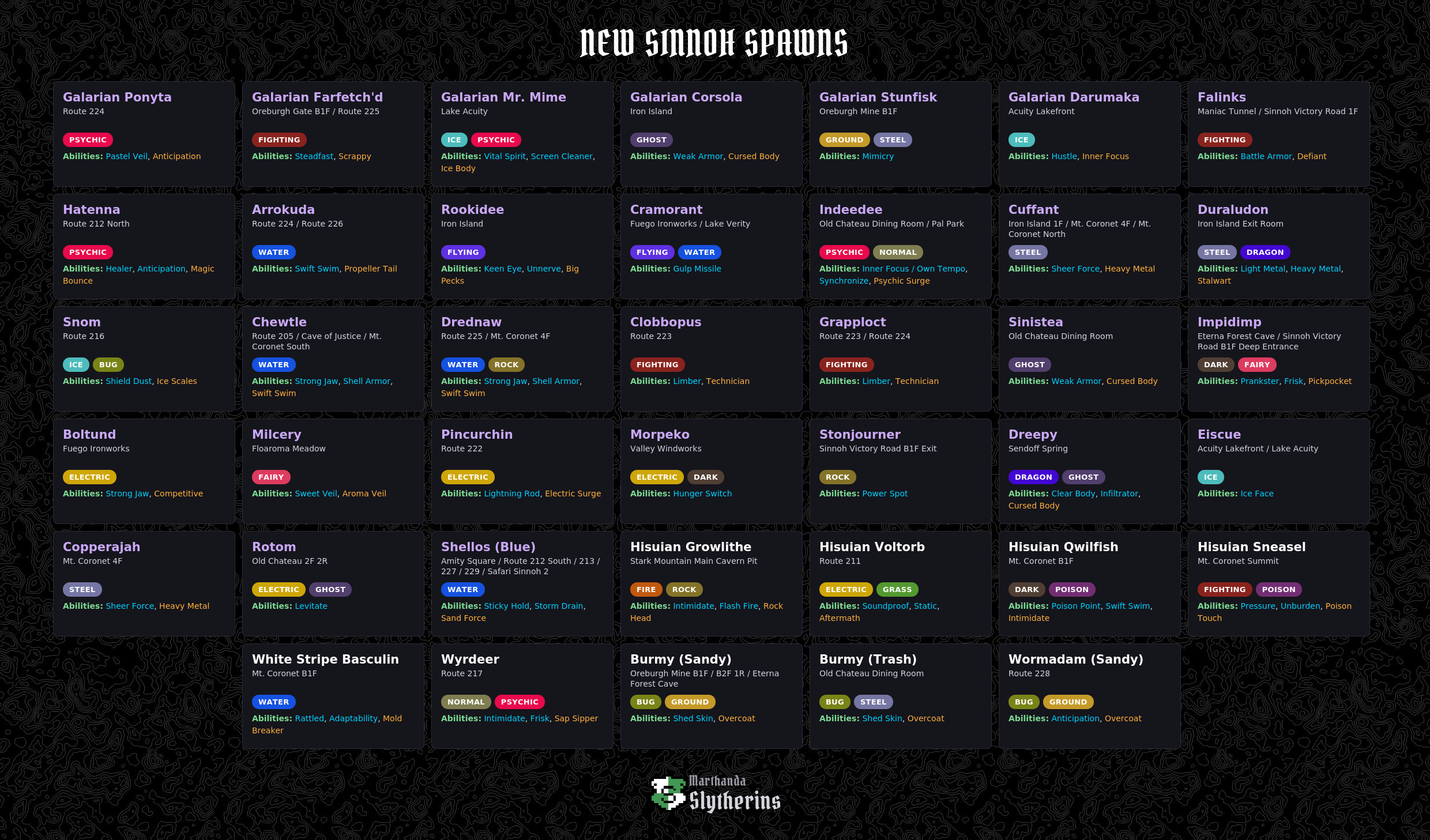
Hey @Idkup, appreciate the edits! Even tho me and my friends did more than just a lil bit of due diligence, your meta knowledge definitely seems far superior, so I’ve made this updated chart with your suggestions, lmk if I missed anything. Also lowkey, since people may have their own opinions and preferences when it comes to natures, I figured a version without them would be cleaner, so here’s that too
-
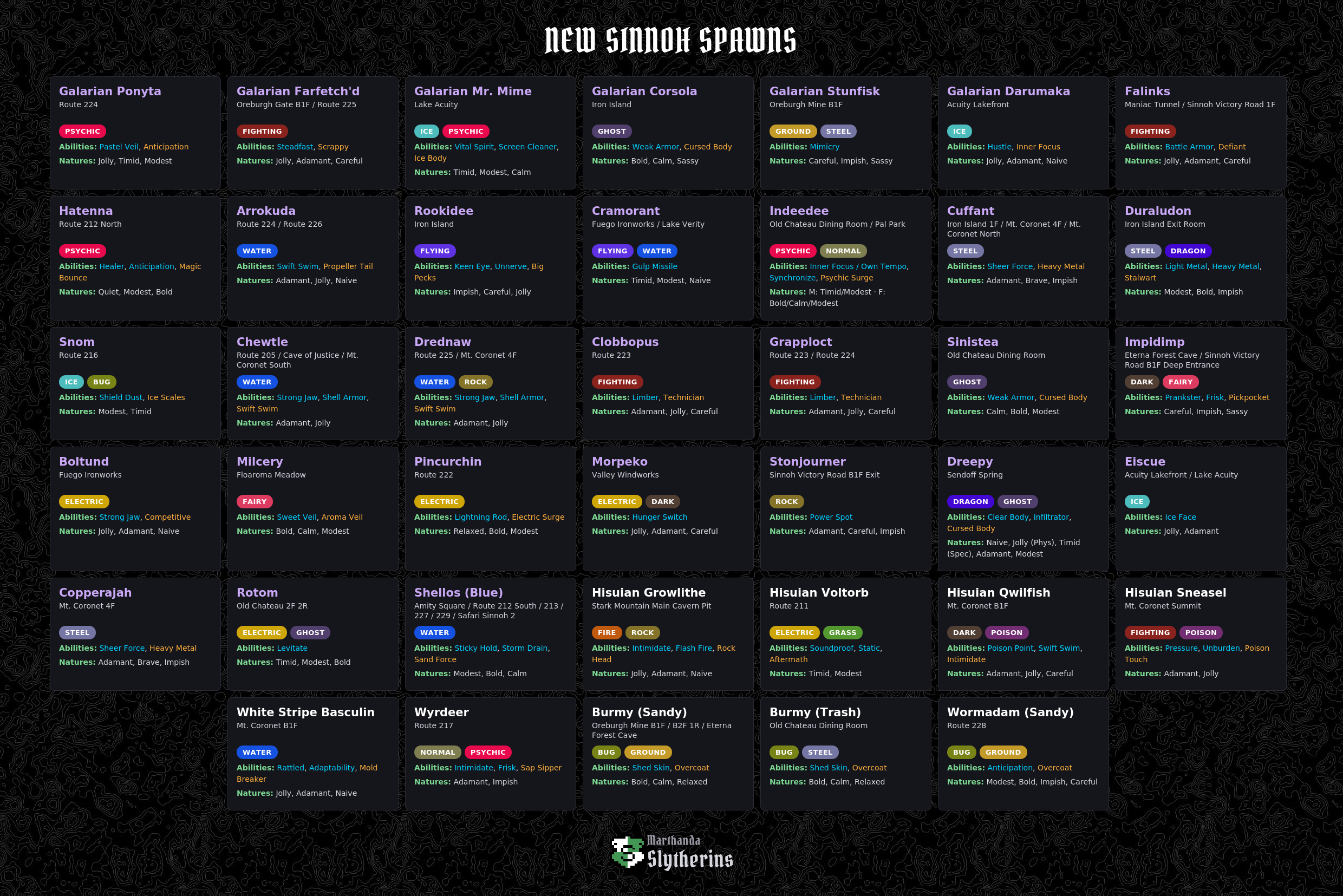
If it helps @Atoums, I’ve made one including the abilities/natures.
-
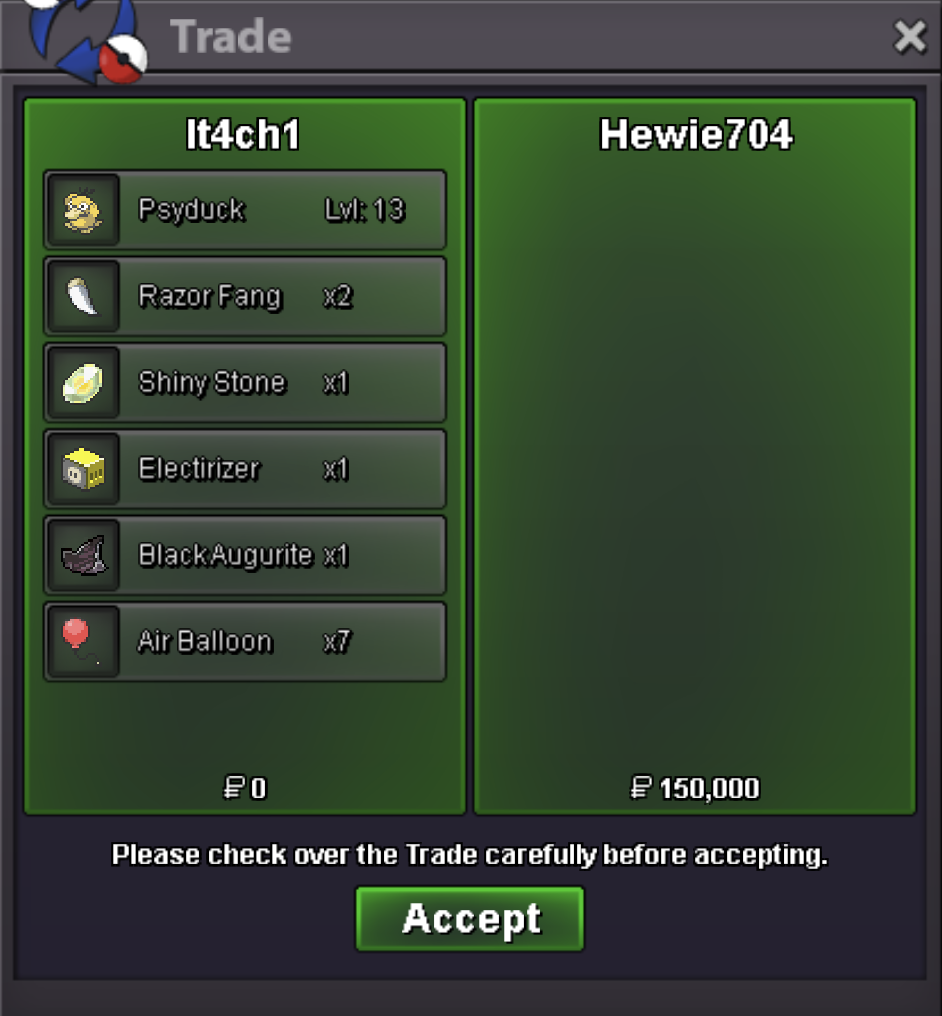
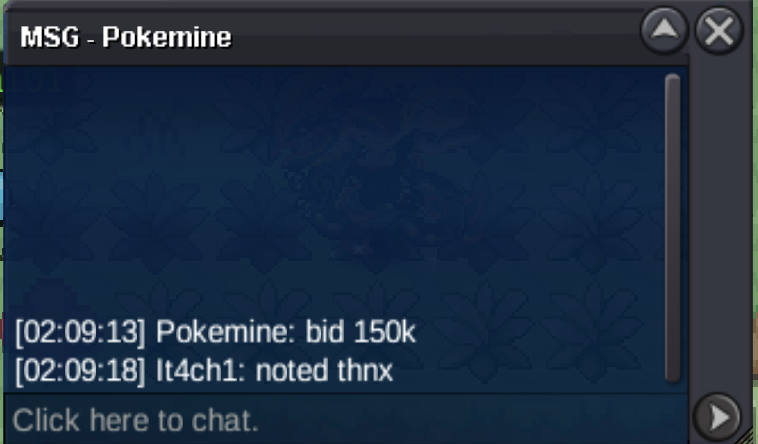
Bump (25% off the whole store; end time- tbd)Hey @Pokemine I had fell asleep, will be online for a while now, lmk when you’d available.Sent the req to Omen#4893I’ll be online in about 8-9hrs


Account
Navigation
Search
Configure browser push notifications
Chrome (Android)
- Tap the lock icon next to the address bar.
- Tap Permissions → Notifications.
- Adjust your preference.
Chrome (Desktop)
- Click the padlock icon in the address bar.
- Select Site settings.
- Find Notifications and adjust your preference.
Safari (iOS 16.4+)
- Ensure the site is installed via Add to Home Screen.
- Open Settings App → Notifications.
- Find your app name and adjust your preference.
Safari (macOS)
- Go to Safari → Preferences.
- Click the Websites tab.
- Select Notifications in the sidebar.
- Find this website and adjust your preference.
Edge (Android)
- Tap the lock icon next to the address bar.
- Tap Permissions.
- Find Notifications and adjust your preference.
Edge (Desktop)
- Click the padlock icon in the address bar.
- Click Permissions for this site.
- Find Notifications and adjust your preference.
Firefox (Android)
- Go to Settings → Site permissions.
- Tap Notifications.
- Find this site in the list and adjust your preference.
Firefox (Desktop)
- Open Firefox Settings.
- Search for Notifications.
- Find this site in the list and adjust your preference.