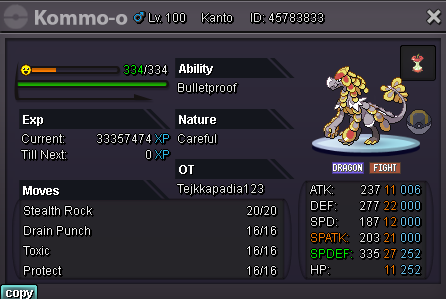
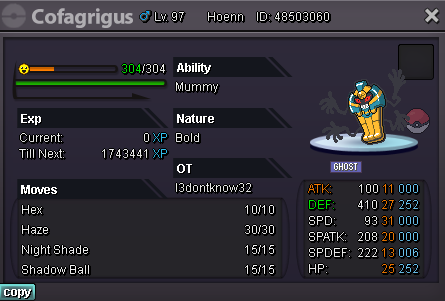
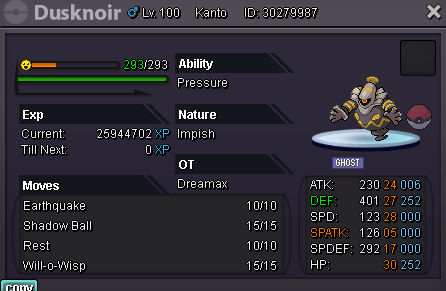
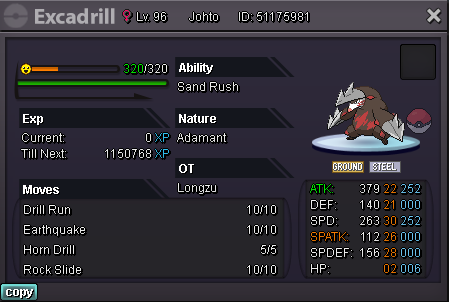
New Trade Zone
Trade Zone is now live
Use the new Trade Zone for auctions and instant-price trades so Pokemon and item offers are easy to find.

Longzu
Suspended
-
Joined
-
Last visited
Everything posted by Longzu
-
@Supermann004 The auction is starting from now
-
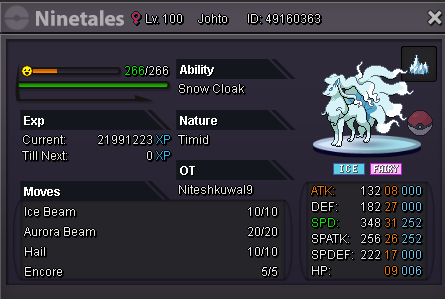
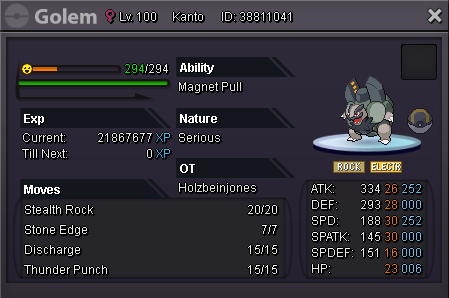
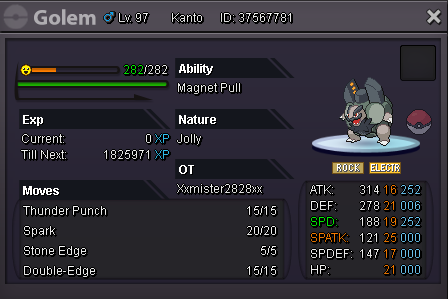
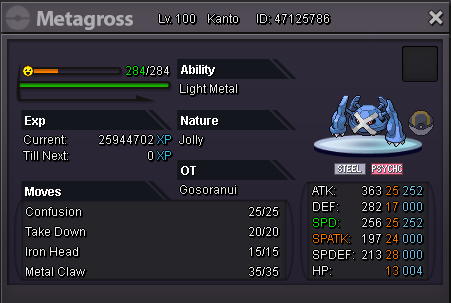
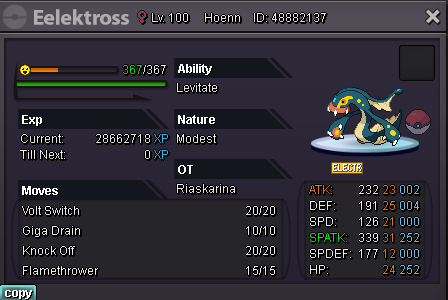
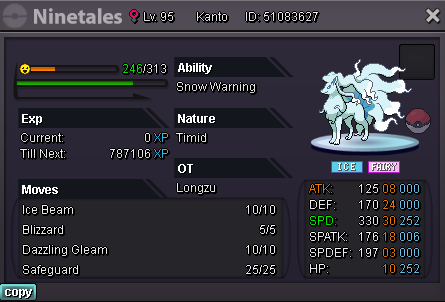
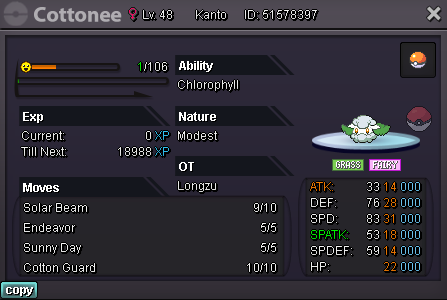
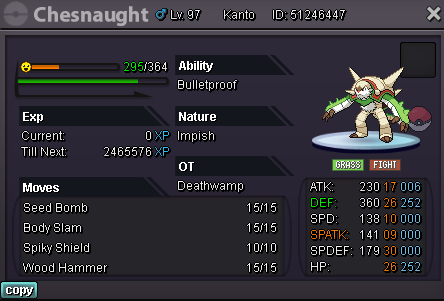
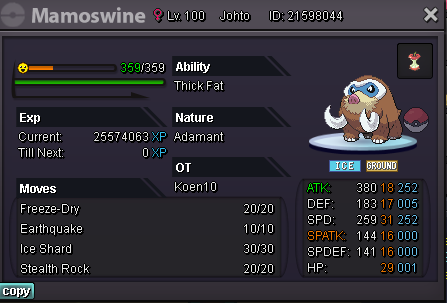
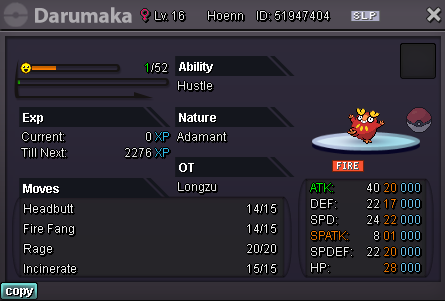
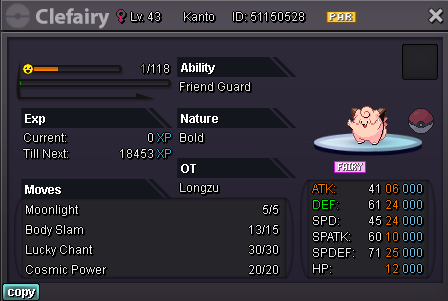
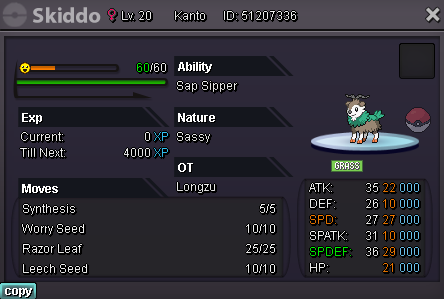
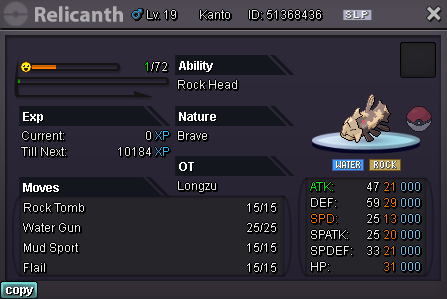
ACCEPTED PAYMENT METHODS Pokedollars Reroll Ticket - 700k Nature Reroll - 350k Coin Capsule - 400k CONTACT Discord: Longzu#2932 IG: Longzu Start offer: 1m Insta: none Min raise 200k (48 hours after first bid) SOLD
-
-
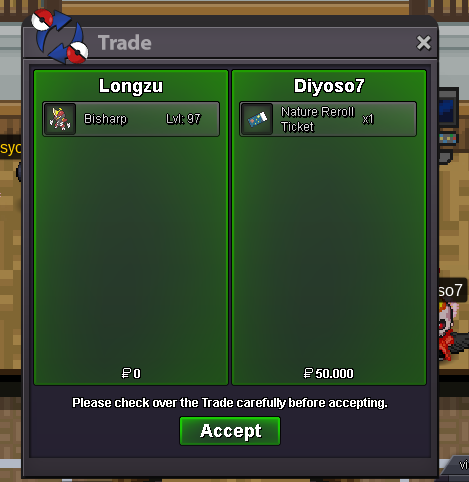
SOLD Bisharp
-
-
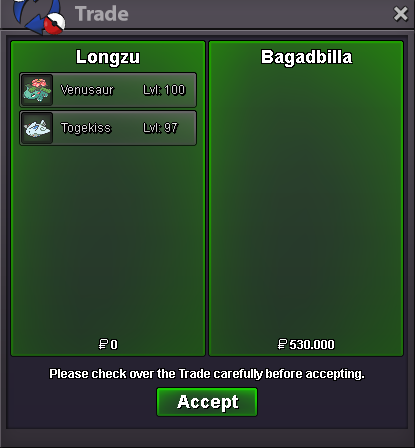
SOLD Venusaur, Togekiss
-
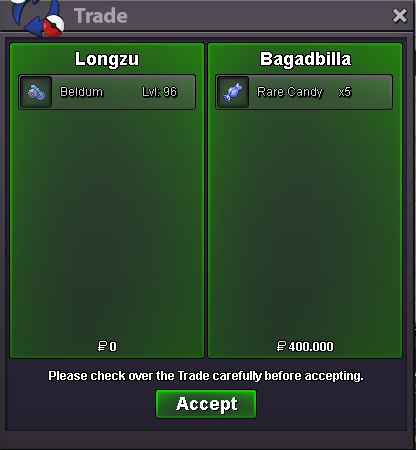
SOLD Beldum
-
-
-
-
SOLD by Sayedkhairill

-
New Update 05/09/2021
-
ACCEPTED PAYMENT METHODS Pokedollars Reroll Ticket - 700k Nature Reroll - 350k Coin Capsule - 400k Masterball - 40k Rare Candy - 7k CONTACT Discord: Longzu#2932 IG: Longzu Start offer 500k, insta 2m (24 hours after first bid) - Min raise 100k SOLD by Sayedkhairill Start offer 800k, insta 3m (24 hours after first bid) - Min raise 100k
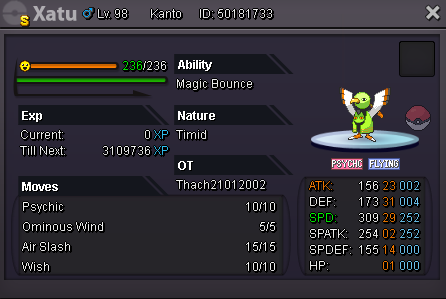
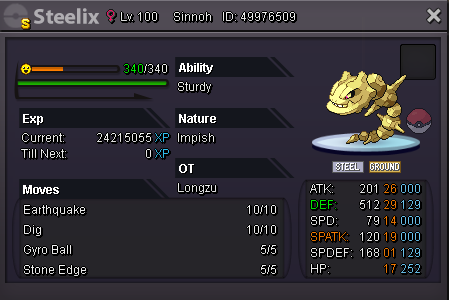
-
SOLD Rotom-Wash
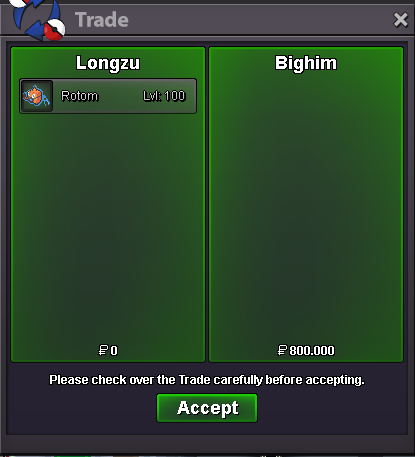
-
-
SOLD Togekiss
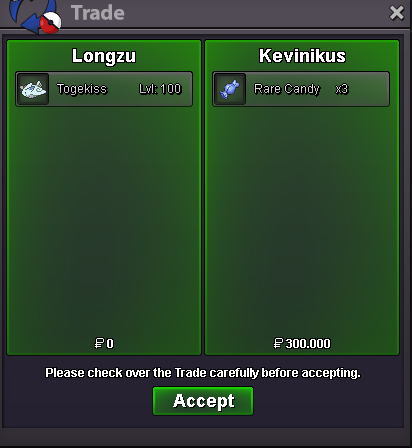
-
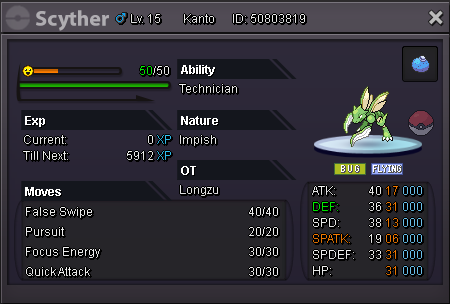
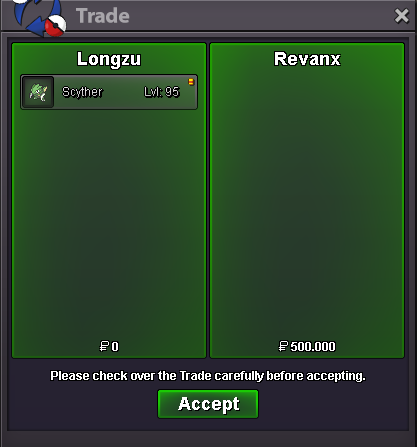
SOLD Scyther
-
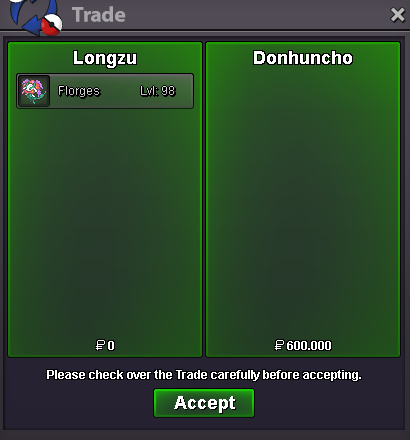
SOLD Florges
-
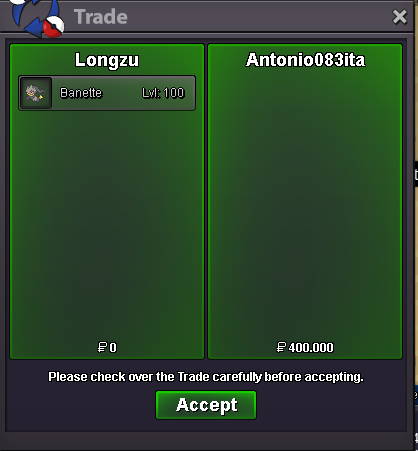
SOLD Banette
-
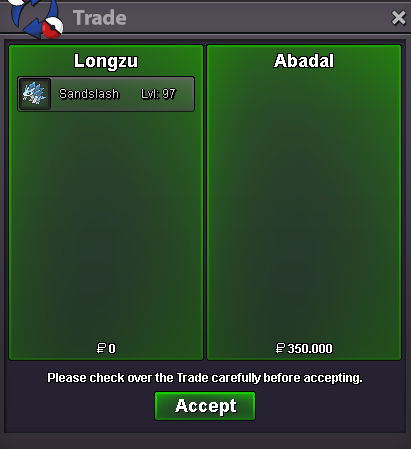
SOLD Sandslash
-
SOLD Amoongus
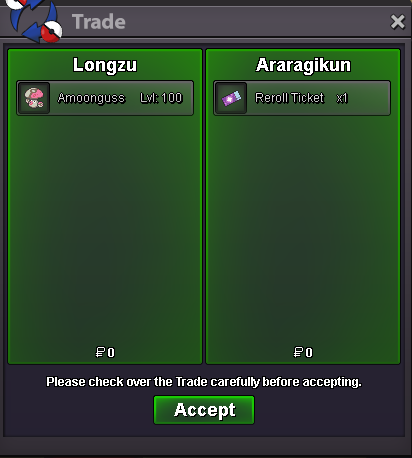
-
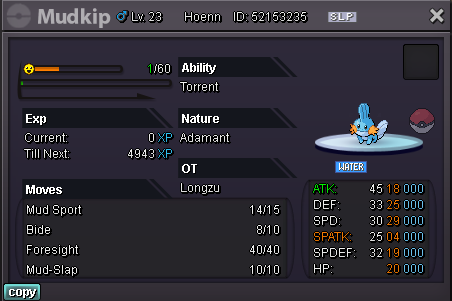
SOLD Swampert
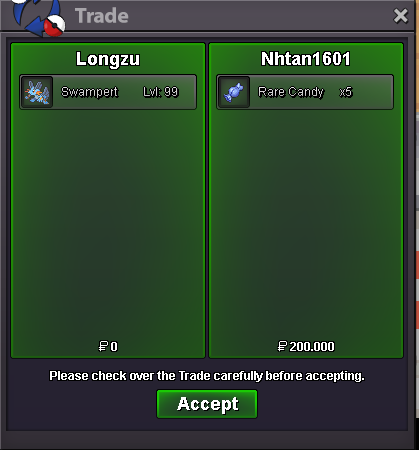
-
New update (27/08)
-
- Sold by Lux
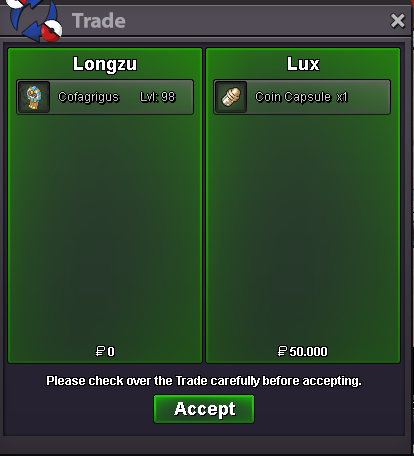
-
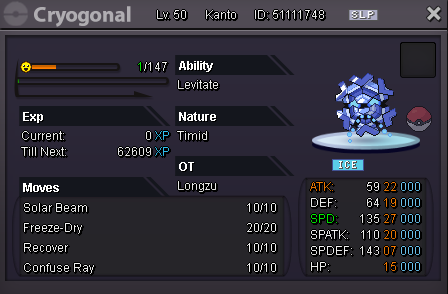
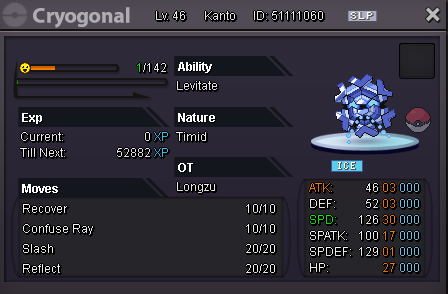
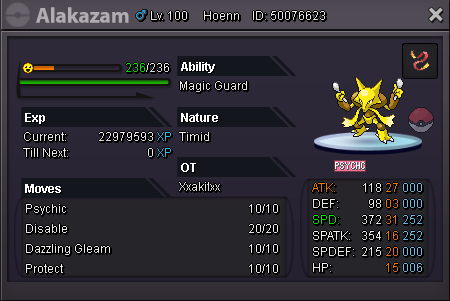
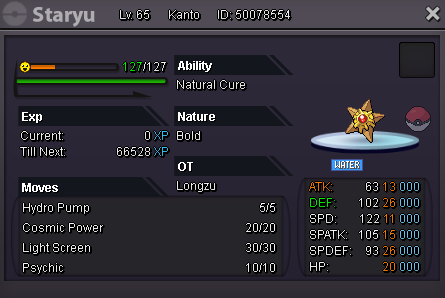
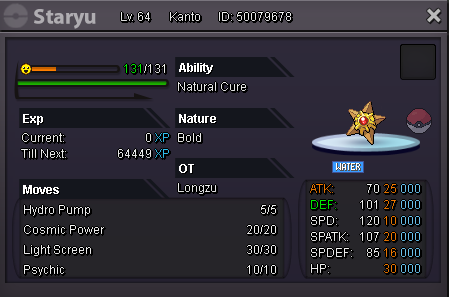
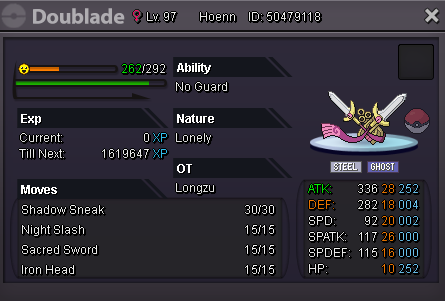
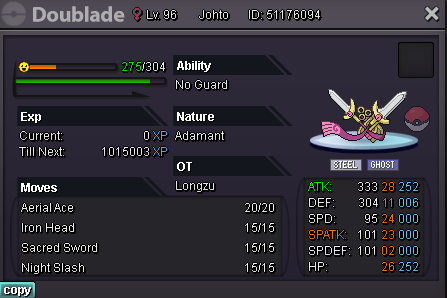
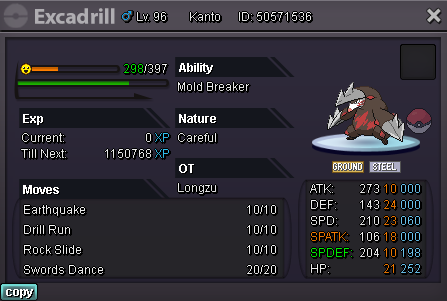
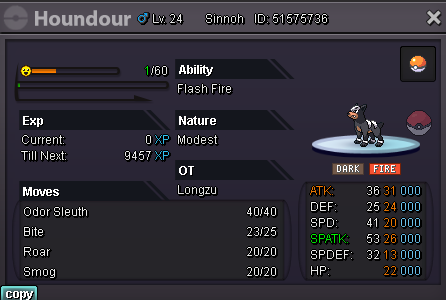
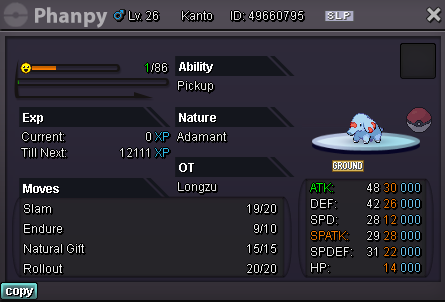
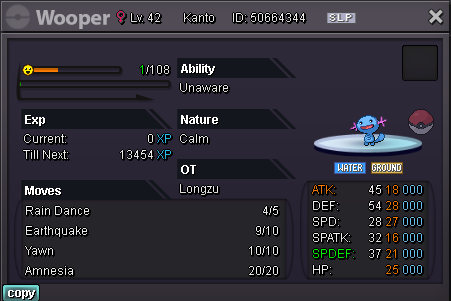
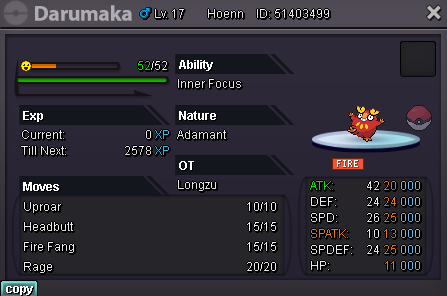
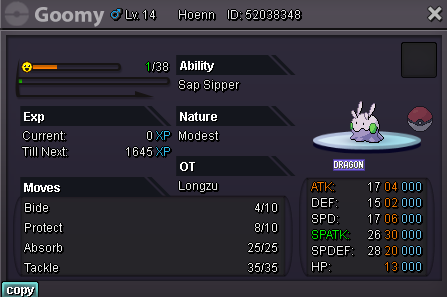
Welcome to Longzu shop ACCEPTED PAYMENT METHODS Pokedollars Reroll Ticket - 700k Nature Reroll - 350k Coin Capsule - 400k Masterball - 40k Rare Candy - 7k CONTACT INFORMATION Discord: Longzupin#2932 IG: Longzu 🍄 Any buyers from Silver server are welcome but must transfer to Gold server Prices are negotiable, can give discount on purchase of multiple mons Pokemons are updated every day. Enjoy. TRAINED POKEMONS A - POKEMONS UNTRAINED POKEMONS POKEDEX-S HAVE FUN