New Trade Zone
Trade Zone is now live
Use the new Trade Zone for auctions and instant-price trades so Pokemon and item offers are easy to find.


Kresx
Registered User
-
Joined
-
Last visited
Everything posted by Kresx
-
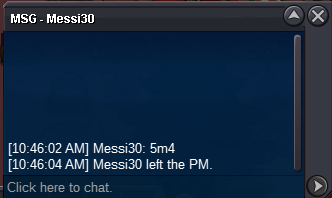
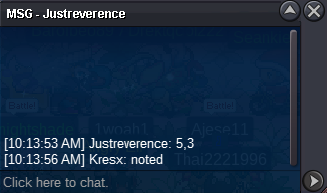
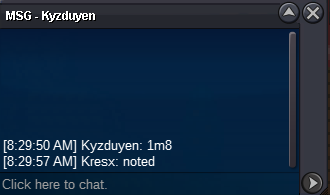
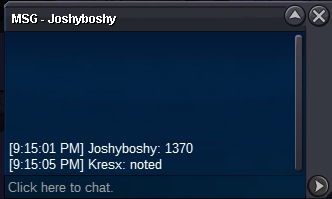
Start offer: 1m Min raise: 50k Insta: 6m Duration: 24hrs after first bid Accept: CC (330k) - RR (600k)
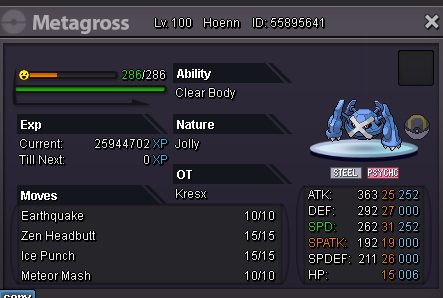 1 account i play both 2 servers gold and silver. Main account pvp i has pvp win 10 games with Z-move but i transfer to gold. And reroll does not for account in server gold. I need to convert it from silver to gold. 😕Main account pvp in silver. But i transfer to gold and reroll in alt 😕Can help me change the reroll to gold. Main account in gold :/.Okay, I will re-aution again. @Manbat can locked topic.End auc Devanshnoob won.1h23mins left.21h26mins left.8h31 GMT +7 12/26/2022 end.
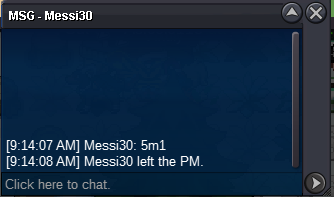
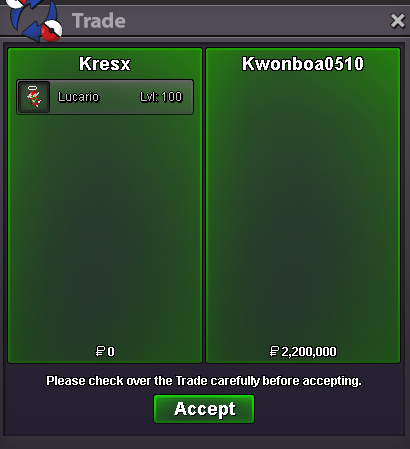
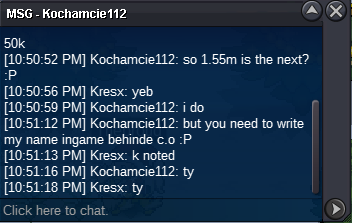
 Start offer: 5m Min raise: 100k Insta: 22m Duration: 48hrs after first bid Accept: CC (330k) - RR (600k)
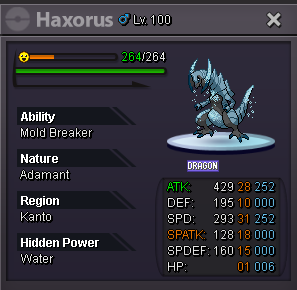 End auc @Kwonboa0510 won.
Account
Navigation
Search
Configure browser push notifications
Chrome (Android)
- Tap the lock icon next to the address bar.
- Tap Permissions → Notifications.
- Adjust your preference.
Chrome (Desktop)
- Click the padlock icon in the address bar.
- Select Site settings.
- Find Notifications and adjust your preference.
Safari (iOS 16.4+)
- Ensure the site is installed via Add to Home Screen.
- Open Settings App → Notifications.
- Find your app name and adjust your preference.
Safari (macOS)
- Go to Safari → Preferences.
- Click the Websites tab.
- Select Notifications in the sidebar.
- Find this website and adjust your preference.
Edge (Android)
- Tap the lock icon next to the address bar.
- Tap Permissions.
- Find Notifications and adjust your preference.
Edge (Desktop)
- Click the padlock icon in the address bar.
- Click Permissions for this site.
- Find Notifications and adjust your preference.
Firefox (Android)
- Go to Settings → Site permissions.
- Tap Notifications.
- Find this site in the list and adjust your preference.
Firefox (Desktop)
- Open Firefox Settings.
- Search for Notifications.
- Find this site in the list and adjust your preference.