




New Trade Zone
Trade Zone is now live
Use the new Trade Zone for auctions and instant-price trades so Pokemon and item offers are easy to find.

Unfrosted
Registered User
-
Joined
-
Last visited
Everything posted by Unfrosted
-
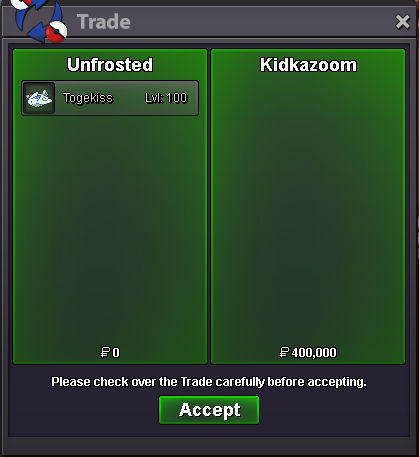
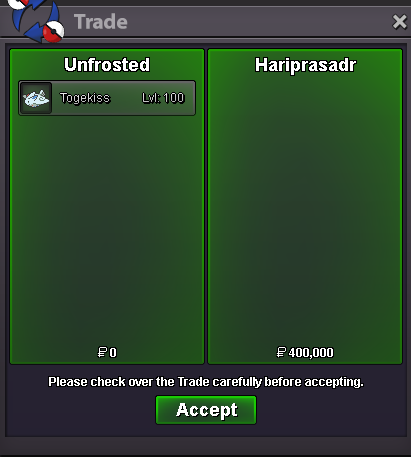
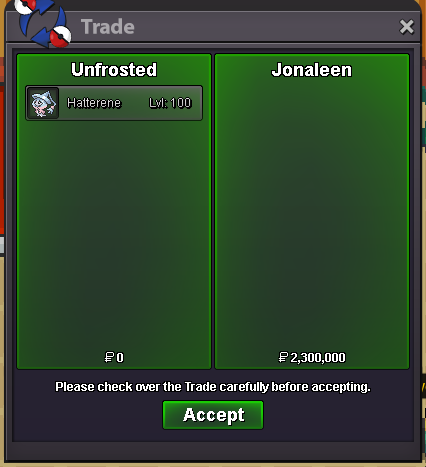
3.5m toge
-
Do you have an alternative suggestion? I mean other people such as @Dorade are trying to give their opinions and suggestions id love to see you try that for once. Instead of saying why the idea is bad id love to see you trying to improve it or suggest an alternative solution, also you can be a little nicer while you are at it 🙂
-
3m toge
-
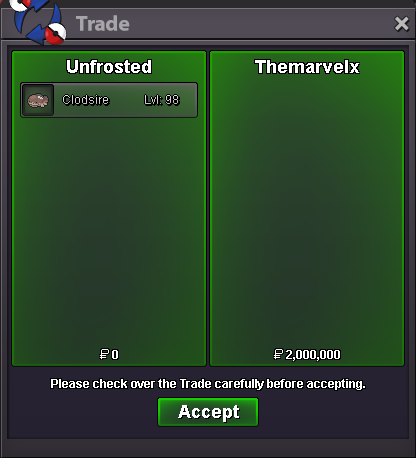
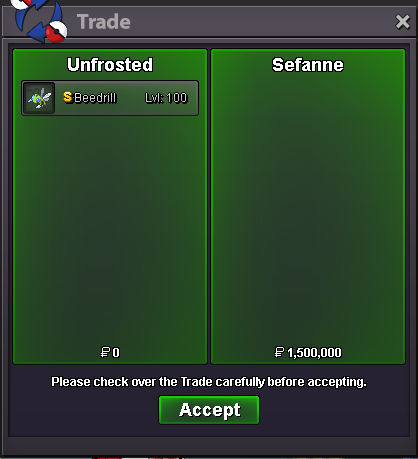
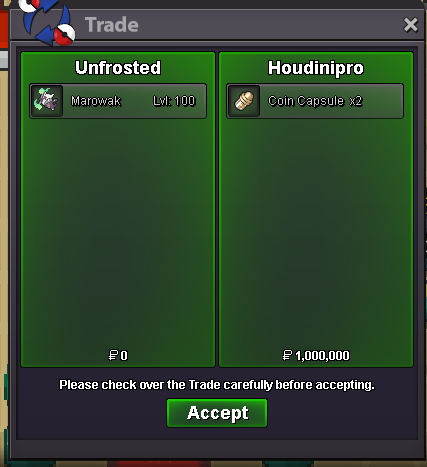
4.2m
-
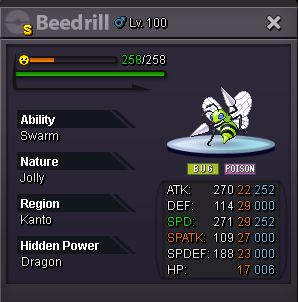
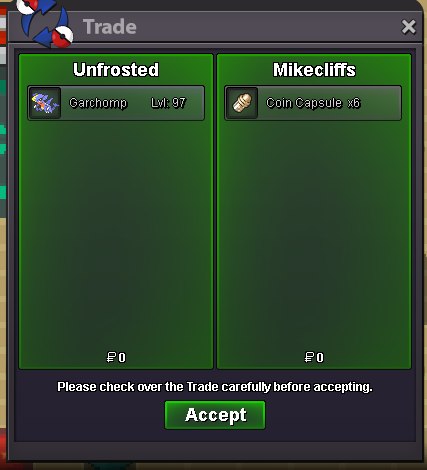
1.4m slowking1.2m slowking1m slowking1mstarthey, I have a couple decent ones on my shop if you wanna take a look https://pokemonrevolution.net/forum/topic/254153-unfrosteds-shop-update-5042026/300k ttar , 350k pelilmk when you are online
 bumppming you nowdumppmed 🙂


Account
Navigation
Search
Configure browser push notifications
Chrome (Android)
- Tap the lock icon next to the address bar.
- Tap Permissions → Notifications.
- Adjust your preference.
Chrome (Desktop)
- Click the padlock icon in the address bar.
- Select Site settings.
- Find Notifications and adjust your preference.
Safari (iOS 16.4+)
- Ensure the site is installed via Add to Home Screen.
- Open Settings App → Notifications.
- Find your app name and adjust your preference.
Safari (macOS)
- Go to Safari → Preferences.
- Click the Websites tab.
- Select Notifications in the sidebar.
- Find this website and adjust your preference.
Edge (Android)
- Tap the lock icon next to the address bar.
- Tap Permissions.
- Find Notifications and adjust your preference.
Edge (Desktop)
- Click the padlock icon in the address bar.
- Click Permissions for this site.
- Find Notifications and adjust your preference.
Firefox (Android)
- Go to Settings → Site permissions.
- Tap Notifications.
- Find this site in the list and adjust your preference.
Firefox (Desktop)
- Open Firefox Settings.
- Search for Notifications.
- Find this site in the list and adjust your preference.