




New Trade Zone
Trade Zone is now live
Use the new Trade Zone for auctions and instant-price trades so Pokemon and item offers are easy to find.

Jxcek
Registered User
-
Joined
-
Last visited
Everything posted by Jxcek
-
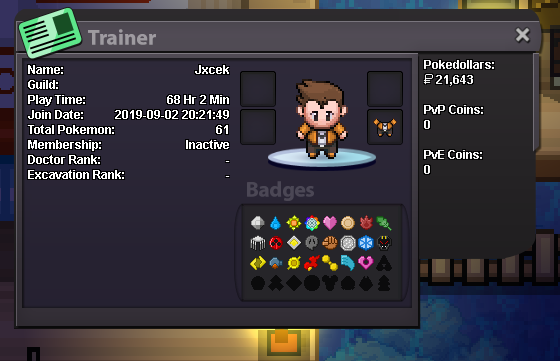
1. What's your Player name (IGN)? Jxcek 2. Country? USA 3. What's your favorite Pokemon? Hitmonlee 4. What do you enjoy doing the most in PRO? Completing story/shiny hunt 5. Why do you want to join Psynergy: Seems the vibes are chill and gotta support everyoner 6. Highest PvP Rating ever? Dont do much PvP so N/A 7. Discord Tag? Jacek#2231 8. Age?25 9. Post a screenshott of your Trainer Card
-
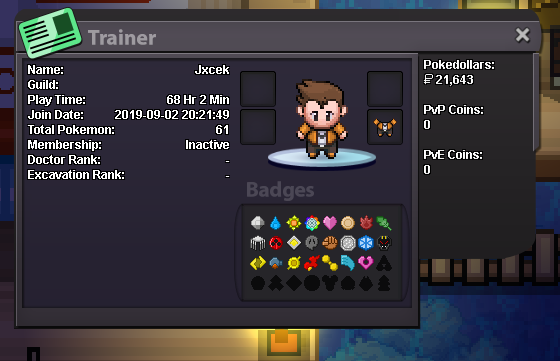
Ayeee im interested of joining, here is my discord Jacek#2231
-
1. What's your Player name (IGN)? Jxcek 2. Number of hours played? 15 hours (used to be more when the servers were different) 3. What's your favorite Pokemon? Hitmonlee or Gengar 4. Do you use discord? Yes I do Jacek#2231
