




New Trade Zone
Trade Zone is now live
Use the new Trade Zone for auctions and instant-price trades so Pokemon and item offers are easy to find.

Randmanq
Registered User
-
Joined
-
Last visited
Everything posted by Randmanq
-
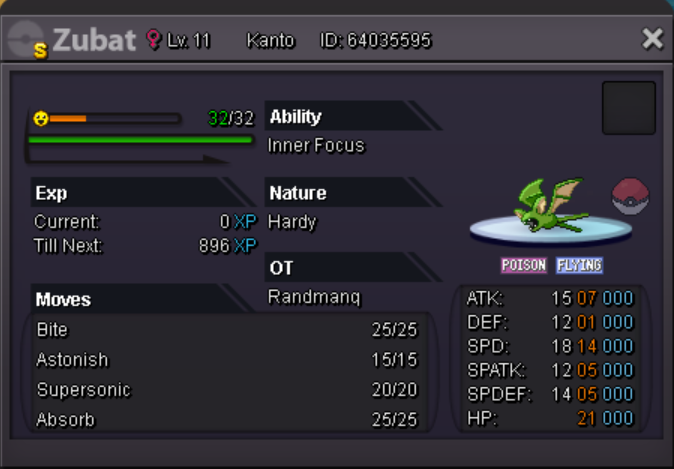
Need me them pokedollars! Willing to trade as well
-
● What's your in-game name? randmanq ● How old are you? 33 ● Are you active in Discord? I've been using it for a long time, much better than teamspeak ● Where are you from? Canada ● What's your total playtime? 34, but I have all the time in the world to play ● What's your goal in PRO? Charizard, that was my go-to way back when it was only 151 or so Pokémon. Then PVP ● What do you enjoy while playing the game? The grind, it seems to be a perfect balance compared to AAA games. ● Why do you want to be part of the guild? For people to talk to and interact/play with. Solo play is fine, but I'd rather talk with people as I play ● What's your favorite Pokémon and why? Can't really pick just one, if I had to pick probably Mewtwo. I think having all 6 Pokémon synergize with each other is my favorite thing