




New Trade Zone
Trade Zone is now live
Use the new Trade Zone for auctions and instant-price trades so Pokemon and item offers are easy to find.


Lelouch07
Registered User
-
Joined
-
Last visited
Everything posted by Lelouch07
-
Yes I'm in olivine city pm me
-
Yes my discord name is name and sorry for that I didn't mention
-
@Azerty25 where r u now Sir
-
Bump
-
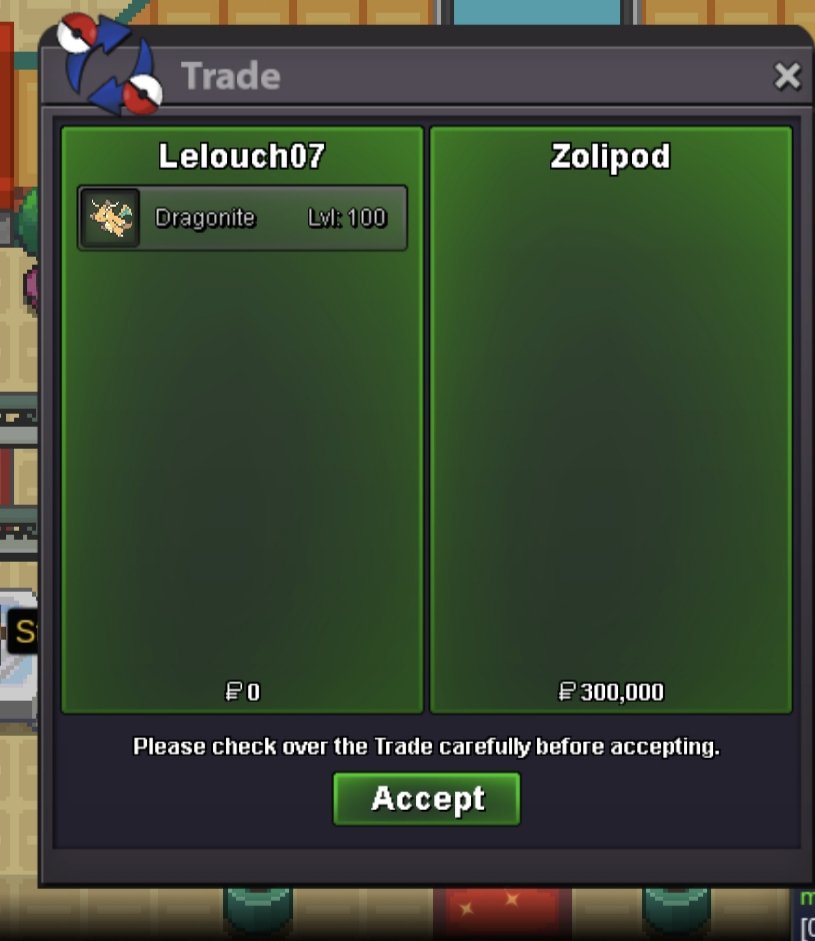
@Zolipod thanks
-
@Zolipod are you online dude
-
Bump
-
Dragon clock and dragon hood this is gold server right )
-
400k
-
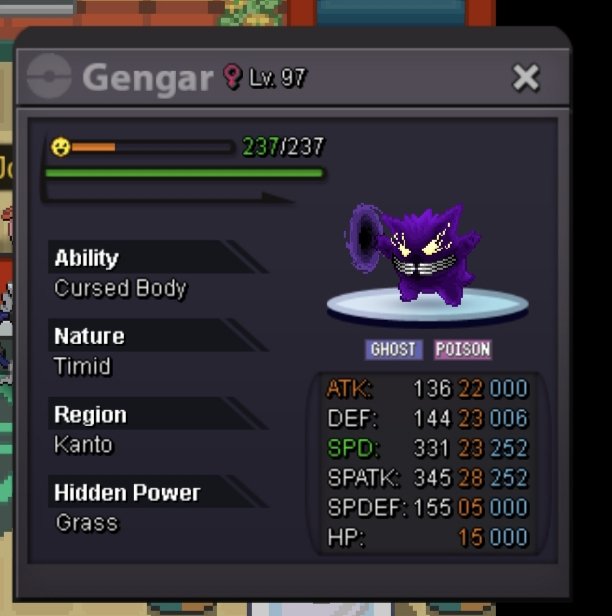
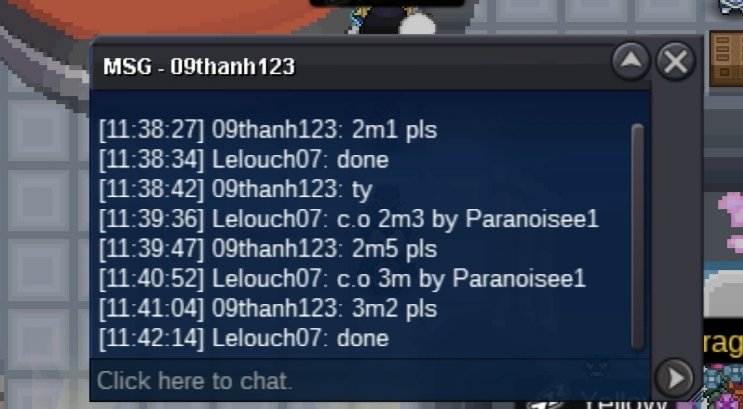
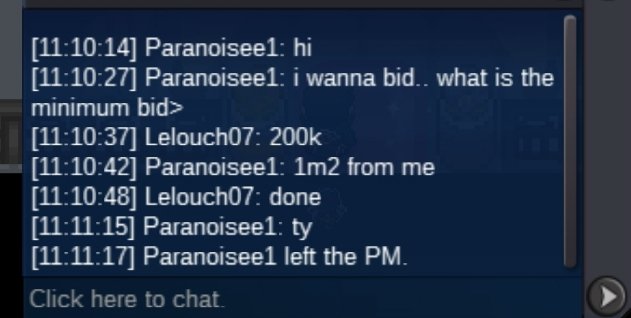
Electric hood1m250kBumpElectric clock oneStarting bid:- 600k Min bid. :- 200k Insta :- 3m Duration:-24hr ( after start ) Accept Payment :- Pokedollers , rare candy ( 5k ea ) coin capsule ( 450k ) ( 15 min rule )
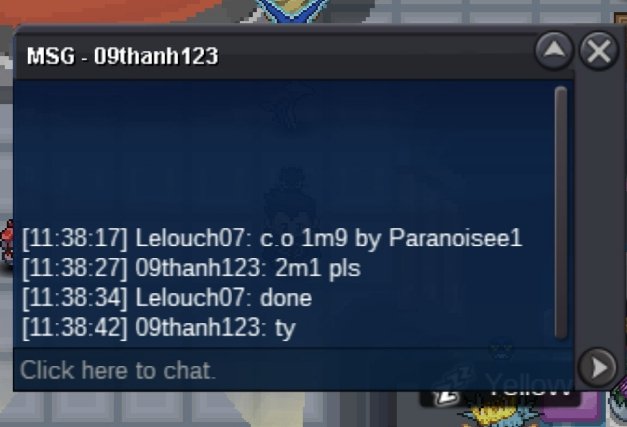
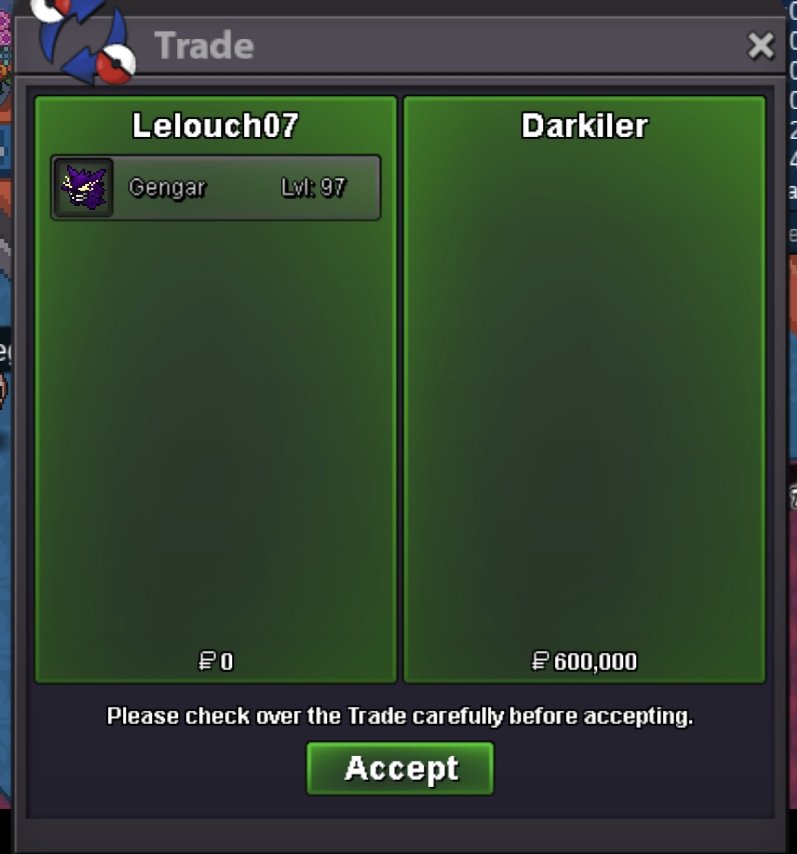
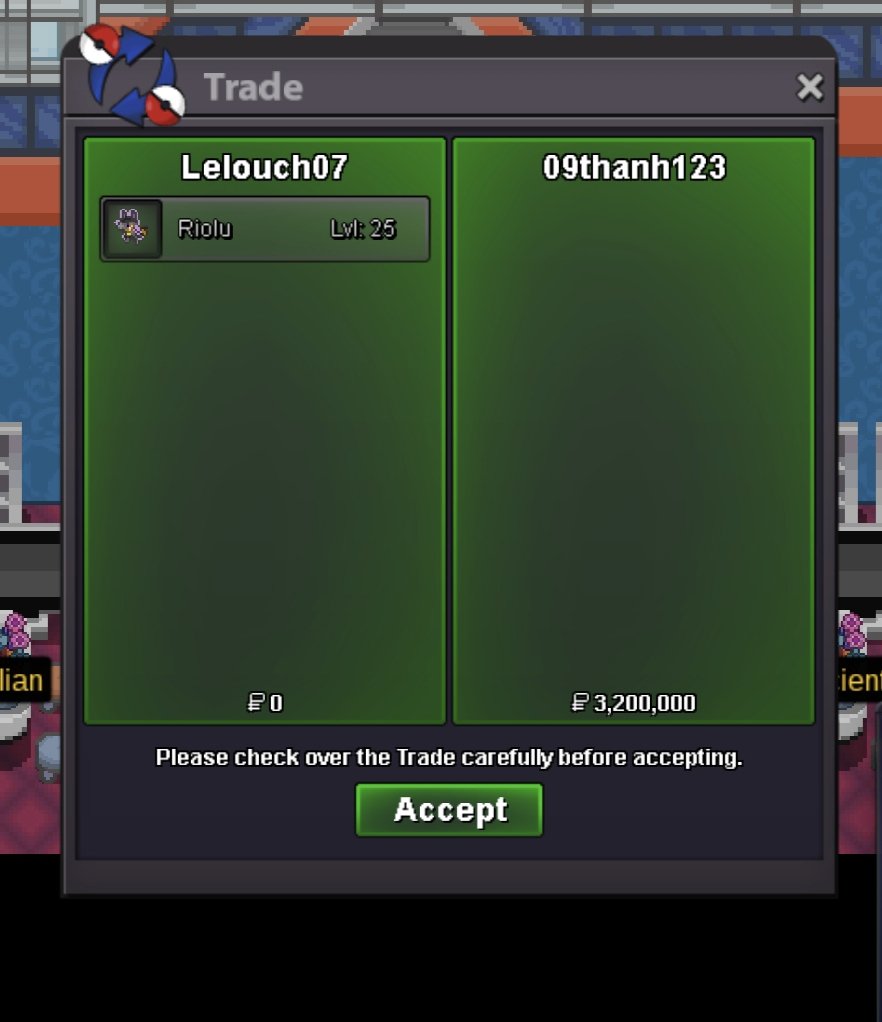
 Bump20k1.8mAuction is end @09thanh123 msg when u r onlineDefinitely it's my mistake I been reckless it's to much for me I am assured that It won't happen again.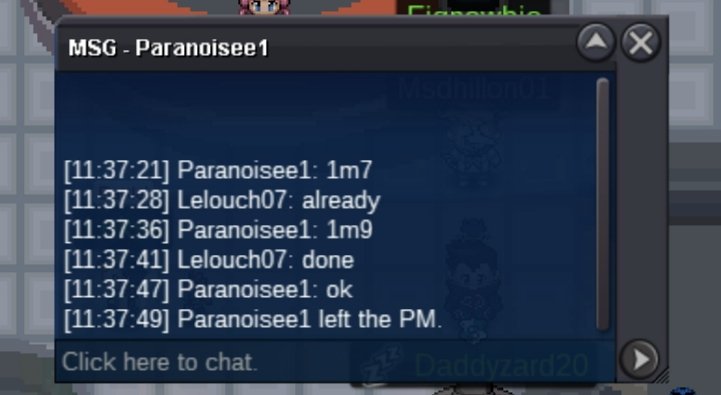



Account
Navigation
Search
Configure browser push notifications
Chrome (Android)
- Tap the lock icon next to the address bar.
- Tap Permissions → Notifications.
- Adjust your preference.
Chrome (Desktop)
- Click the padlock icon in the address bar.
- Select Site settings.
- Find Notifications and adjust your preference.
Safari (iOS 16.4+)
- Ensure the site is installed via Add to Home Screen.
- Open Settings App → Notifications.
- Find your app name and adjust your preference.
Safari (macOS)
- Go to Safari → Preferences.
- Click the Websites tab.
- Select Notifications in the sidebar.
- Find this website and adjust your preference.
Edge (Android)
- Tap the lock icon next to the address bar.
- Tap Permissions.
- Find Notifications and adjust your preference.
Edge (Desktop)
- Click the padlock icon in the address bar.
- Click Permissions for this site.
- Find Notifications and adjust your preference.
Firefox (Android)
- Go to Settings → Site permissions.
- Tap Notifications.
- Find this site in the list and adjust your preference.
Firefox (Desktop)
- Open Firefox Settings.
- Search for Notifications.
- Find this site in the list and adjust your preference.