New Trade Zone
Trade Zone is now live
Use the new Trade Zone for auctions and instant-price trades so Pokemon and item offers are easy to find.

Draco0000
Suspended
-
Joined
-
Last visited
-
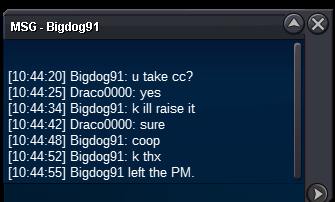
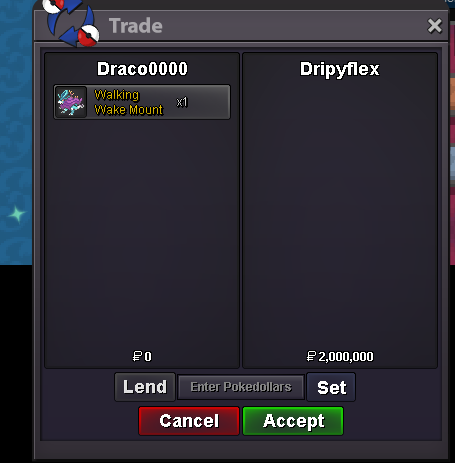
unfortunately he accepted right before clicking screenshot
-
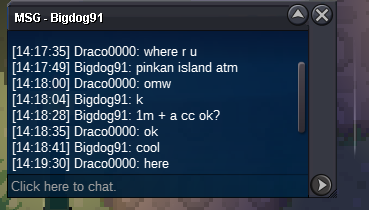
congrats! Bigdog91 you have won the auction Ogerpon Heartflame set
-
Hey I have lapras pinkStart Offer (S.O): 1,000,000 PokéDollars Minimum Raise: 250,000 Duration: 48 hours Instant Buy (Insta): 5,000,000 PokéDollars Accepted Payment Options: PokéDollars Coin Capsule: 500k value Nature Reroll: 350k value IV Reroll: 600k value Rare Candies: 5k value each
 +11. New Recruit (+1 party) 2. Virtuoso´s Charm (+1 party) 3. Cursed Fountain (almost infinite use of fountain for revive and healing) Are they permanent or need to buy for each round to useauction has ended won by dripyflex c.o2m msg me when u online or discard draco0000by dripyflex 2m
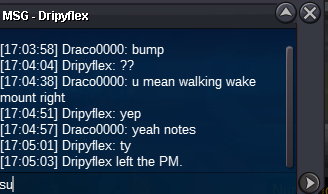 Ok sureStart Offer (S.O): 1,000,000 PokéDollars Minimum Raise: 250,000 Duration: 48 hours Instant Buy (Insta): 7,000,000 PokéDollars Accepted Payment Options: PokéDollars Coin Capsule: 500k value Nature Reroll: 350k value IV Reroll: 600k value Rare Candies: 5k value each ⏰ Anti-Snipe Rule: If a bid is placed within the final 15 minutes, the auction is extended by 15 minutes from the last bid time. This continues until the highest bid stands uncontested for a full 15 minutes.
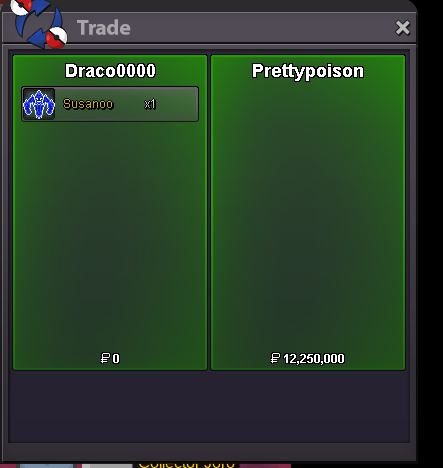
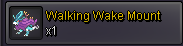 completed won by prettypoison 12.25m
 Auctioned ended sh1nogekai won the auction