New Trade Zone
Trade Zone is now live
Use the new Trade Zone for auctions and instant-price trades so Pokemon and item offers are easy to find.

Prosortes69
Registered User
-
Joined
-
Last visited
-
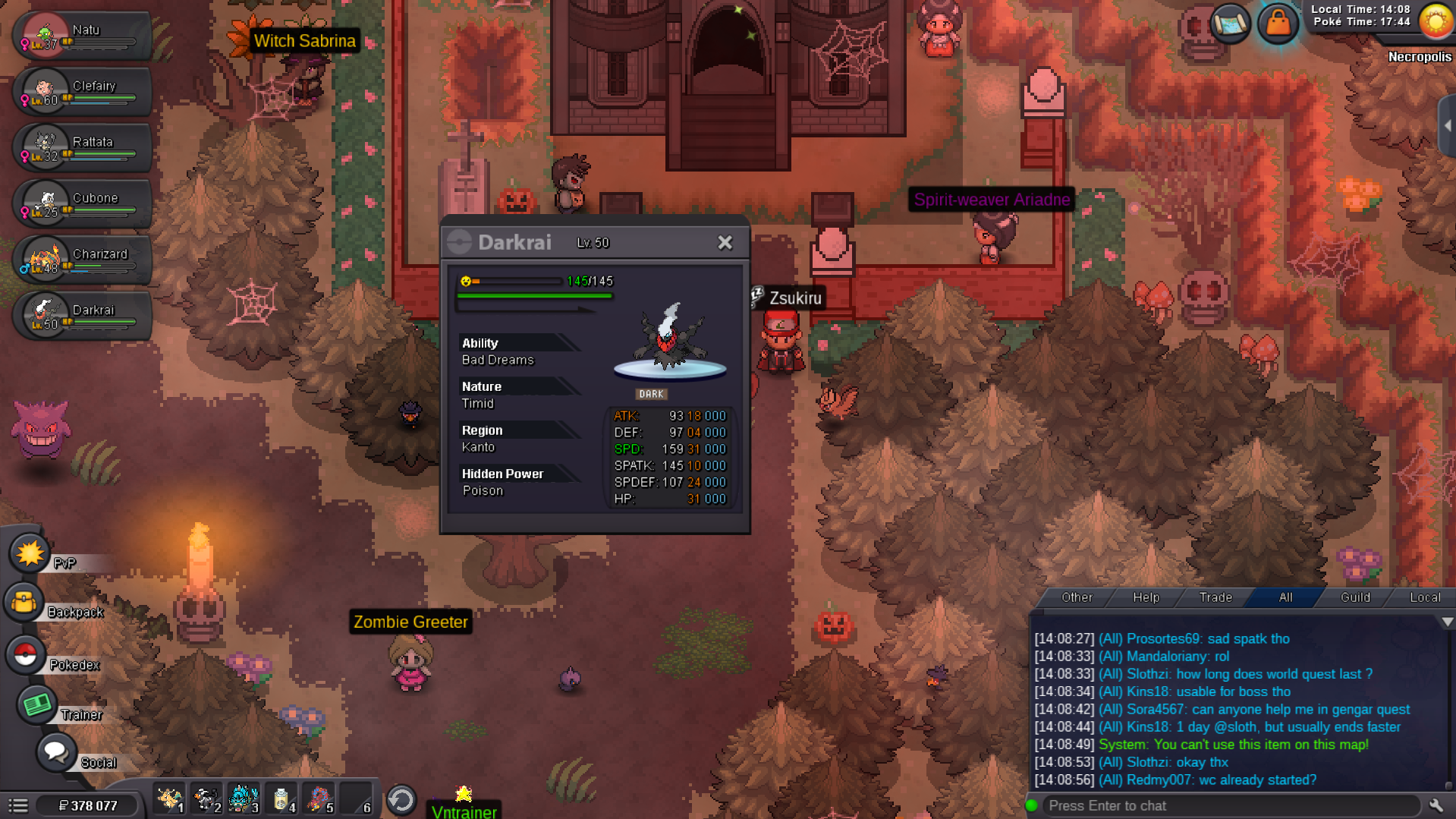
Got it either way playing around the clefairy and the charmander 🙂
-
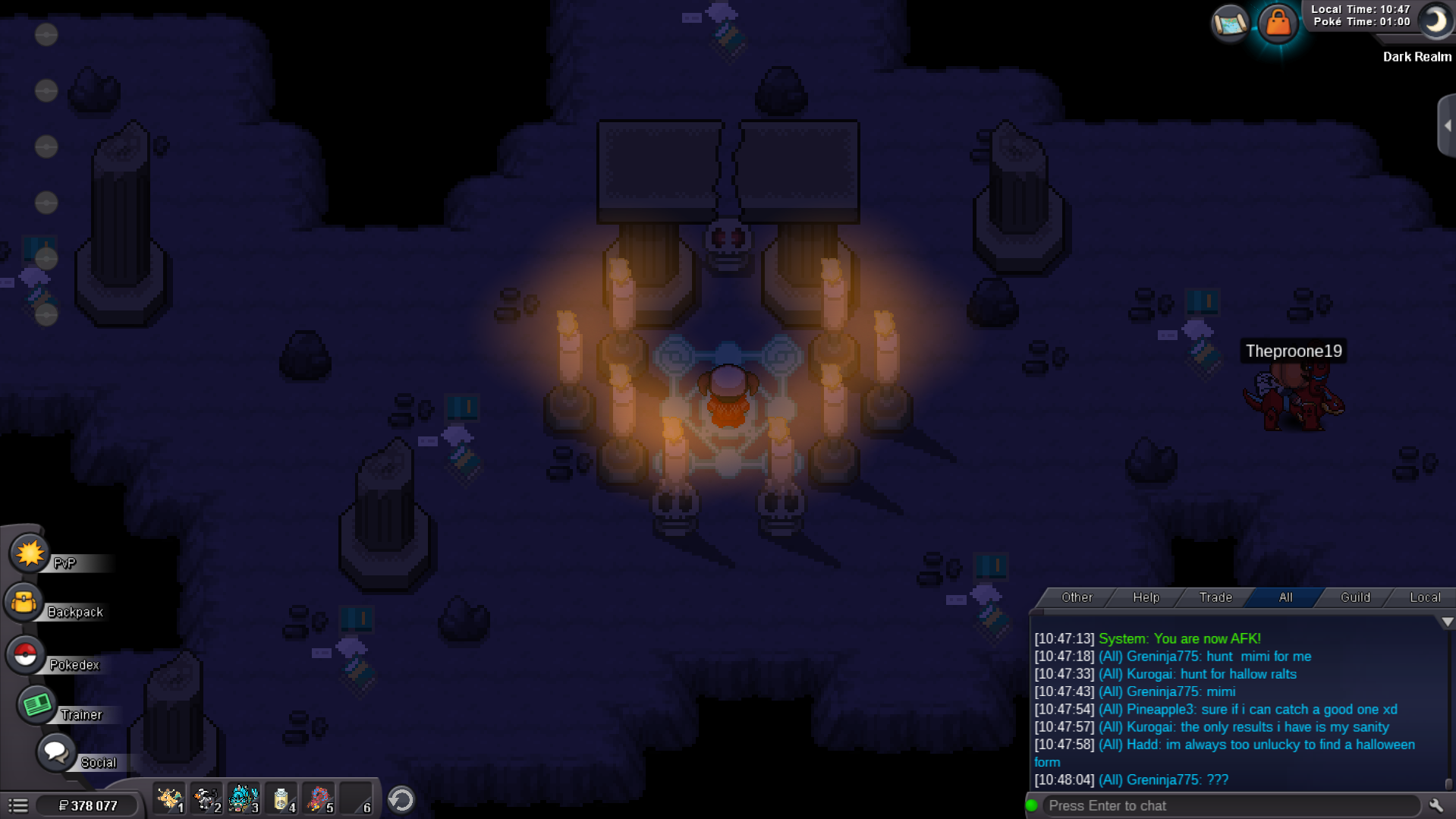
ye now when i came back to dark realm i have no poke to take. @Midsommar
-
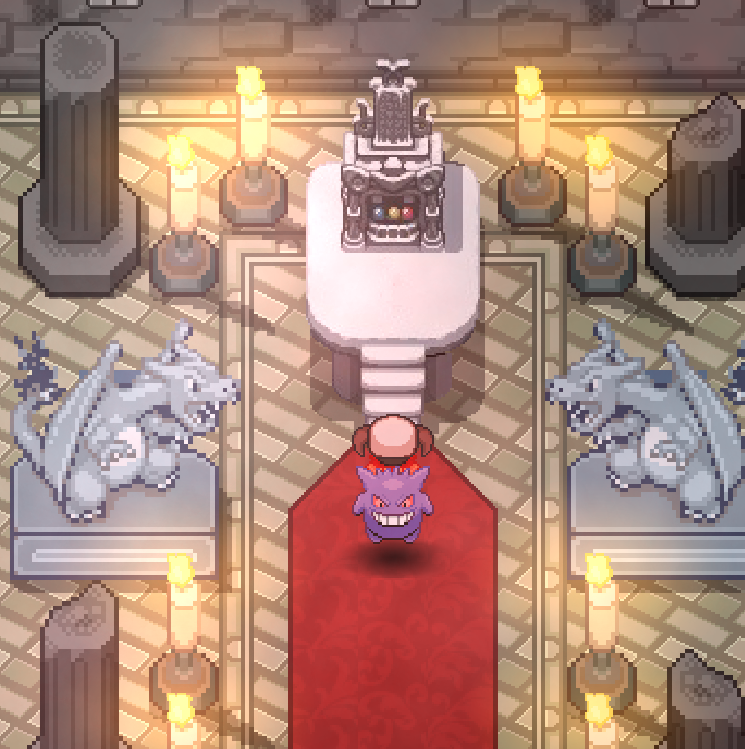
hi, its my first event hallo and i got kicked from dark realm , all the way back to vermillion , and now can't go back there , no npc to go to the dream screen on darkrai quest. what happenned and what can i do , and why i messaged every mod on discord and not even 1 reply? ty for help!
-
Player Name: Prosortes69 Hours Played: 211 hrs (allways raising every day becouse i'm addicted ;_;) Favourite Pokemon: Lycanroc-midnight form Discord : Sortes#2278 Age/Country: 19 / Portugal Obs : I really enjoyed the group "we are the akatsuki" art on the website, and even tho i dont like anime, i've watched all naruto and like the name :). I want to join to be able to help others , and hopefully be helped when needed. Ty!
-
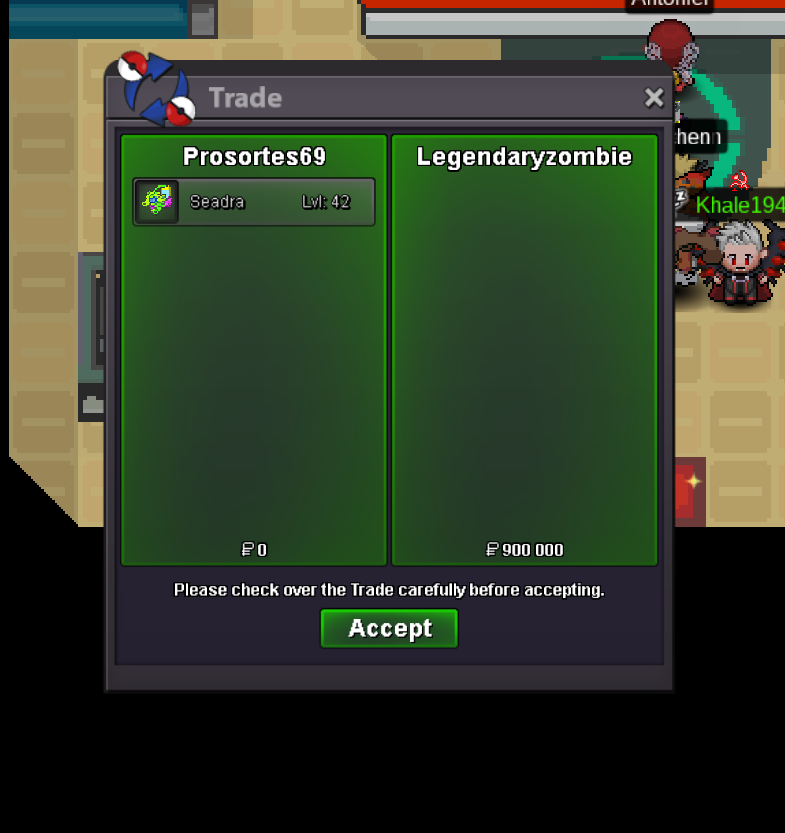
Auction Over, Winner was LegendaryZombie with 900k offer , congrats!
-
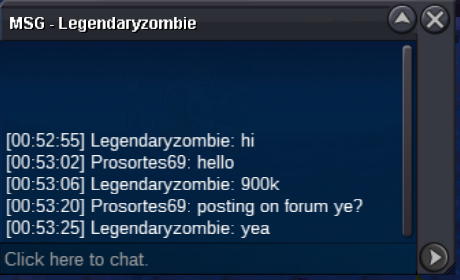
900k LegendaryZombie
-
Prosortes69 changed their profile photo
-
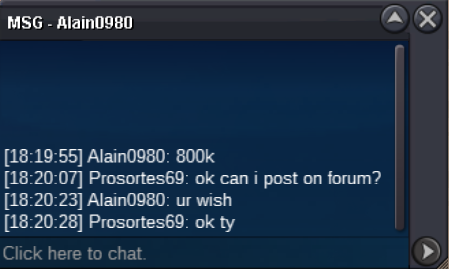
800k by Alain0980
-
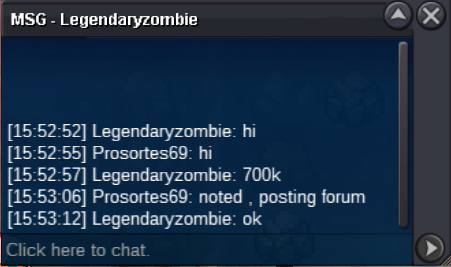
700k by LegendaryZombie
-
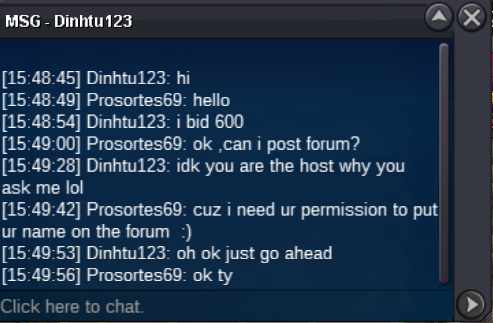
600k by Dinhtu123
-
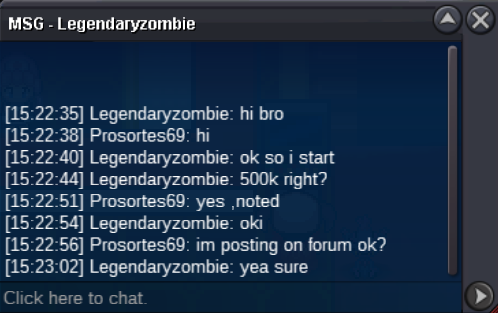
500k by LegendaryZombie
-
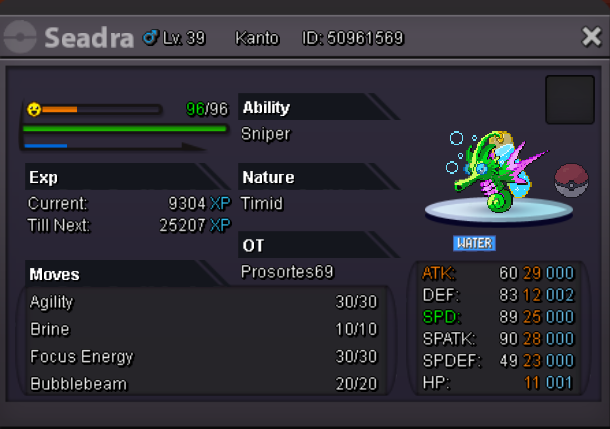
Pokemon/Item being auctioned: C.O: 900k By LegendaryZombie Ending point: 24 hrs from first offer Insta Price: 3m Available payments: Pokedollars only Minimum raise: 100k Contacts : ingame name : Prosortes69 discord : Sortes#2278