New Trade Zone
Trade Zone is now live
Use the new Trade Zone for auctions and instant-price trades so Pokemon and item offers are easy to find.

Bladeworksguild
Registered User
-
Joined
-
Last visited
Everything posted by Bladeworksguild
-
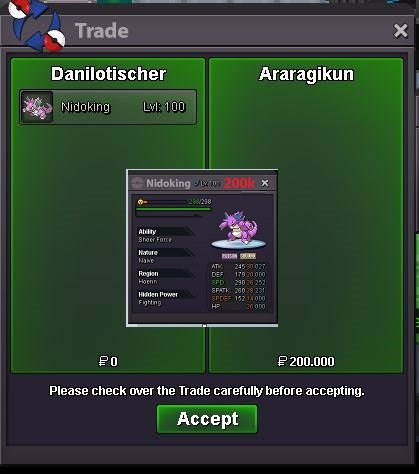
Nidoking sold to Araragikun
-
Okay, are you on the game now? When can we make the switch? What is your game nick?
-
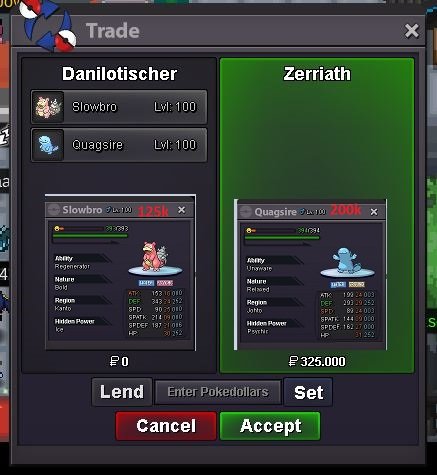
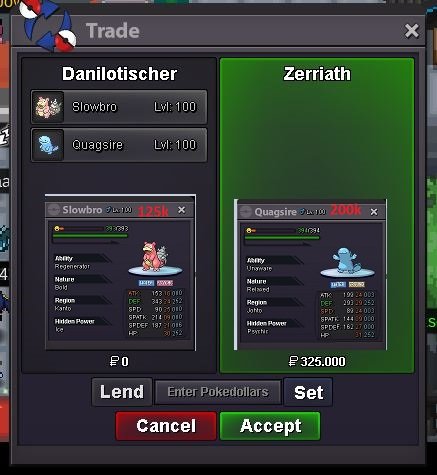
Sold to Zerriath. 😄
-
Okay, are you on the game now? When can we make the switch?
-
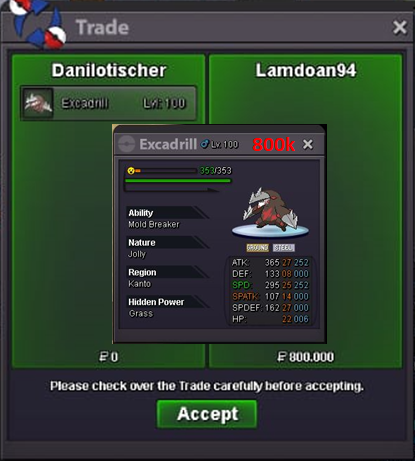
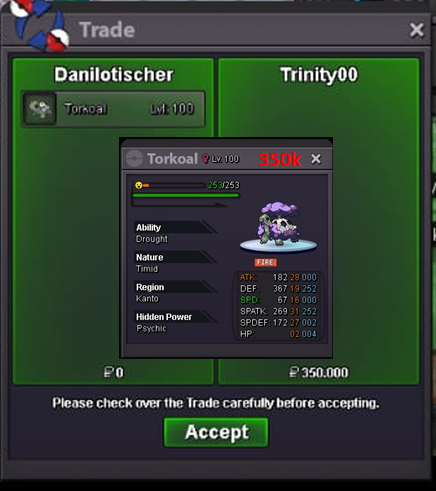
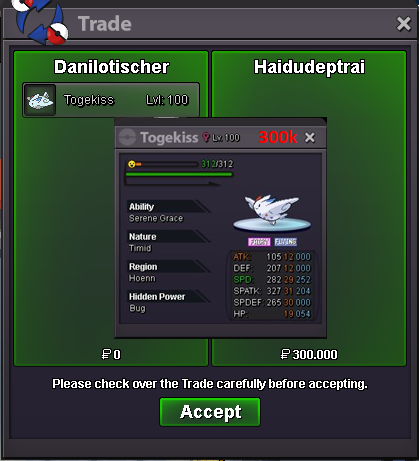
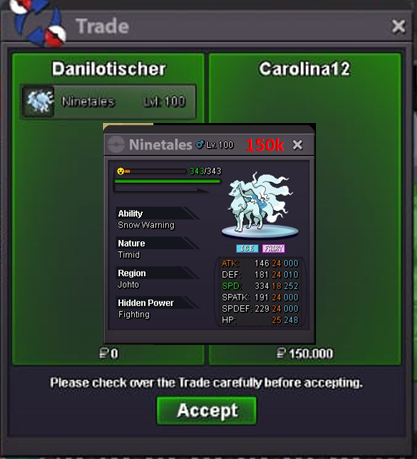
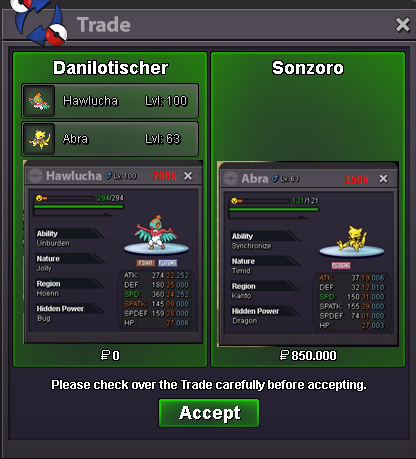
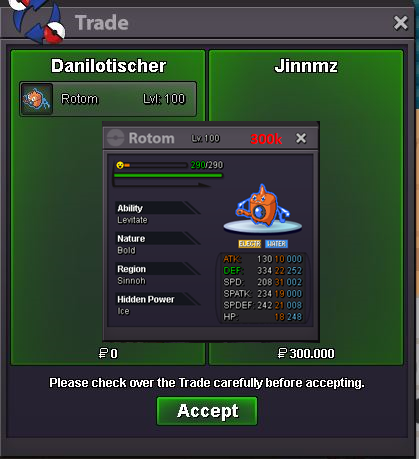
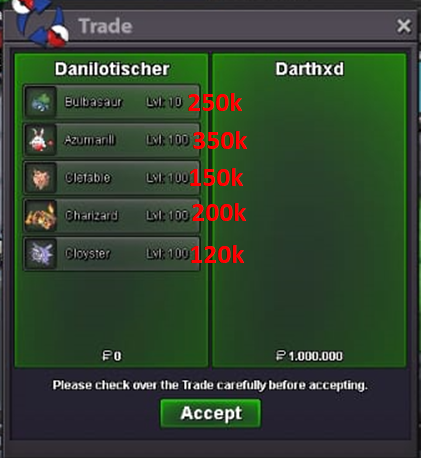
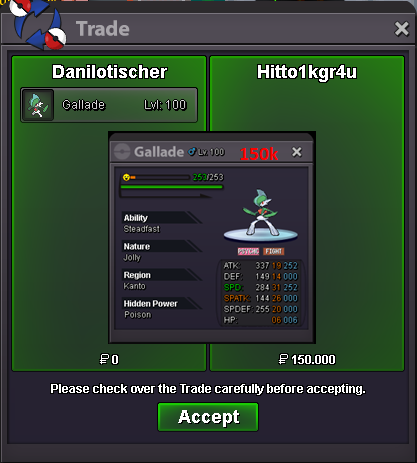
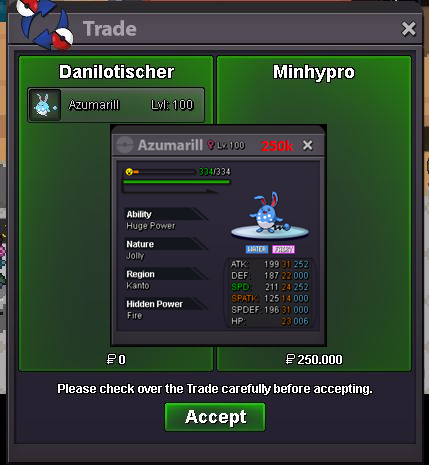
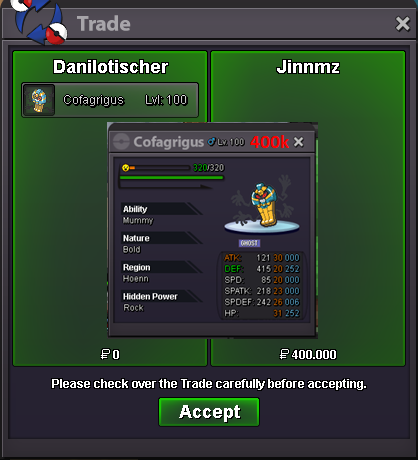
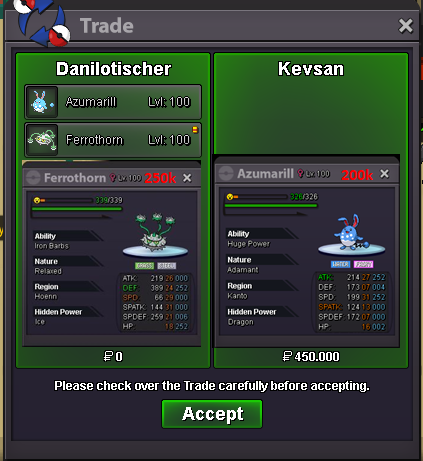
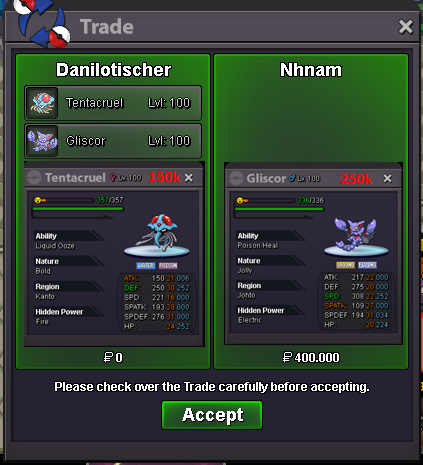
BladeWorks Shop Server Silver Pokemon prices may change over time. After combining the location, do not try to change the default value or it will be reported. We do not exchange, only the payment methods below. Trades are made in the city of Vermilion Payment methods Pokedollar Coin Capsule - 400k Reroll IV - 700k Reroll Nature - 350k Rare Candy - 7k ------------------------------------------------------------------------------------------------------------------------------------------------------------------------------------------------------ DaniloTischer#4622 Nickname: Danilotischer ------------------------------------------------------------------------------------------------------------------------------------------------------------------------------------------------------ Shiny - Skin Sold A B C D E F G H I J K L M N O P Q R S T U V W X Y Z