New Trade Zone
Trade Zone is now live
Use the new Trade Zone for auctions and instant-price trades so Pokemon and item offers are easy to find.

Shisuke
Registered User
-
Joined
-
Last visited
Everything posted by Shisuke
-
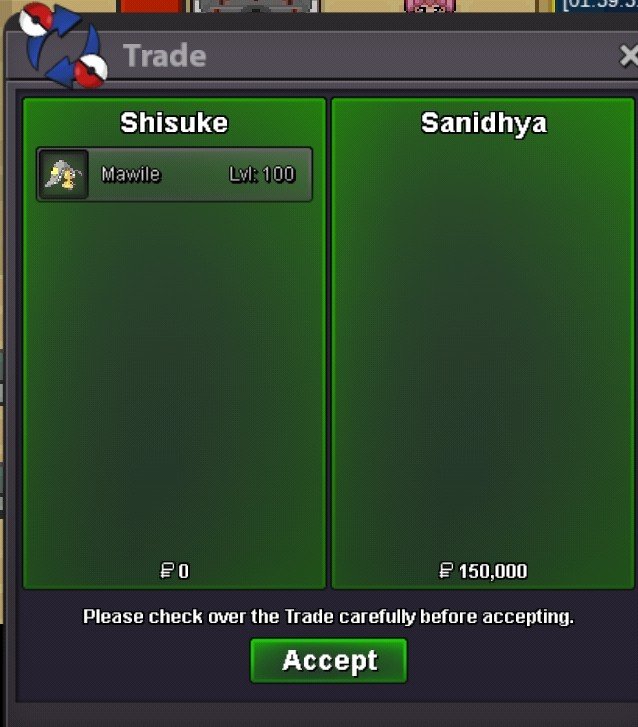
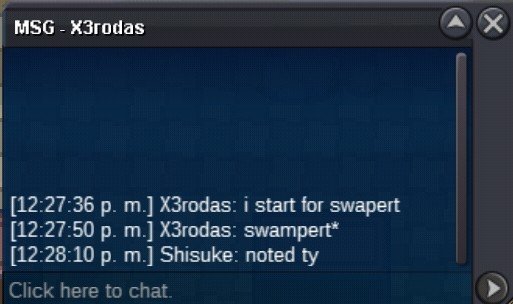
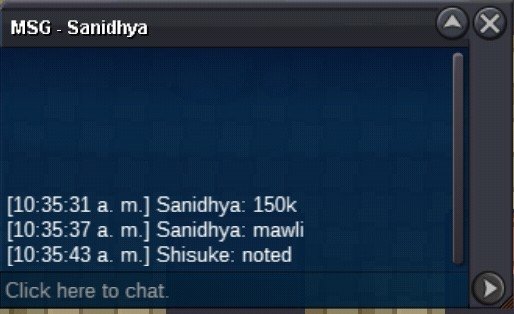
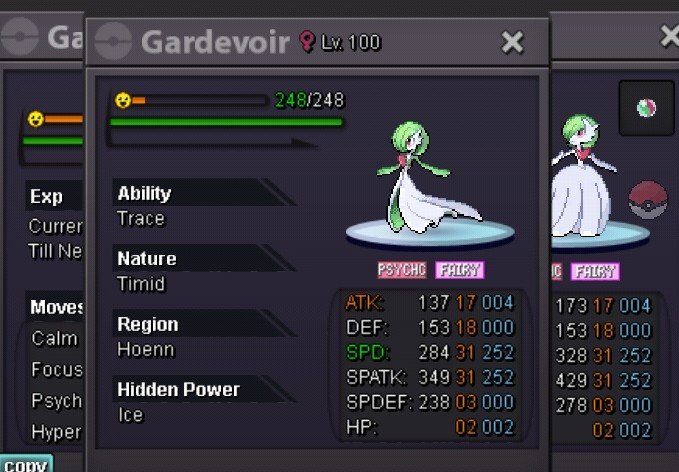
Wtb honedge#1Win sanidhya mawile. Win x3rodas swampertUpReady
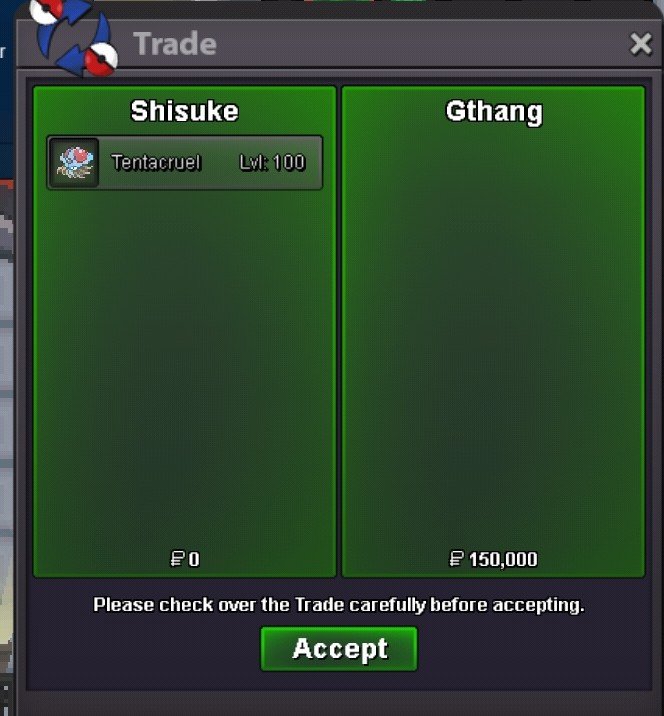
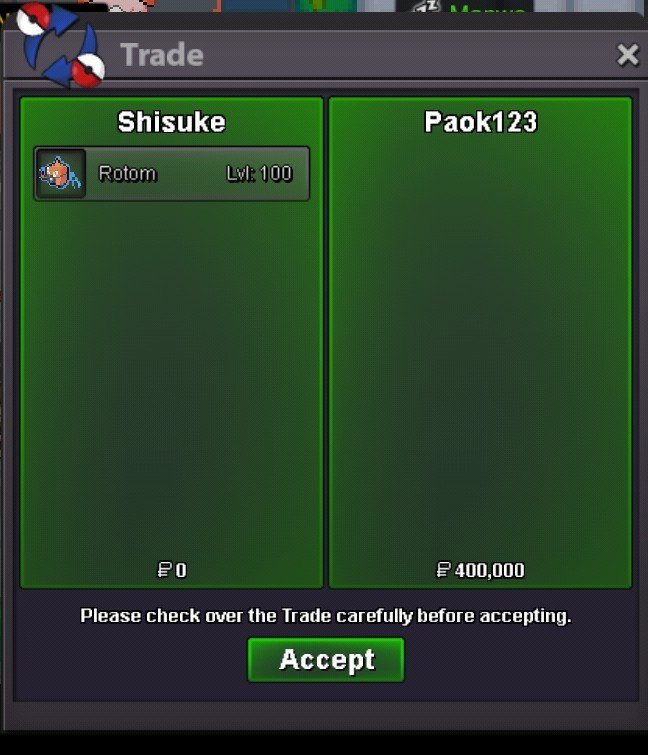
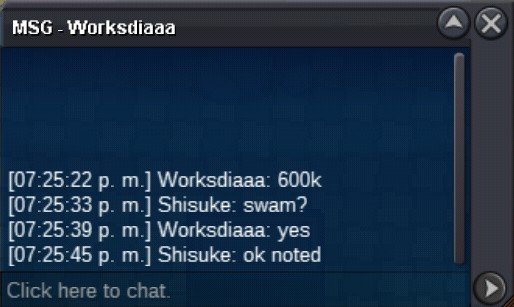
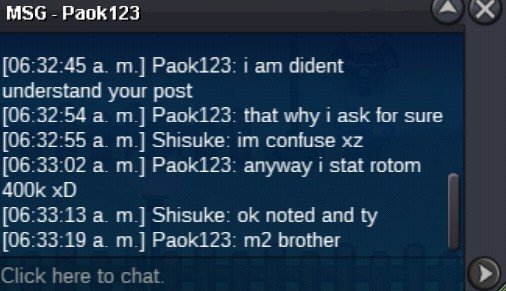
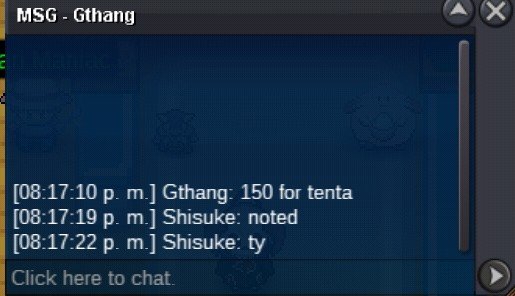
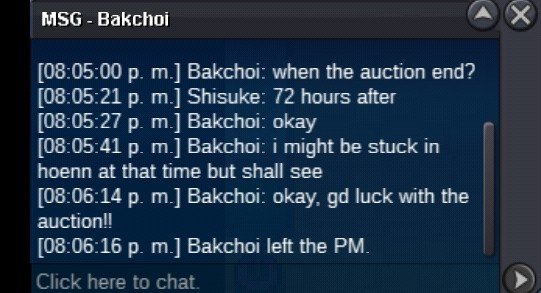
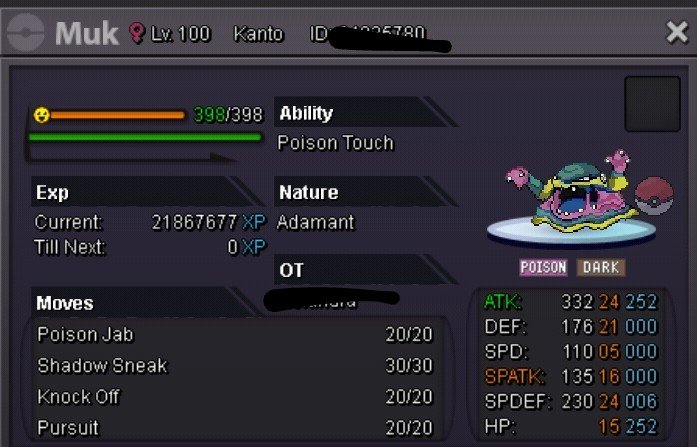
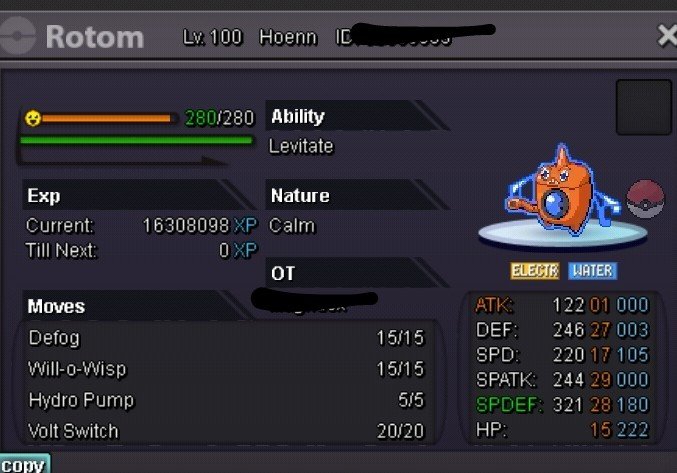
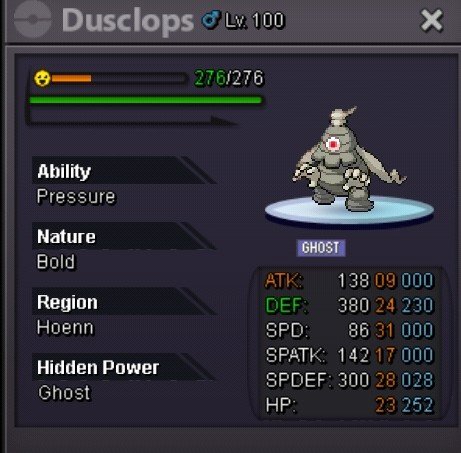
 Winner rotom paok123, pm me plsK notedWin bakchoi muk 400k, and win gthang tentacruel 150k, winners PM me plsThe min bid/raise for rotom its 100k manIm go to sleep now tomorrow respond msj thx and hav good day ^^Im go to sleep now tomorrow respond msj thx and hav good day ^^@Zerriath I am waiting for offers mainly because there were people who told me that it could be sold for more than 2m and others for 1m max so I do not know the exact price, 😕Ways to pay All auctions end 24 hours after first bid Swampert Sold 700k by X3rodas Tentacruel Sold 150k by gthang Muk Sold 400k by bakchoi Rotom Sold 400k by paok123 Dusclops Sold 200k by Blaggy1212 Mawile Sold 150k by sanidhya Min bid 50k


Account
Navigation
Search
Configure browser push notifications
Chrome (Android)
- Tap the lock icon next to the address bar.
- Tap Permissions → Notifications.
- Adjust your preference.
Chrome (Desktop)
- Click the padlock icon in the address bar.
- Select Site settings.
- Find Notifications and adjust your preference.
Safari (iOS 16.4+)
- Ensure the site is installed via Add to Home Screen.
- Open Settings App → Notifications.
- Find your app name and adjust your preference.
Safari (macOS)
- Go to Safari → Preferences.
- Click the Websites tab.
- Select Notifications in the sidebar.
- Find this website and adjust your preference.
Edge (Android)
- Tap the lock icon next to the address bar.
- Tap Permissions.
- Find Notifications and adjust your preference.
Edge (Desktop)
- Click the padlock icon in the address bar.
- Click Permissions for this site.
- Find Notifications and adjust your preference.
Firefox (Android)
- Go to Settings → Site permissions.
- Tap Notifications.
- Find this site in the list and adjust your preference.
Firefox (Desktop)
- Open Firefox Settings.
- Search for Notifications.
- Find this site in the list and adjust your preference.