




New Trade Zone
Trade Zone is now live
Use the new Trade Zone for auctions and instant-price trades so Pokemon and item offers are easy to find.

Uxxelmon
Registered User
-
Joined
-
Last visited
Everything posted by Uxxelmon
-
up
-
-
Hello @Yverneas as I already had the seen data of arceus and palkia (random battles/booses), I was already able to fight all of them in their respective lake caves. But it seems like I cant continue the quest without battling palkia (Statue) and Arceus (Pillar) which leads to my problem with the lustrous orb not spawning. Looking forward to your reply 🙂
-
bump
-
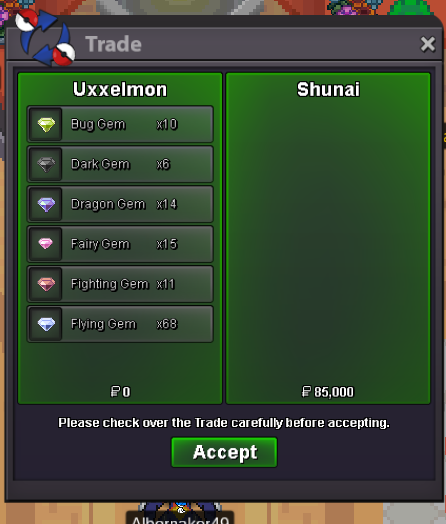
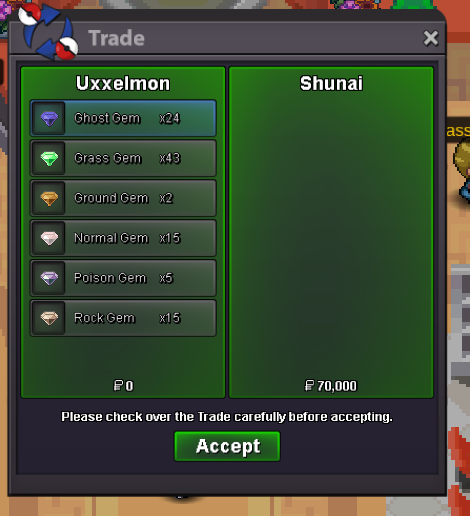
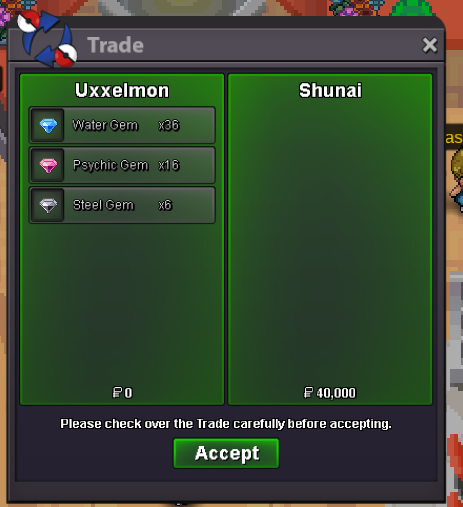
1,2m1m88k1m39k699k655k607k460k405k210k55k3kstart 1 kEdit: I thought about that I maybe picked it up in the past, but the Arceus isn´t spawning at Spear Pillar either...Hello there, as the title spoiled already, I´m having a problem with the "Lake-Trio Quest". I already found the Adamant Orb and the Dread Plate but can´t find the Lustrous Orb. It isn´t in both of the possible Locations in Wayward Cave. Even though i already have all the required seen data (bosses or random battles), I can´t move further in the quest... Things I´ve already done: -Found Adamant Orb and Dread Plate - Fought Dialga Statue - Got all 3 Lake Trio Seen Data by visiting them in their Lake (passed the needed OT-Sinnoh Mons to the guardians). Ty in advance for any help 🙂31m25m, money for my bids on mrvermillionlow tier gems sold


Account
Navigation
Search
Configure browser push notifications
Chrome (Android)
- Tap the lock icon next to the address bar.
- Tap Permissions → Notifications.
- Adjust your preference.
Chrome (Desktop)
- Click the padlock icon in the address bar.
- Select Site settings.
- Find Notifications and adjust your preference.
Safari (iOS 16.4+)
- Ensure the site is installed via Add to Home Screen.
- Open Settings App → Notifications.
- Find your app name and adjust your preference.
Safari (macOS)
- Go to Safari → Preferences.
- Click the Websites tab.
- Select Notifications in the sidebar.
- Find this website and adjust your preference.
Edge (Android)
- Tap the lock icon next to the address bar.
- Tap Permissions.
- Find Notifications and adjust your preference.
Edge (Desktop)
- Click the padlock icon in the address bar.
- Click Permissions for this site.
- Find Notifications and adjust your preference.
Firefox (Android)
- Go to Settings → Site permissions.
- Tap Notifications.
- Find this site in the list and adjust your preference.
Firefox (Desktop)
- Open Firefox Settings.
- Search for Notifications.
- Find this site in the list and adjust your preference.