




New Trade Zone
Trade Zone is now live
Use the new Trade Zone for auctions and instant-price trades so Pokemon and item offers are easy to find.

Foxxe
Registered User
-
Joined
-
Last visited
Everything posted by Foxxe
-
Current Guildname: RatStrat New Guildname: PokePunks Server: Silver
-
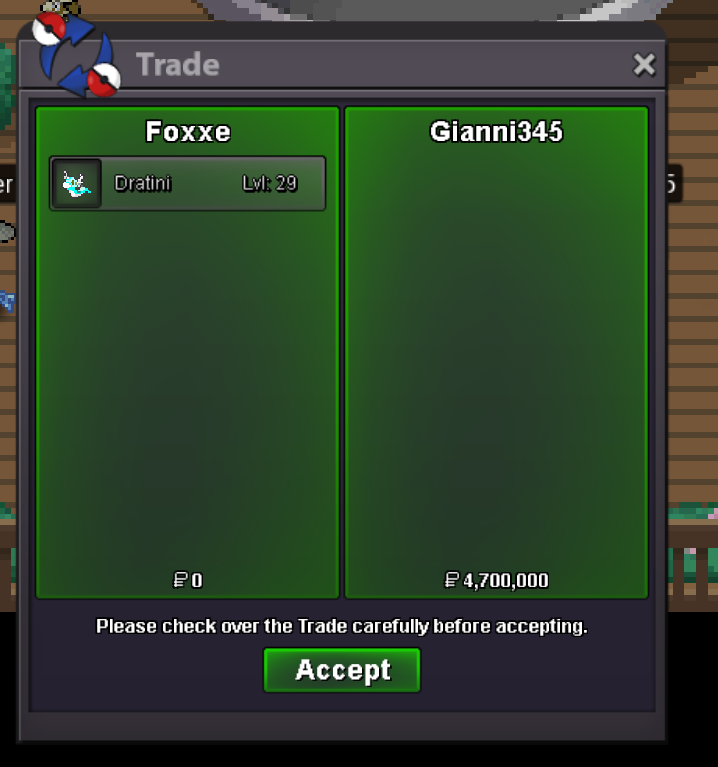
Trade completed.
-
15 min extension period over. Final winner: Gianni345 with 4.7m! Message me in game or here for collection Thank you to all bidders.
-
Auction Extended 15m with Gianni345 bid per auction rules
-
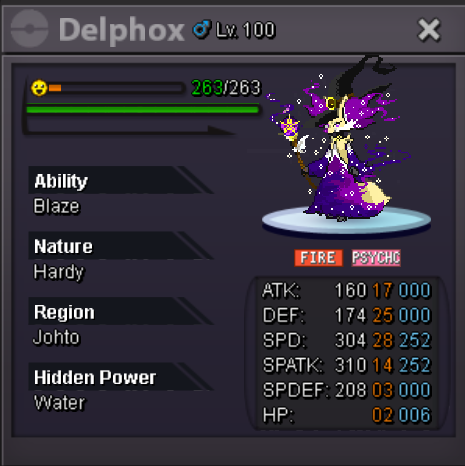
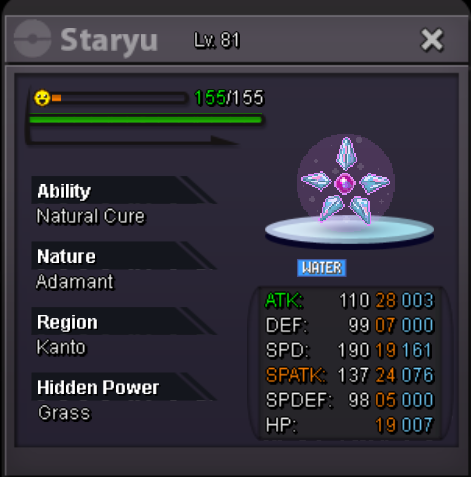
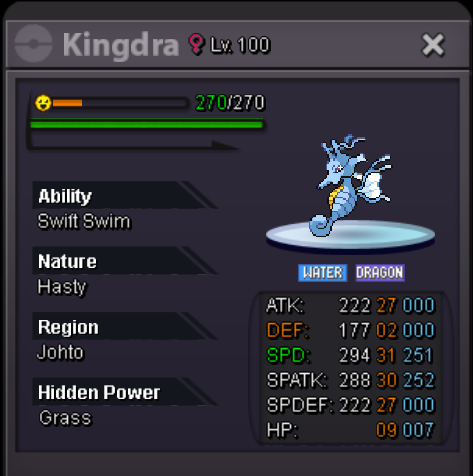
Welcome to my shop! Please be patient as I get everything settled as I'm just starting to open up here. Accepted Payment: Pokecoins Coin Capsule - 400k No Other Items Accepted Contact Details: IGN: Foxxe Discord: iFox#0001 Forum Post here All Prices May Be Negotiated Unless Otherwise Noted Featured Synch's More Coming Soon (updating as we speak, but it's tedious)
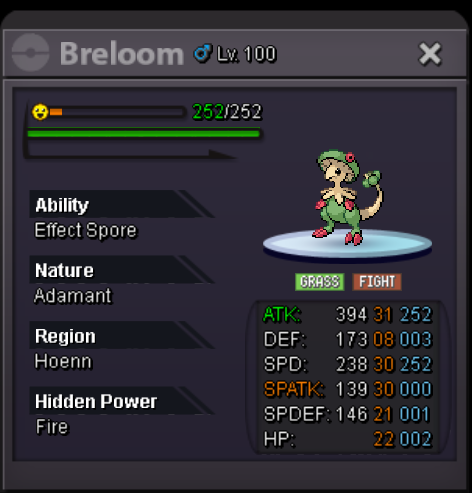
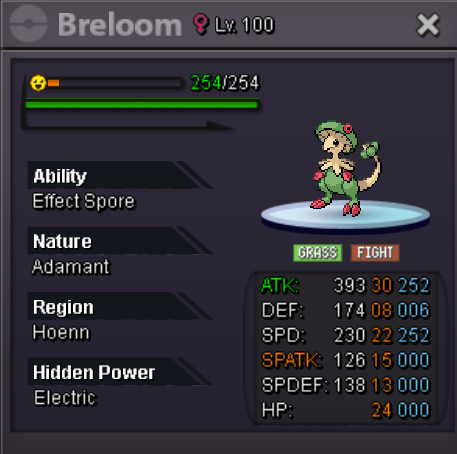
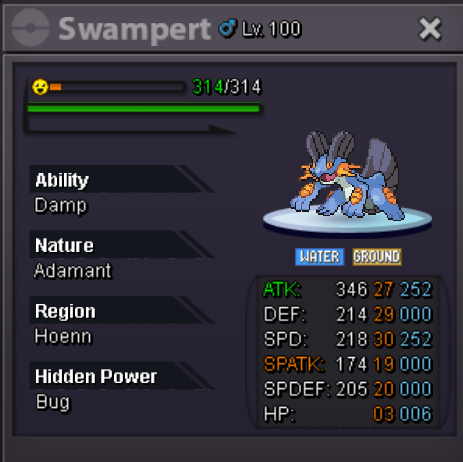
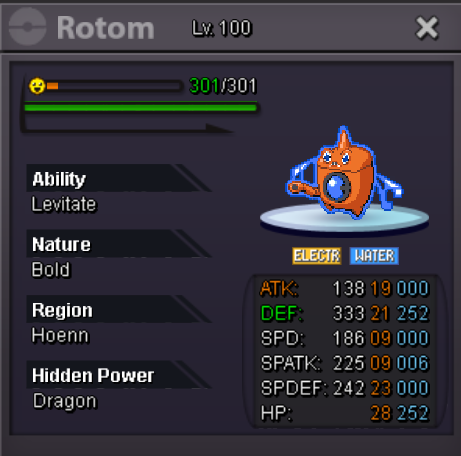
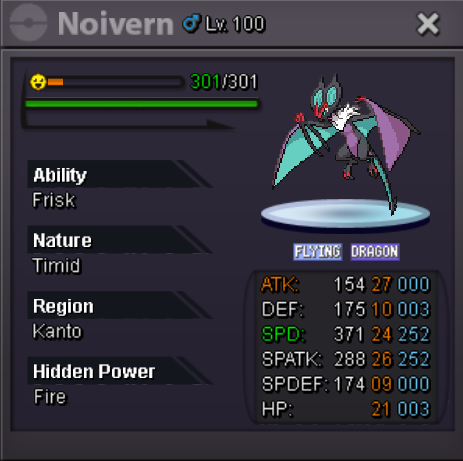
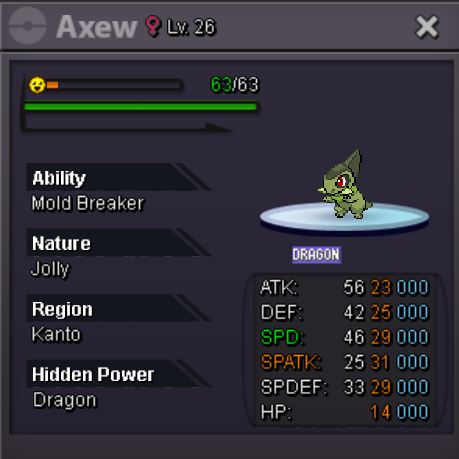
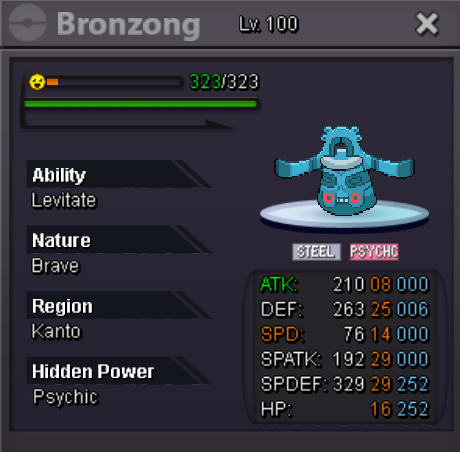 I'm having this same issue. Rt 212 North in Sinnoh. About 1 in 30 have the proper nature. Edit: After silver server crash just now, seems to be working properly.https://i.imgur.com/MxPGGyT.png Started by Leejiieun at 2m.
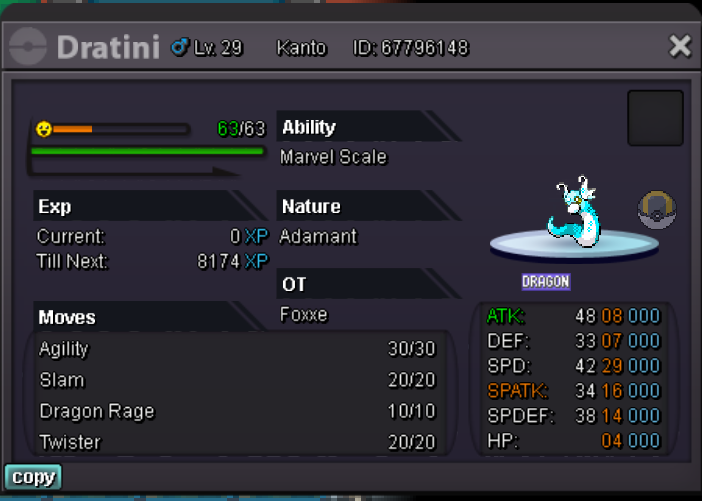
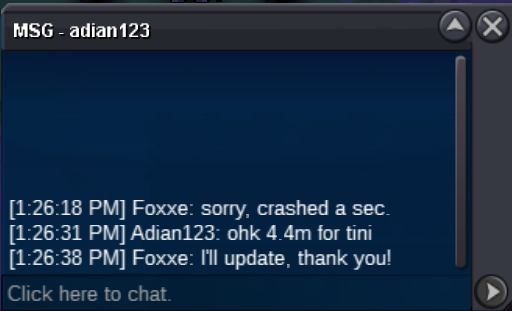
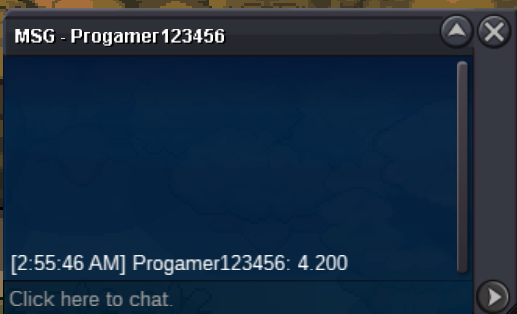
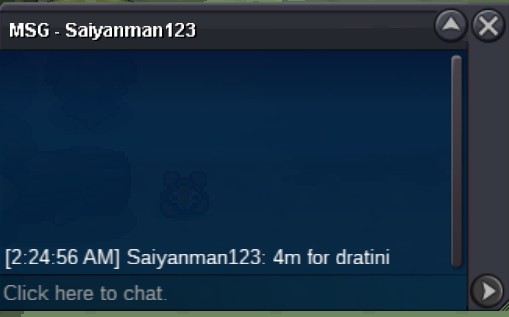
 S.O - 2m Min Bid - 200k Insta: 10m Auction ends 48h after first bid CC's accepted at 400k ea No other items accepted (Edit) Timer added from first bid https://www.timeanddate.com/countdown/generic?iso=20220102T193126&p0=3261&msg=Xmas+Dratini&font=cursive
 Looking for H'ween gardevoir or ralts. Not super picky but would like to see stats. Please send ss/link in game and price. Purchased.1.5 Kirlia.
Account
Navigation
Search
Configure browser push notifications
Chrome (Android)
- Tap the lock icon next to the address bar.
- Tap Permissions → Notifications.
- Adjust your preference.
Chrome (Desktop)
- Click the padlock icon in the address bar.
- Select Site settings.
- Find Notifications and adjust your preference.
Safari (iOS 16.4+)
- Ensure the site is installed via Add to Home Screen.
- Open Settings App → Notifications.
- Find your app name and adjust your preference.
Safari (macOS)
- Go to Safari → Preferences.
- Click the Websites tab.
- Select Notifications in the sidebar.
- Find this website and adjust your preference.
Edge (Android)
- Tap the lock icon next to the address bar.
- Tap Permissions.
- Find Notifications and adjust your preference.
Edge (Desktop)
- Click the padlock icon in the address bar.
- Click Permissions for this site.
- Find Notifications and adjust your preference.
Firefox (Android)
- Go to Settings → Site permissions.
- Tap Notifications.
- Find this site in the list and adjust your preference.
Firefox (Desktop)
- Open Firefox Settings.
- Search for Notifications.
- Find this site in the list and adjust your preference.