




New Trade Zone
Trade Zone is now live
Use the new Trade Zone for auctions and instant-price trades so Pokemon and item offers are easy to find.


Scothie
Registered User
-
Joined
-
Last visited
Everything posted by Scothie
-
3m
-
900k
-
600k
-
12m
-
400k
-
-
trade done, can be closed.
-
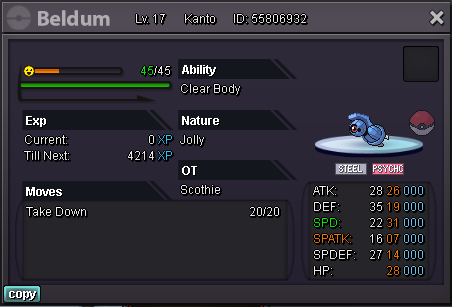
pm me on disc uncrowned#6141 to set time for our trade. @marwan1246u win @marwan1246Time start from here, will add timer later. tyS.o 1m min bid 100k end in 48h after so Accept cc(400k), iv rr (700) Dont forget about the addition time rules if you wanna bid on last min. Goodluck Timeleft : https://countingdownto.com/?c=4159315
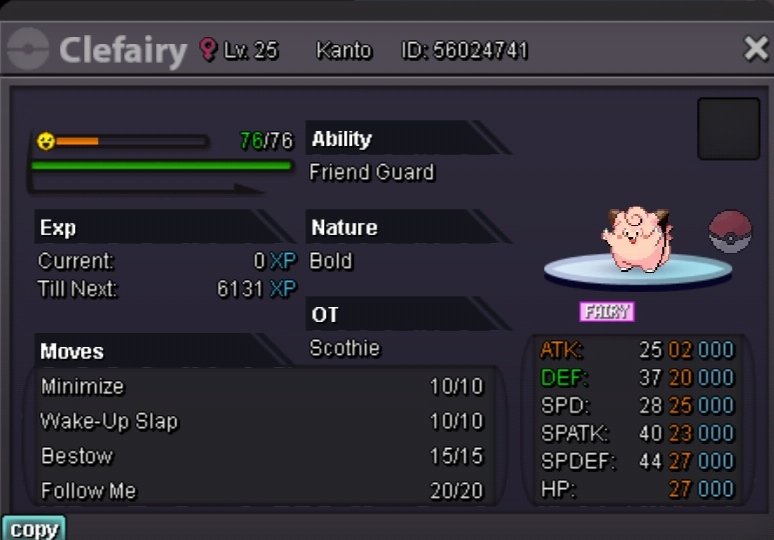
 trade done. can be closedU won @Aaakkktttoooppp, lets trade after mt?S.o 100k Min Bid 50k Ends 24h after 1st bid Timeleft : https://countingdownto.com/?c=4150769
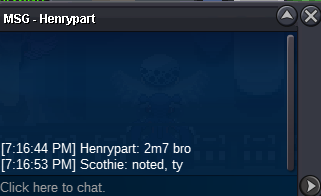
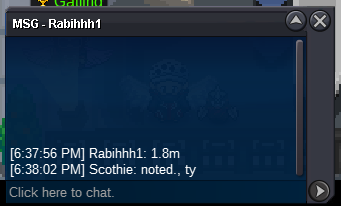
 canceled since no one bid@CivilianTR u won, pm me when you available for the trade. tybump, around 52 min left





Account
Navigation
Search
Configure browser push notifications
Chrome (Android)
- Tap the lock icon next to the address bar.
- Tap Permissions → Notifications.
- Adjust your preference.
Chrome (Desktop)
- Click the padlock icon in the address bar.
- Select Site settings.
- Find Notifications and adjust your preference.
Safari (iOS 16.4+)
- Ensure the site is installed via Add to Home Screen.
- Open Settings App → Notifications.
- Find your app name and adjust your preference.
Safari (macOS)
- Go to Safari → Preferences.
- Click the Websites tab.
- Select Notifications in the sidebar.
- Find this website and adjust your preference.
Edge (Android)
- Tap the lock icon next to the address bar.
- Tap Permissions.
- Find Notifications and adjust your preference.
Edge (Desktop)
- Click the padlock icon in the address bar.
- Click Permissions for this site.
- Find Notifications and adjust your preference.
Firefox (Android)
- Go to Settings → Site permissions.
- Tap Notifications.
- Find this site in the list and adjust your preference.
Firefox (Desktop)
- Open Firefox Settings.
- Search for Notifications.
- Find this site in the list and adjust your preference.