New Trade Zone
Trade Zone is now live
Use the new Trade Zone for auctions and instant-price trades so Pokemon and item offers are easy to find.

Nell1el
Registered User
-
Joined
-
Last visited
Everything posted by Nell1el
-
300k
-
600k
-
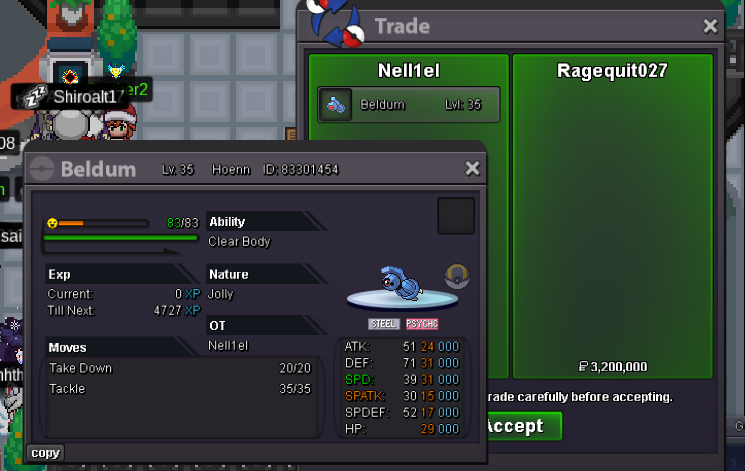
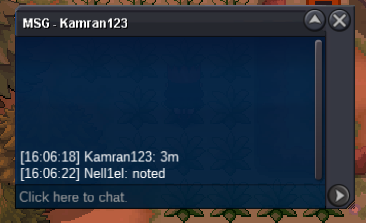
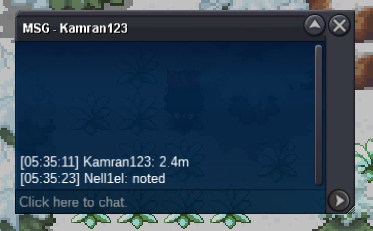
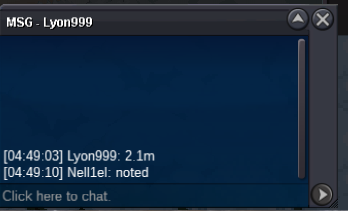
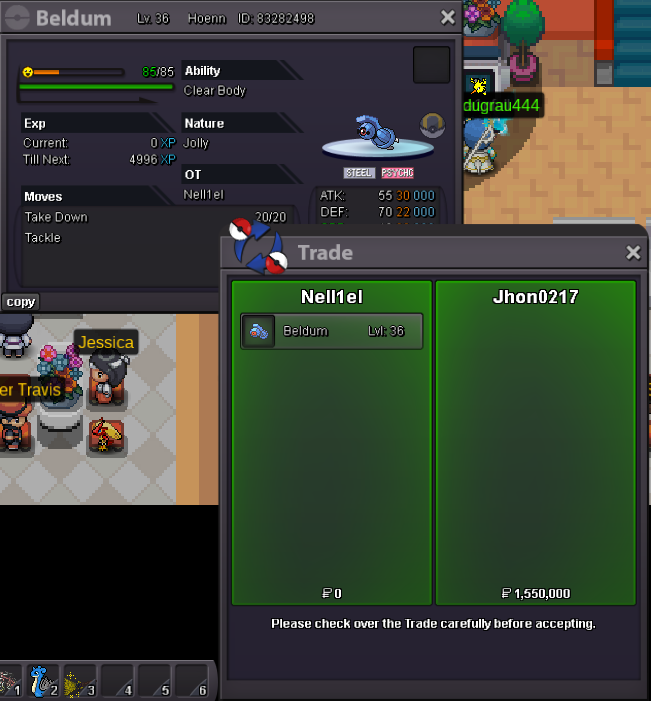
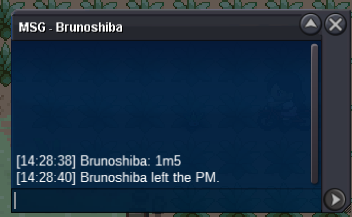
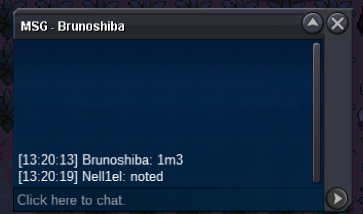
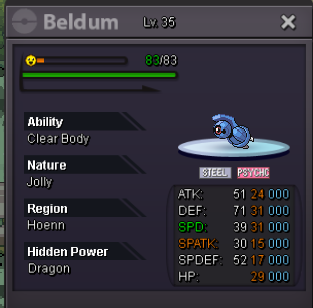
@Tandemaus hi can we force the trade we can't match being online due to time zone@Ragequit027 congrats lmk when you online or send me your discord2.5m for both ferrobump. around 3 hours and 15 minutes lefts.o=1.5m min bid 100k no insta 24 hours from first bid Accepted Payment(s): cash ; cc -500k , iv rr 600k, nature rr 300k End Point: . If a bid is received in the final 15 minutes of the auction, the end point will be delayed by 15 minutes from that bid, and will be delayed by 15 minutes for each new bid thereafter, until the current offer has been held for a full 15 minutes. Must be accurate to the minute that the auction is set to end.
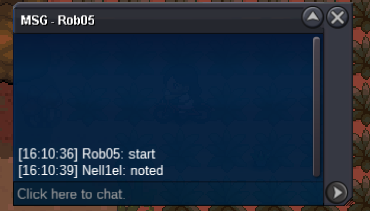
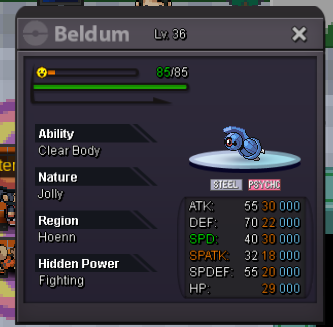
 bump. around 3hours and 30 min leftit's already 1m by rob05s.o=1m min bid 50k no insta 24 hours from first bid Accepted Payment(s): cash ; cc -500k , iv rr 600k, nature rr 300k End Point: . If a bid is received in the final 15 minutes of the auction, the end point will be delayed by 15 minutes from that bid, and will be delayed by 15 minutes for each new bid thereafter, until the current offer has been held for a full 15 minutes. Must be accurate to the minute that the auction is set to end.
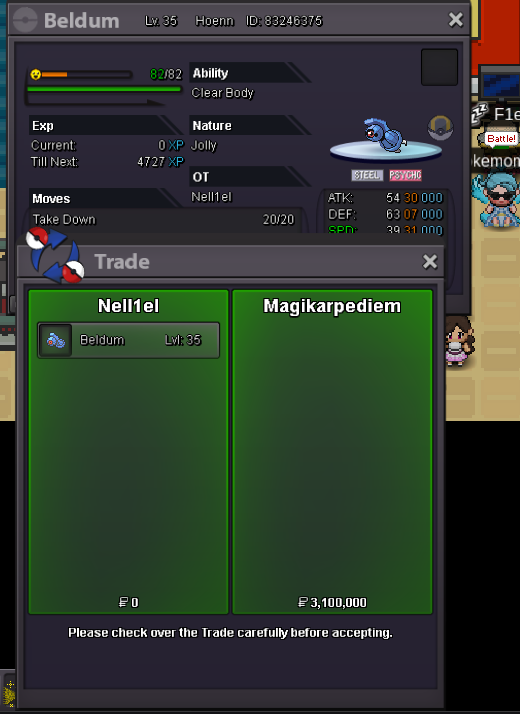
 i can meet you now in virdian@Magikarpediem congrats you are the winner dm me in the game in 20 min or send your discord private
Account
Navigation
Search
Configure browser push notifications
Chrome (Android)
- Tap the lock icon next to the address bar.
- Tap Permissions → Notifications.
- Adjust your preference.
Chrome (Desktop)
- Click the padlock icon in the address bar.
- Select Site settings.
- Find Notifications and adjust your preference.
Safari (iOS 16.4+)
- Ensure the site is installed via Add to Home Screen.
- Open Settings App → Notifications.
- Find your app name and adjust your preference.
Safari (macOS)
- Go to Safari → Preferences.
- Click the Websites tab.
- Select Notifications in the sidebar.
- Find this website and adjust your preference.
Edge (Android)
- Tap the lock icon next to the address bar.
- Tap Permissions.
- Find Notifications and adjust your preference.
Edge (Desktop)
- Click the padlock icon in the address bar.
- Click Permissions for this site.
- Find Notifications and adjust your preference.
Firefox (Android)
- Go to Settings → Site permissions.
- Tap Notifications.
- Find this site in the list and adjust your preference.
Firefox (Desktop)
- Open Firefox Settings.
- Search for Notifications.
- Find this site in the list and adjust your preference.