




New Trade Zone
Trade Zone is now live
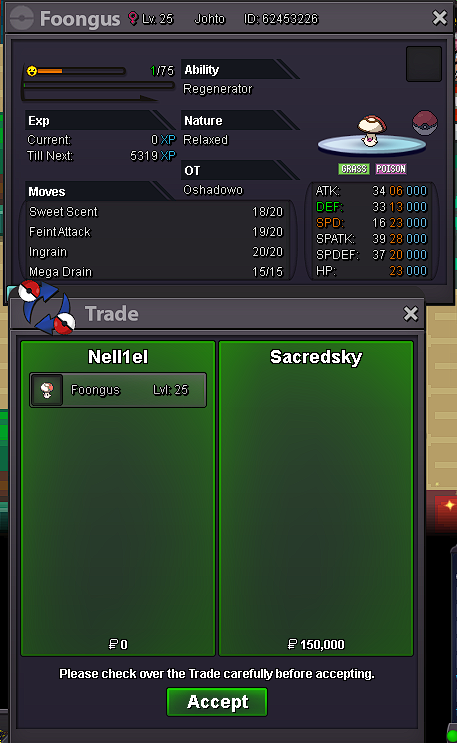
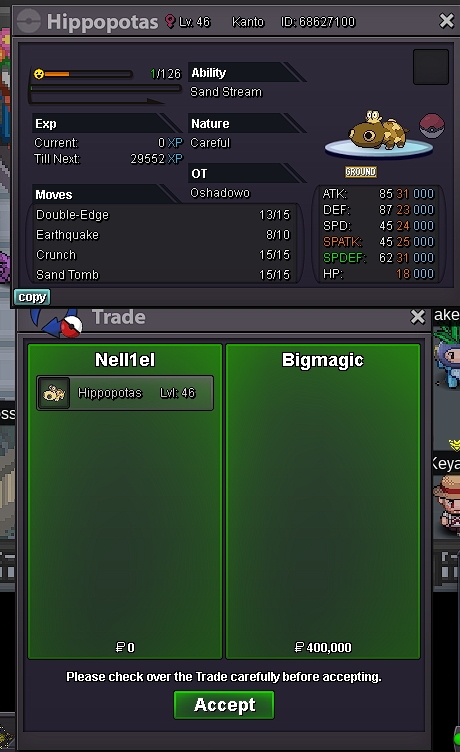
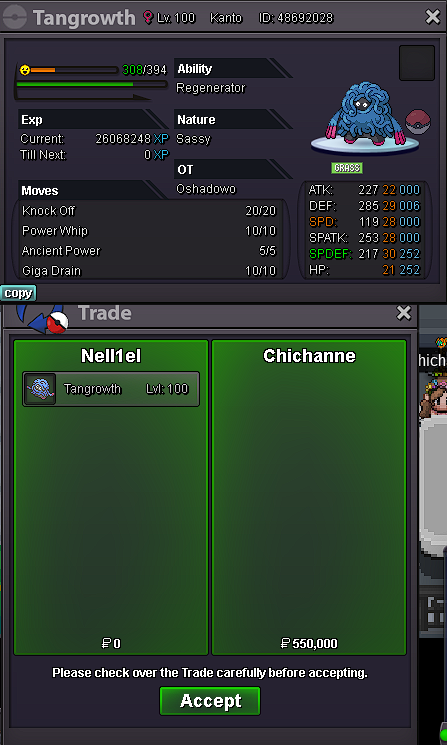
Use the new Trade Zone for auctions and instant-price trades so Pokemon and item offers are easy to find.

Nell1el
Registered User
-
Joined
-
Last visited
Everything posted by Nell1el
-
1 lum berry
-
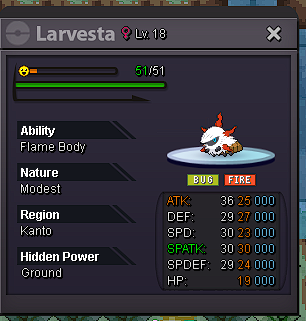
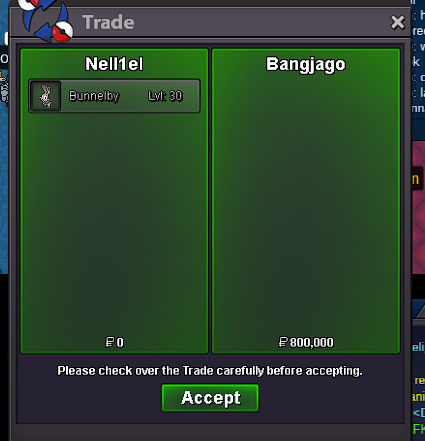
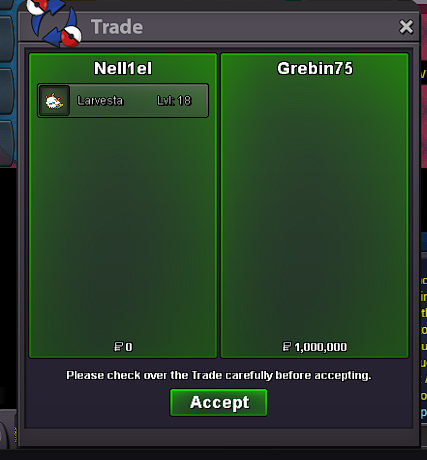
@Bangjago you won bunnelby @Grebin75 you won the larvesta i am online nows.o larvesta :800k s.o bunnelby :800k min bid each :100k no insta duration :2 days after start each mons other payment method cc :400k iv rr :700k nature rr :350k GOOD LUCK ^^
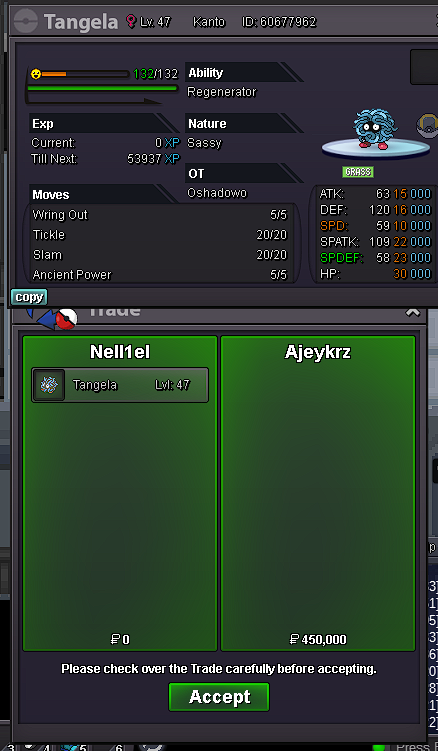
 (-1) it seems you are looking for pvp coins why not just get ladder every month (ez coins ) isn't ez for you, as you saying always in battle chat we like pro like this .yea i knew that , i am now 5 hours left to get 50 hours thank you for reply though 😄500k scizor.i fullfill al the requirment do you have any guide can help that whould help me alot thank youyea same team was with me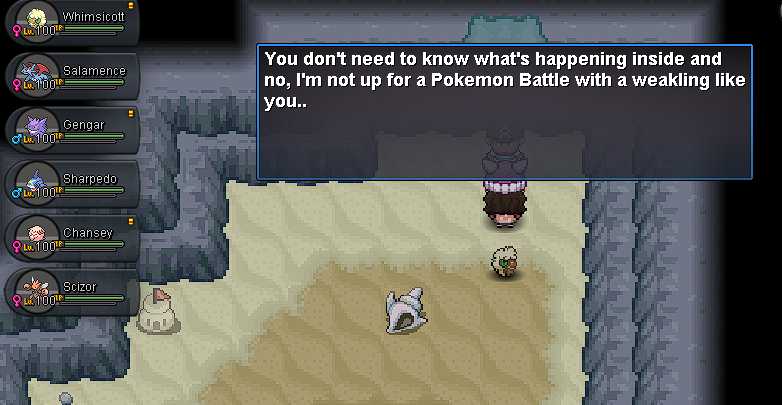
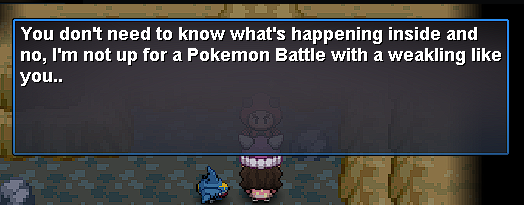
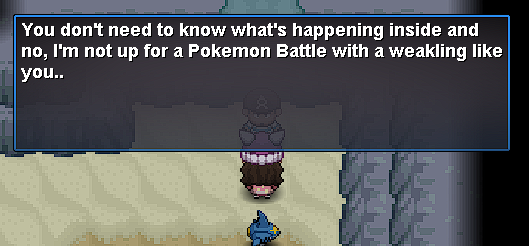
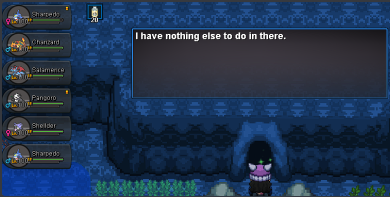
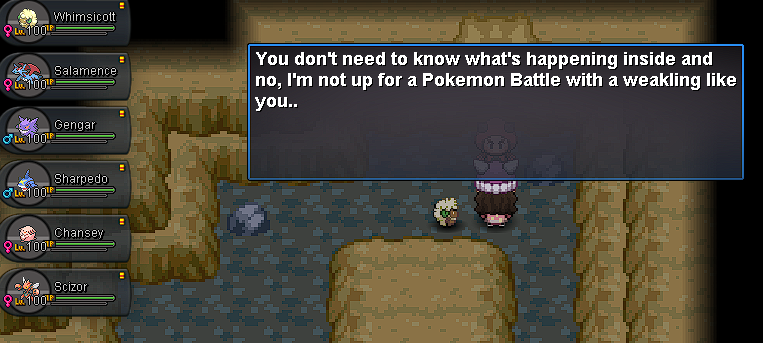 i brought x6 lvl 100 team but they didn't let me pass check the ss i post in front of the cave they are with me all the time
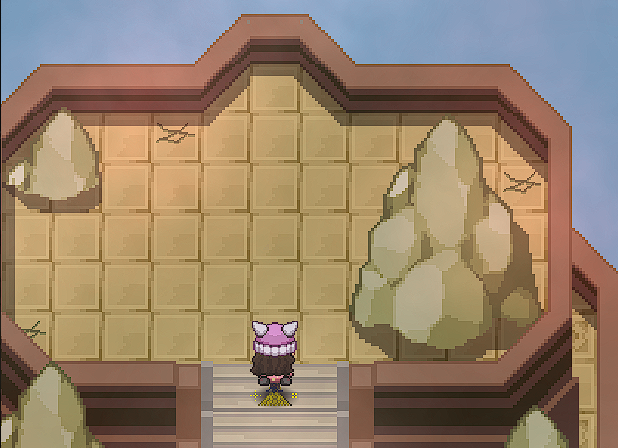
 hi i am trying to get jirachi but when i touch the stone show this so i tried to get groudon and kyroge dex but i can't battle them cuz aqua and magma team don't let me enter i tried to enter from ceafloor cavren (from underwater ) but can't enter it i back to beat rayq again but i already done before like 1h for latios also i cought my latios so not dex problem ig already so hope to help me thank you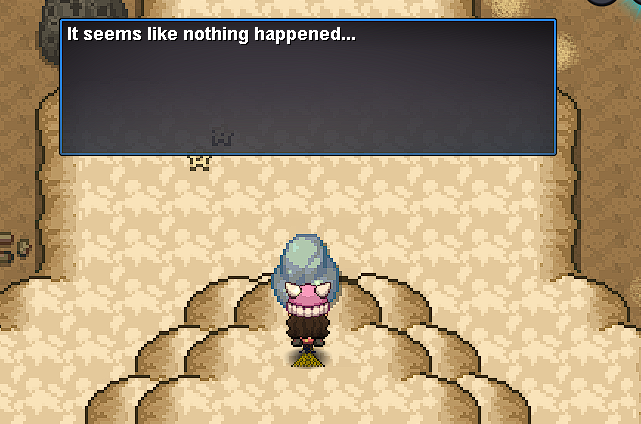
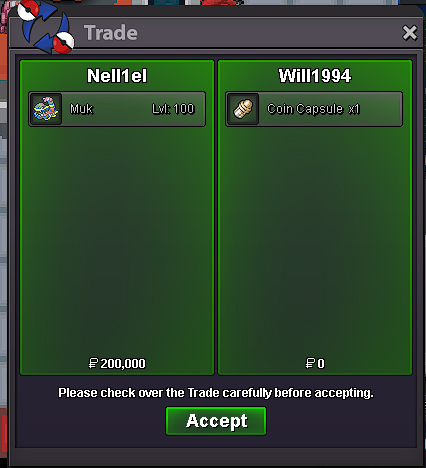
 yea lmk when you on @Will1994upmuk alolan started
 closed



Account
Navigation
Search
Configure browser push notifications
Chrome (Android)
- Tap the lock icon next to the address bar.
- Tap Permissions → Notifications.
- Adjust your preference.
Chrome (Desktop)
- Click the padlock icon in the address bar.
- Select Site settings.
- Find Notifications and adjust your preference.
Safari (iOS 16.4+)
- Ensure the site is installed via Add to Home Screen.
- Open Settings App → Notifications.
- Find your app name and adjust your preference.
Safari (macOS)
- Go to Safari → Preferences.
- Click the Websites tab.
- Select Notifications in the sidebar.
- Find this website and adjust your preference.
Edge (Android)
- Tap the lock icon next to the address bar.
- Tap Permissions.
- Find Notifications and adjust your preference.
Edge (Desktop)
- Click the padlock icon in the address bar.
- Click Permissions for this site.
- Find Notifications and adjust your preference.
Firefox (Android)
- Go to Settings → Site permissions.
- Tap Notifications.
- Find this site in the list and adjust your preference.
Firefox (Desktop)
- Open Firefox Settings.
- Search for Notifications.
- Find this site in the list and adjust your preference.