




New Trade Zone
Trade Zone is now live
Use the new Trade Zone for auctions and instant-price trades so Pokemon and item offers are easy to find.


Moemoekyuuun
Suspended
-
Joined
-
Last visited
Everything posted by Moemoekyuuun
-
nice idea but -1 I also want to make an idea about Albino Island
-
Start
-
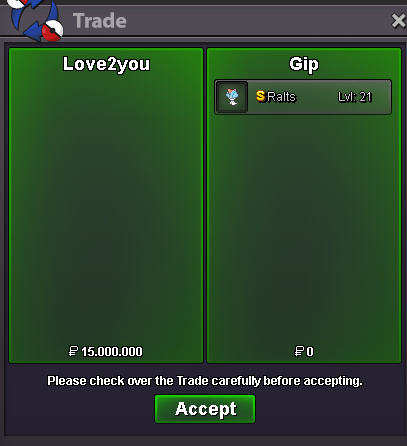
I bought it with my alt because of the lending bug that still hasn't been resolved Thanks also to @Kitsune9 Which helps me transfer money to my alt☺️
-
Bought☺️
-
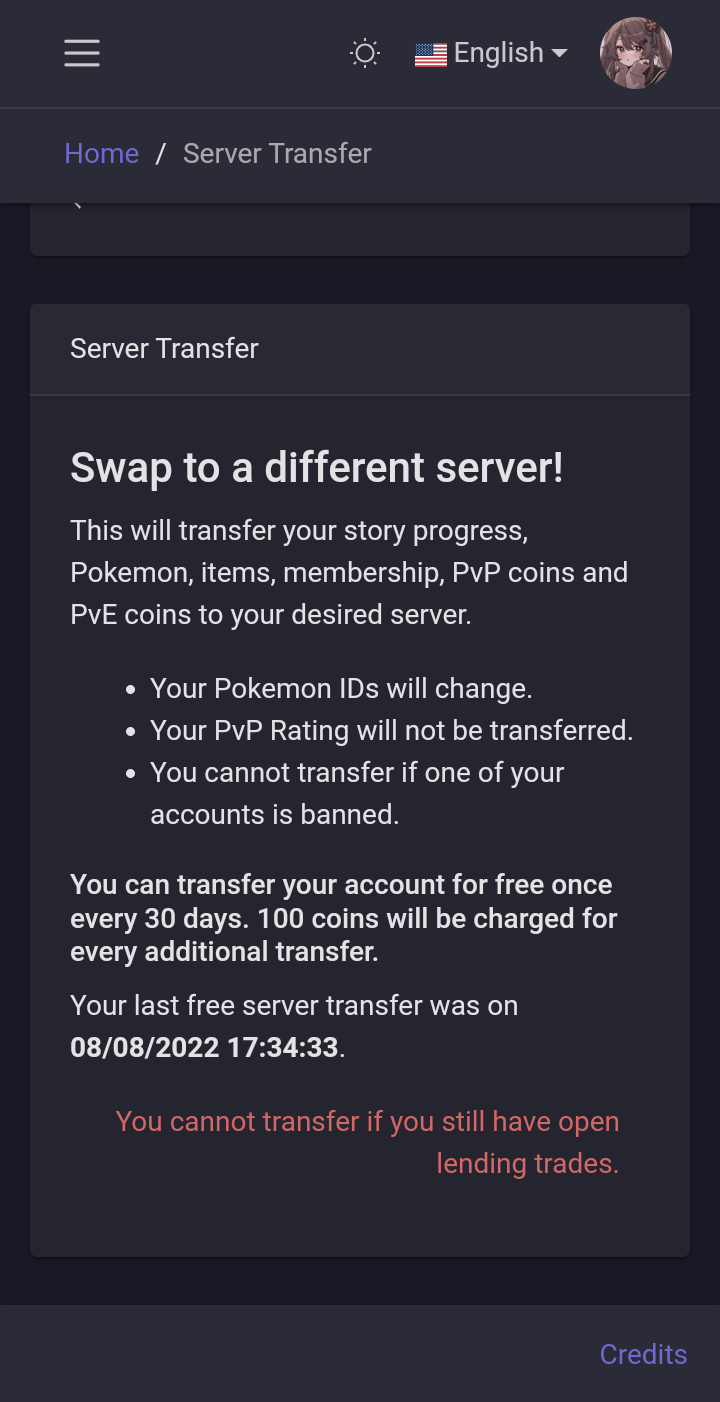
I think I have to bump again to get this problem fixed quickly It's been more than 2 months and I'm still unable to transfer
-
-
Start
-
The pink color means , you must have a membership to be able to encounters them🙃
-
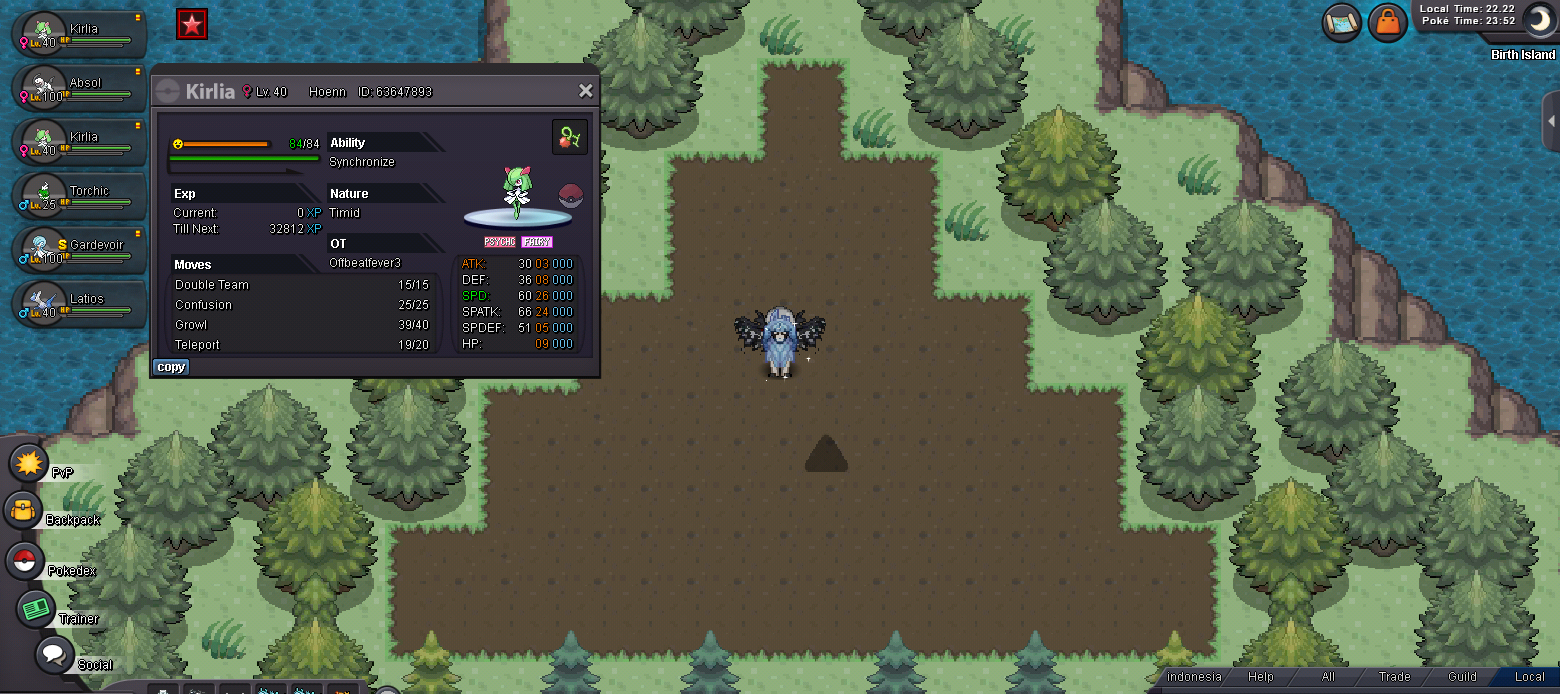
In short, I wanted to catch MESPRIT but miss click TELEPRT MOVE so I lost my MESPRIT from birth island Can I catch him back there or do I have to beat Nikola? Waiting for answer ty
-
Start
-
-
Need Forced trading if that someone has the means to pay for it,i have a hard time meeting him. @Mbk
-
+250k
-
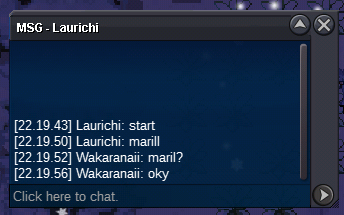
Maril end Sold for @Laurichi
-
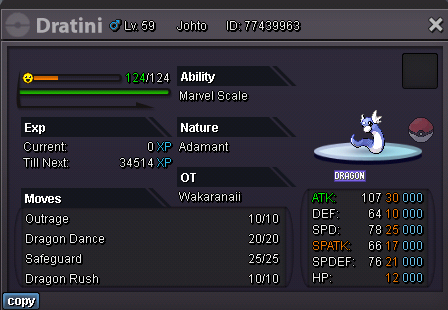
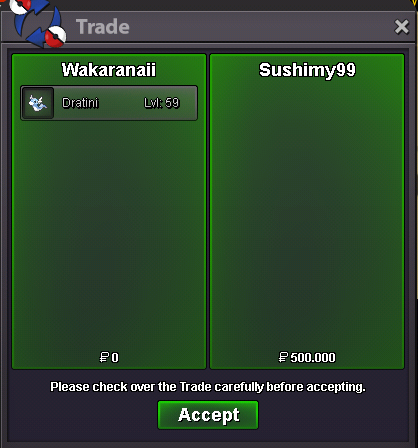
Auction over for Dratini Sold for @Sushimy99Around 2 hours left dratini and 3 hours left marilhttps://www.tickcounter.com/countdown/3691897/maril
 https://www.tickcounter.com/countdown/3691782/dratini
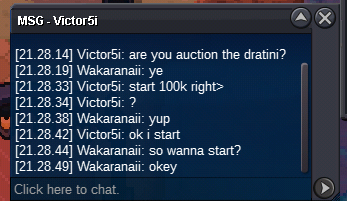 Note: Auction end in 24 Hours from start Start 100k Min Raise 50k Insta 1.5m Time End: https://www.tickcounter.com/countdown/3691782/dratini Start 500k Min Raise 100k Insta 3m Time End: https://www.tickcounter.com/countdown/3691897/maril Payment Method: Pokedollars CC : 360k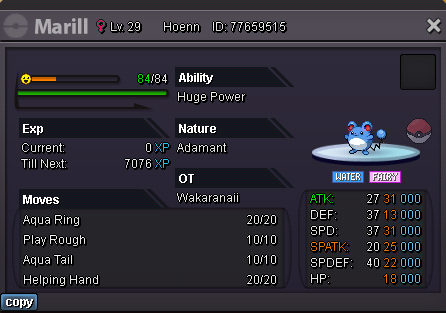

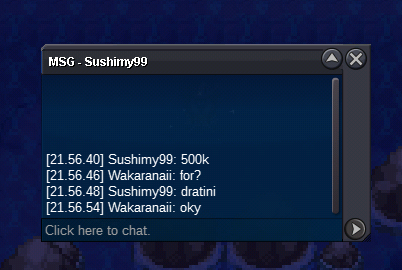
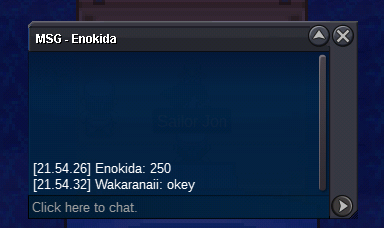
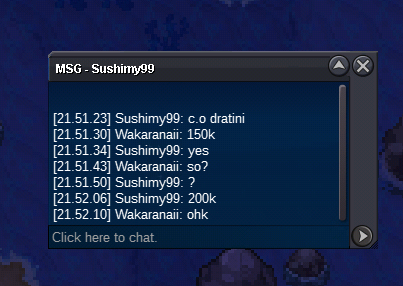
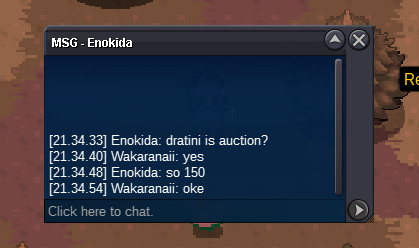
Account
Navigation
Search
Configure browser push notifications
Chrome (Android)
- Tap the lock icon next to the address bar.
- Tap Permissions → Notifications.
- Adjust your preference.
Chrome (Desktop)
- Click the padlock icon in the address bar.
- Select Site settings.
- Find Notifications and adjust your preference.
Safari (iOS 16.4+)
- Ensure the site is installed via Add to Home Screen.
- Open Settings App → Notifications.
- Find your app name and adjust your preference.
Safari (macOS)
- Go to Safari → Preferences.
- Click the Websites tab.
- Select Notifications in the sidebar.
- Find this website and adjust your preference.
Edge (Android)
- Tap the lock icon next to the address bar.
- Tap Permissions.
- Find Notifications and adjust your preference.
Edge (Desktop)
- Click the padlock icon in the address bar.
- Click Permissions for this site.
- Find Notifications and adjust your preference.
Firefox (Android)
- Go to Settings → Site permissions.
- Tap Notifications.
- Find this site in the list and adjust your preference.
Firefox (Desktop)
- Open Firefox Settings.
- Search for Notifications.
- Find this site in the list and adjust your preference.