




New Trade Zone
Trade Zone is now live
Use the new Trade Zone for auctions and instant-price trades so Pokemon and item offers are easy to find.


Moemoekyuuun
Suspended
-
Joined
-
Last visited
Everything posted by Moemoekyuuun
-
-
2.222.222
-
Nevermind,I also don't want to spend my time looking for that place, What's more, I've found several places where the clues are almost the same as what was said and I've tried talking to all the npc's in that place and the results are the same. Honestly I'm desperate now, so I'm not interested anymore Thank you for your answer, please close this thread
-
Maybe it's only available at the Xmas Event and you have to finish the Dungeon to get the Light Stone
-
Tysm for participation guys
-
Done✓
-
Fast auction:/
-
Starto
-
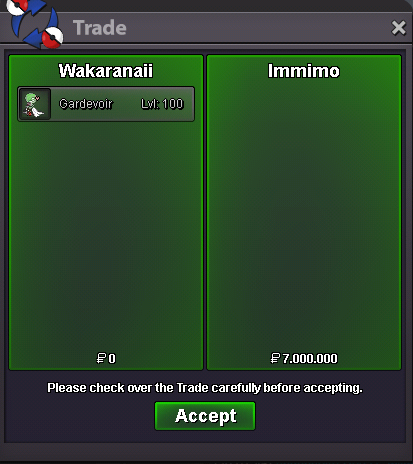
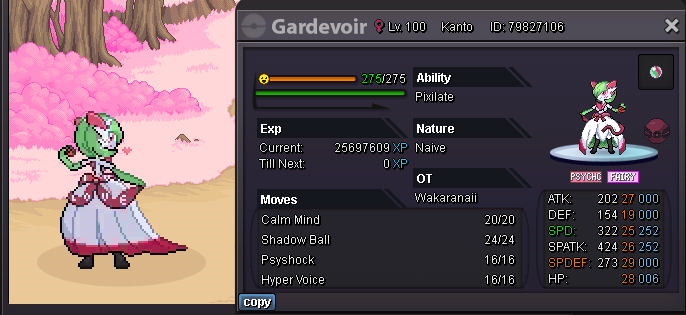
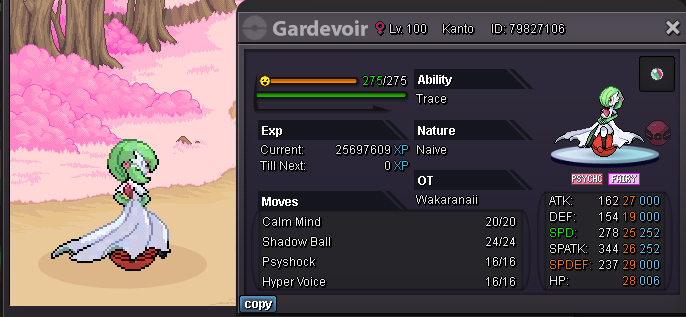
Best Vday Garde in Wild Catch I Think Start 100k Min Raise 100k Insta 7M End in 25 Hours Time Left: https://www.tickcounter.com/countdown/3912727/vday-gardevoir Accept payment: Pokedollars CC : 380k RR : 600k ~ Good Luck Everyone ~
-
Insane
-
Buy this
-
Sold
-
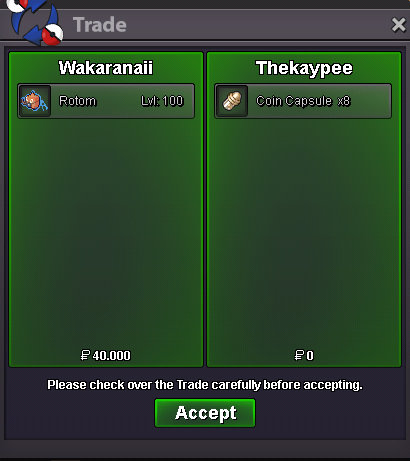
Auction end Sold to @Thekaypee Contact me Ingame or Discord
-
Last Bump 15 Mniute left
-
345.678
-
12.345
-
Start
-
Bump Around 16 Hours left
-
Start
-
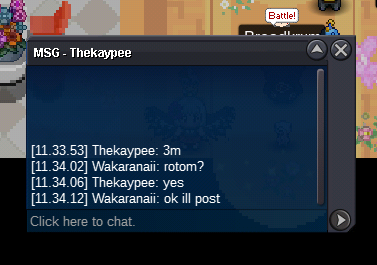
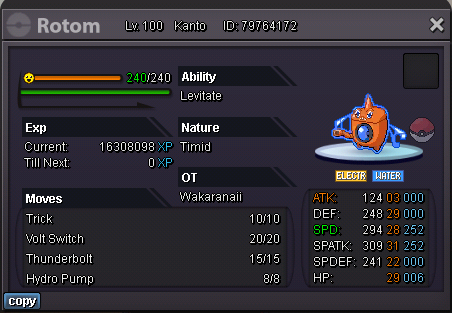
Start 3M Min Raise 200k Insta 8M End In 48 Hours Time End: https://www.tickcounter.com/countdown/3900640/rotom-wash Accept Payment: Pokedollars CC : 380k RR : 580K ~ Good Luck Everyone ~


-
30m
-
^
-
Start marowark 100k chomp
-
Start
-
I also like to add some mount suggestions Land : - Steelix (Player sits on head) "like some other pokemon games" - Gardobor (Player sits on head) - Golurk (Player sits/stands on shoulder) - Magnezone (Player sits in it like driving UFO) Surf : - Lotad (Player sits on the leaf) - Starmie (Player sits on top of starmie "face up/down" and walked like fan) - Swanna (Player sits on the body) - Gyarados "Revamp" (Player sits on head) I can only hope...nothing more xdd Best Regards ~Wakaranaii~

