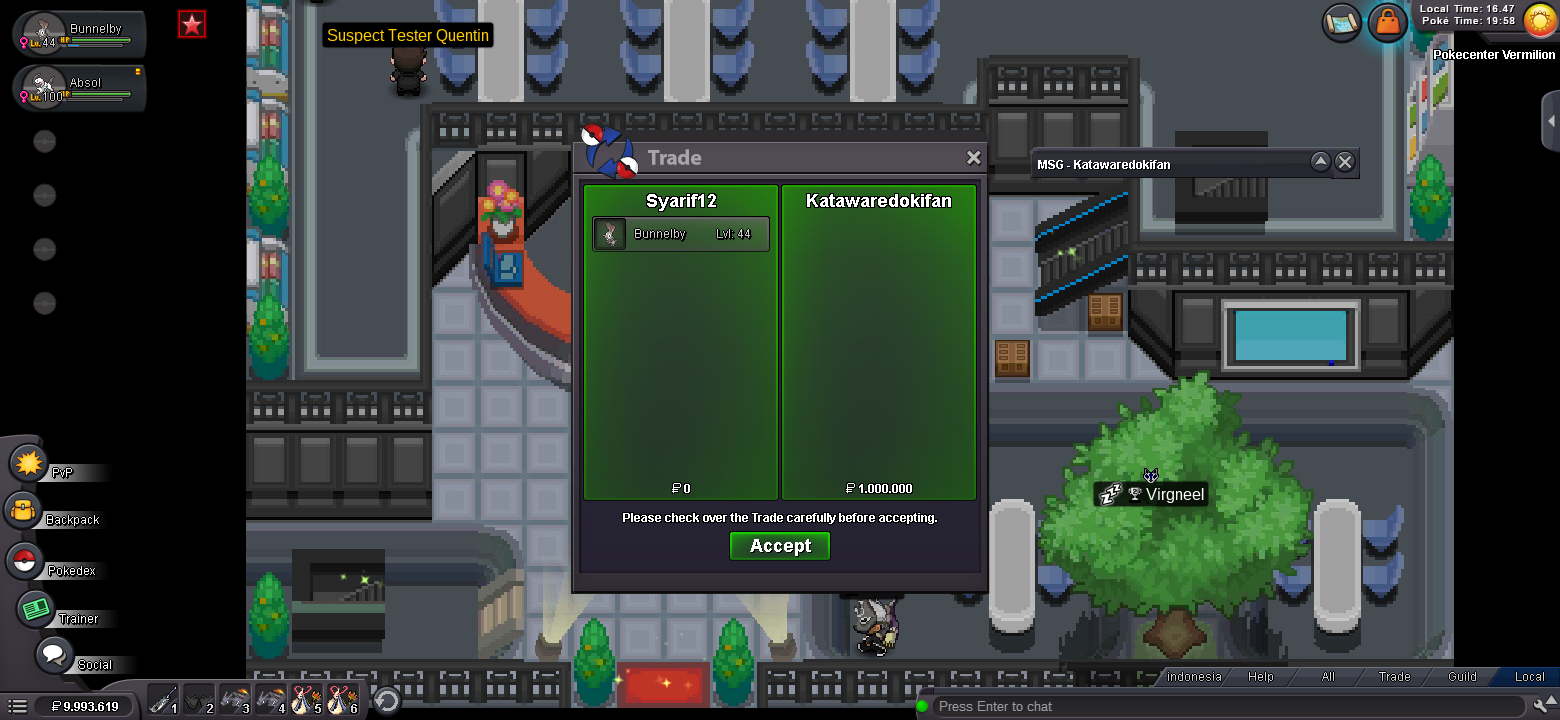
New Trade Zone
Trade Zone is now live
Use the new Trade Zone for auctions and instant-price trades so Pokemon and item offers are easy to find.


Moemoekyuuun
Suspended
-
Joined
-
Last visited
Everything posted by Moemoekyuuun
-
Start
-
IGN : Wakaranaii DC : Wakaranai#3192
-
-
Tim Out Congrat @Katawaredokifan u win the auction, im online now
-
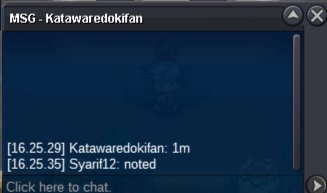
C.O 1m by Katawaredokifan
-
Noted 15 Minute Left
-
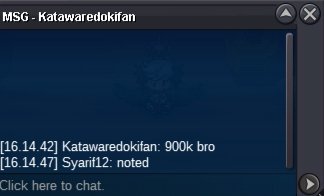
C.O 900k by Katawaredokifan
-
30 Minute Left
-
C.O 850k by Lasss

-
-
C.O 800k by Hohlyeraser75

-
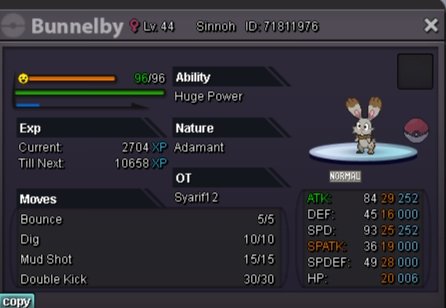
S.O 50k Min Raise 50k No Insta End 24h from start Accept Payment CC : 400k NatRR : 350k Time Left https://www.tickcounter.com/countdown/3295861/bunny IGN : Syarif12 DC : Syarif#3192
-
Done✓✓

-
Auction Over ^
-
Time Out congrat for @vidima you win , you can set the time and place where we can trade. Thank you
-
30 Minuute Left
-
Noted
-
2 Hours Left
-
Noted sorry for being late
-
I wanted to recycle my PVE item (Excutioner's Blade) but for some reason it doesn't appear in the PVE recycle option, Is PVE Accessories non recyclable? I hope you can help me Thank you 🙂
-
Restore : Absol ID : 66953923 IGN : Syarif12 Server : Silver I hope it can be restored🙂

-
I was trying to clean my PC, but I accidentally released my Absol. can you recover it pls😩

-
24 Hours Left
-
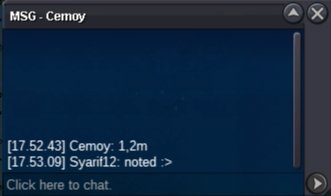
C.O 1.2m by Cemoy
-
Start 50k