




New Trade Zone
Trade Zone is now live
Use the new Trade Zone for auctions and instant-price trades so Pokemon and item offers are easy to find.


Moemoekyuuun
Suspended
-
Joined
-
Last visited
Everything posted by Moemoekyuuun
-
15 Minute Left
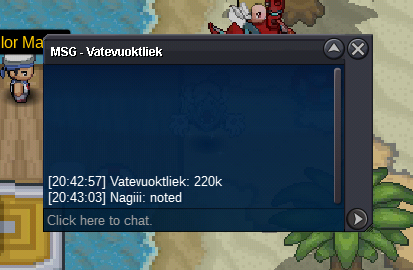 Less than an hour leftLess than an hour left
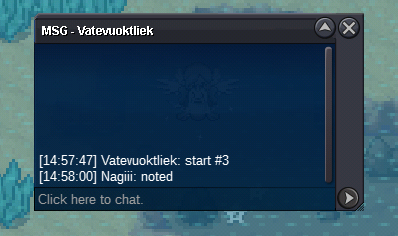
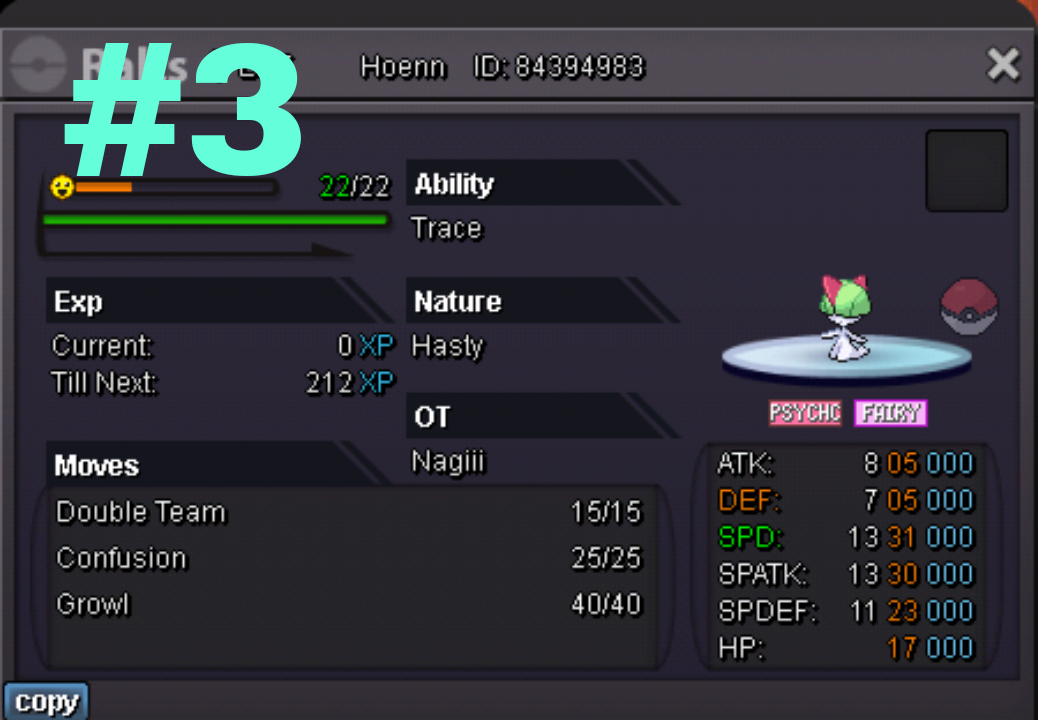
 Ralts #3 started
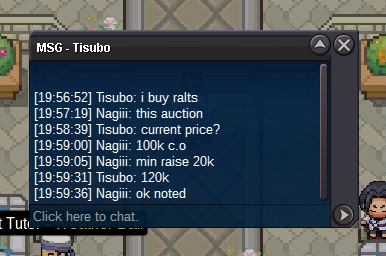
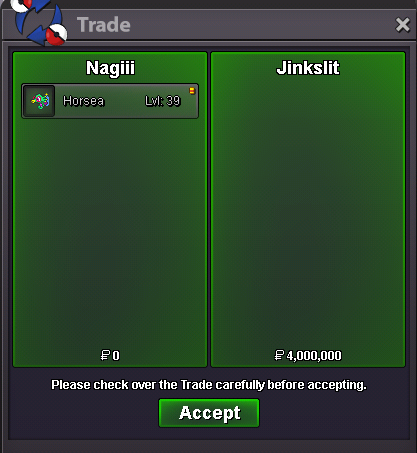
 Start 100k Min Raise 20k Auction End in 6 Hours Insta 400k Time Left: https://www.tickcounter.com/countdown/4441936/ralts-3 ~ Good Luck ~
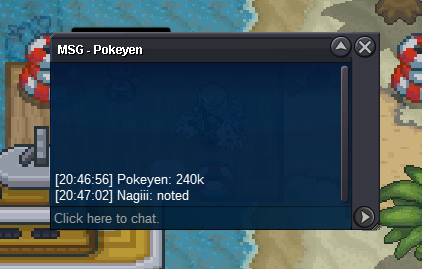
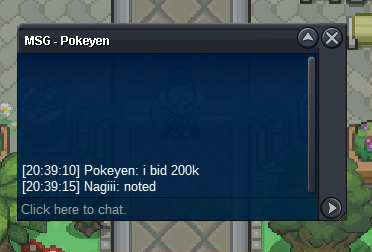
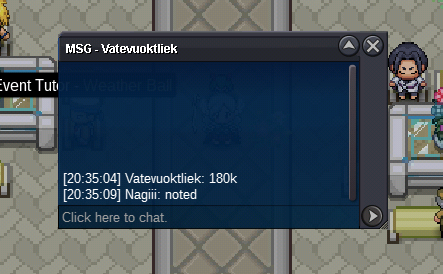
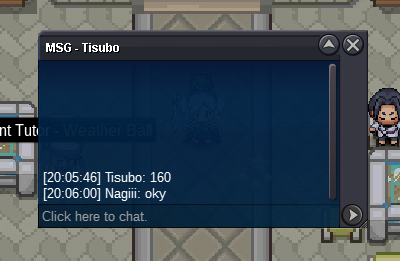
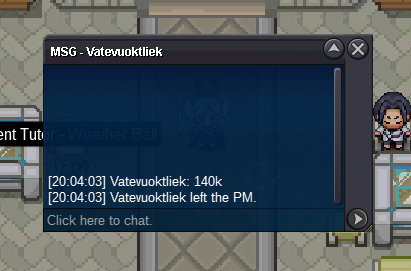
 1.999.999StartStartStart clauncher 1750k500kNo descriptionStart venu+100000000000 There's no longer the lucky word :v everyone deserves the opportunity to get it by working hard and it's not just a matter of luck. I feel sorry for people who spend money and time only for something that is uncertain, instead people who don't intend to look for it actually get it, yes I know this is normal, but it really saddens me to see people who are so willing and willing to spend time and money to do repels not find even one I also saw a number of ppl doing auto hunting or something like that more and more at this event and some of them found a lot of forms without the need to spend a lot of energy hunting all day,but this cannot be discussed here either, sorry for the impudence But I'm sure many ppl agree with me when it comes to people who deserve to be punished for auto hunting or something like that. Once again I'm sorry, I'm just conveying my pent up emotions xd Best Regards ~ Nagiii ~30k10kAuction Over @Jinkslit contact me to trade later


Account
Navigation
Search
Configure browser push notifications
Chrome (Android)
- Tap the lock icon next to the address bar.
- Tap Permissions → Notifications.
- Adjust your preference.
Chrome (Desktop)
- Click the padlock icon in the address bar.
- Select Site settings.
- Find Notifications and adjust your preference.
Safari (iOS 16.4+)
- Ensure the site is installed via Add to Home Screen.
- Open Settings App → Notifications.
- Find your app name and adjust your preference.
Safari (macOS)
- Go to Safari → Preferences.
- Click the Websites tab.
- Select Notifications in the sidebar.
- Find this website and adjust your preference.
Edge (Android)
- Tap the lock icon next to the address bar.
- Tap Permissions.
- Find Notifications and adjust your preference.
Edge (Desktop)
- Click the padlock icon in the address bar.
- Click Permissions for this site.
- Find Notifications and adjust your preference.
Firefox (Android)
- Go to Settings → Site permissions.
- Tap Notifications.
- Find this site in the list and adjust your preference.
Firefox (Desktop)
- Open Firefox Settings.
- Search for Notifications.
- Find this site in the list and adjust your preference.