




New Trade Zone
Trade Zone is now live
Use the new Trade Zone for auctions and instant-price trades so Pokemon and item offers are easy to find.

Jarlaxlebaenre
Registered User
-
Joined
-
Last visited
Everything posted by Jarlaxlebaenre
-
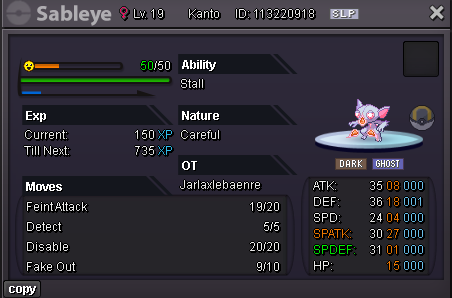
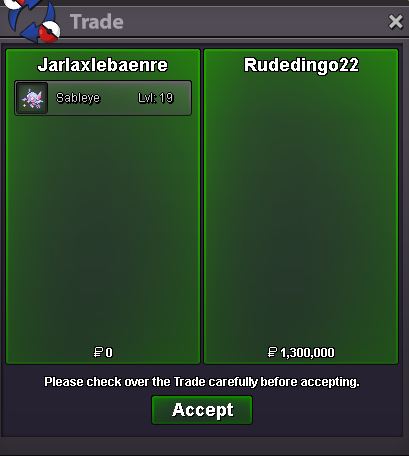
rudedingo22 won auctionBumpbumpStart : 500k Min bid : 100K Ends in 24hours after the start INSTA : 5M Payment : Pokedollars , CC ( 500K )
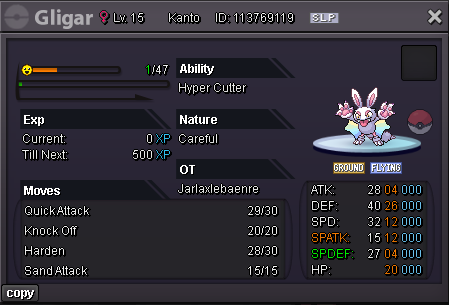
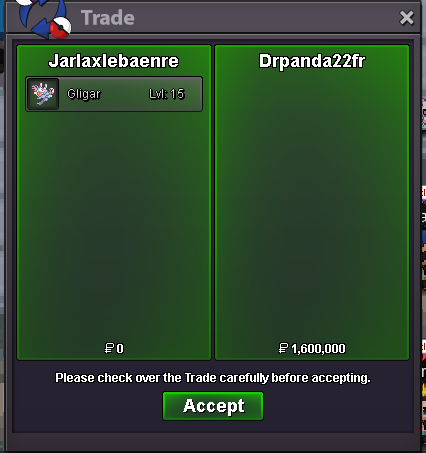
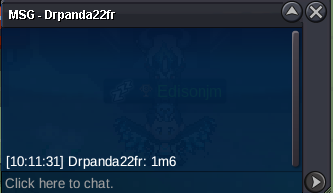
 Drpanda22fr wonbumpStart : 1M Min bid : 100K Ends in 24hours after the start INSTA : 5M Payment : Pokedollars , CC ( 500K )
 2.1 m1.8 mComplated
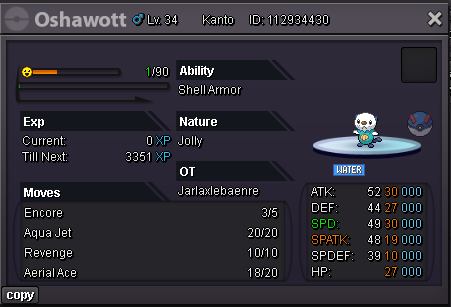
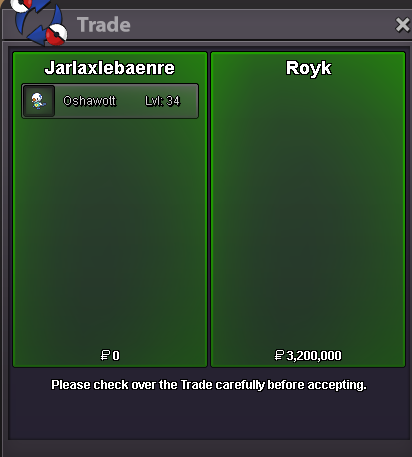 @royk is the winner1.6 mUp up up800kOh cottone gone ..200kcottonee 155kStart Price : 1m No Insta -Min. Bid : 100k -Ends 48 hours after first bid - Payment Methods: Pokedollars / Capsule Coins (500K Per), IV RR 700k
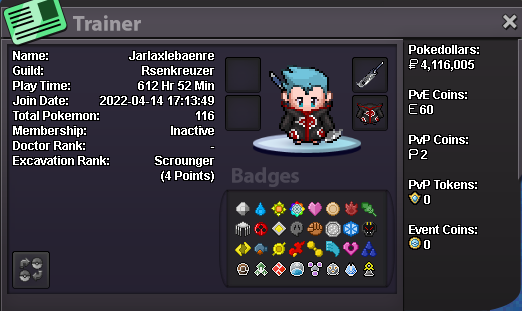
 IGN: Jarlaxlebaenre Server : GOLDHello, im from Turkey. I wanna make really good pvp teams. I have experience in many pokemon games. Im not so great but i know somethings. So i was searching one guild i just saw here is updated and also has pve guild. So i can help talk and some chit chat when we are playing. Its really boring if you are playing solo.. Daily im playing 2-3 hours. Sometimes 4-5 its can be depends. And im 28 years old im also working on my private job. My knowledge a bit low on pve side like how am i gonna catch some legendaries. Im decent on pvp thats all.
 Sorry my friend i transfer myself on gold server. When i did i will text you on discord ❤️


Account
Navigation
Search
Configure browser push notifications
Chrome (Android)
- Tap the lock icon next to the address bar.
- Tap Permissions → Notifications.
- Adjust your preference.
Chrome (Desktop)
- Click the padlock icon in the address bar.
- Select Site settings.
- Find Notifications and adjust your preference.
Safari (iOS 16.4+)
- Ensure the site is installed via Add to Home Screen.
- Open Settings App → Notifications.
- Find your app name and adjust your preference.
Safari (macOS)
- Go to Safari → Preferences.
- Click the Websites tab.
- Select Notifications in the sidebar.
- Find this website and adjust your preference.
Edge (Android)
- Tap the lock icon next to the address bar.
- Tap Permissions.
- Find Notifications and adjust your preference.
Edge (Desktop)
- Click the padlock icon in the address bar.
- Click Permissions for this site.
- Find Notifications and adjust your preference.
Firefox (Android)
- Go to Settings → Site permissions.
- Tap Notifications.
- Find this site in the list and adjust your preference.
Firefox (Desktop)
- Open Firefox Settings.
- Search for Notifications.
- Find this site in the list and adjust your preference.