New Trade Zone
Trade Zone is now live
Use the new Trade Zone for auctions and instant-price trades so Pokemon and item offers are easy to find.

Rahkeesh
Suspended
-
Joined
-
Last visited
-
Bump
-
Bump
-
Bump
-
And another gengar
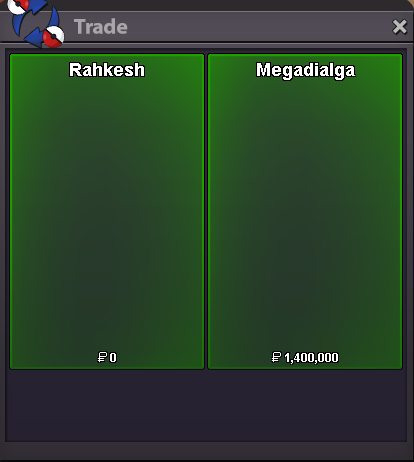
-
More gengars
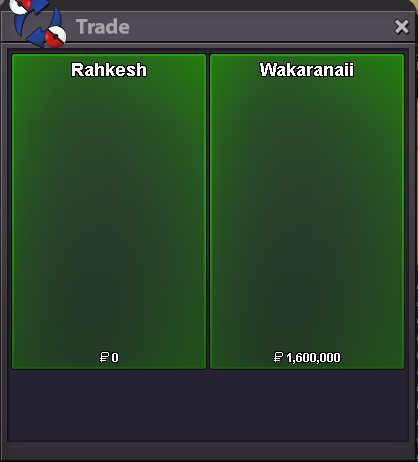
-
Another set of mega gengar modes

-
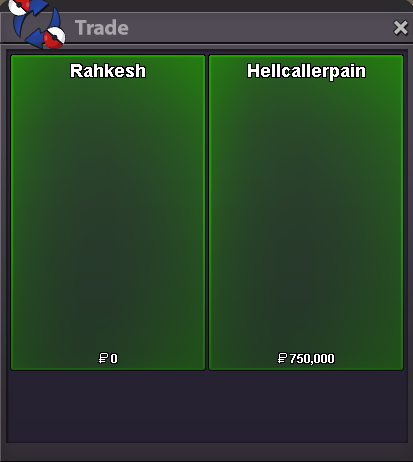
Appreciate it bud 🙂 Darkrai service done
-
Correct, just wanting an audible notifier since my attention is sometimes elsewhere, lately I've been doing story services for others and hunting on other pc at the same time on the Halloween map. I've accidentally ran from numerous gligars unfortunately 😄 appreciate the response!
-
Yeah this is consistent with my initial thinking on it, mostly just posting here in hopes to get a go/no-go from moderation.
-
Basically just want to stop accidentally running from particular pokemon when multitasking. Would something as simple as, if you see a particular pokemon/name, then play a chime be allowed?
-
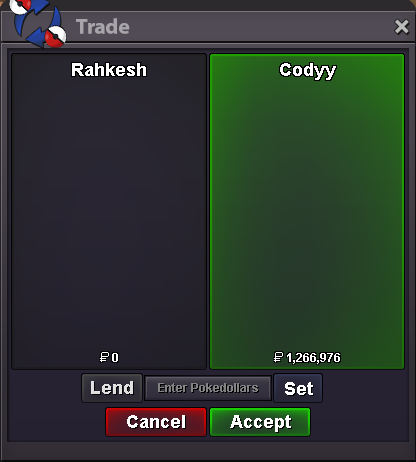
Another gengar
-
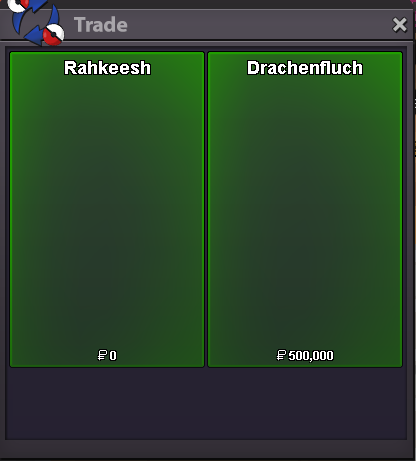
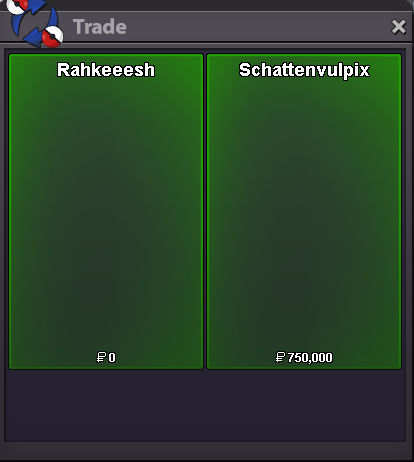
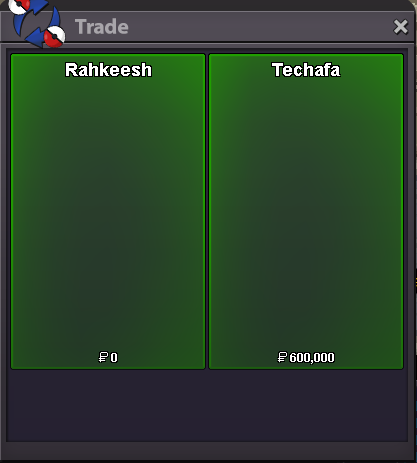
Many thanks Couple story services done:

-
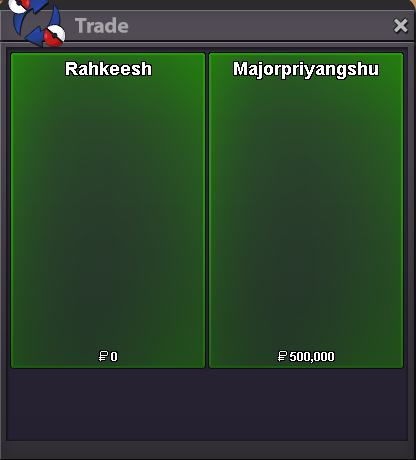
Another hard gengar done
-
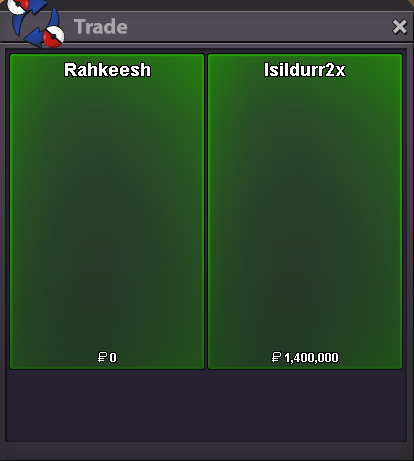
Enjoy bud 🙂
-
Enjoy bud! Some other mega gengar services done as well 🙂