New Trade Zone
Trade Zone is now live
Use the new Trade Zone for auctions and instant-price trades so Pokemon and item offers are easy to find.


Saeyke
Registered User
-
Joined
-
Last visited
Everything posted by Saeyke
-
Hey man, thanks for bidding. Unfortunately, coin capsules are not an accepted form of payment during this auction. Current offer stands at 800k.
-
c.o 800k Bountyhunter91

-
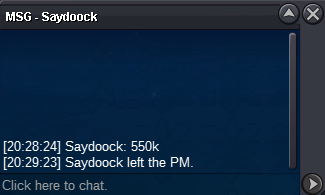
c.o 550k Saydoock
-
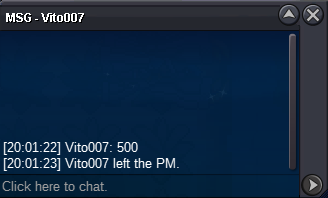
c.o 500k Vito007
-
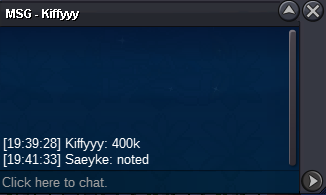
c.o 400k Kiffyyy
-
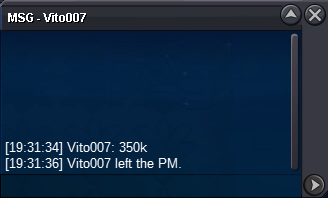
c.o 350k Vito007
-
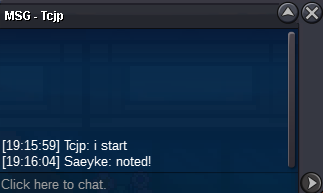
tc already started xd
-
started; c.o 300k
-
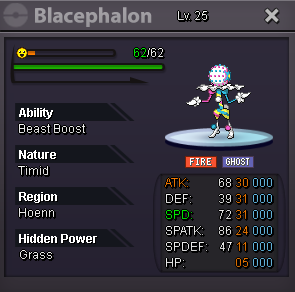
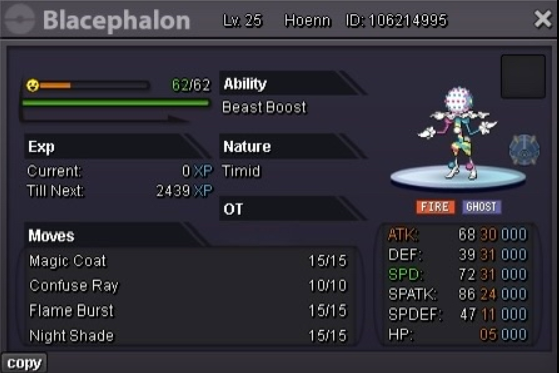
31 Speed; HP Grass Blacephalon Auction Details: S.O: 300k Duration: 48 hours (after start) Insta: N/A Minimum Bid: 50k Accepted Payments: Pokedollars, IV Reroll Tickets (x1 IV Reroll Ticket = 680k) 15-minute extension rule in place when applicable Bid here or in-game 🙂 Auction ends 19:15:59 EST (GMT -5) 8/28/25
-
200k gallade
-
-
200k dratini
-
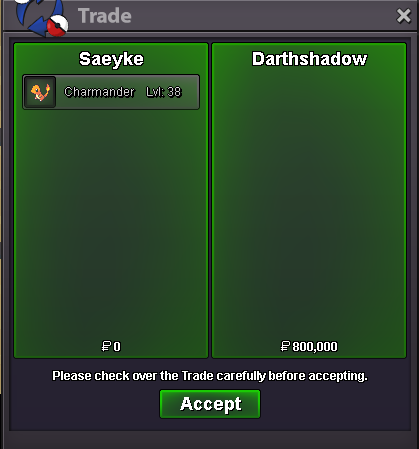
Auction closed. Gz again @Darthshadow
-
Gz bro, you've won. I'm in game now if you can meet, otherwise just pm in discord; Saeyke
-
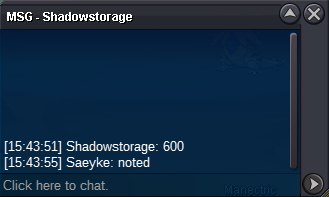
600k c.o Shadowstorage
-
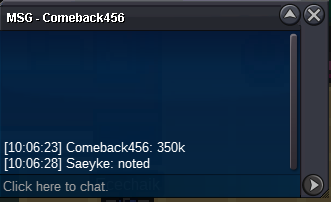
350k c.o Comeback456
-
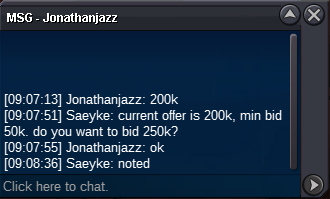
250k c.o Jonathanjazz
-
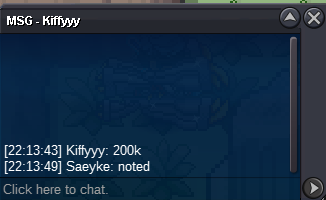
200k c.o Kiffyyy
-
150k c.o Ilbara

-
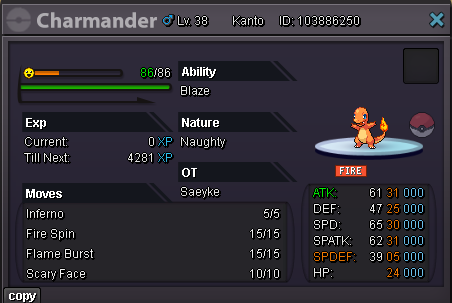
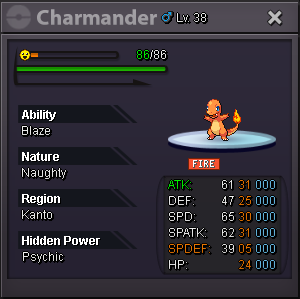
Epic Mixed Charmander Auction Details: S.O: 100k Duration: 48 hours (after start) Insta: N/A Minimum Bid: 50k Accepted Payments: Pokedollars, IV Reroll Tickets (x1 IV Reroll Ticket = 600k) 15 minute extention rule in place when applicable
-
!!! gl everyone !!!
-
1.6m
-
Auction now closed!
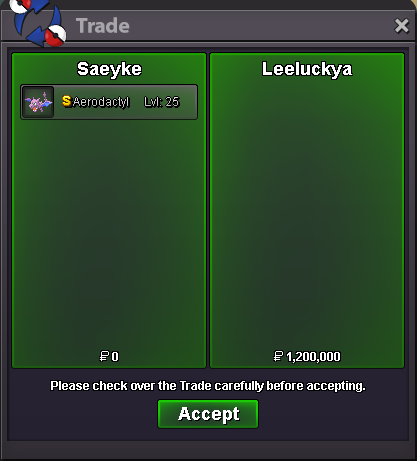
-
Congrats @Leeluckya, you've won! DM here, in-game or discord (Saeyke) for coordination. To all participants, thanks for your interest.
-
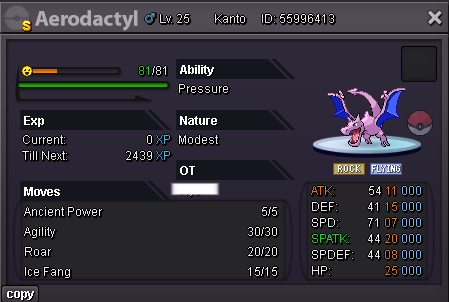
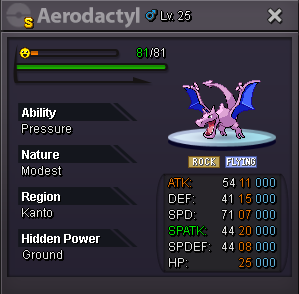
Shiny Aerodactyl Details S.O: 1m Min bid: 100k No insta Ends 4/29/25 16:42 PM GMT-5 Accepted Payments: Pokedollars, Coin Capsules (x1 Coin Capsule = 450k), IV Reroll Tickets (x1 IV Reroll Ticket = 500k)