New Trade Zone
Trade Zone is now live
Use the new Trade Zone for auctions and instant-price trades so Pokemon and item offers are easy to find.

Flaggpunsch
Registered User
-
Joined
-
Last visited
Everything posted by Flaggpunsch
-
Start: 200k Min Bid: 50k No Insta Auction ends 50h after start Accepted Payments: CC: 450k Nature RR: 270K IV RR: 550K Pokédollars
-
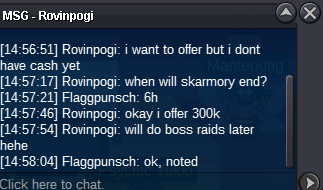
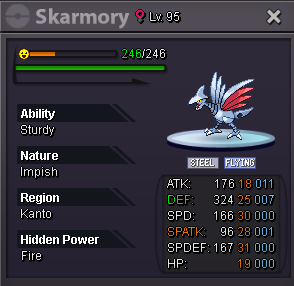
300k for skarmory by rovinpogi
-
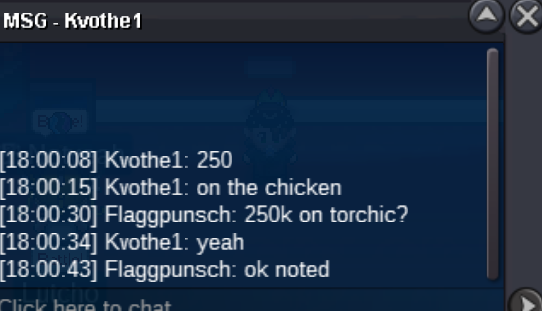
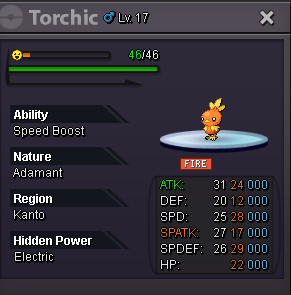
250k for torchic by kvothe1
-
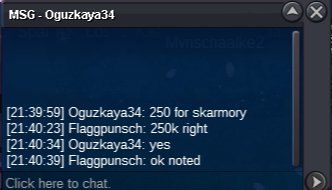
Skarmory started at 250k by oguzkaya34
-
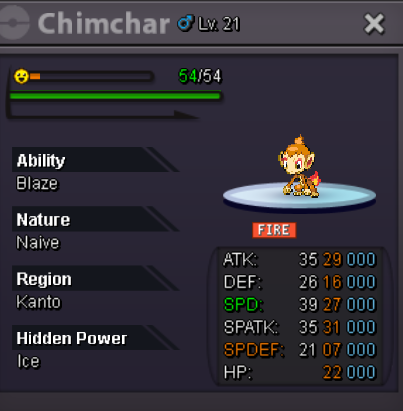
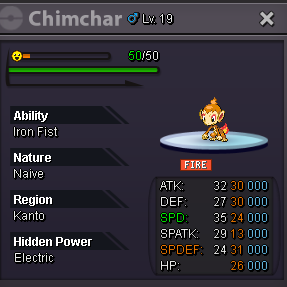
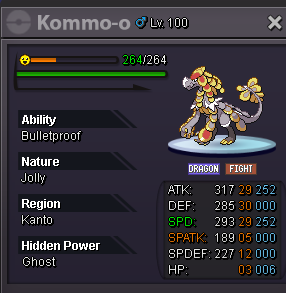
This is not a bundle auction Starting Offer: 200k on each Min raise: 50k on each Auctions end 48h after start C.O: Torchic: 200k by Jackstermac Chimchar: 200k by Jackstermac Skarmory: 250k by Oguzkaya34 Accepted Payments: CC: 450k Nature RR: 270K IV RR: 550K Pokédollars
-
7.6m
-
Trades Completed. This post can now be closed.
-
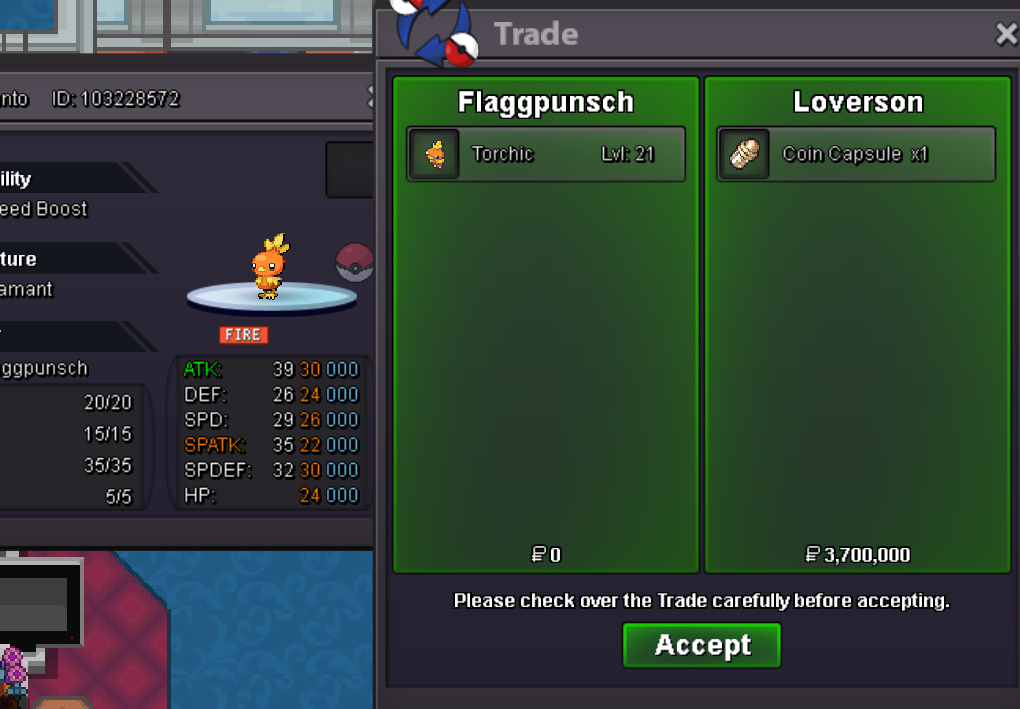
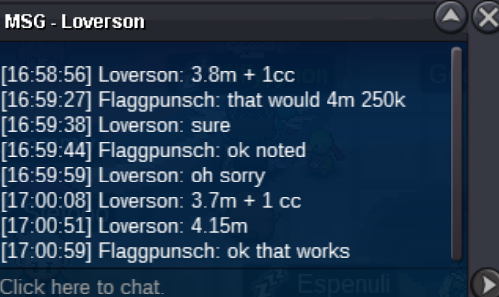
The auction for Torchic is won by Loverson at 4m150k
-
4m 150k by loverson, auction extended until 17:15
-
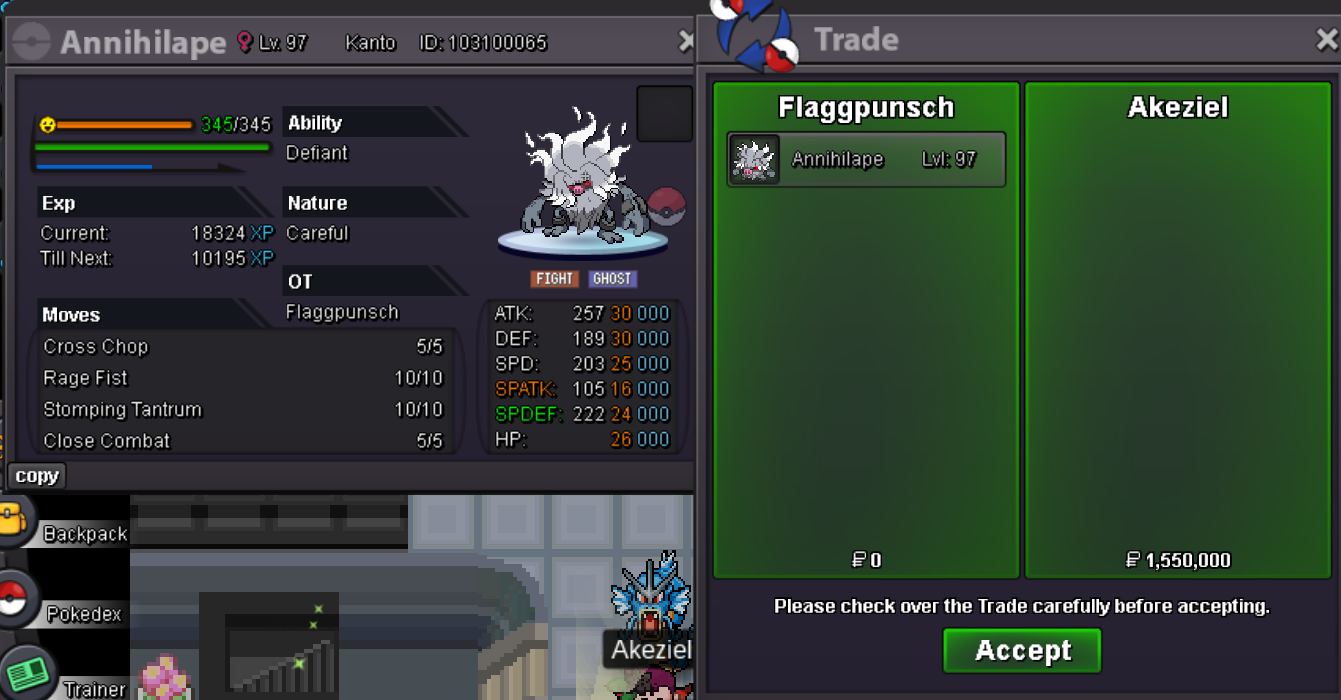
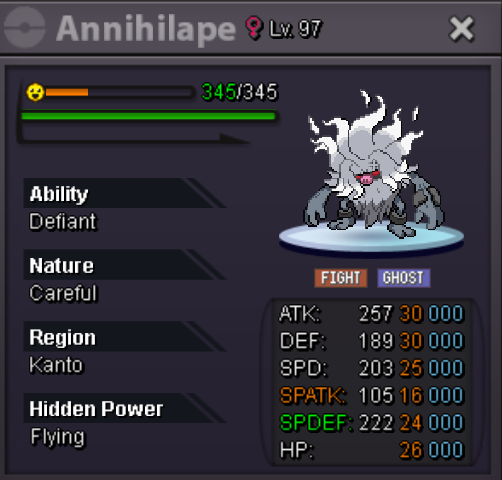
The auction for Annihilape is over and won by Akeziel at 1m550k The auction for torchic is extended 15 min until 16:56
-
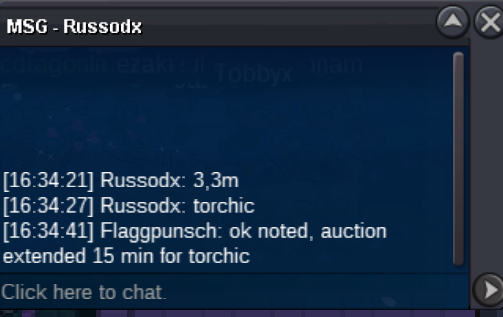
3m300k for torchic by russodx, auction extended 15 min until 16:49
-
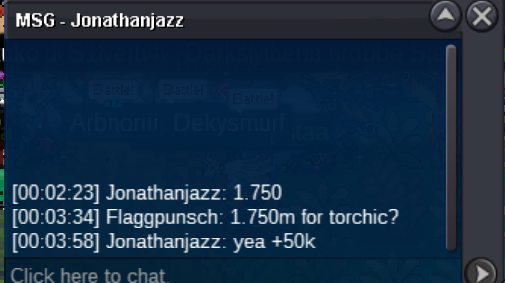
1.750 for torchic by jonathanjazz
-
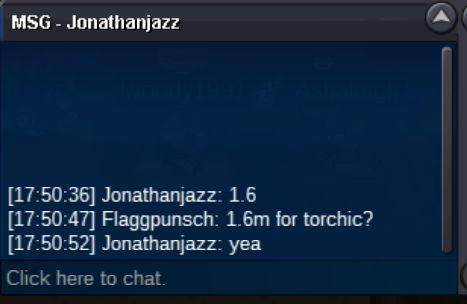
1.6m for torchic by jonathanjazz
-
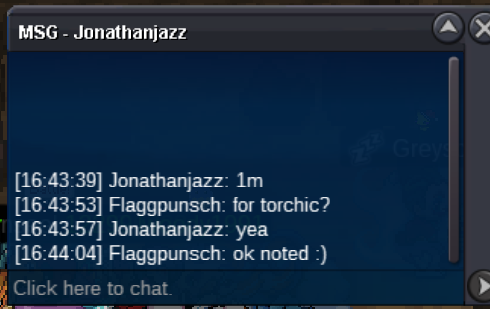
1m for torchic by Jonathanjazz
-
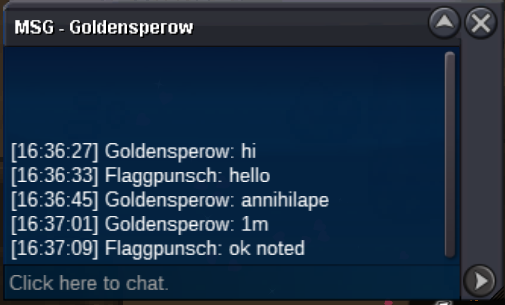
1m for Annihilape by Goldensperow
-
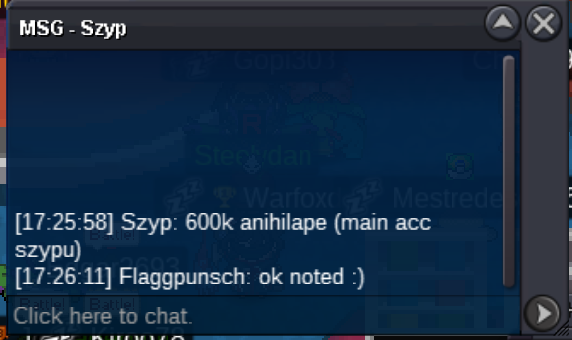
600k for Annihilape by szyp/szypu
-
700k for Torchic by jonathanjazz

-
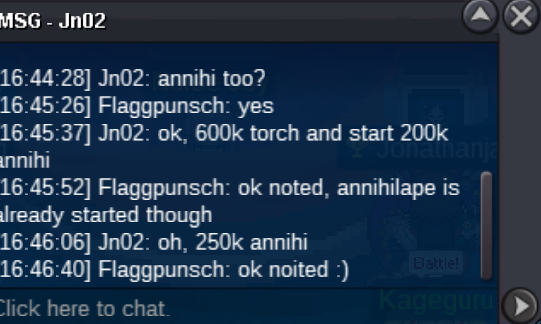
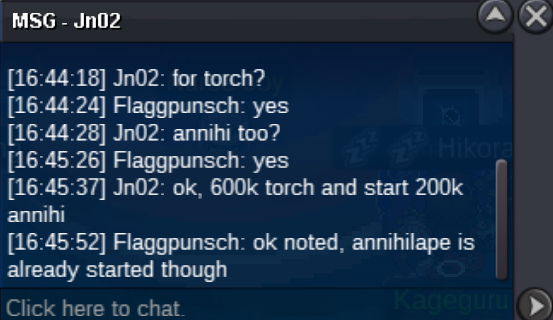
250k for Annihialpe by jon02
-
600k for torchich by jno2
-
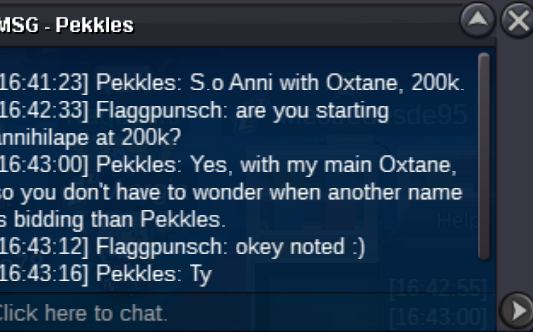
Annihilape started by pekkles/Oxtane at 200k
-
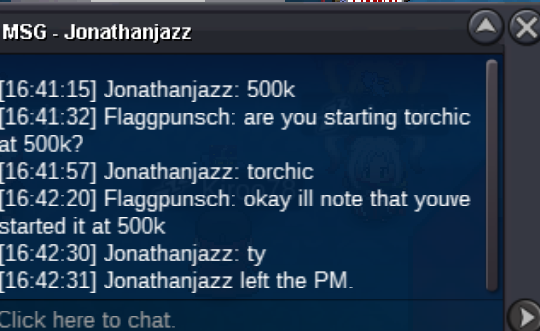
Torchic Started by jonathanjazz at 500k
-
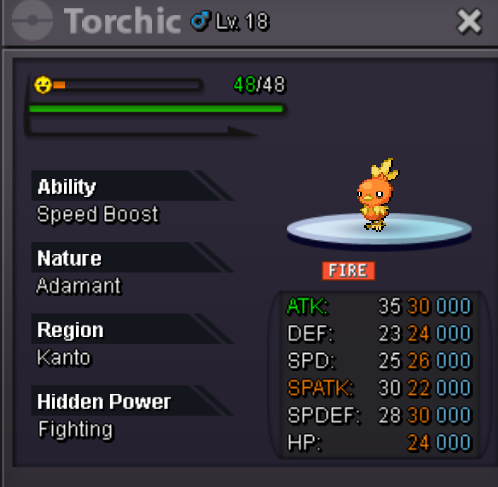
This is not a bundle! Starting Offer: Torchic: 400k Annihilape: 200k Current Offers: Torchic: 3m200k by Mavuika Annihilape: 1m550k by Akeziel Min Bid is 50k for each Each Auction ends 48h after start Accepted Payments: CC: 450k Nature RR: 270K IV RR: 550K Pokédollars
-
2.4m garchomp
-
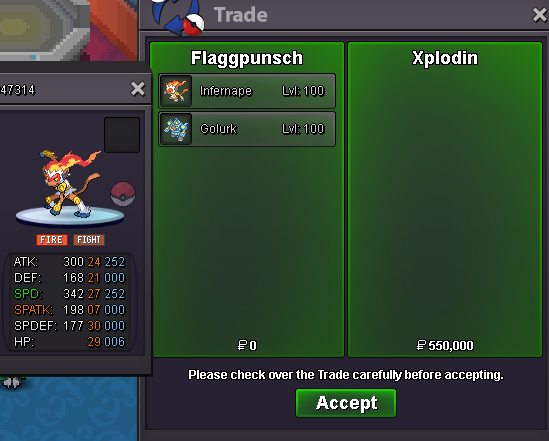
Infernape and Golurk auction won and sold to Xplodin for 550k (Infernape 350k, Golurk 200k) This page can now be closed
-
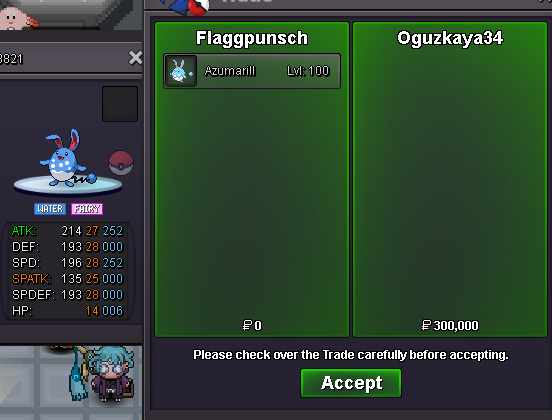
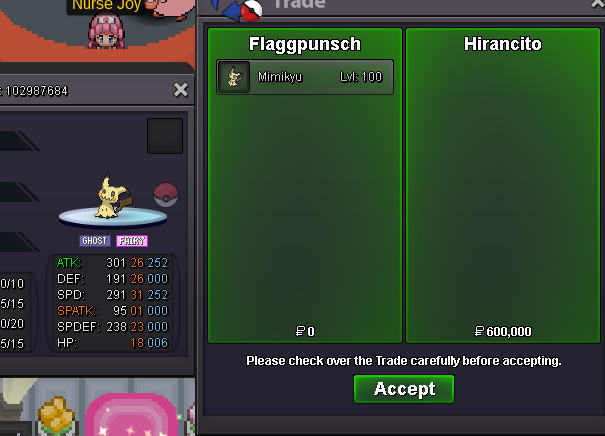
Azumarill auction won and sold to oguzkaya34 for 300k Mimikyu auction won and sold to Hiranctio for 600k