




New Trade Zone
Trade Zone is now live
Use the new Trade Zone for auctions and instant-price trades so Pokemon and item offers are easy to find.

Megadialga
Registered User
-
Joined
-
Last visited
Everything posted by Megadialga
-
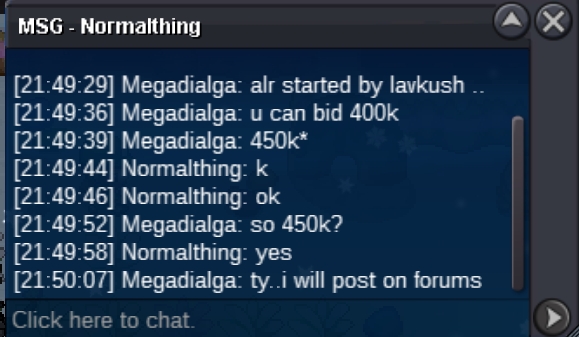
450k
-
-
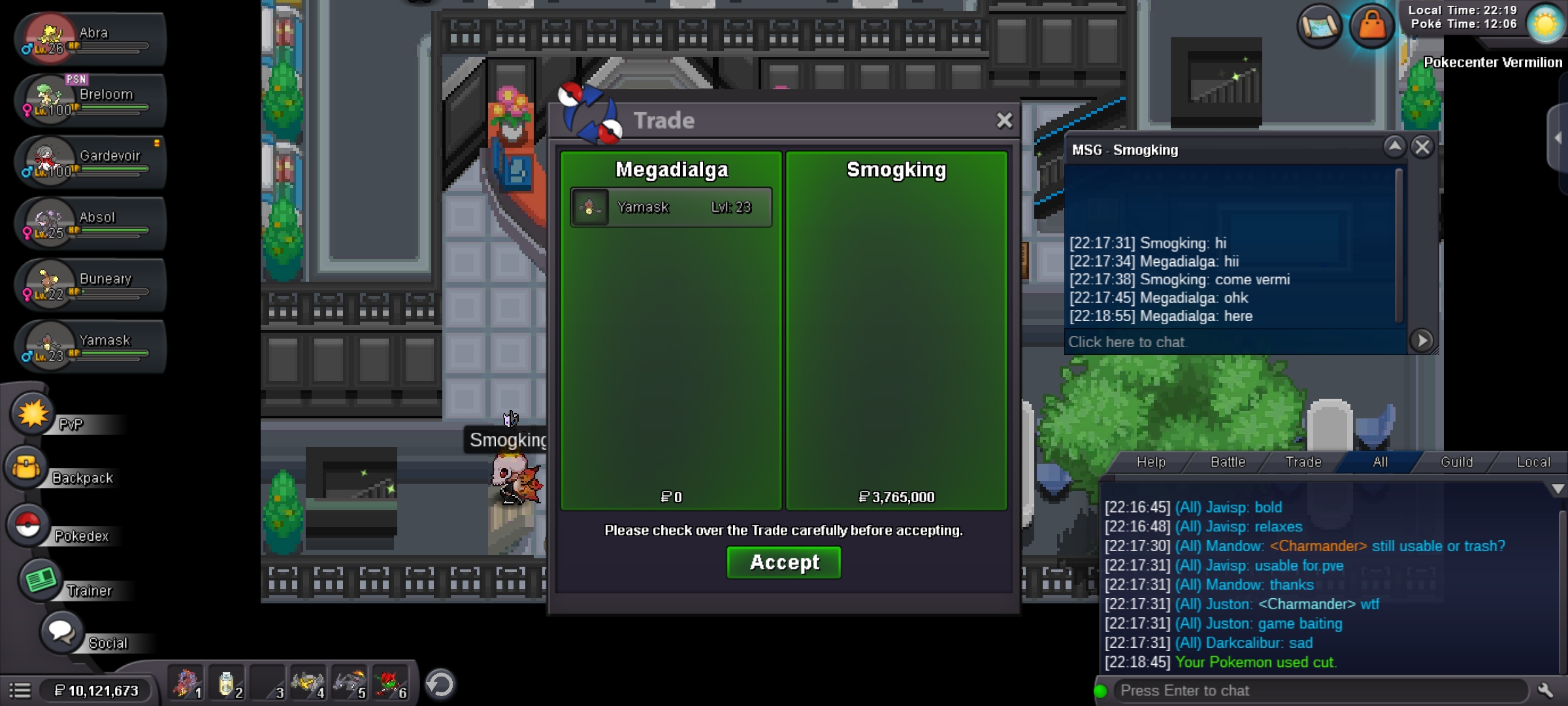
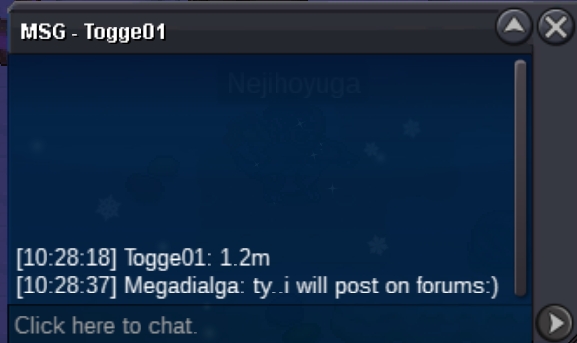
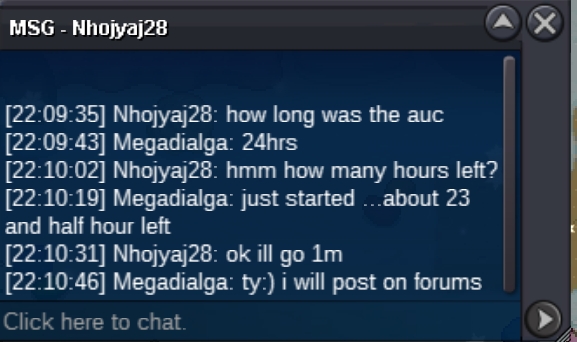
We can trade at vermi@Smogkingcongrats, pm me ingame to pick up the Pokemon:)About 35 minutes left!I have added it in the title with end time 🙂 glAuction ending 26 oct 9:50 pm istStarting offer - 400k Minimum bid - 50k No insta Auction ends 24 hrs after 1st bid Payment methods - cc - 350k , iv rr - 650k , rare candy - 7k good luck ending- 26 oct 9 :50pm ist( Indian standard time)
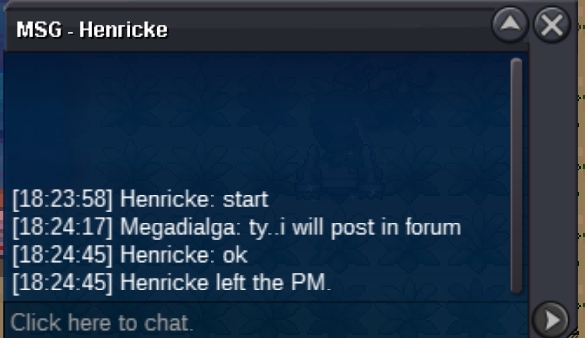
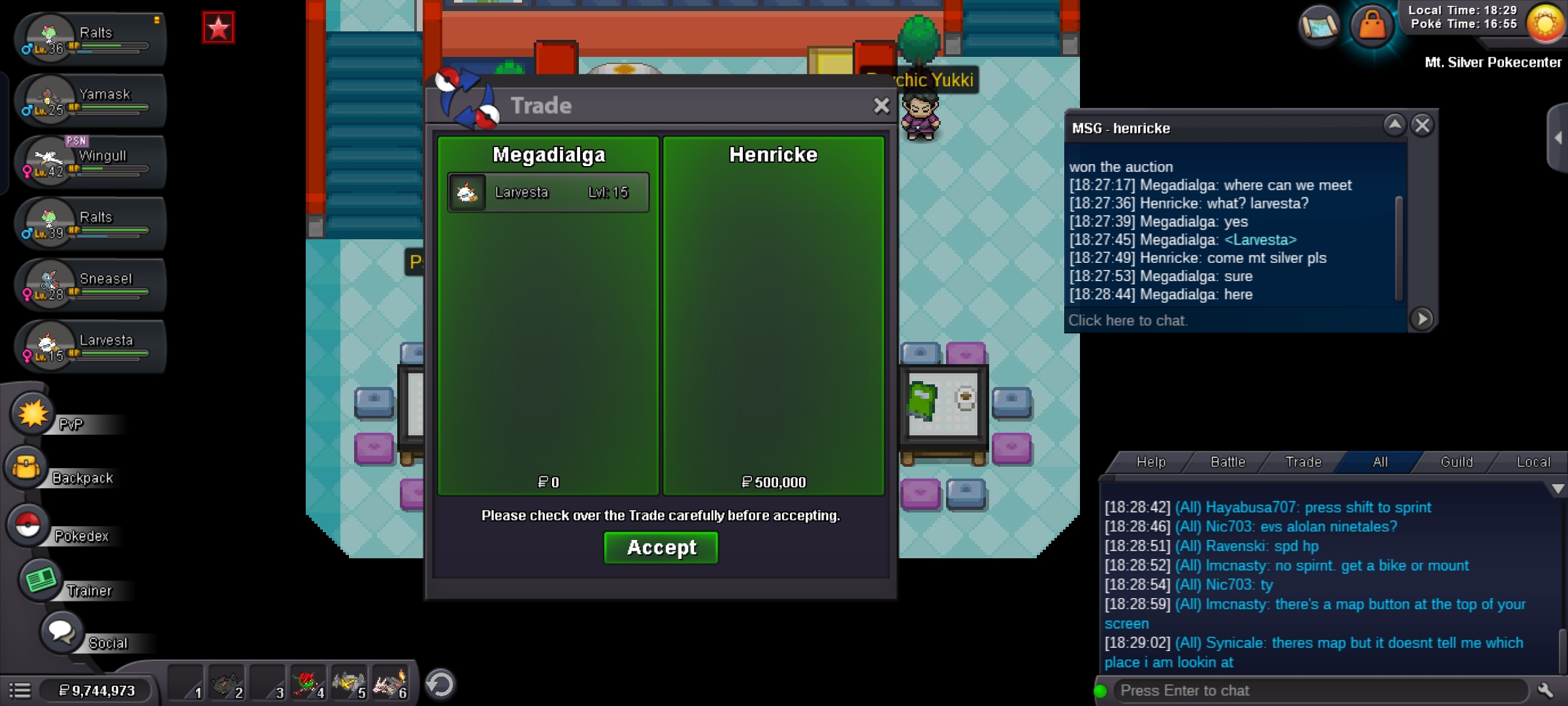
 200k sneaselOhkInstaCongratulations @Henricke please contact me ingame - Megadialga or in discord - @LOST・LEVI#3453About 4 hrs left!!BumpStarted Auction ending at 15 oct 6:25 pm ist
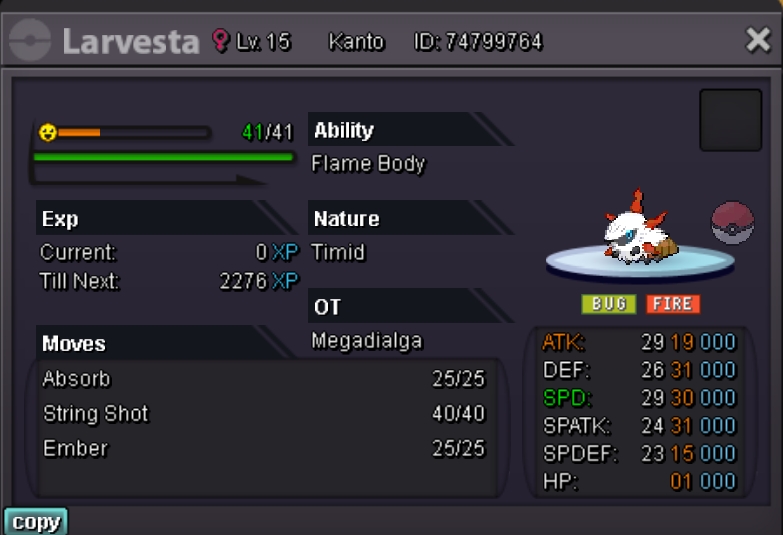
 Starting offer- 500k Minimum bid- 100k no insta Auction ends after 48 hrs from 1st bid Accepted methods- coin capsule : 350k , iv rr- 650k , nature rr - 325k, rare candy - 7k each . Good luck !!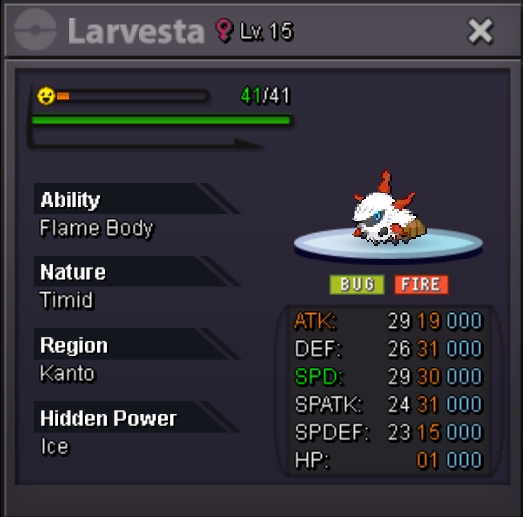
 Thank you^^I bought another one from the shop..the last one is still not restored.Hi ..after the hw update ..i use my 2 cc and bought a hw togekiss mount and a reaper outfit but suddenly a crash occured and the reaper outfit is gone...the togekiss mount is still there but not the outfit..can u please help me restore the outfit.. thank you


Account
Navigation
Search
Configure browser push notifications
Chrome (Android)
- Tap the lock icon next to the address bar.
- Tap Permissions → Notifications.
- Adjust your preference.
Chrome (Desktop)
- Click the padlock icon in the address bar.
- Select Site settings.
- Find Notifications and adjust your preference.
Safari (iOS 16.4+)
- Ensure the site is installed via Add to Home Screen.
- Open Settings App → Notifications.
- Find your app name and adjust your preference.
Safari (macOS)
- Go to Safari → Preferences.
- Click the Websites tab.
- Select Notifications in the sidebar.
- Find this website and adjust your preference.
Edge (Android)
- Tap the lock icon next to the address bar.
- Tap Permissions.
- Find Notifications and adjust your preference.
Edge (Desktop)
- Click the padlock icon in the address bar.
- Click Permissions for this site.
- Find Notifications and adjust your preference.
Firefox (Android)
- Go to Settings → Site permissions.
- Tap Notifications.
- Find this site in the list and adjust your preference.
Firefox (Desktop)
- Open Firefox Settings.
- Search for Notifications.
- Find this site in the list and adjust your preference.