




New Trade Zone
Trade Zone is now live
Use the new Trade Zone for auctions and instant-price trades so Pokemon and item offers are easy to find.


Itzspooky
Registered User
-
Joined
-
Last visited
Everything posted by Itzspooky
-
-
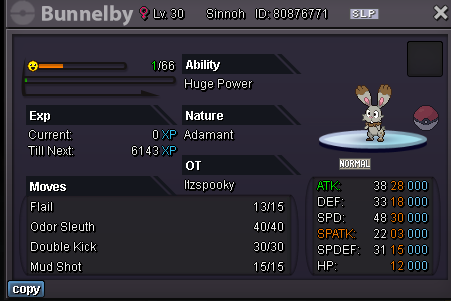
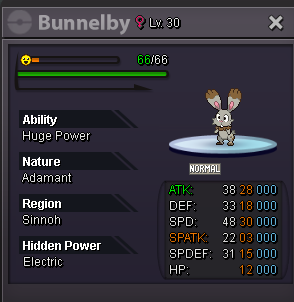
HUGE POWER ADAMANT BUNNELBY Current Bid - 2m5 by Digaolcs Min Bid - 50k End in 2 hrs ***ACCPET PAYMENTS*** Rare Candy - 7k Each Coin Capsules - 370K Each Reroll Tickets - 580K Each IGN - Itzspooky Discord - xSpooky#9999
 S P O O K Y D E S I G N S HI Im Spooky and i Selling Static & Animated Signatures and Profile Pictures Here are some examples SIGNATURES PROFILE PICTURES STATIC SIGNATURES P R I C E S Signature - 600k Static Signature - 800k Profile Picture - 300k If you need one just fill this and comment in this post Text on the Pfp/Signature - Color - Pokemon - Background ( Optional ) -




















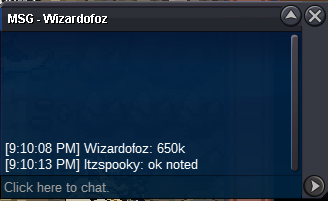
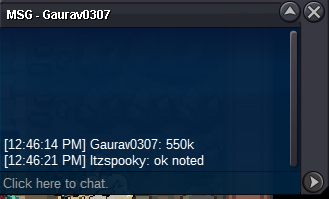
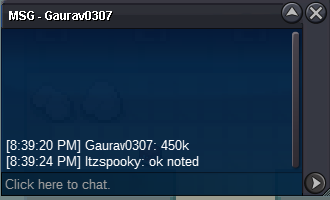
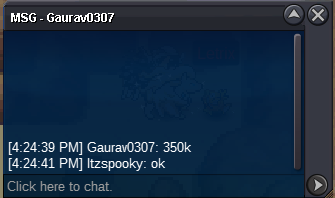
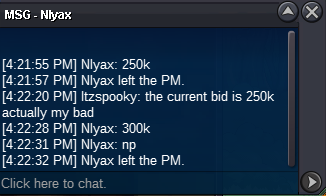
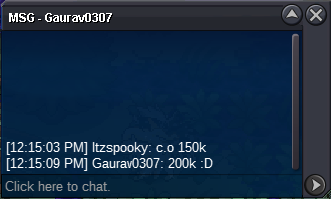
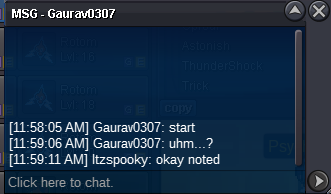
 690k breloom100k breloomstart310k deinothanks a lot dont have any other questionsgg you won pm me in game by /pm Itzspookysoo if i didnt mention anything in the auction that i accpet ccs / rrs if i accpet it does it count? , the auction didnt end yetok notedok notedSTART BID : 100K CURRENT BID : 800k MINIMUM BID : 50K ENDS IN 6 HOURS IGN : Itzspooky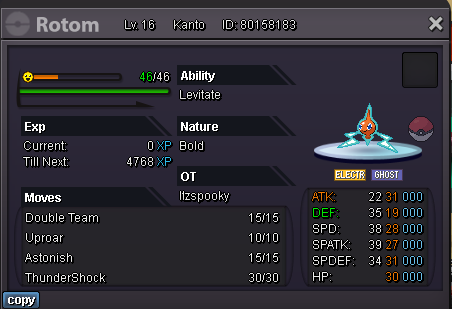



Account
Navigation
Search
Configure browser push notifications
Chrome (Android)
- Tap the lock icon next to the address bar.
- Tap Permissions → Notifications.
- Adjust your preference.
Chrome (Desktop)
- Click the padlock icon in the address bar.
- Select Site settings.
- Find Notifications and adjust your preference.
Safari (iOS 16.4+)
- Ensure the site is installed via Add to Home Screen.
- Open Settings App → Notifications.
- Find your app name and adjust your preference.
Safari (macOS)
- Go to Safari → Preferences.
- Click the Websites tab.
- Select Notifications in the sidebar.
- Find this website and adjust your preference.
Edge (Android)
- Tap the lock icon next to the address bar.
- Tap Permissions.
- Find Notifications and adjust your preference.
Edge (Desktop)
- Click the padlock icon in the address bar.
- Click Permissions for this site.
- Find Notifications and adjust your preference.
Firefox (Android)
- Go to Settings → Site permissions.
- Tap Notifications.
- Find this site in the list and adjust your preference.
Firefox (Desktop)
- Open Firefox Settings.
- Search for Notifications.
- Find this site in the list and adjust your preference.