




New Trade Zone
Trade Zone is now live
Use the new Trade Zone for auctions and instant-price trades so Pokemon and item offers are easy to find.

Lykabaws
Registered User
-
Joined
-
Last visited
Everything posted by Lykabaws
-
Starting offer: 400K Minimum bid: 100K Insta price: 5M Auction hour: 24 hours after first bid Server: Silver Payments accepted: Pokedollars only 15 minute rule applies Good luck!

-
WTB Smeargle form with good IV’s, technician ability and adamant, jolly or neutral nature. - Bob Ross - Devil - Pink
-
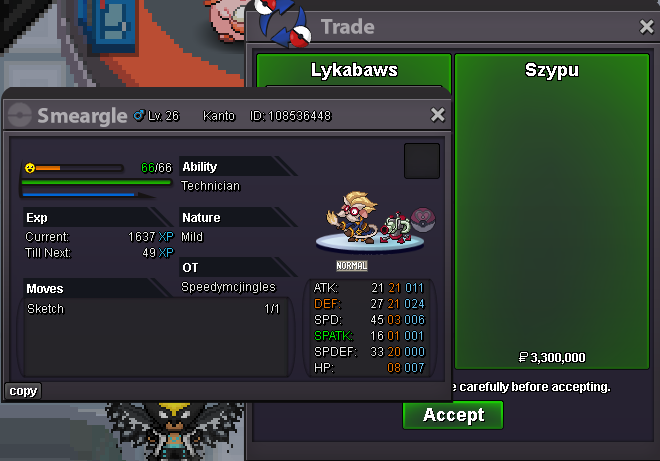
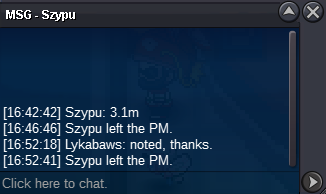
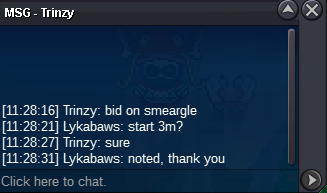
@Szypu you have won with the bid of 3.3M - Congratulations.Starting offer: 3M Minimum bid: 100k Insta price: 5M Auction hour: 24 hours after first bid Server: Silver Payments accepted: Pokedollars only 15 minute rule applies Good luck.
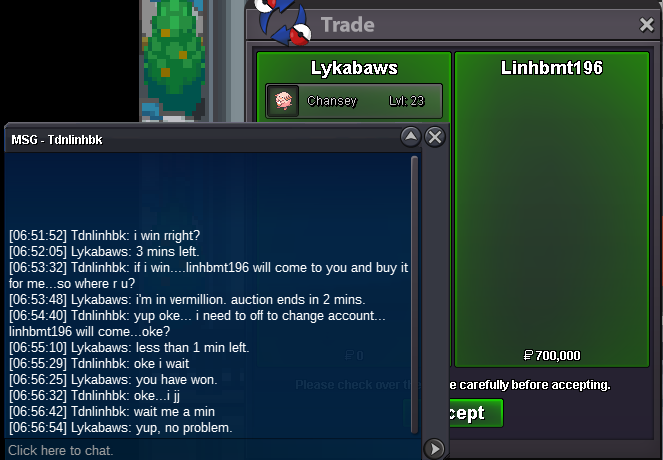
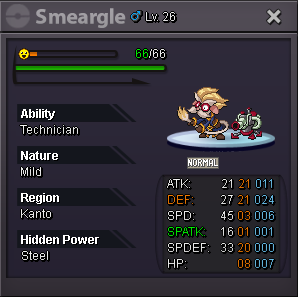 @Tdnlinhbkhas won at 700k, congratulations!Starting offer: 100k Minimum bid: 100K Insta price: 5M Auction duration: 24 hours after first bid Server: Silver Server Accepted payments: Pokedollars only 15 minute rule applies Good luck!
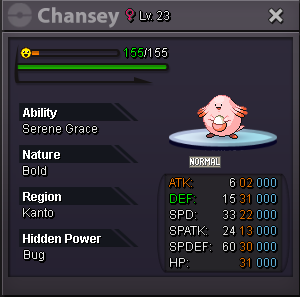 can delete. starting offer was not met.800KYou can use a mysterious candy once level 100.690KFollowing in case starting price changes.690k@Shinysgalore has won the auction!
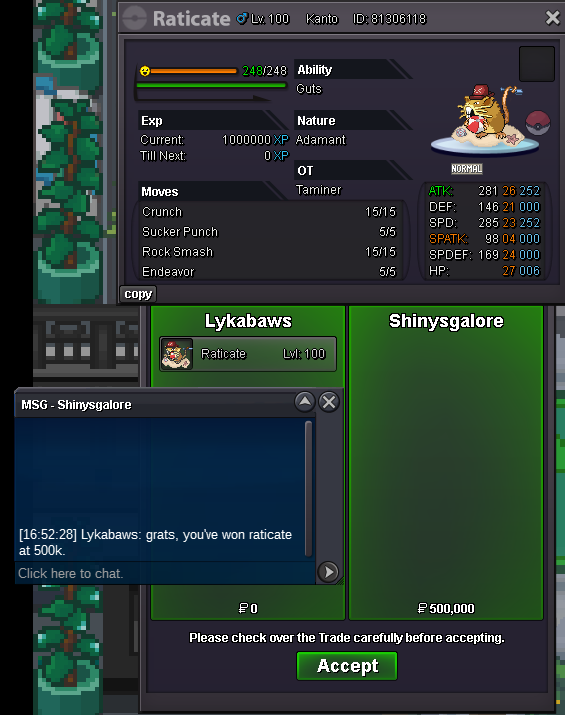 Starting offer: 500K Minimum bid: 100K Insta price: N/A Auction duration: 24 hours after first bid Server: Gold Server Accepted payments: Pokedollars only 15 minute rule applies Good luck!
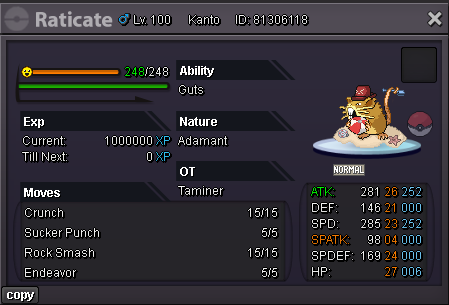 5.2M
5.2M




Account
Navigation
Search
Configure browser push notifications
Chrome (Android)
- Tap the lock icon next to the address bar.
- Tap Permissions → Notifications.
- Adjust your preference.
Chrome (Desktop)
- Click the padlock icon in the address bar.
- Select Site settings.
- Find Notifications and adjust your preference.
Safari (iOS 16.4+)
- Ensure the site is installed via Add to Home Screen.
- Open Settings App → Notifications.
- Find your app name and adjust your preference.
Safari (macOS)
- Go to Safari → Preferences.
- Click the Websites tab.
- Select Notifications in the sidebar.
- Find this website and adjust your preference.
Edge (Android)
- Tap the lock icon next to the address bar.
- Tap Permissions.
- Find Notifications and adjust your preference.
Edge (Desktop)
- Click the padlock icon in the address bar.
- Click Permissions for this site.
- Find Notifications and adjust your preference.
Firefox (Android)
- Go to Settings → Site permissions.
- Tap Notifications.
- Find this site in the list and adjust your preference.
Firefox (Desktop)
- Open Firefox Settings.
- Search for Notifications.
- Find this site in the list and adjust your preference.