




New Trade Zone
Trade Zone is now live
Use the new Trade Zone for auctions and instant-price trades so Pokemon and item offers are easy to find.

Lykabaws
Registered User
-
Joined
-
Last visited
Everything posted by Lykabaws
-
1.69M from alt Bawslyke
-
1.3M
-
1.1M
-
300K Voltorb
-
I am interested for 600K. "In the event that the winning bid is a false offer, the bid will be made void, and the auction win will be offered to the runner-up. Runner-ups are not obligated to honour their bid in these cases. Where no runner-up is available, the auction will be made null and void"
-
Trade was completed on Gold, December 31, 2025.
-
@Lacomus
-
@Troupkos Hi? You didn't answer both PM's Sunday night and haven't seen you on since.
-
600K
-
250K
-
@Troupkos You can PM me on Gold when you are available for the trade.
-
6.5M
-
400K
-
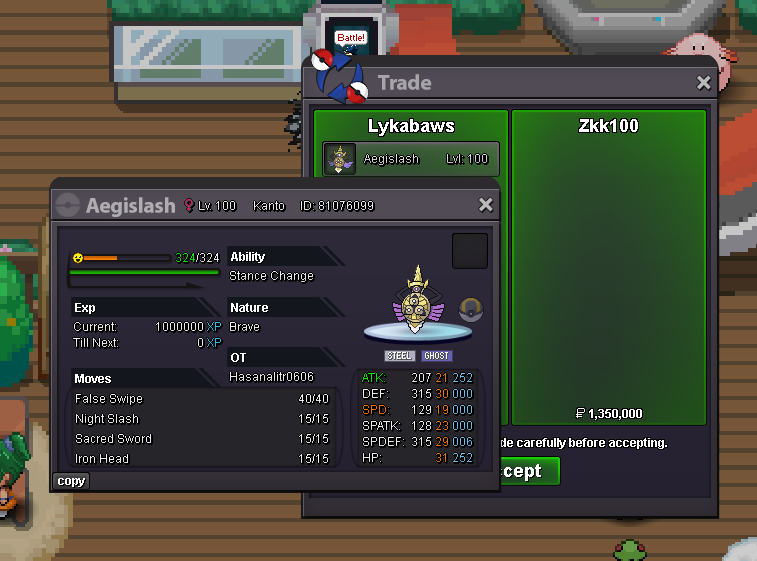
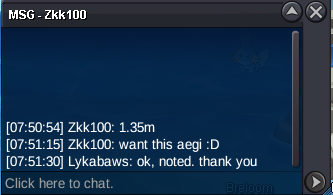
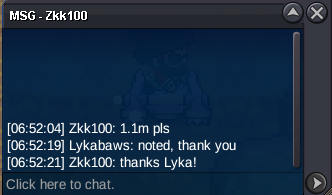
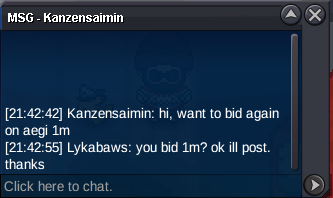
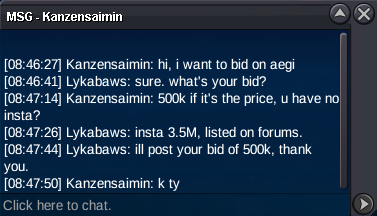
Congratulations @Zk7672 (Zkk100) you have won with the bid of 1.35M2.5MStarting price: 500k Minimum bid: 100k Insta price: 3.5M Auction time: 48 hours after first bid Accepted payments: Pokedollars only Server: Gold 15 minute rule applies Thank you and good luck!
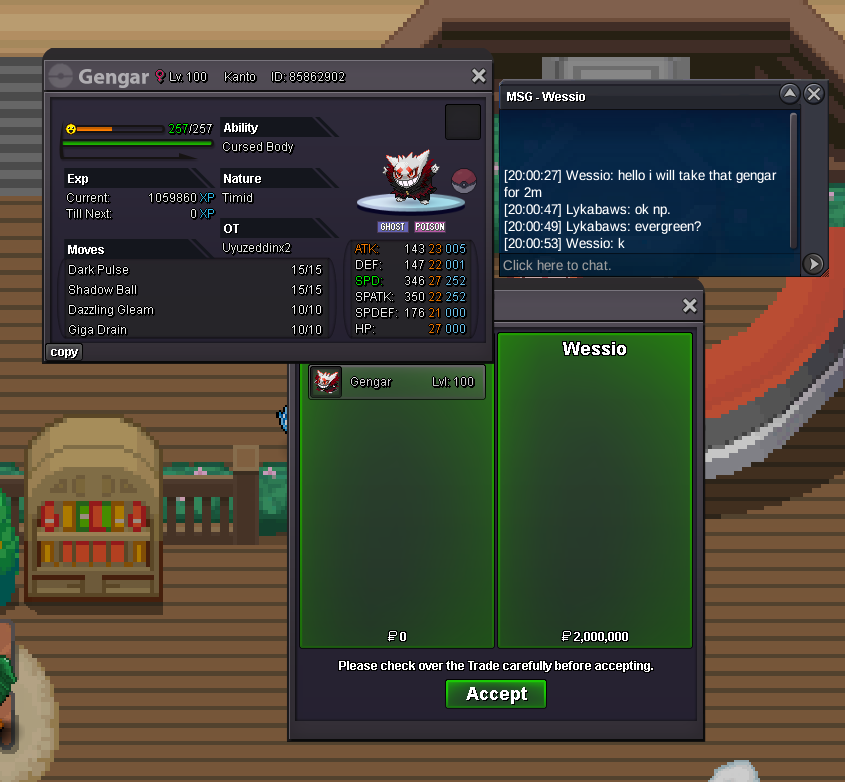
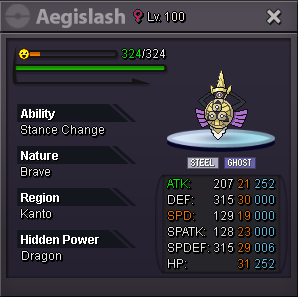 sold for insta in game.Starting price: 1M Min bid: 100k Insta: 2M Payments accepted: Pokedollars only Auction duration: 24 hours after first bid 15 min rule applies Server: Gold Good luck!
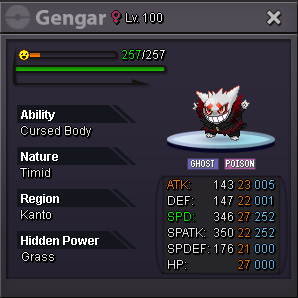 Congratulations @Thefriend92 you have won at 2.250M


Account
Navigation
Search
Configure browser push notifications
Chrome (Android)
- Tap the lock icon next to the address bar.
- Tap Permissions → Notifications.
- Adjust your preference.
Chrome (Desktop)
- Click the padlock icon in the address bar.
- Select Site settings.
- Find Notifications and adjust your preference.
Safari (iOS 16.4+)
- Ensure the site is installed via Add to Home Screen.
- Open Settings App → Notifications.
- Find your app name and adjust your preference.
Safari (macOS)
- Go to Safari → Preferences.
- Click the Websites tab.
- Select Notifications in the sidebar.
- Find this website and adjust your preference.
Edge (Android)
- Tap the lock icon next to the address bar.
- Tap Permissions.
- Find Notifications and adjust your preference.
Edge (Desktop)
- Click the padlock icon in the address bar.
- Click Permissions for this site.
- Find Notifications and adjust your preference.
Firefox (Android)
- Go to Settings → Site permissions.
- Tap Notifications.
- Find this site in the list and adjust your preference.
Firefox (Desktop)
- Open Firefox Settings.
- Search for Notifications.
- Find this site in the list and adjust your preference.