New Trade Zone
Trade Zone is now live
Use the new Trade Zone for auctions and instant-price trades so Pokemon and item offers are easy to find.

Ayuzh
Registered User
-
Joined
-
Last visited
Everything posted by Ayuzh
-
170k
-
S.o : 2m Min raise : 200k Insta: Na Time : 24 hours after the first bid Note : If the bid is added in the last 15 minutes there will be an additional increment of 15 min and this is a silver server auction so you need to transfer afterwards if you are bidding from gold.
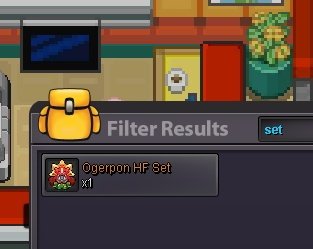

-
Due to technical glitch the auction was posted two times so I am closing one and keeping another.

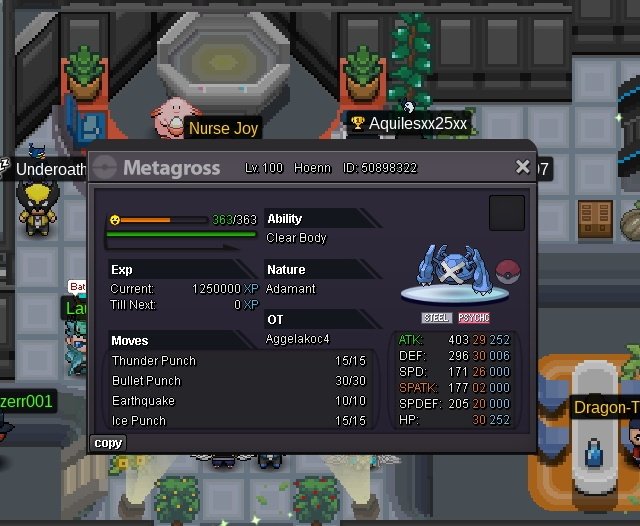
.jpg.6bb1e9794b2e9a8c682d9a439d19a9db.jpg) 2.1m1m sorry for the edit but if I win i will transfer from my alt zzzitsboring as I didn't saw that it was a gold server auction.StartI won i guess? I am ready for the tradeGreat Keita will always remain in our heart. Thank you for your amazing service throughout the whole years it's hard to get a person like you in the community. I pray to lord for your betterment and to recover from what you are going through right now. Once again with regards best of luck Shinohara our prayers will be there for you and thank you again for your amazing service.1.2m750k beldumThank you for participating.
2.1m1m sorry for the edit but if I win i will transfer from my alt zzzitsboring as I didn't saw that it was a gold server auction.StartI won i guess? I am ready for the tradeGreat Keita will always remain in our heart. Thank you for your amazing service throughout the whole years it's hard to get a person like you in the community. I pray to lord for your betterment and to recover from what you are going through right now. Once again with regards best of luck Shinohara our prayers will be there for you and thank you again for your amazing service.1.2m750k beldumThank you for participating..png.48ae0fbe3a83aea18d67f43d641a1bef.png)