




New Trade Zone
Trade Zone is now live
Use the new Trade Zone for auctions and instant-price trades so Pokemon and item offers are easy to find.

Danielnaxll
Registered User
-
Joined
-
Last visited
-
i want to join a guild, make some new friends along the way and learn things that i haven’t know, just want some people to talk with
-
Auction S.O 100k Min Bid 10k No Insta Auction Start 24h After The First Bid Payment Pokedollars CC : 380k ReRoll : 680k
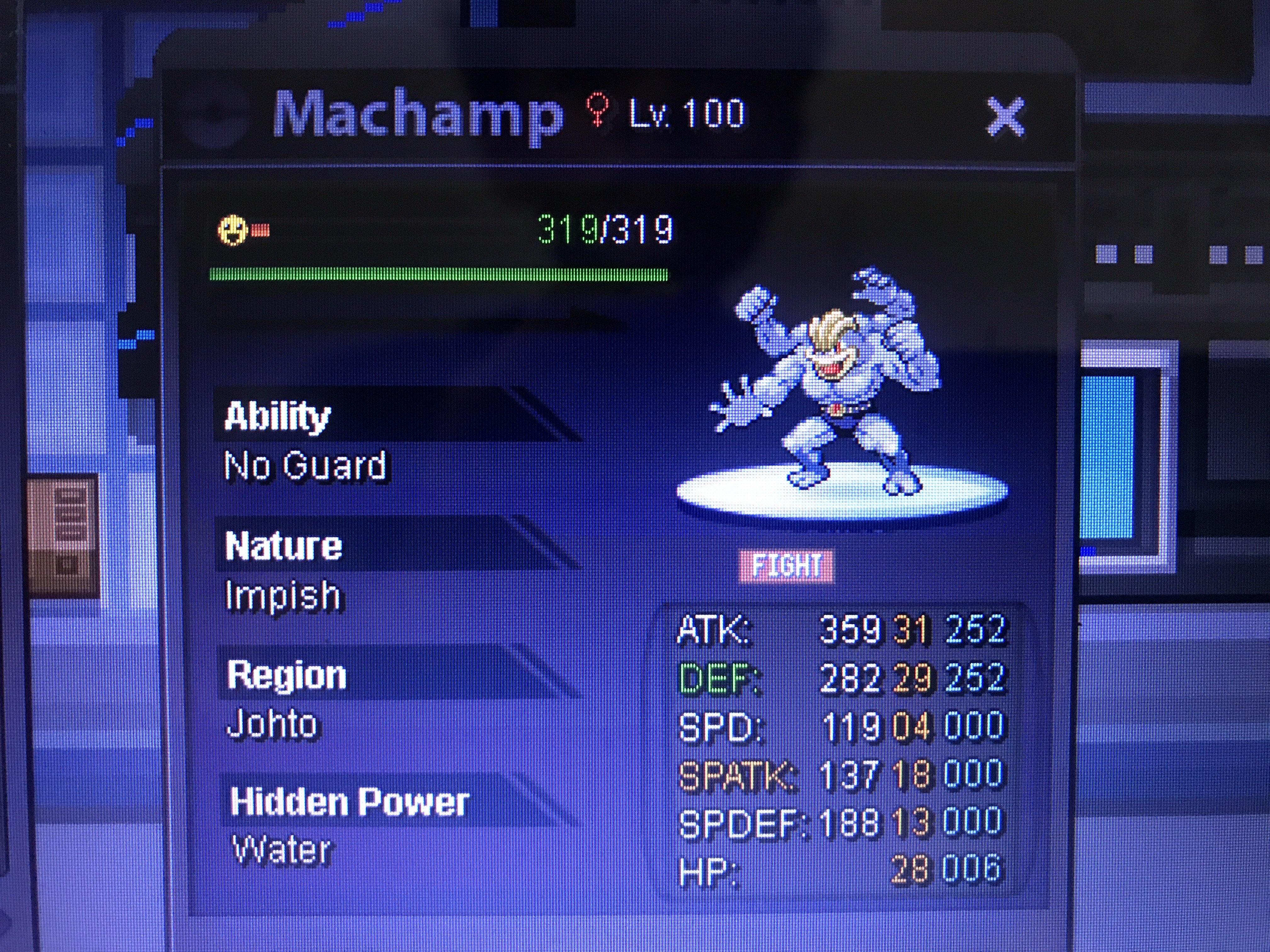
-
• IGN (In-Game Name): danielnaxll • Your age: 18 • What type of player are you? might be the type who loves hunting poke • Have you completed the Kanto region? yes i have and other region • Do you use Discord frequently and have it installed? i check discord about 4 times a day, and yes i do have it installed • Why do you want to join this guild? i want to make new friends and take some information that i have not know • What is your favorite Pokémon? my fav poke is the almighty magikarp
-
Auction S.O : 200k Min Bid : 50k No Insta Auction Start 24h After the first bid Payment : Pokedollars CC 380k ReRoll 680k
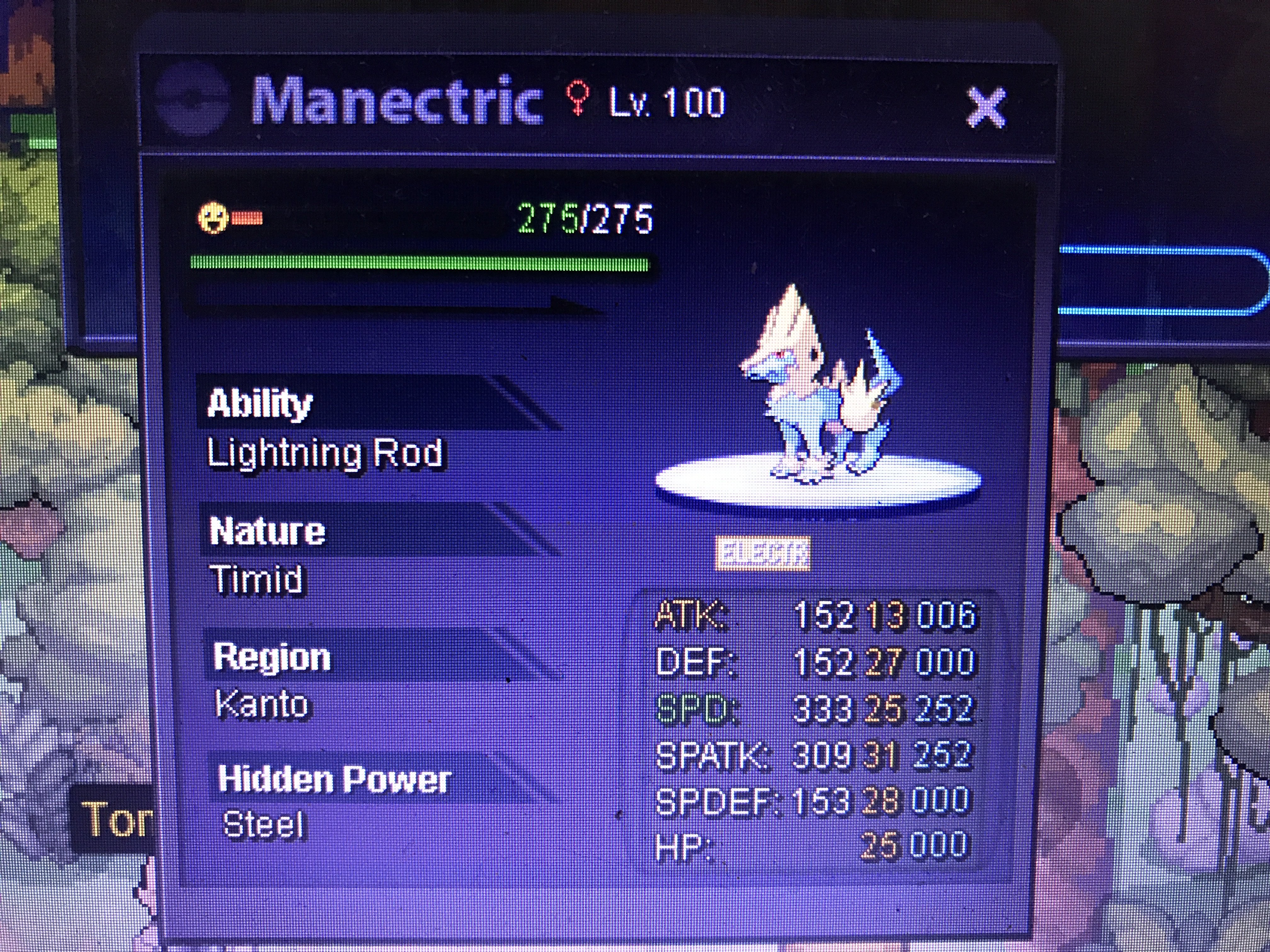
-
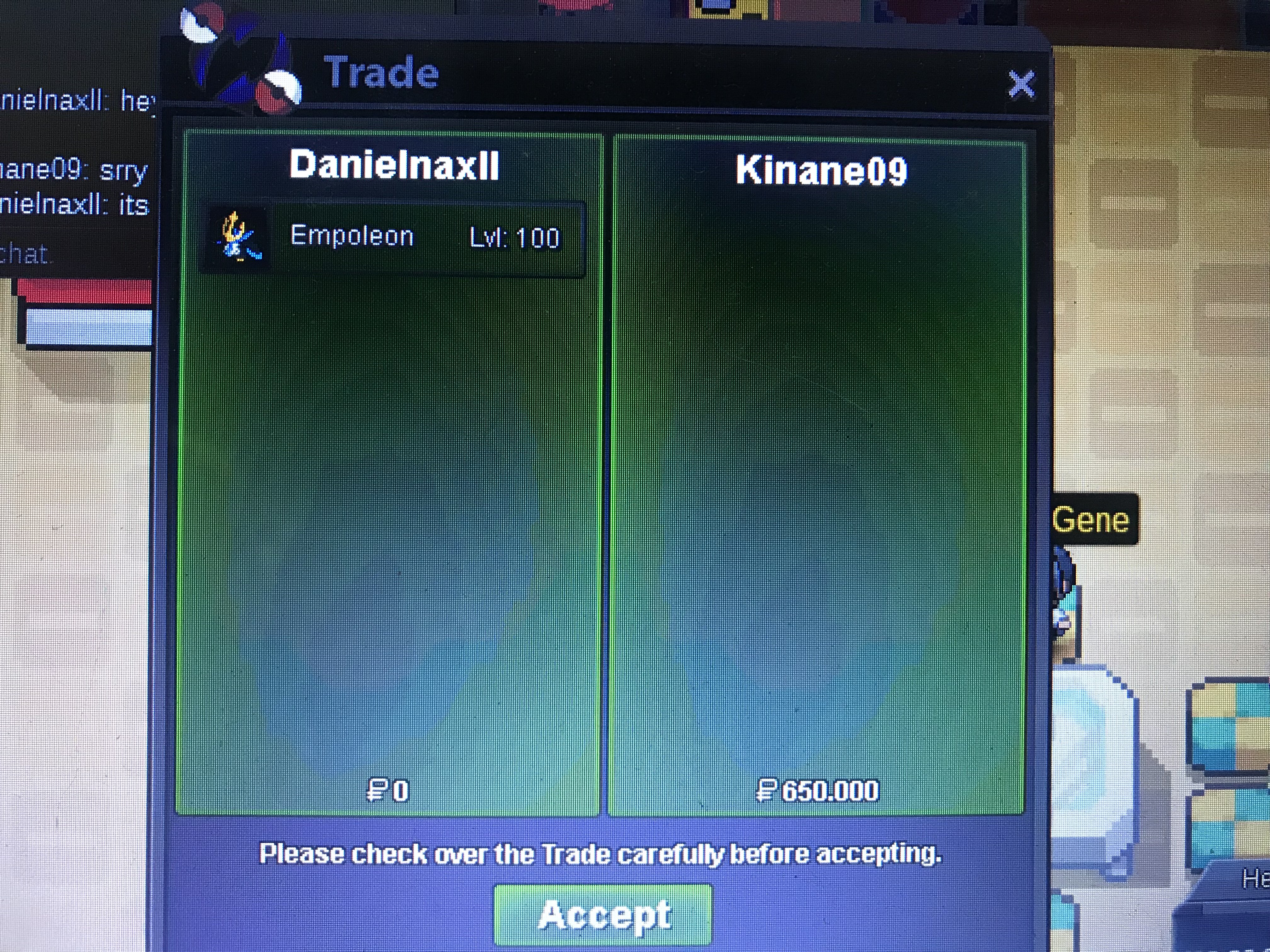
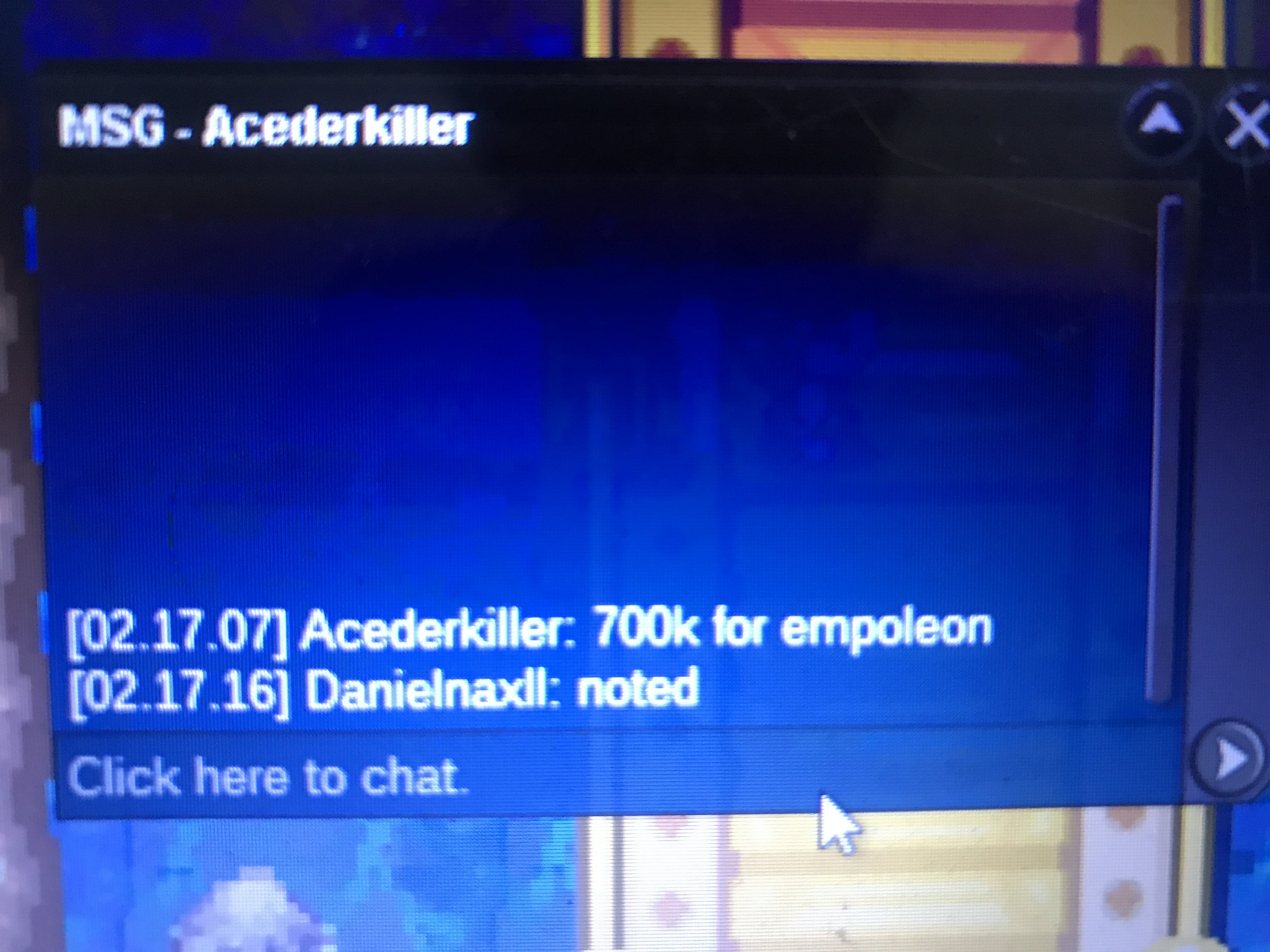
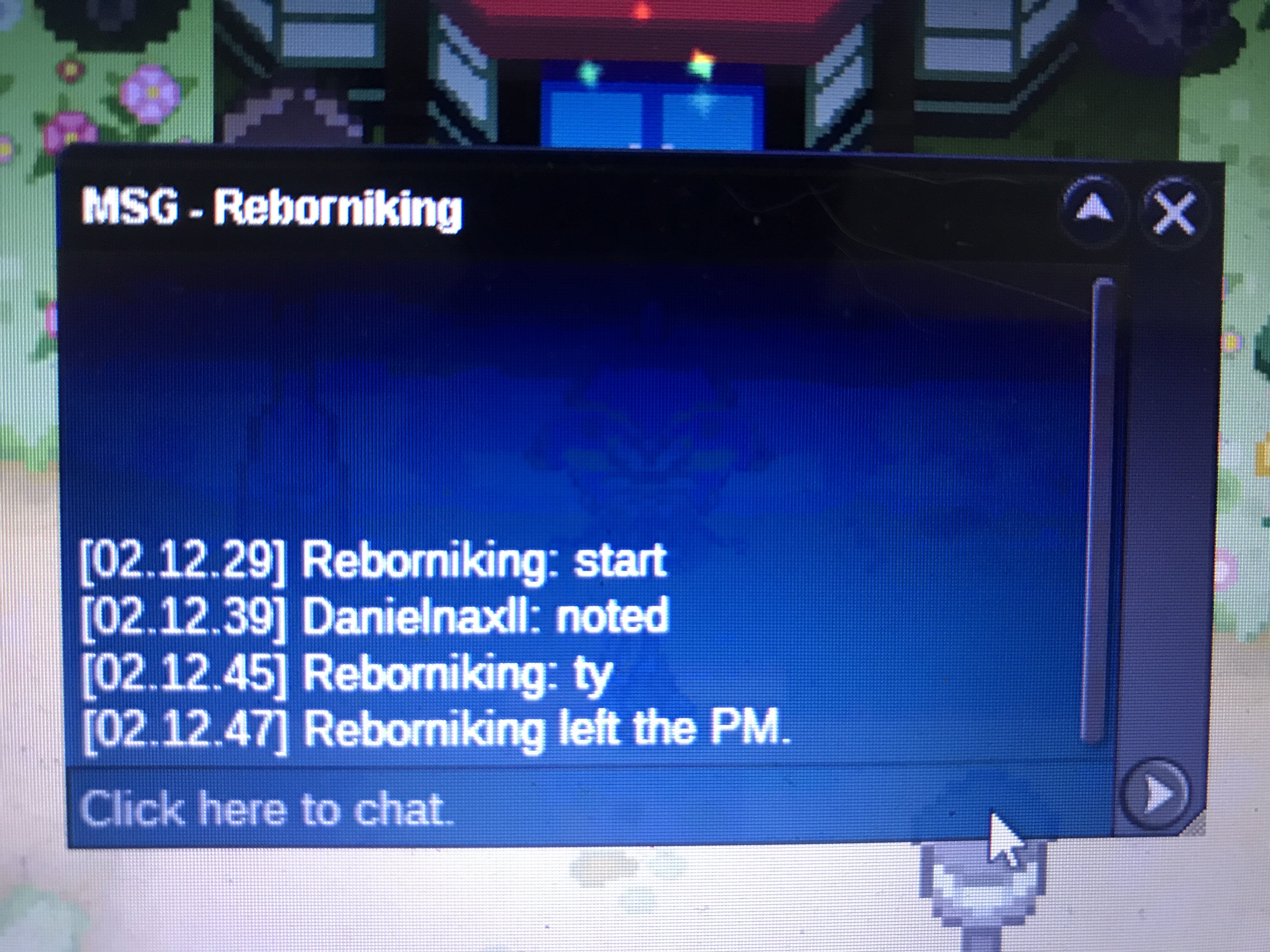
not over yet still 4 minutes leftmy calculation was wrong sorry for my mistake so i added 20 minutes on the auction and 8 minutes remainingAdded 20minutes to the auction cause last minute bidS.O : 400k Min Bid : 50k No Insta Ends 24 After First Bid Payment Pokedollar ReRoll : 680k CC : 380k

Account
Navigation
Search
Configure browser push notifications
Chrome (Android)
- Tap the lock icon next to the address bar.
- Tap Permissions → Notifications.
- Adjust your preference.
Chrome (Desktop)
- Click the padlock icon in the address bar.
- Select Site settings.
- Find Notifications and adjust your preference.
Safari (iOS 16.4+)
- Ensure the site is installed via Add to Home Screen.
- Open Settings App → Notifications.
- Find your app name and adjust your preference.
Safari (macOS)
- Go to Safari → Preferences.
- Click the Websites tab.
- Select Notifications in the sidebar.
- Find this website and adjust your preference.
Edge (Android)
- Tap the lock icon next to the address bar.
- Tap Permissions.
- Find Notifications and adjust your preference.
Edge (Desktop)
- Click the padlock icon in the address bar.
- Click Permissions for this site.
- Find Notifications and adjust your preference.
Firefox (Android)
- Go to Settings → Site permissions.
- Tap Notifications.
- Find this site in the list and adjust your preference.
Firefox (Desktop)
- Open Firefox Settings.
- Search for Notifications.
- Find this site in the list and adjust your preference.