




Skip to content
View in the app

A better way to browse. Learn more.

Pokemon Revolution Online

A full-screen app on your home screen with push notifications, badges and more.

To install this app on iOS and iPadOS
  1. Tap the Share icon in Safari
  2. Scroll the menu and tap Add to Home Screen.
  3. Tap Add in the top-right corner.
To install this app on Android
  1. Tap the 3-dot menu (⋮) in the top-right corner of the browser.
  2. Tap Add to Home screen or Install app.
  3. Confirm by tapping Install.
New Trade Zone
Trade Zone is now live
Use the new Trade Zone for auctions and instant-price trades so Pokemon and item offers are easy to find.
Open Trade Zone

Tamrjel

Registered User
  • Joined

  • Last visited

  1. Tamrjel started following Desumi
  2. Tamrjel changed their profile photo
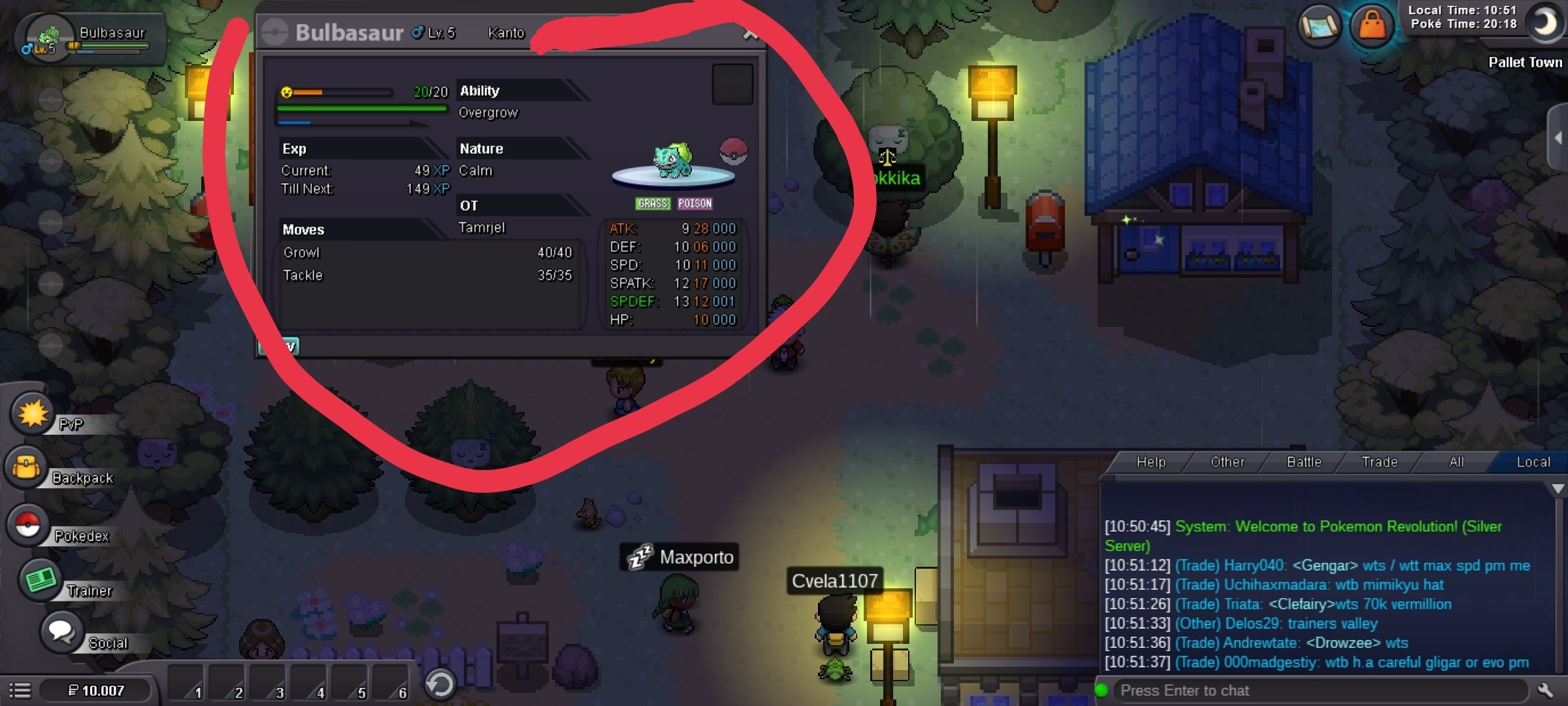
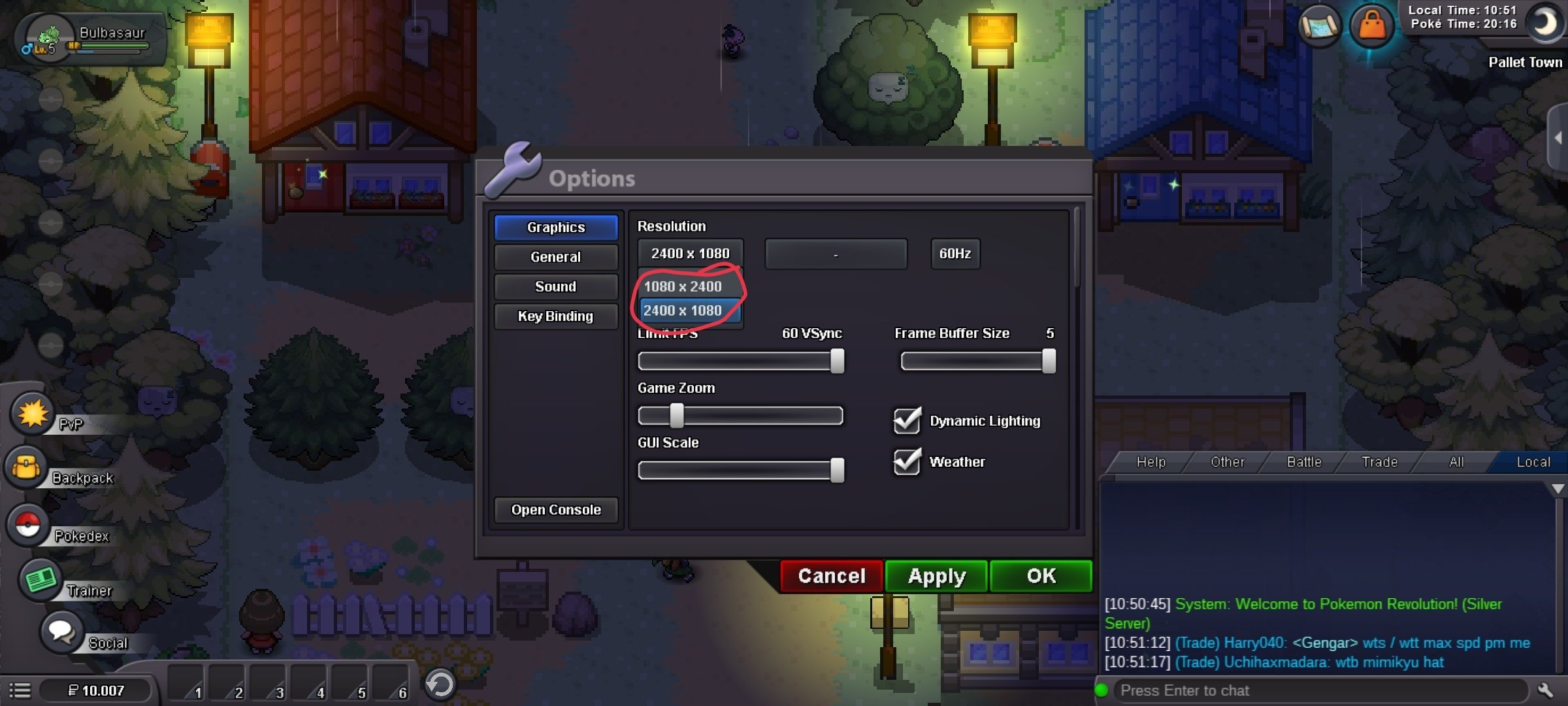
  3. Hello everybody I would like to find a way to increase the GUI scale. (is already set to maximum) But the interface remains too small. For example, in the attached photos, the Pokémon and the statistics are too small. So I thought about changing the resolution. Maybe put a lower one. I've tried... but the only resolutions available are: - 1080x2400 - 2400x1080 Is it possible to have lower resolutions added? Or increase the GUI scale? This question is mainly addressed to PRO DEV programmers Thank you so much.
Account

Navigation

Search

Search

Configure browser push notifications

Chrome (Android)
  1. Tap the lock icon next to the address bar.
  2. Tap Permissions → Notifications.
  3. Adjust your preference.
Chrome (Desktop)
  1. Click the padlock icon in the address bar.
  2. Select Site settings.
  3. Find Notifications and adjust your preference.