New Trade Zone
Trade Zone is now live
Use the new Trade Zone for auctions and instant-price trades so Pokemon and item offers are easy to find.

Kingsmancroize
Registered User
-
Joined
-
Last visited
-
Fix the game or at least dont give a10 min cooldown for pvp. Everytime i change to another app the game crashes. Its so annoying
-
@Kimew We set a time for today and i waited for 1 hour for him to connect. He then told me that he thought it was one hour after. I cant be online too much because im going from meeting to meeting on my job and i had today to do it. He proposed to do it same time tomorrow but i think i wont be able to.
-
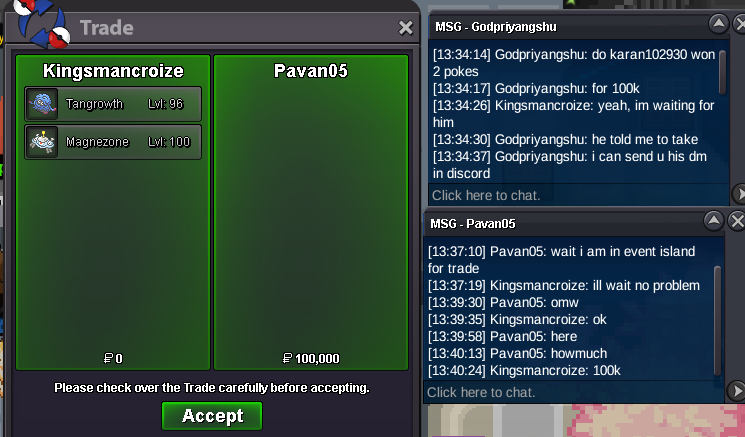
@Kimew I understand. I've provided thru here and private messages my Discord ID so @Bijoumode can reach me when he's online or we could decide when we can made the trade but i have had no response or his ID to add him. Thats the main issue; ill talk to him on private messages again so he add me or give me his id and set a date again.
-
@Hizukii i provided my discord id and message with Bijoumode but our time zones are pretty different. Can you help us forcing the trade? I already talked to him to try and add me again and maybe try to get in while im at work from my phone. Thank you in advance.
-
are u online? @Bijoumode
-
350k Kleavor
-
550k corvi
-
2.6m2.2m1m81m6The discord name is in the post: IG: Kingsmancroize Discord: croize#7347 @Karan102930 Our times are very different it appears, maybe @Opacity can help us forcing the trade. Thank you in advanceCouldnt add you on discord, pls try to add me and let me know when you can go online @Karan102930200k dratini