




New Trade Zone
Trade Zone is now live
Use the new Trade Zone for auctions and instant-price trades so Pokemon and item offers are easy to find.


Kingsmancroize
Registered User
-
Joined
-
Last visited
Everything posted by Kingsmancroize
-
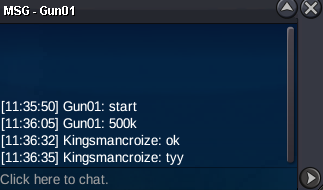
BUMPBump o BumpAuction Ended, Congratulations @Shellos!!
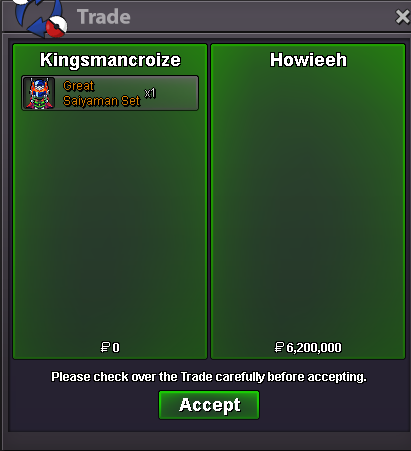
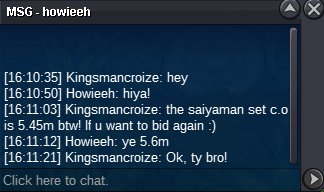
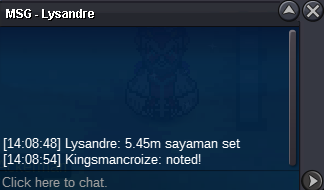
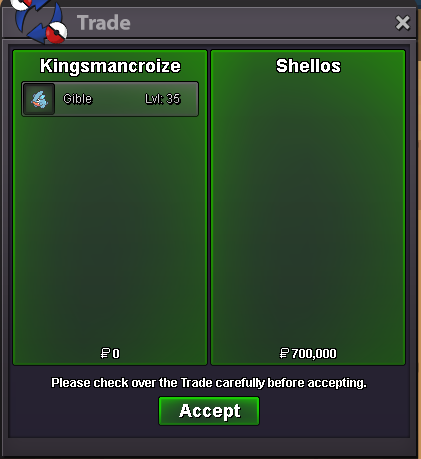 BUMP!!Auction Details: Current Offer: 700k End Point: 36 hours (after start price is met) Minimum Raise: 100k Accepted Payments: Pokedollars, Coin Capsules (x1 Coin Capsule = 480k) Important Reminders: This is a Silver Server auction. If bidding from an alternative server, state that you will transfer upon winning. If you intend to purchase with an alt account, specify the account alongside your bid. If a bid is received in the final 15 minutes of the auction, the end point will be delayed by 15 minutes from that bid, and will be delayed by 15 minutes for each new bid thereafter, until the current offer has been held for a full 15 minutes. Happy Bidding!
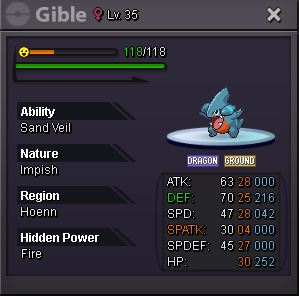 2.2 Hatte@Howieeh tou won, congratulations!Only 21 hours left!!I´ve noticed using Greninja that protean is bugged. When i use an attack, ice beam for example, the type changes correctly. But if i use another attack (any other type) it keeps being Ice until you switch out. The whole idea of this move is being able to plat around types but with this bug is not possible.C.O. 5m750k Min. Bid: 150k Insta: N/A Duration: 72 Hours Accepted payments: Reroll Ticket: 650k each. Coin Capsule: 480k each. Pokedollars. Contact: IG: Kingsmancroize Discord: croize#7347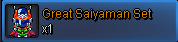


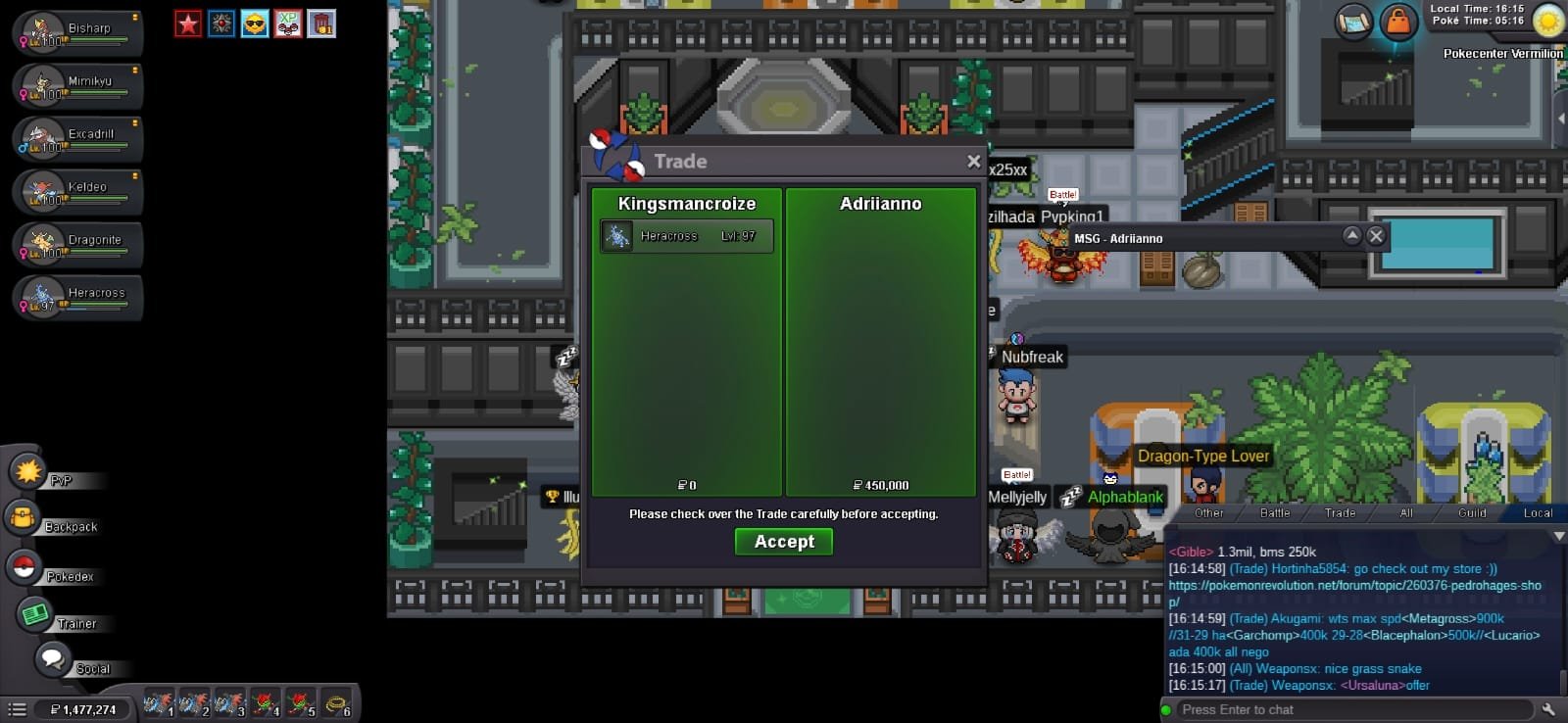
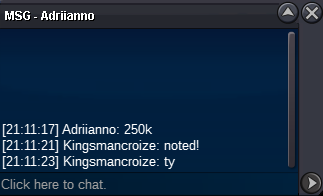
 Congratulations @Adriianno you won! Pls contact me through the channels above!2 HOURS LEFTUp!
Account
Navigation
Search
Configure browser push notifications
Chrome (Android)
- Tap the lock icon next to the address bar.
- Tap Permissions → Notifications.
- Adjust your preference.
Chrome (Desktop)
- Click the padlock icon in the address bar.
- Select Site settings.
- Find Notifications and adjust your preference.
Safari (iOS 16.4+)
- Ensure the site is installed via Add to Home Screen.
- Open Settings App → Notifications.
- Find your app name and adjust your preference.
Safari (macOS)
- Go to Safari → Preferences.
- Click the Websites tab.
- Select Notifications in the sidebar.
- Find this website and adjust your preference.
Edge (Android)
- Tap the lock icon next to the address bar.
- Tap Permissions.
- Find Notifications and adjust your preference.
Edge (Desktop)
- Click the padlock icon in the address bar.
- Click Permissions for this site.
- Find Notifications and adjust your preference.
Firefox (Android)
- Go to Settings → Site permissions.
- Tap Notifications.
- Find this site in the list and adjust your preference.
Firefox (Desktop)
- Open Firefox Settings.
- Search for Notifications.
- Find this site in the list and adjust your preference.