New Trade Zone
Trade Zone is now live
Use the new Trade Zone for auctions and instant-price trades so Pokemon and item offers are easy to find.


Kingsmancroize
Registered User
-
Joined
-
Last visited
Everything posted by Kingsmancroize
-
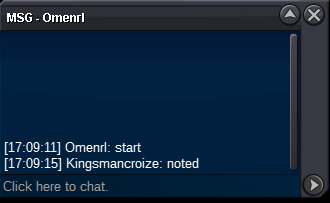
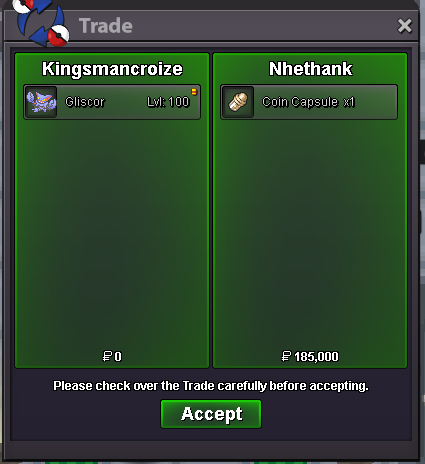
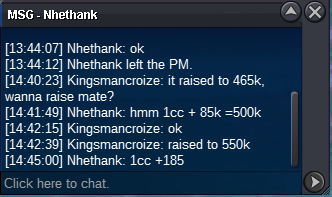
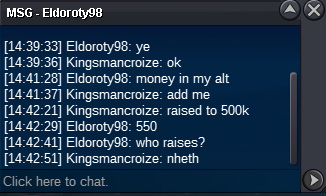
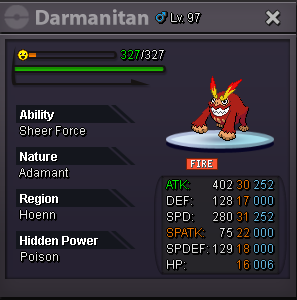
BUMP!!🔥🔥🔥🔥 Won For 650k Min Bid: 25k Time: 24 hrs. after 1st Bid 🔥🔥🔥🔥 https://www.tickcounter.com/countdown/4941222/darmanitan
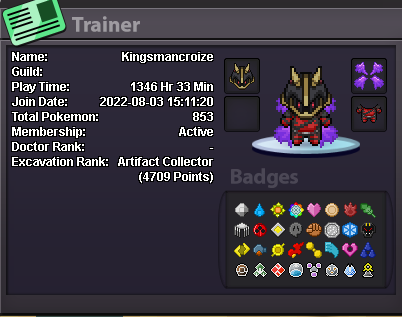
 What's your IGN? Kingsmancroize ● How old are you? 27 ● Where are you from? Chile ● What's your total playtime? 1.3k ● What do you enjoy doing in the game? Hunting, PvP and Dungeon ● Would you like to offer some kind of service to the guild? (ex. Daycare service) Dungeon runs 🙂 (if not, it's totally alright!) And the most important question of them all: Which Bidoof Form do you like the most? Endoof ofc
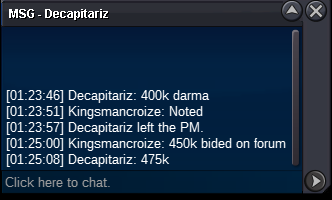
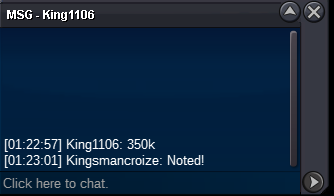
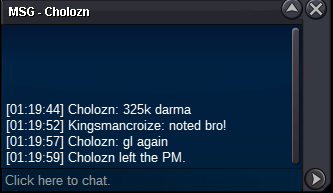
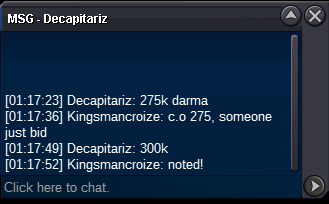
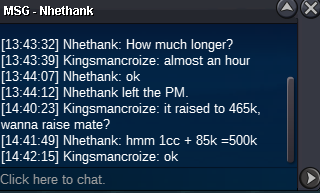
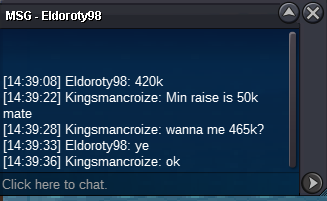
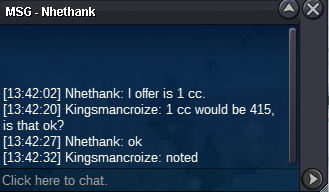
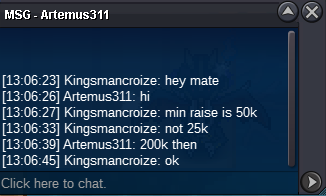
 210k charizard190k charizard170k for CharizardWinner Nhethank30 MINS LEFTTHIS BID IS NOT VALID BC MIN RAISE IS 50K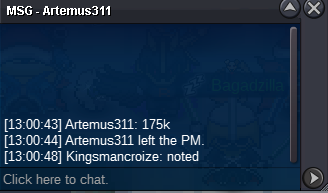
Account
Navigation
Search
Configure browser push notifications
Chrome (Android)
- Tap the lock icon next to the address bar.
- Tap Permissions → Notifications.
- Adjust your preference.
Chrome (Desktop)
- Click the padlock icon in the address bar.
- Select Site settings.
- Find Notifications and adjust your preference.
Safari (iOS 16.4+)
- Ensure the site is installed via Add to Home Screen.
- Open Settings App → Notifications.
- Find your app name and adjust your preference.
Safari (macOS)
- Go to Safari → Preferences.
- Click the Websites tab.
- Select Notifications in the sidebar.
- Find this website and adjust your preference.
Edge (Android)
- Tap the lock icon next to the address bar.
- Tap Permissions.
- Find Notifications and adjust your preference.
Edge (Desktop)
- Click the padlock icon in the address bar.
- Click Permissions for this site.
- Find Notifications and adjust your preference.
Firefox (Android)
- Go to Settings → Site permissions.
- Tap Notifications.
- Find this site in the list and adjust your preference.
Firefox (Desktop)
- Open Firefox Settings.
- Search for Notifications.
- Find this site in the list and adjust your preference.