




New Trade Zone
Trade Zone is now live
Use the new Trade Zone for auctions and instant-price trades so Pokemon and item offers are easy to find.

Jackstermac
Registered User
-
Joined
-
Last visited
Everything posted by Jackstermac
-
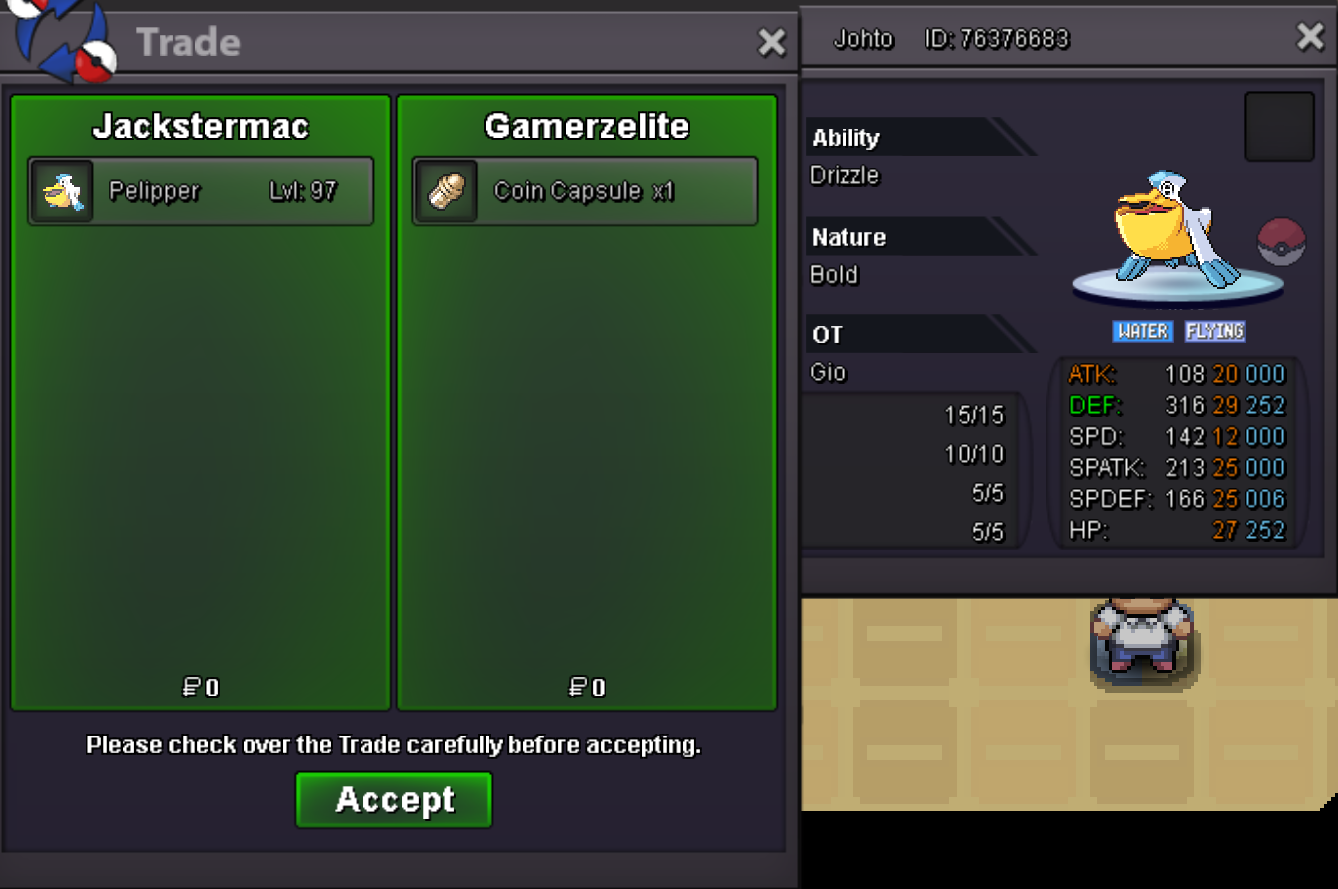
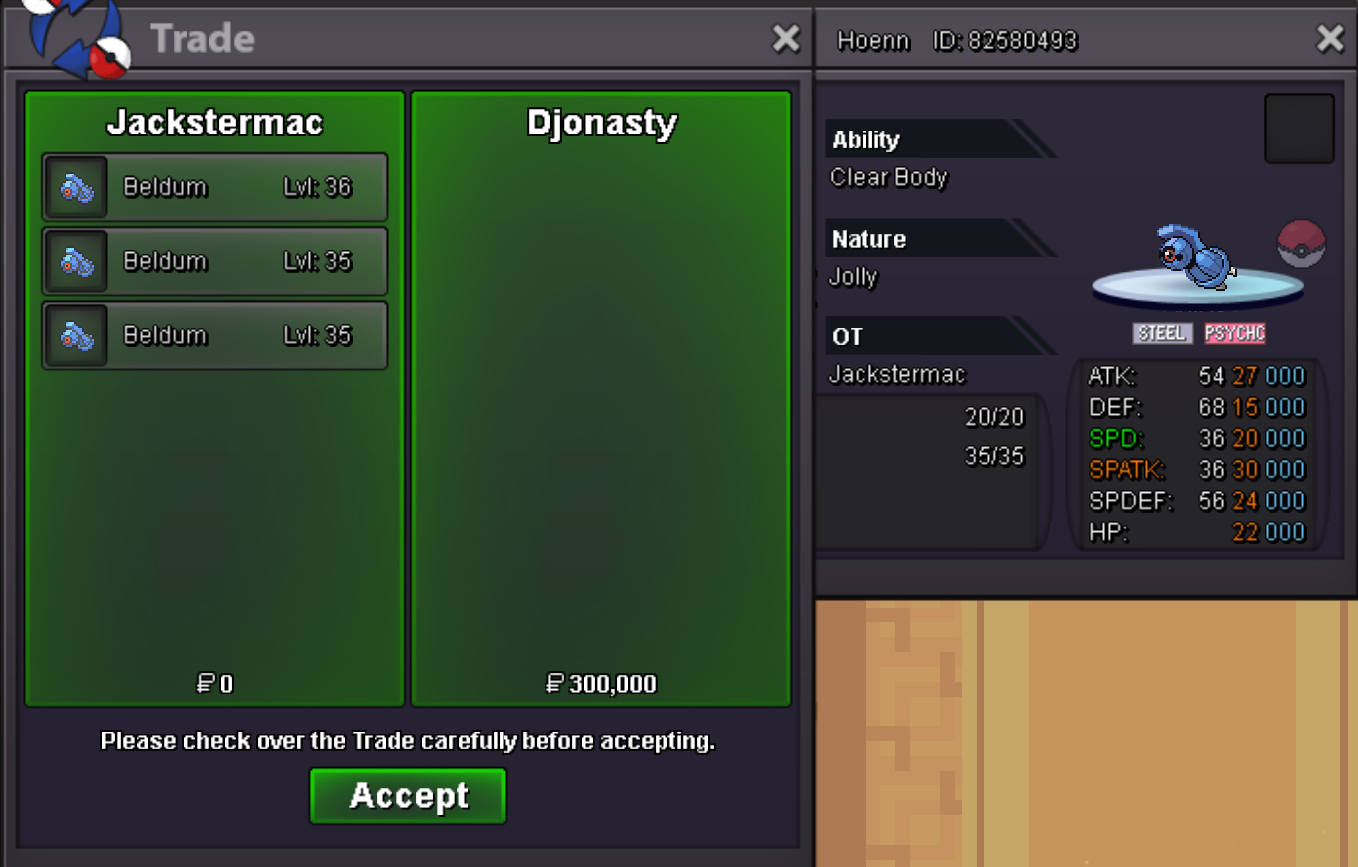
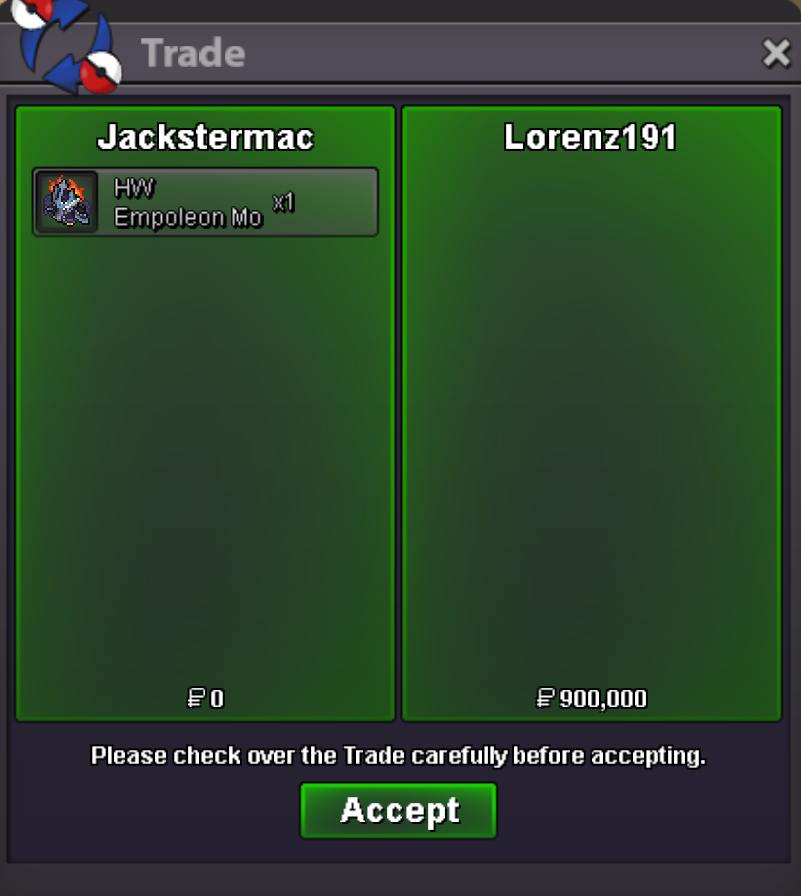
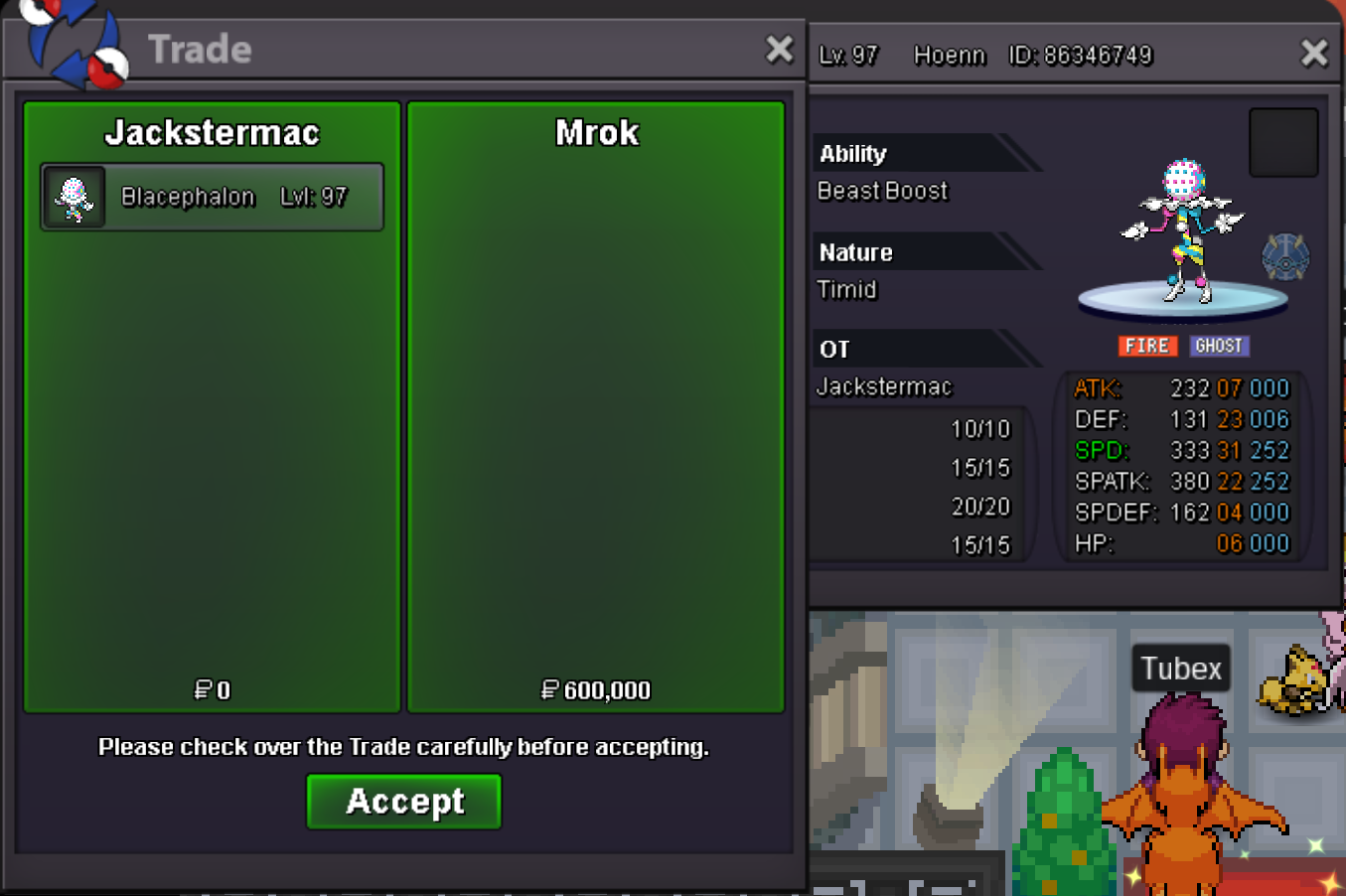
Min Bid (for each): 50k Insta: varies per poke Accepted Payment Methods: Pokedollars, CC (450k), IV RR (700k), Nat RR (350k) Auction Ends: 48hrs after initial bid met SOLD SOLD SOLD SOLD
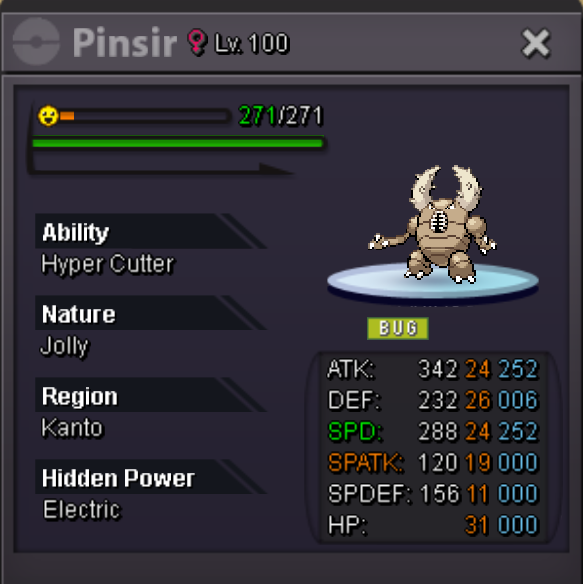
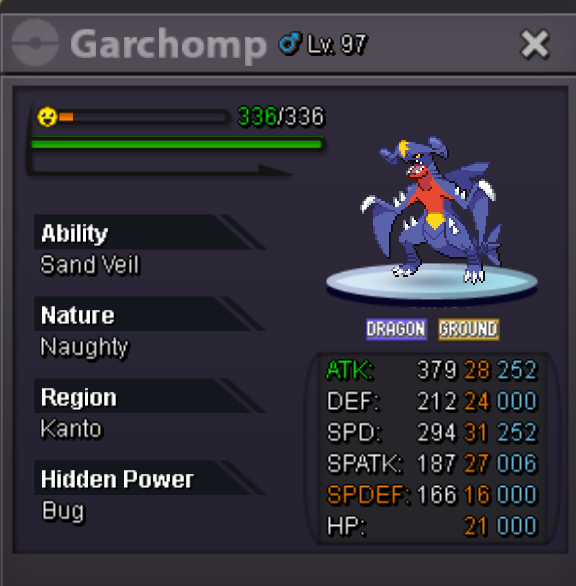
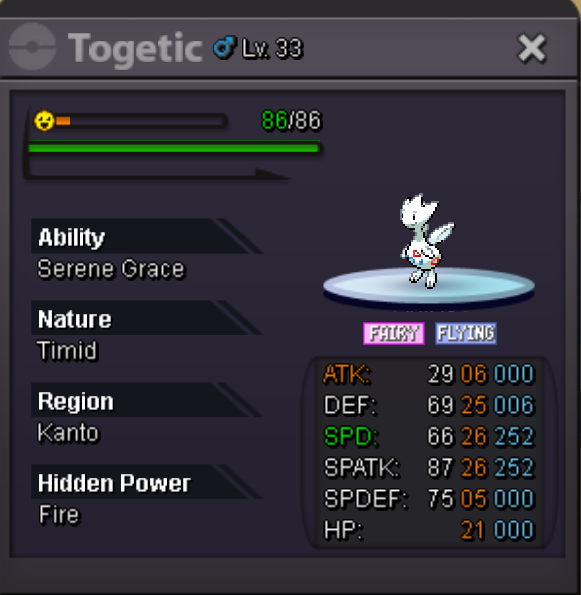
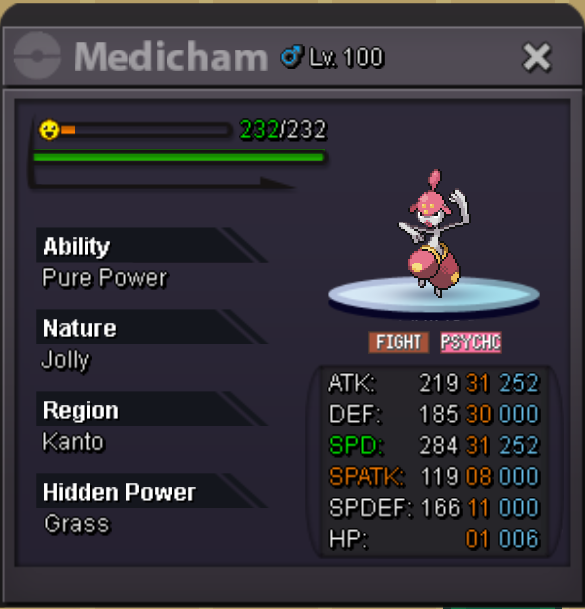 @Brockstar - What's new that's been added?+1 … but I am in favor of adding Rating Decay into the game for players who sit on the PvP ladder after a day or two into the season. Sure it *might possibly* make players just wait till the end of season to play games, but in the interim it would give many other players who are putting the time in the ability to move up and get rewarded with those daily ladder chests. I believe it does promote PvP play in the end, and that’s what we all want.^BUMP^BUMP^BUMP@Bajiruu - The fastest Serperior can be with h.p fire is 30 speed, fyi...@Dawsyballs - I'll trade ya a deadpool mask for itjackstermac, goldjackstermac, goldjackstermac, goldjackstermac, gold@Davidsiho
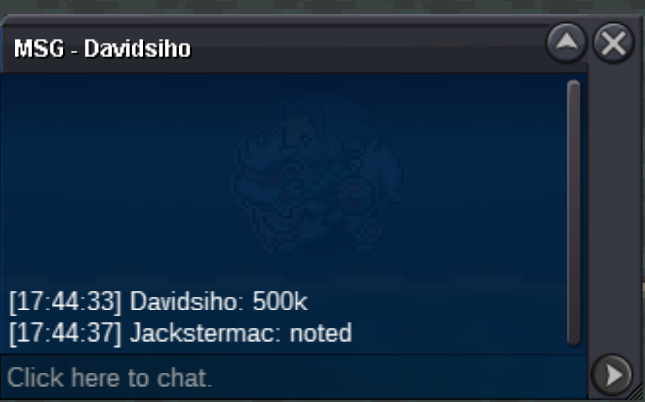 1st is better than secondstart@Marky700
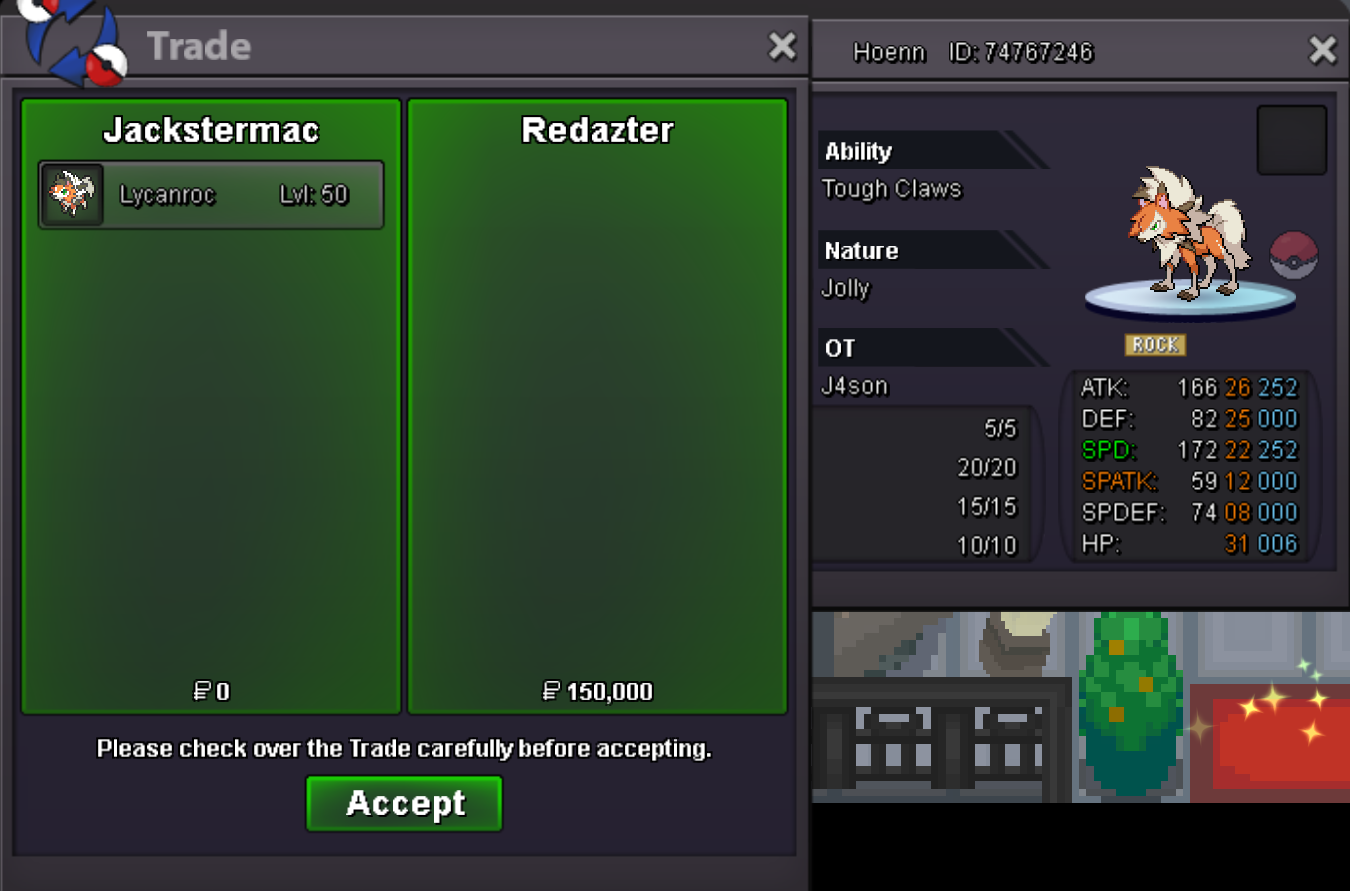
 @Redazter - congrats, you've won lycanroc! pm me on discord to coordinate the trade >> @jackwmac
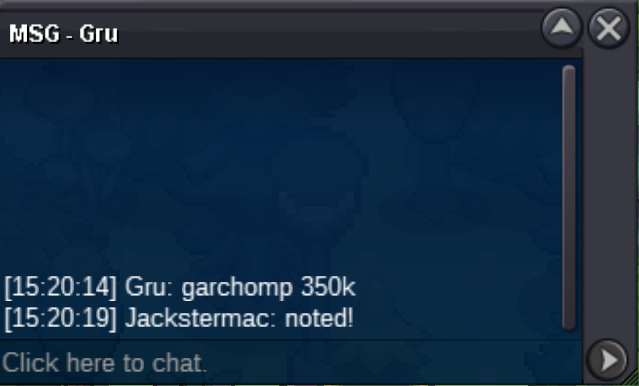
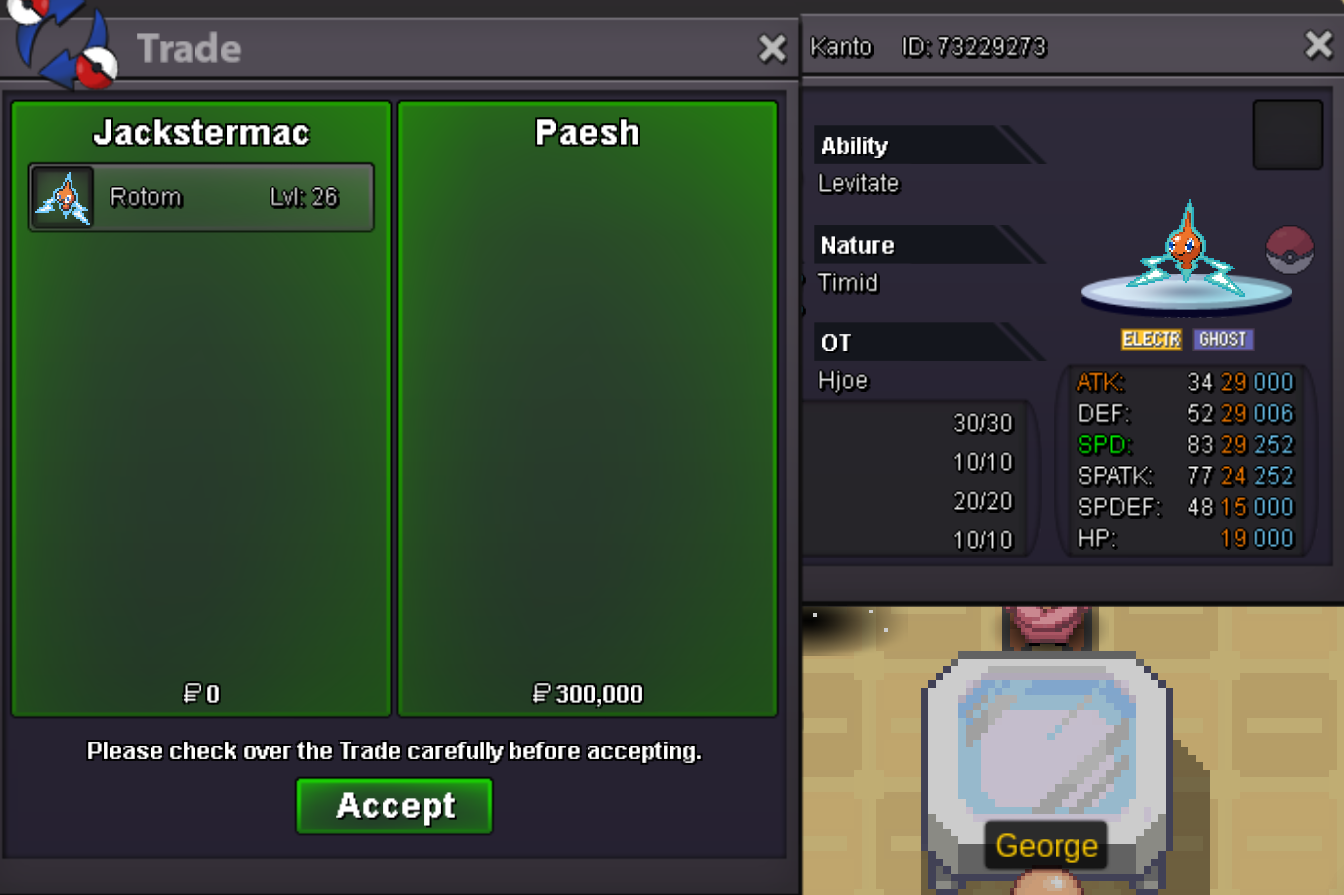
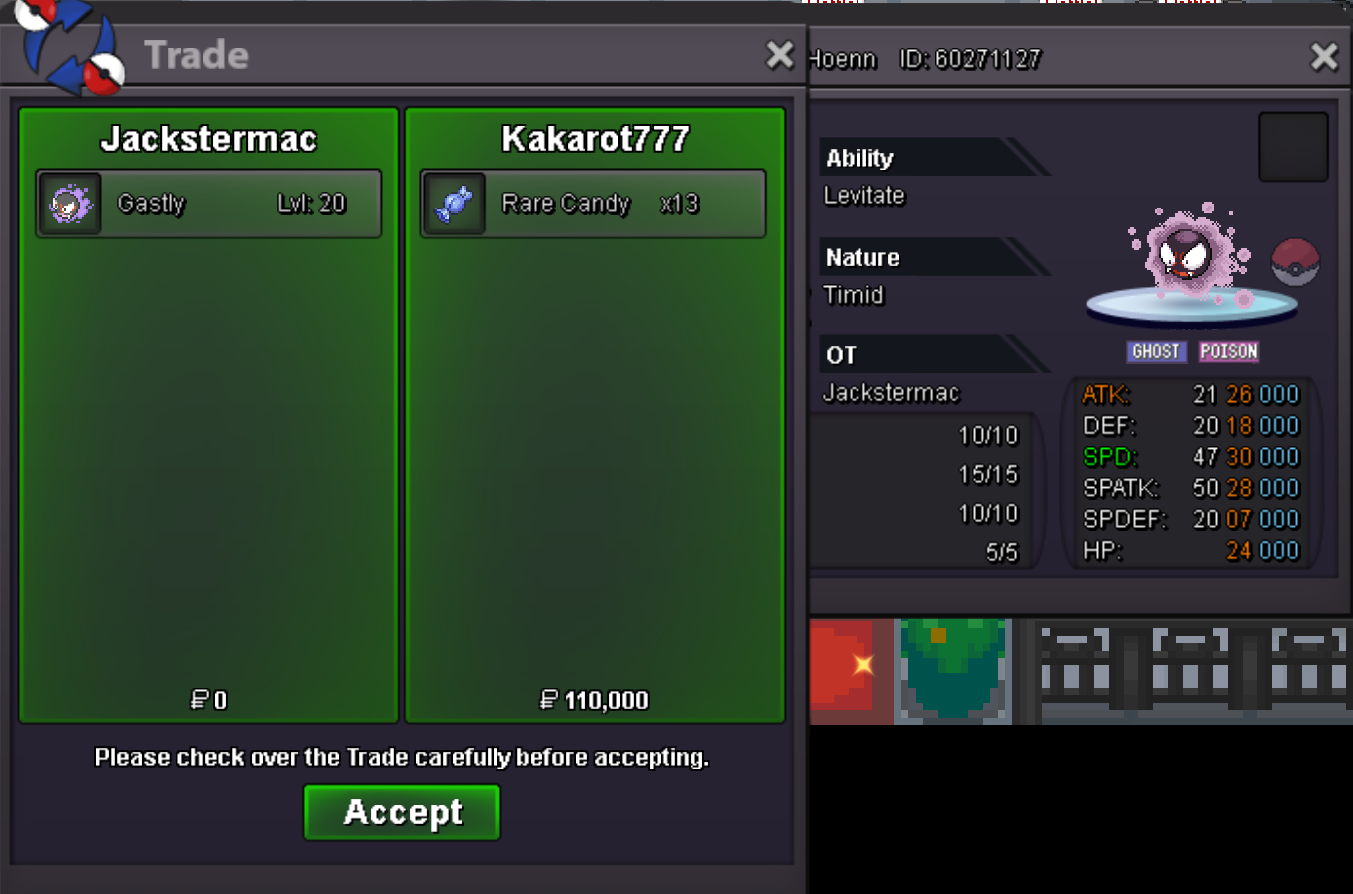

Account
Navigation
Search
Configure browser push notifications
Chrome (Android)
- Tap the lock icon next to the address bar.
- Tap Permissions → Notifications.
- Adjust your preference.
Chrome (Desktop)
- Click the padlock icon in the address bar.
- Select Site settings.
- Find Notifications and adjust your preference.
Safari (iOS 16.4+)
- Ensure the site is installed via Add to Home Screen.
- Open Settings App → Notifications.
- Find your app name and adjust your preference.
Safari (macOS)
- Go to Safari → Preferences.
- Click the Websites tab.
- Select Notifications in the sidebar.
- Find this website and adjust your preference.
Edge (Android)
- Tap the lock icon next to the address bar.
- Tap Permissions.
- Find Notifications and adjust your preference.
Edge (Desktop)
- Click the padlock icon in the address bar.
- Click Permissions for this site.
- Find Notifications and adjust your preference.
Firefox (Android)
- Go to Settings → Site permissions.
- Tap Notifications.
- Find this site in the list and adjust your preference.
Firefox (Desktop)
- Open Firefox Settings.
- Search for Notifications.
- Find this site in the list and adjust your preference.