




New Trade Zone
Trade Zone is now live
Use the new Trade Zone for auctions and instant-price trades so Pokemon and item offers are easy to find.

Avatarlc
Registered User
-
Joined
-
Last visited
Everything posted by Avatarlc
-
So, in the first challenge (to break the rock) how do i know wich pokemon to chose? What are the requirements to "break the rock better"? I saw some guides and people recomend rampardos, but i dont have it Also in the last challenge (the swim competition), what pokemon is recommended? i used Ludicolo but i got only pokemon with second types that resist grass in my way
-
It really is solved, that was fast, many thanks
-
Crashed during an encounter, now every new encounter just bugs the game, the battle screen does not shows up and i can't move, tried reinstalling and using in another device, nothing i do works
-
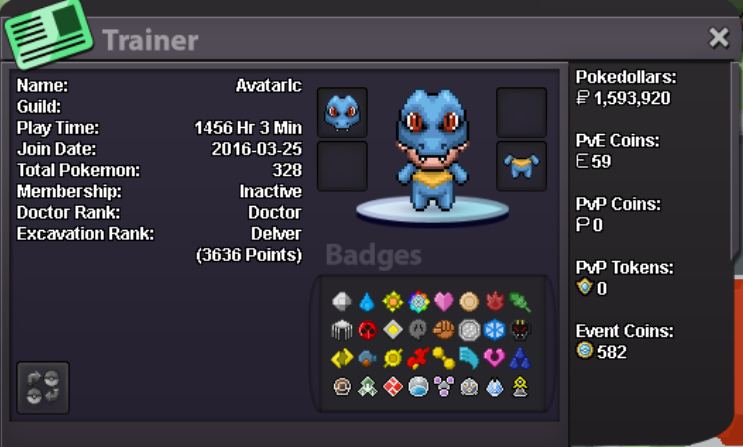
Age: 35 Country: Brazil Discord tag: Avatar#2227 Why do you want to join: I just people to hang out with, helping and getting help from others How much do you play: I try to play enough to pick itens, do bosses and getting dig spots, when there is an event, i play everyday for some hours
-
The game crashed and closed when i entered another area and now everytime i try to log in the game insta crash so i cant log in anymore
-
i realize that when i use macho brace my status dont go up as they should be (1 stat with 4 evs) sometimes i get 8 or even 10 evs and my status dont go up, is it just me or someone else is having this problems?
