New Trade Zone
Trade Zone is now live
Use the new Trade Zone for auctions and instant-price trades so Pokemon and item offers are easy to find.

Omenrl
Registered User
-
Joined
-
Last visited
Everything posted by Omenrl
-
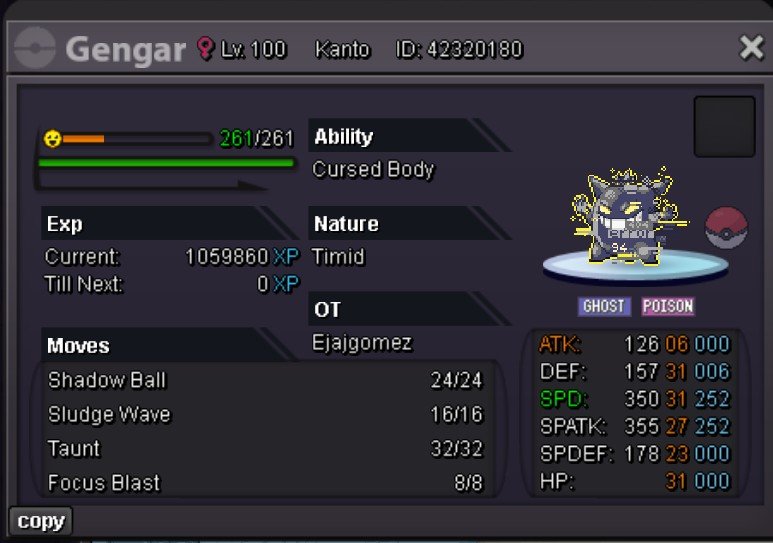
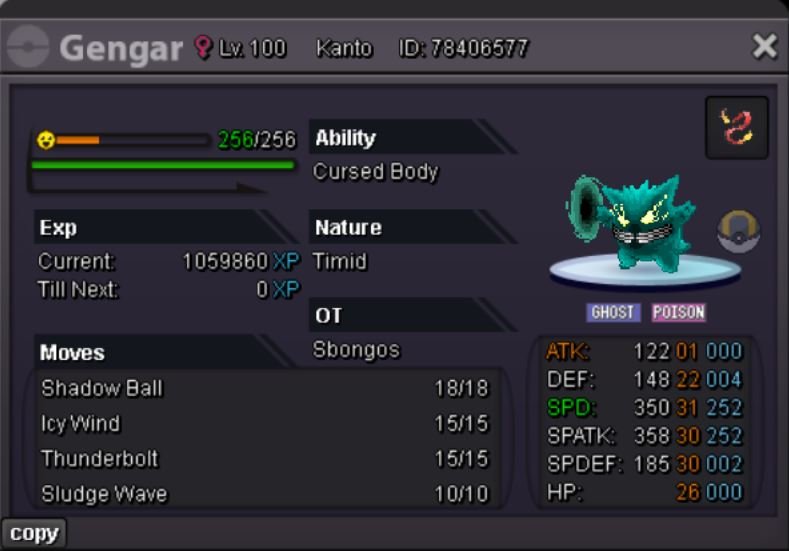
Been wanting to make this post for a little bit, so here it is. After about a year and a half of searching (and an insane amount of money), I have completed a collection of form gengar’s, all timid 31 speed and PvPable. Now of course I’m missing a shadow Gengar. However, after asking around different dungeon circles and people who know a lot about what’s been caught, I’ve never been shown one and no one seems to know of one that exists. So if you have it - hit me up! Maybe I will buy it 😃
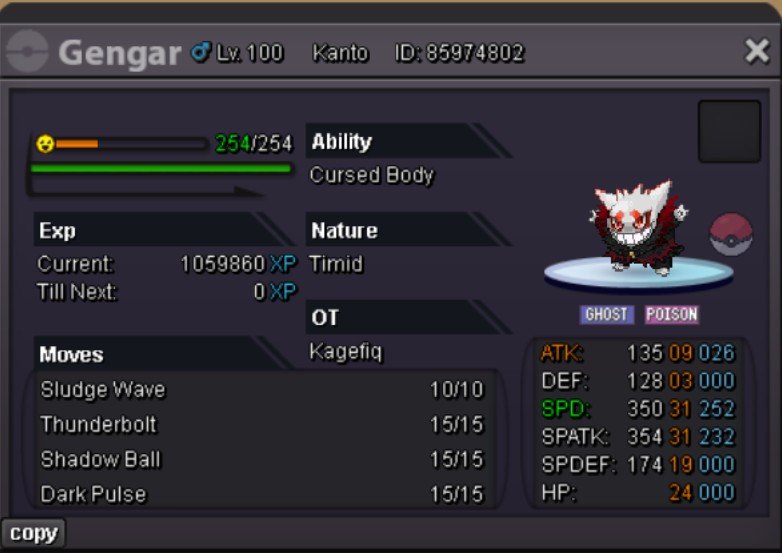
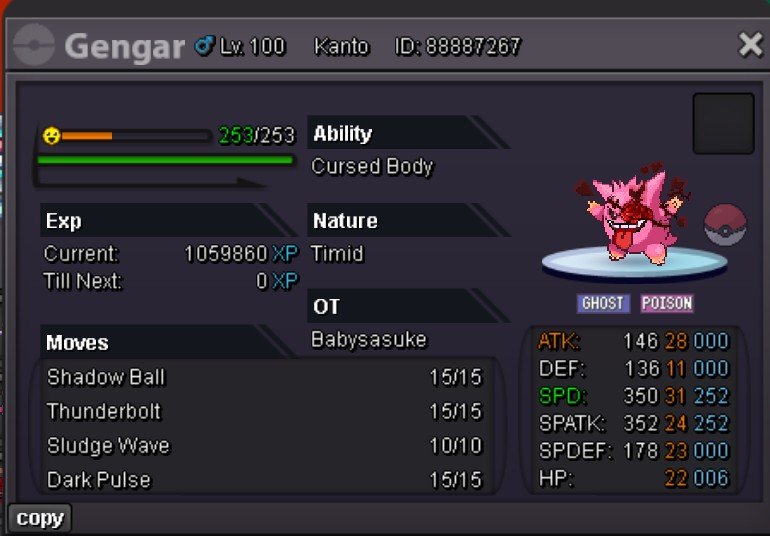
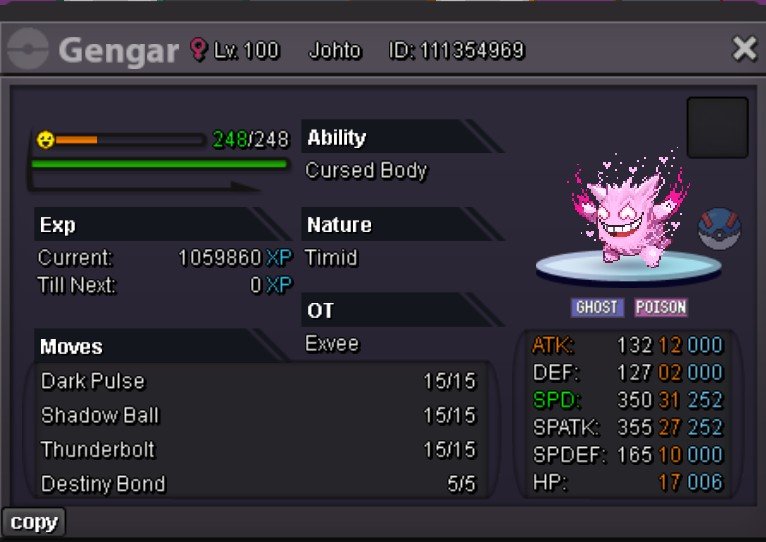
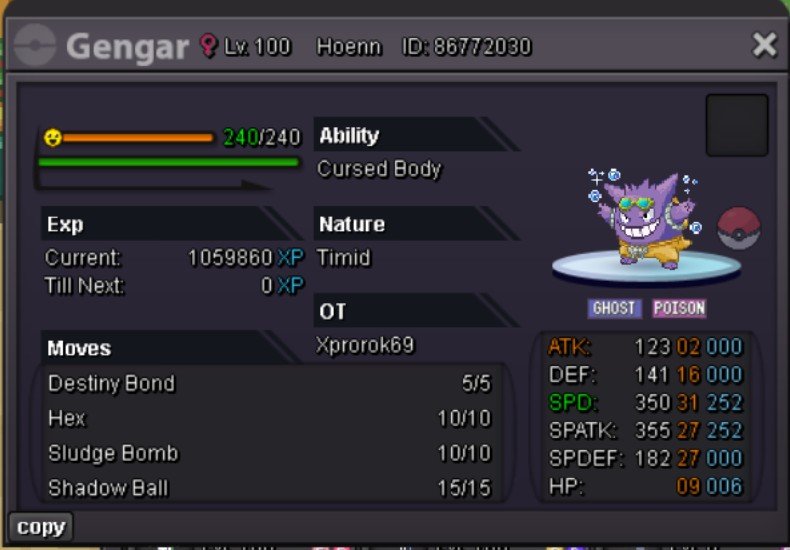
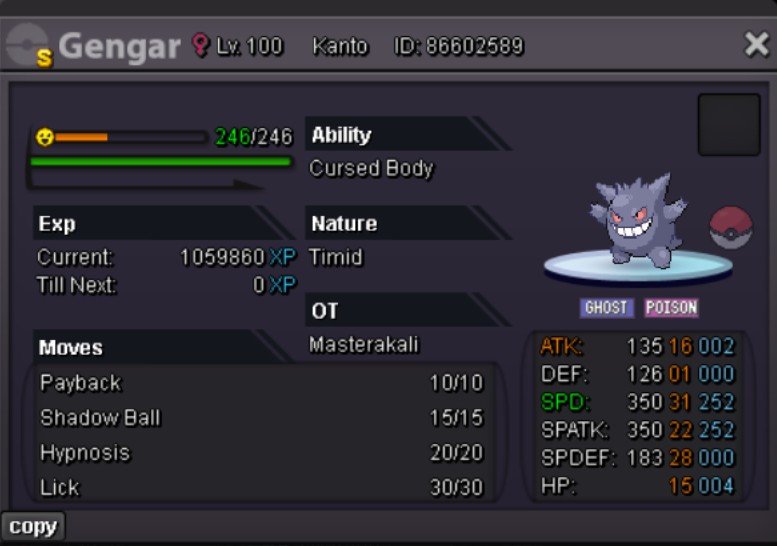
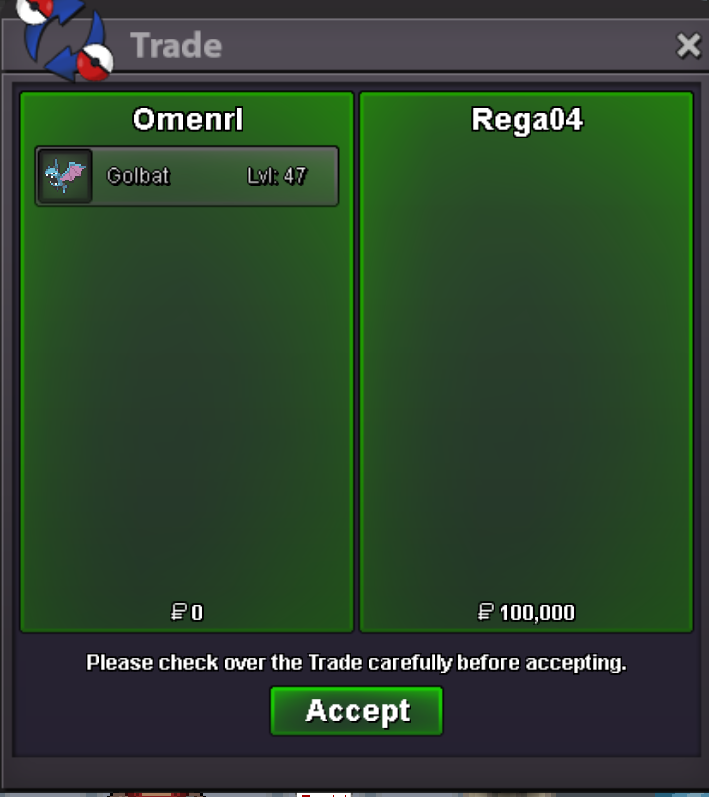
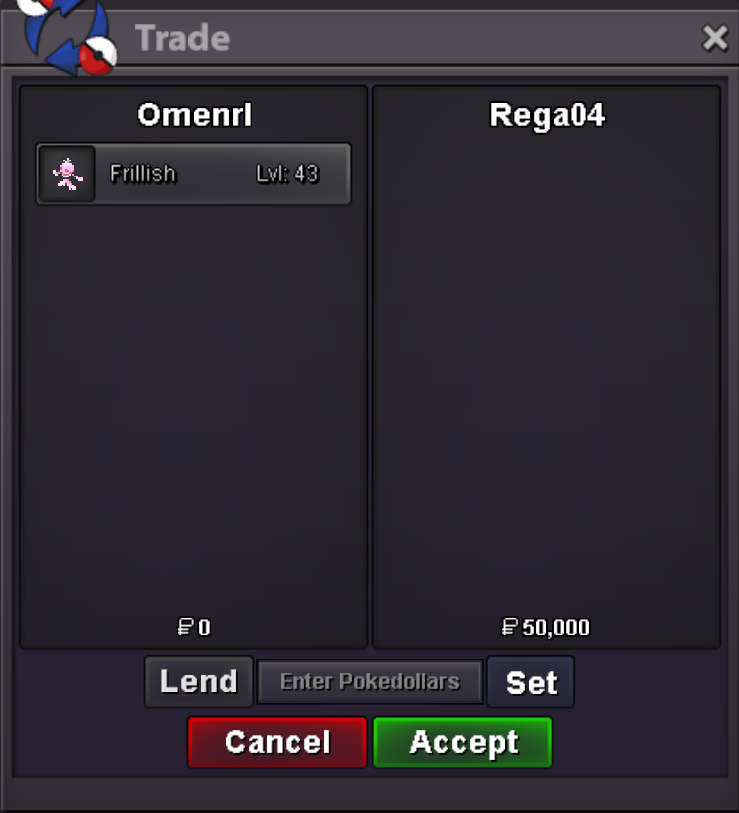
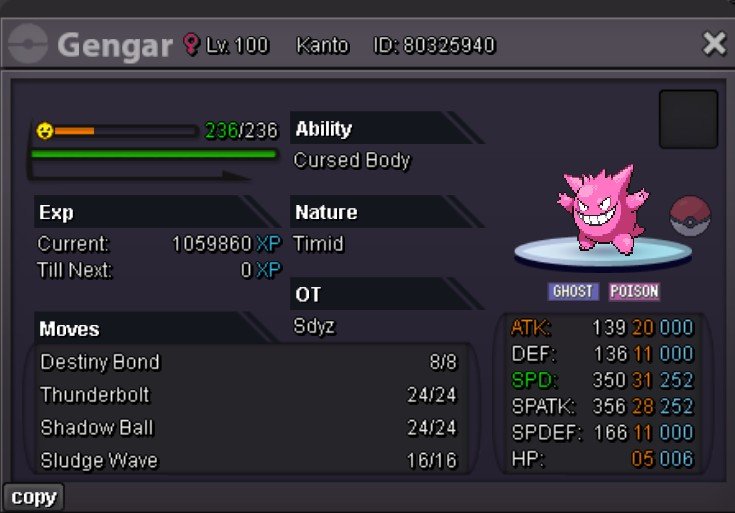 Add me on discord - Omen#4893Hey sorry just saw - add me on discord Omen#4893add me on discord - Omen#4893Message me on discord Omen#4893Hey, sorry Golbat needs to be removed, frillish I can sell. Add me on discord Omen#4893Start, will transfer
Account
Navigation
Search
Configure browser push notifications
Chrome (Android)
- Tap the lock icon next to the address bar.
- Tap Permissions → Notifications.
- Adjust your preference.
Chrome (Desktop)
- Click the padlock icon in the address bar.
- Select Site settings.
- Find Notifications and adjust your preference.
Safari (iOS 16.4+)
- Ensure the site is installed via Add to Home Screen.
- Open Settings App → Notifications.
- Find your app name and adjust your preference.
Safari (macOS)
- Go to Safari → Preferences.
- Click the Websites tab.
- Select Notifications in the sidebar.
- Find this website and adjust your preference.
Edge (Android)
- Tap the lock icon next to the address bar.
- Tap Permissions.
- Find Notifications and adjust your preference.
Edge (Desktop)
- Click the padlock icon in the address bar.
- Click Permissions for this site.
- Find Notifications and adjust your preference.
Firefox (Android)
- Go to Settings → Site permissions.
- Tap Notifications.
- Find this site in the list and adjust your preference.
Firefox (Desktop)
- Open Firefox Settings.
- Search for Notifications.
- Find this site in the list and adjust your preference.