New Trade Zone
Trade Zone is now live
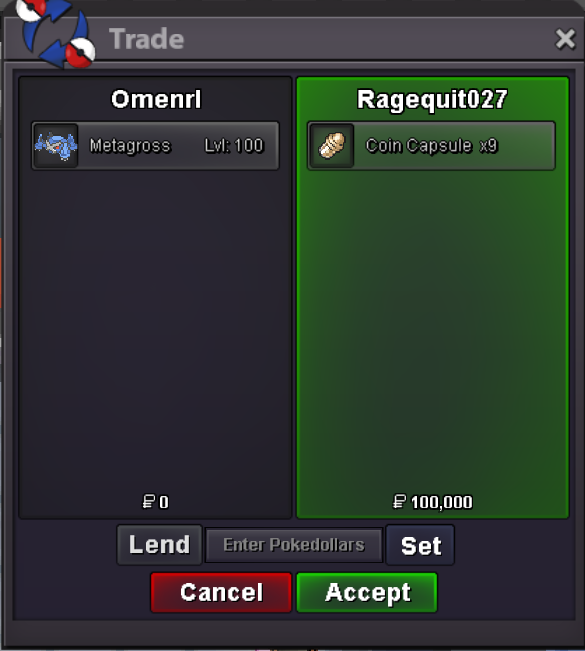
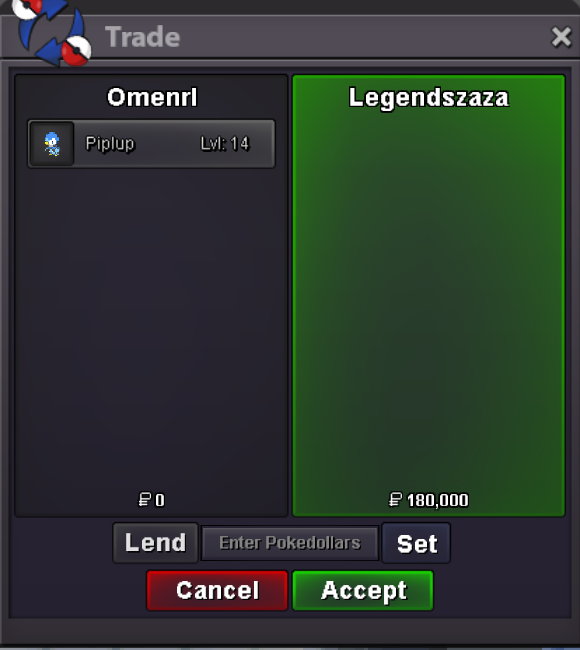
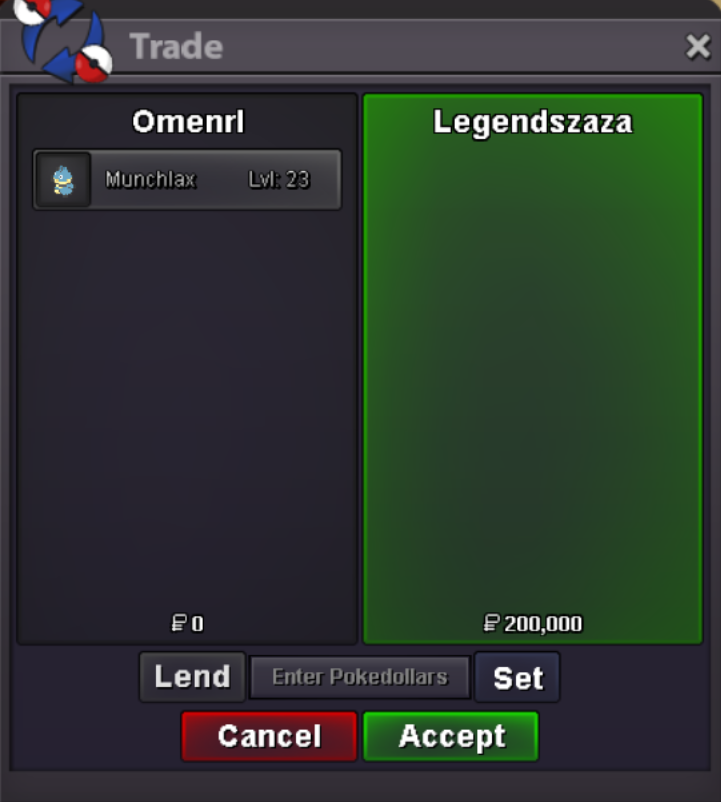
Use the new Trade Zone for auctions and instant-price trades so Pokemon and item offers are easy to find.

Omenrl
Registered User
-
Joined
-
Last visited
Everything posted by Omenrl
-
Hey sorry I was at work then traveling. I can maybe meet you in the morning. Can you add me on discord? Omen#4893
-
Hey wakko, when are you available for trade?
-
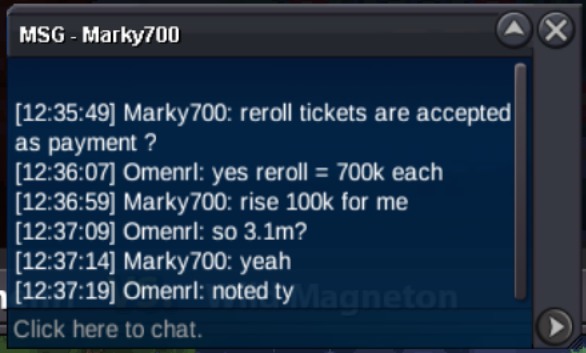
Bump 1 hour 25 minutes left 🙂Auction Rules: - S.O.: 2.5m - Min Raise: 100k - Insta: 10m - Duration: 54 hours from first bid - Timer: https://countingdownto.com/?c=6867547 - This is a Cross Server Auction. I will transfer to whichever server needed upon end of the auction. Accepted Currencies: - Pokedollars - Coin Capsule = 500k - Reroll Ticket = 700k - Nature Reroll = 350k GOOD LUCK 🙂
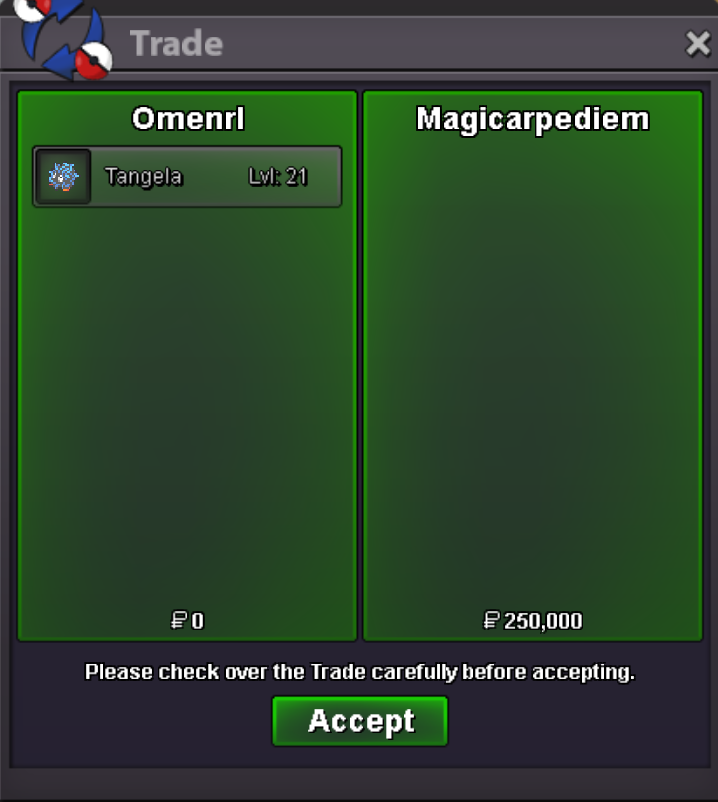
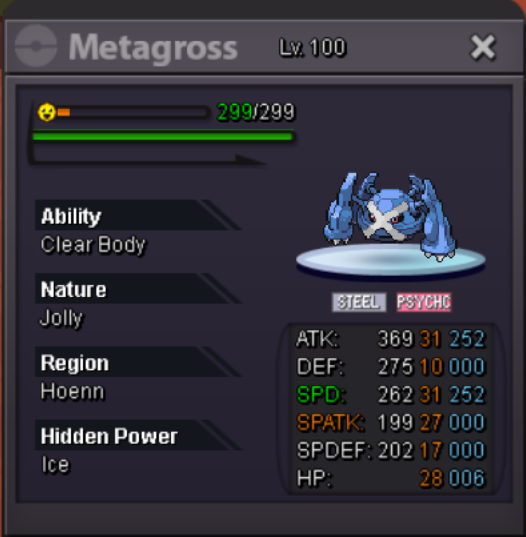 Hello @Vlospa2310 I am following up on thisPerfect, when can you meet?Hello can you post a screenshot of the poke you’d like to buy?Note to self, check for typos before you accidentally auction something for 2 hours 🤣
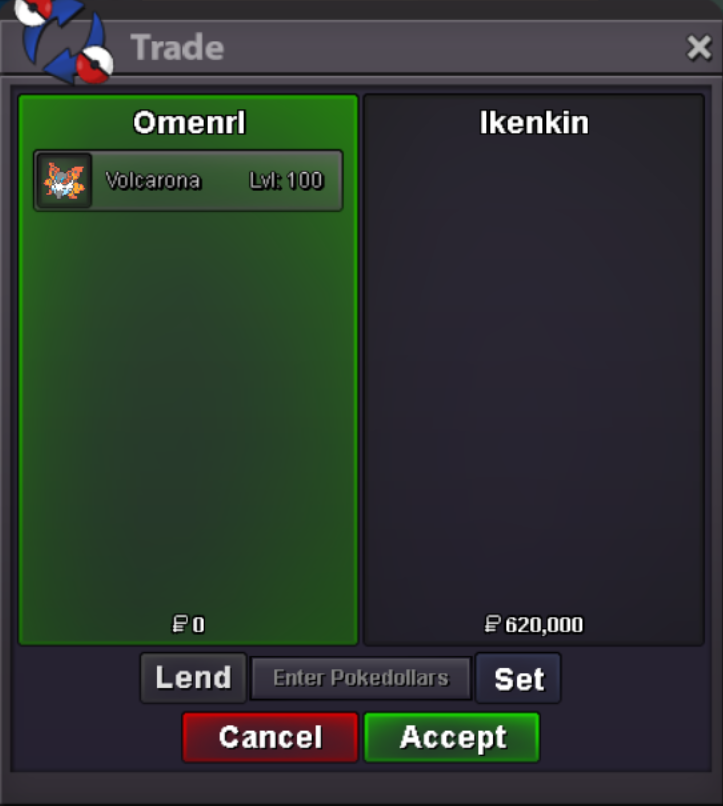 Auction Rules: Server: Gold S.O.: 500k Min. Rasie: 20k Insta: 2m Duration: 2 hours after first bid Timer: (will add once auction begins) GOOD LUCK 🙂
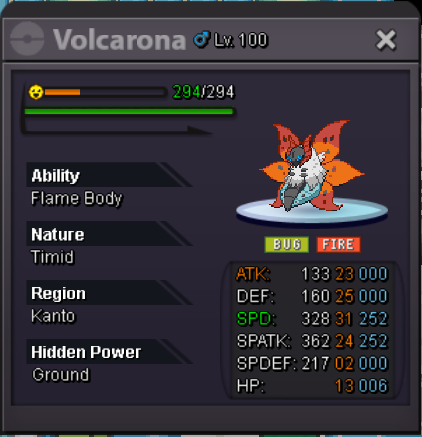 Hey, Gastly/Haunter/Gengar are a very common shiny. For it to have PvP viability it needs timid nature and high speed (preferably 31 speed). I would say this one being bold nature it has a value of about 50k. Good luck soldier 🫡Sounds good, when can you be online?
Account
Navigation
Search
Configure browser push notifications
Chrome (Android)
- Tap the lock icon next to the address bar.
- Tap Permissions → Notifications.
- Adjust your preference.
Chrome (Desktop)
- Click the padlock icon in the address bar.
- Select Site settings.
- Find Notifications and adjust your preference.
Safari (iOS 16.4+)
- Ensure the site is installed via Add to Home Screen.
- Open Settings App → Notifications.
- Find your app name and adjust your preference.
Safari (macOS)
- Go to Safari → Preferences.
- Click the Websites tab.
- Select Notifications in the sidebar.
- Find this website and adjust your preference.
Edge (Android)
- Tap the lock icon next to the address bar.
- Tap Permissions.
- Find Notifications and adjust your preference.
Edge (Desktop)
- Click the padlock icon in the address bar.
- Click Permissions for this site.
- Find Notifications and adjust your preference.
Firefox (Android)
- Go to Settings → Site permissions.
- Tap Notifications.
- Find this site in the list and adjust your preference.
Firefox (Desktop)
- Open Firefox Settings.
- Search for Notifications.
- Find this site in the list and adjust your preference.