New Trade Zone
Trade Zone is now live
Use the new Trade Zone for auctions and instant-price trades so Pokemon and item offers are easy to find.

Jqs
Registered User
-
Joined
-
Last visited
Everything posted by Jqs
-
-
-
-
-
-
-
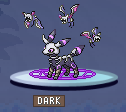
Willing to buy Valentines event-form Eevee/Umbreon as pictured here ---> Looking for any +Spdef natures(not Gentle) Sassy Calm Careful Would potentially buy +Def natures(not Lax) but to less of an interest Bold Impish Relaxed Private message me here or on discord @ju.les

-
This guide is a bit outdated, this NPC was moved to Eindoak town. Which you can access by speaking to Sailor Drew at the Eumi Island Town docks. https://wiki.pokemonrevolution.net/index.php?title=Kyurem_(quest) @Kakaroto187
-
-
14.5m (money on gold)
-
13m (money on gold)
-
10.5m (money on gold)
-
-
start 100k
-
-
Well done, looks great 😄
-
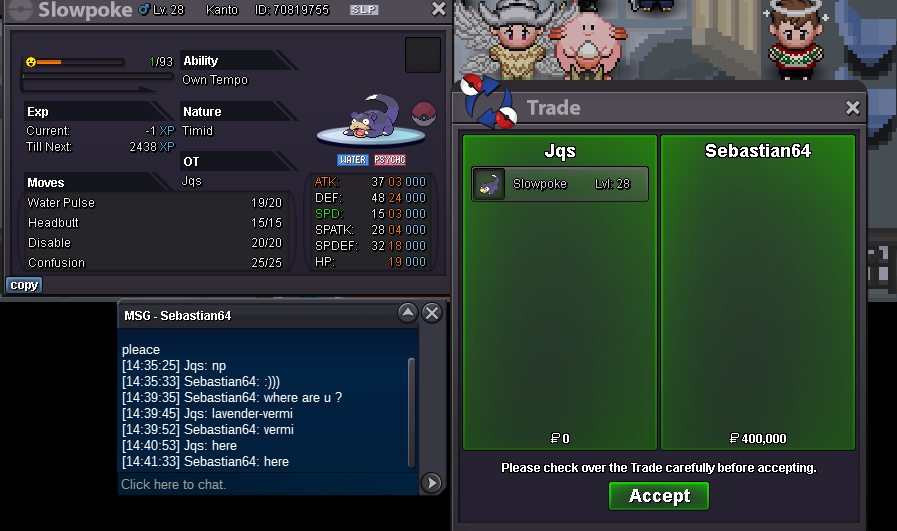
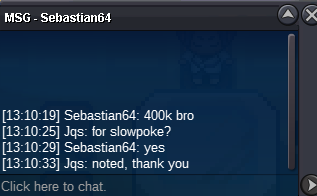
c.o 400k by @Sebastian64
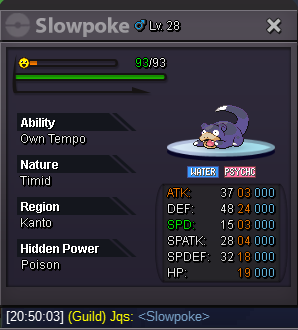
 Start: 50k Min raise: 10k insta: N/A End point: 40 hours after starting bid is met https://www.tickcounter.com/countdown/4800913/my-countdown Accepted payments: Pokedollars CC(350k) Nature RR (250k) IV RR (500k) 15-minute bid extension always applies at the end if necessary. IGN: Jqs Discord: ju.les
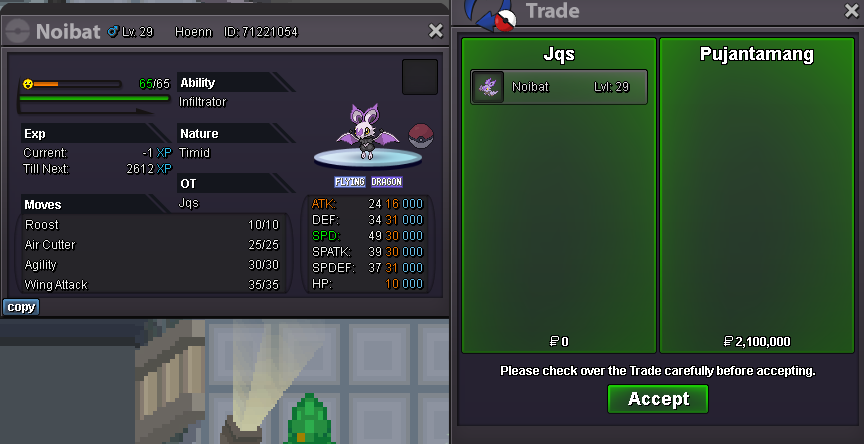
 @PujantamangYou are the winner with a bid of 2.1m, contact me here or on discord @ju.les when you are available to meetup. My timezone is ESTbump, approx 12 hours remain