




New Trade Zone
Trade Zone is now live
Use the new Trade Zone for auctions and instant-price trades so Pokemon and item offers are easy to find.

Undacover
Registered User
-
Joined
-
Last visited
-
Congratulationz you won, please write meSold
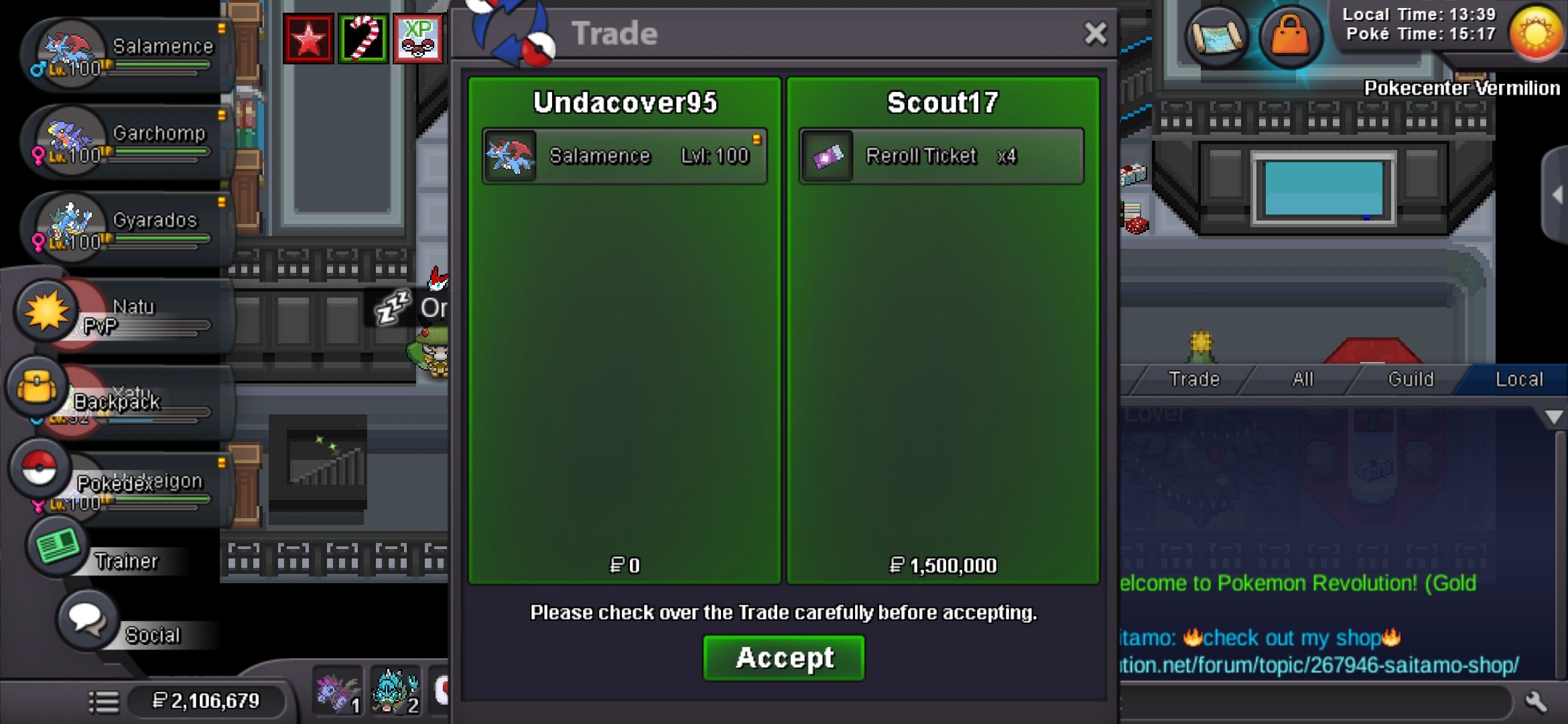 Start: 10M Min Bid: 500k Insta: N/A Accepted Pays: Pokedollar Cc= 500k Auction Duration: 48h after first Bid Good Luck!!
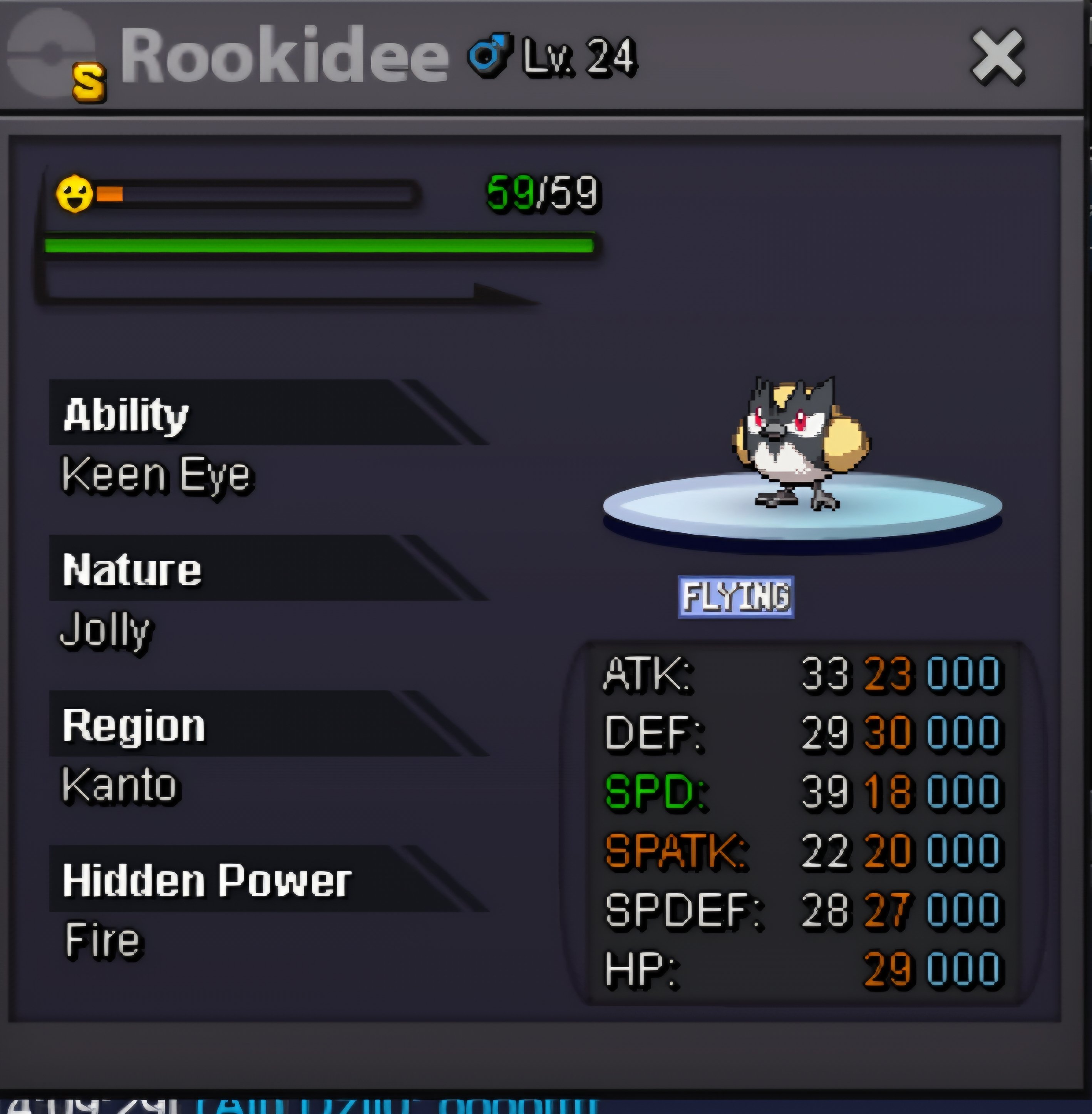 Oh okeyCongratulations, you've won. Add me Ingame: Undacover95Start Price: 1,5M Min Raise: 100k Auction Duration: 24h from first bid Insta: 10M Accepted Payment: Pokedollar Coin Capsule = 500k Reroll Ticket = 750k
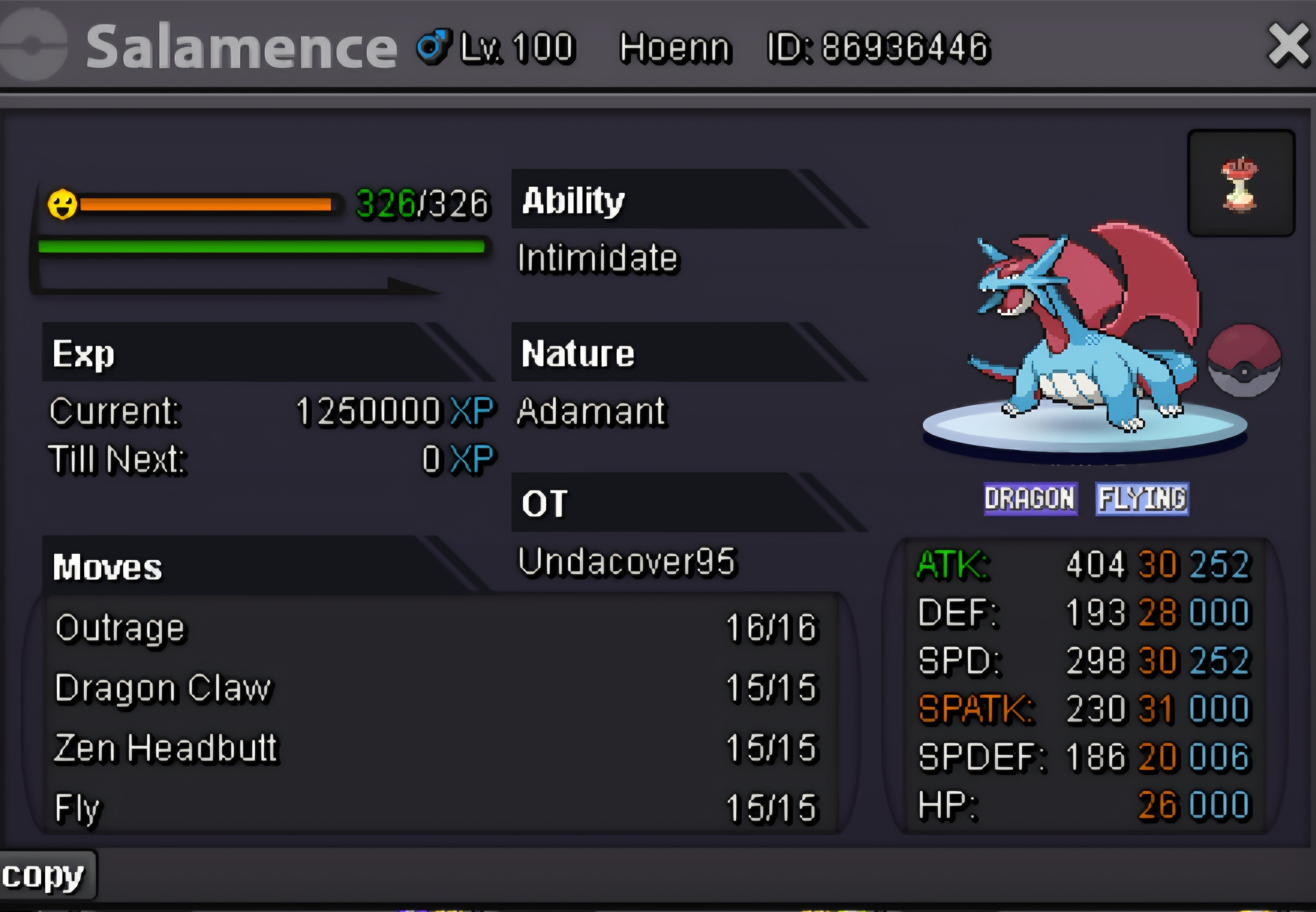 Start: 1m Min Raise: 100k Auction Duration: 24h from first bid Accepted Payments: Pokedollar Coin Capsule = 500k Reroll Ticket = 750k
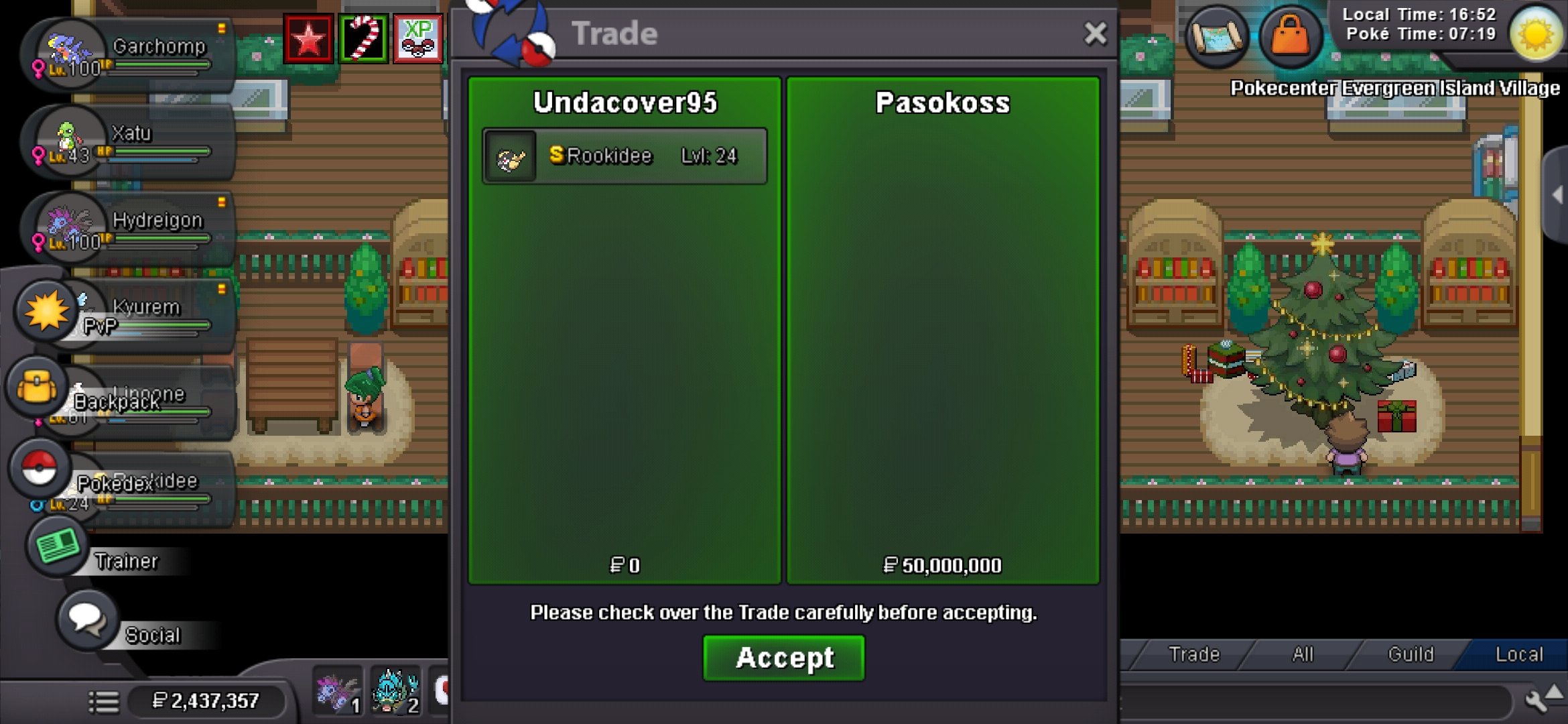
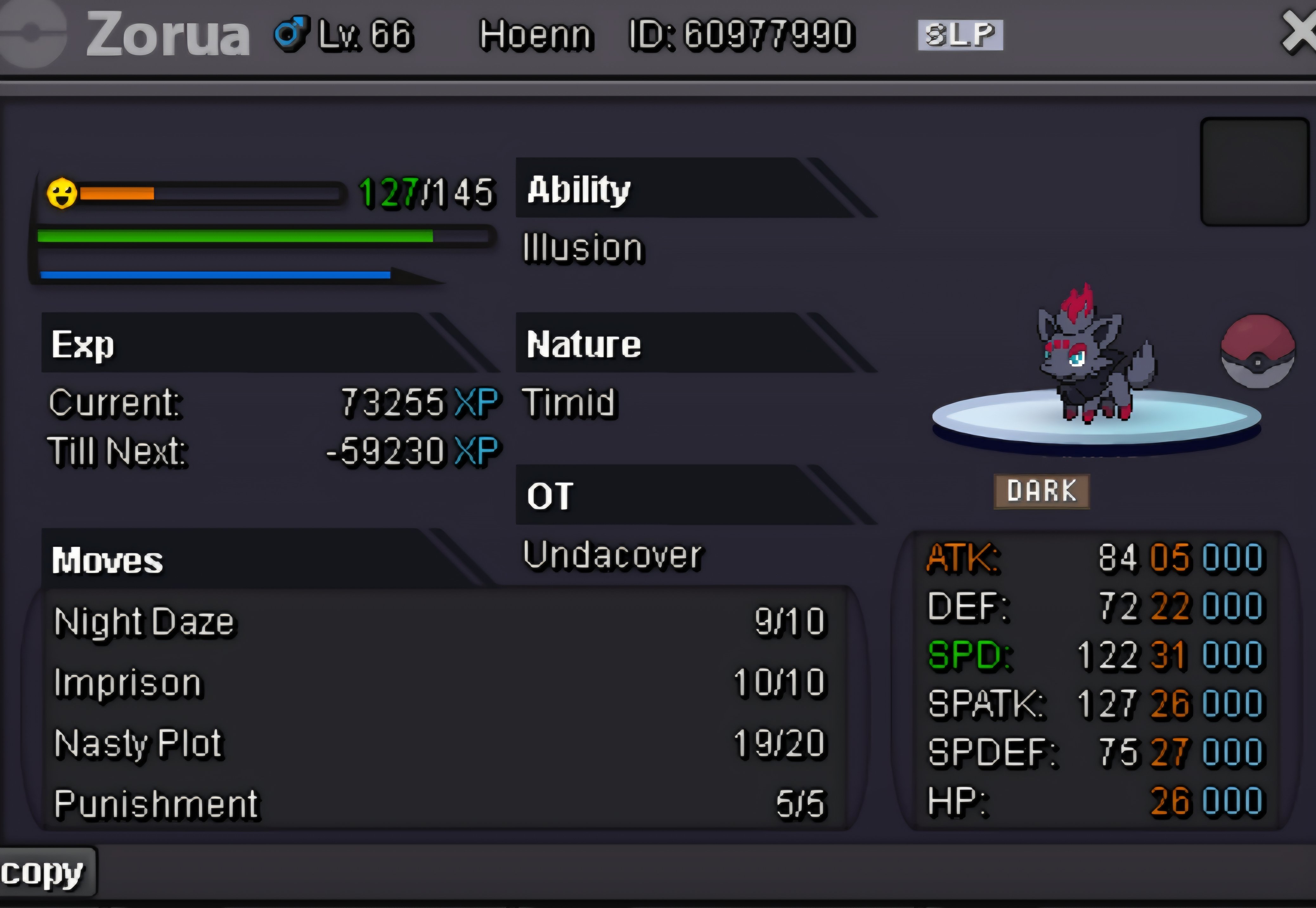 Undacover95 (Gold Server)Undacover95 (Gold Server)Hello, I made a mistake. I sent items from my old account to my new account via the mailbox. My old account is Gold Server, and I accidentally started my new account at Silver Server. Now I've changed to Gold Server with my new account, but the items aren't there. Is there anything I can do? My old Account is Undacover and my new one Undacover95


Account
Navigation
Search
Configure browser push notifications
Chrome (Android)
- Tap the lock icon next to the address bar.
- Tap Permissions → Notifications.
- Adjust your preference.
Chrome (Desktop)
- Click the padlock icon in the address bar.
- Select Site settings.
- Find Notifications and adjust your preference.
Safari (iOS 16.4+)
- Ensure the site is installed via Add to Home Screen.
- Open Settings App → Notifications.
- Find your app name and adjust your preference.
Safari (macOS)
- Go to Safari → Preferences.
- Click the Websites tab.
- Select Notifications in the sidebar.
- Find this website and adjust your preference.
Edge (Android)
- Tap the lock icon next to the address bar.
- Tap Permissions.
- Find Notifications and adjust your preference.
Edge (Desktop)
- Click the padlock icon in the address bar.
- Click Permissions for this site.
- Find Notifications and adjust your preference.
Firefox (Android)
- Go to Settings → Site permissions.
- Tap Notifications.
- Find this site in the list and adjust your preference.
Firefox (Desktop)
- Open Firefox Settings.
- Search for Notifications.
- Find this site in the list and adjust your preference.