




New Trade Zone
Trade Zone is now live
Use the new Trade Zone for auctions and instant-price trades so Pokemon and item offers are easy to find.


Vatevuoktliek
Registered User
-
Joined
-
Last visited
Everything posted by Vatevuoktliek
-
2880 mins left
-
Please make the caught pokemon on event map from whichever port town you traveled from. I was stuck at sinnoh during christmas(i think?) last year and had been trying to make this post but forgot about it, and then remembered just now(at the time of writing this post). I believe this will make players try to complete story mode faster and also not trying to brute force story in trying to hunt on event islands since any pokemon they caught wiill be region locked.
-
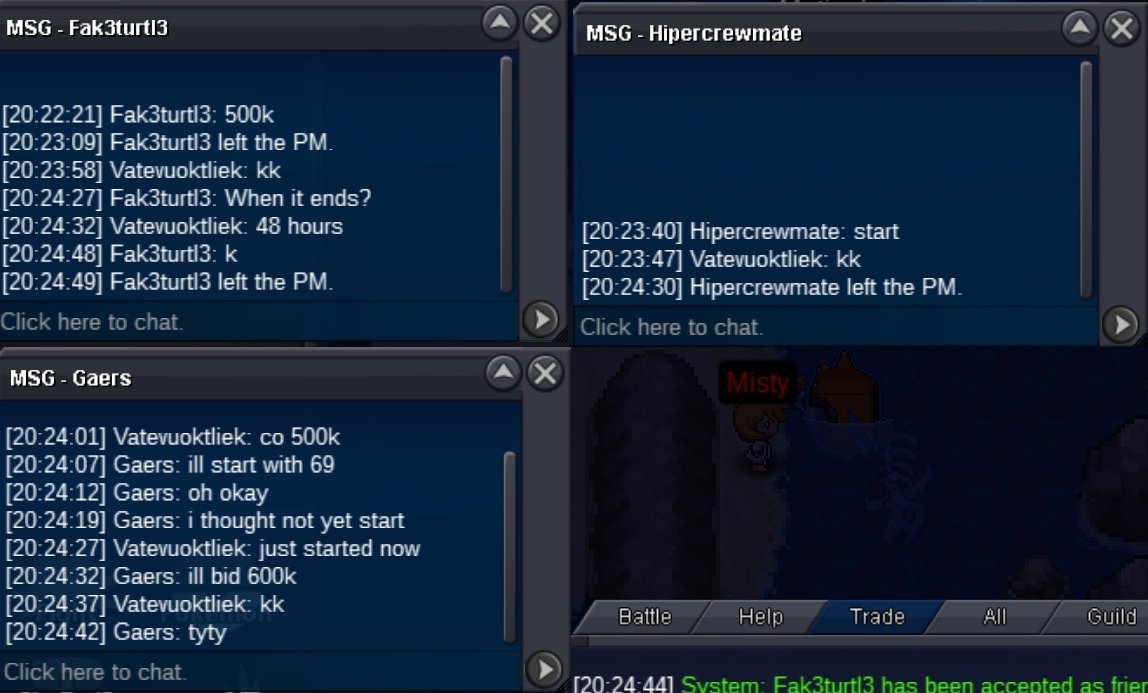
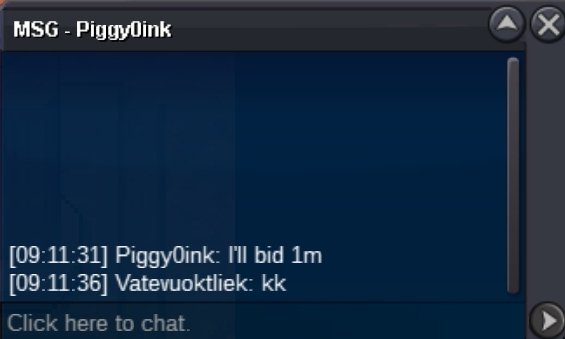
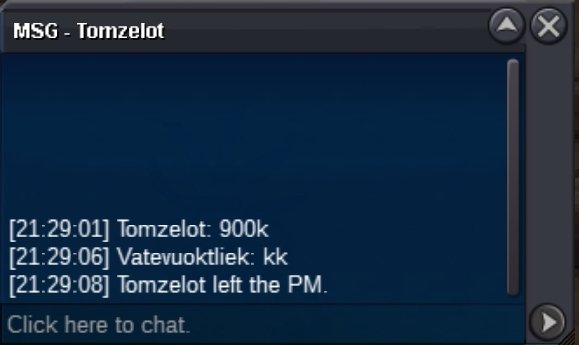
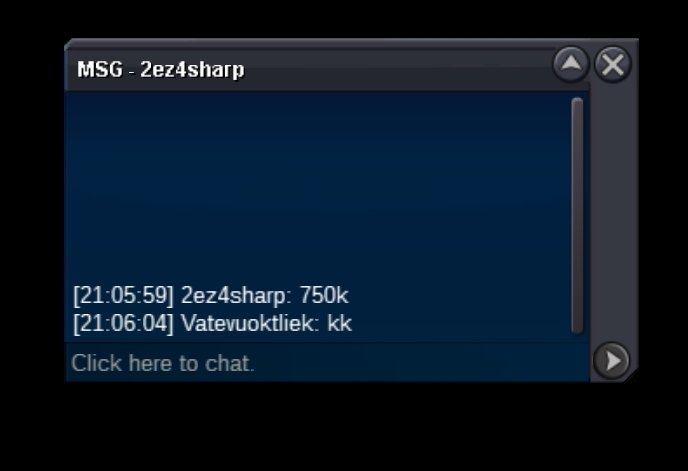
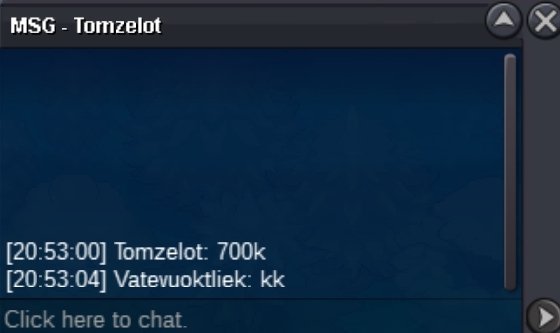
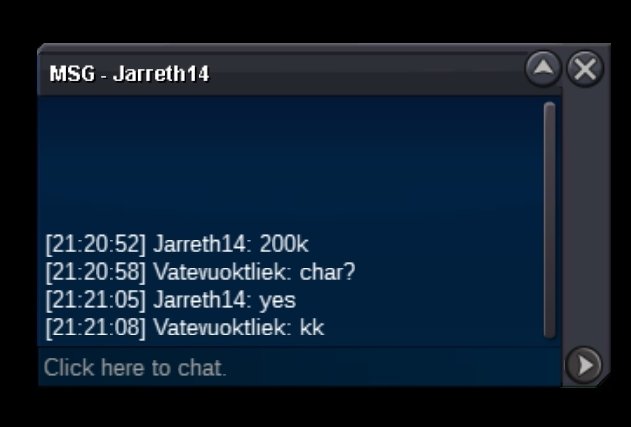
174 IgglybuffBirdie's(That's what Vate means in my language btw) wishlist includes: Careful rock head Aron/evo with 15+ in defense and 25+ in spdef and hp ~ budget 1m Jolly Weedle/evo with 31 in attack and speed, and 20+ other stats ~ budget 500k Jolly Iron Fist Chimchar/evo with 27+ in attack and speed, 20+ other stats ~ Budget 1m Impish No Guard Machop/evo with 30+ in attack, 20+ other stats ~ Budget 700k Other mons will be requested soon.311, 111Auction ended. Winner @Fazz200. Pm when availableStartC.O 600k by Gaers
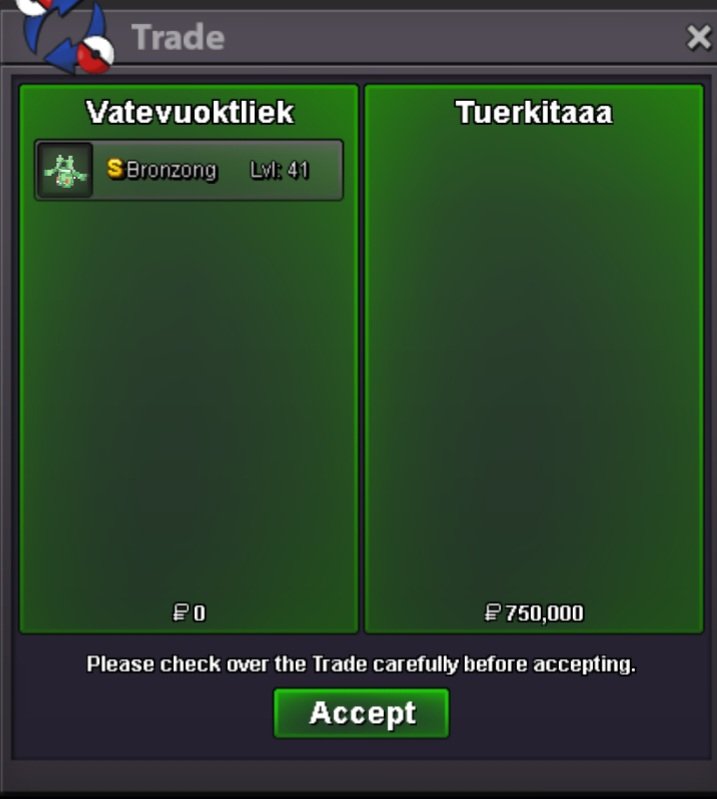
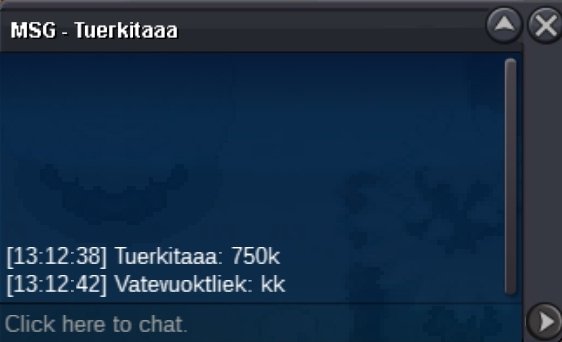
 10.02380k cloyster2.1mStart Lucha, 60k cloyster, rotom 200kAuction ended. Winner @TuerkitaaaHe asked for help to evolve his kadabra and i agreed to help if he help me evolve my gurdurr as well. Now my gurdurr is locked in his pc, can you pleases help me get it back? Edit: Zoruami - Restored, Please check your PC last slot.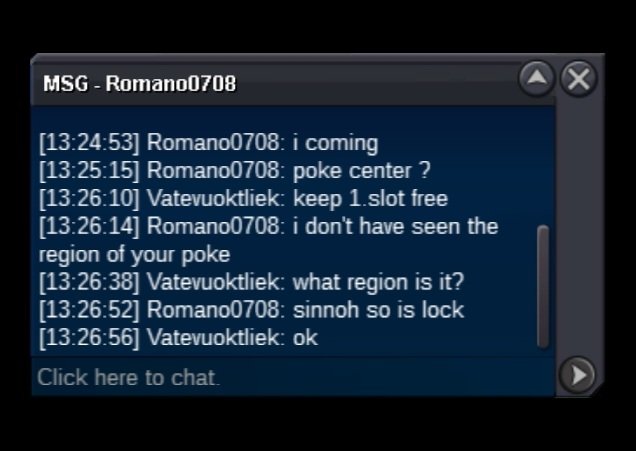





Account
Navigation
Search
Configure browser push notifications
Chrome (Android)
- Tap the lock icon next to the address bar.
- Tap Permissions → Notifications.
- Adjust your preference.
Chrome (Desktop)
- Click the padlock icon in the address bar.
- Select Site settings.
- Find Notifications and adjust your preference.
Safari (iOS 16.4+)
- Ensure the site is installed via Add to Home Screen.
- Open Settings App → Notifications.
- Find your app name and adjust your preference.
Safari (macOS)
- Go to Safari → Preferences.
- Click the Websites tab.
- Select Notifications in the sidebar.
- Find this website and adjust your preference.
Edge (Android)
- Tap the lock icon next to the address bar.
- Tap Permissions.
- Find Notifications and adjust your preference.
Edge (Desktop)
- Click the padlock icon in the address bar.
- Click Permissions for this site.
- Find Notifications and adjust your preference.
Firefox (Android)
- Go to Settings → Site permissions.
- Tap Notifications.
- Find this site in the list and adjust your preference.
Firefox (Desktop)
- Open Firefox Settings.
- Search for Notifications.
- Find this site in the list and adjust your preference.