




New Trade Zone
Trade Zone is now live
Use the new Trade Zone for auctions and instant-price trades so Pokemon and item offers are easy to find.


Manav861
Registered User
-
Joined
-
Last visited
Everything posted by Manav861
-
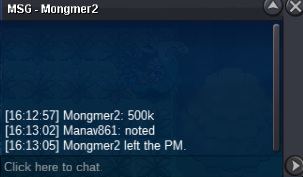
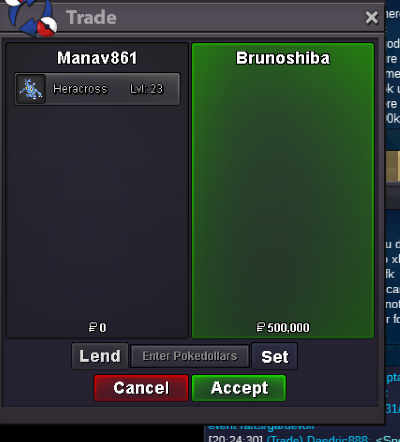
500k
-
Hey GUYS, the shop is open once again, tho because of some irl work I won't be able to take more than 2 story services in a week. time taken per story will be same as before. ENJOY! ^^
-
The auction is over and the winner is @Mongmer2
-
-
SO-200k MIN BID-20K INSTA-NO INSTA END TIME-24HRS AFTER 1ST BID GL BIDDING
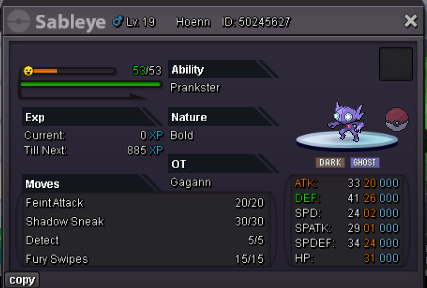 why there is no min bid?.....how are we supposed to bid then.....Username - manav861 Server- gold Country/timezone - India +5:30GMThey^^ i would like to buy these 5 if available
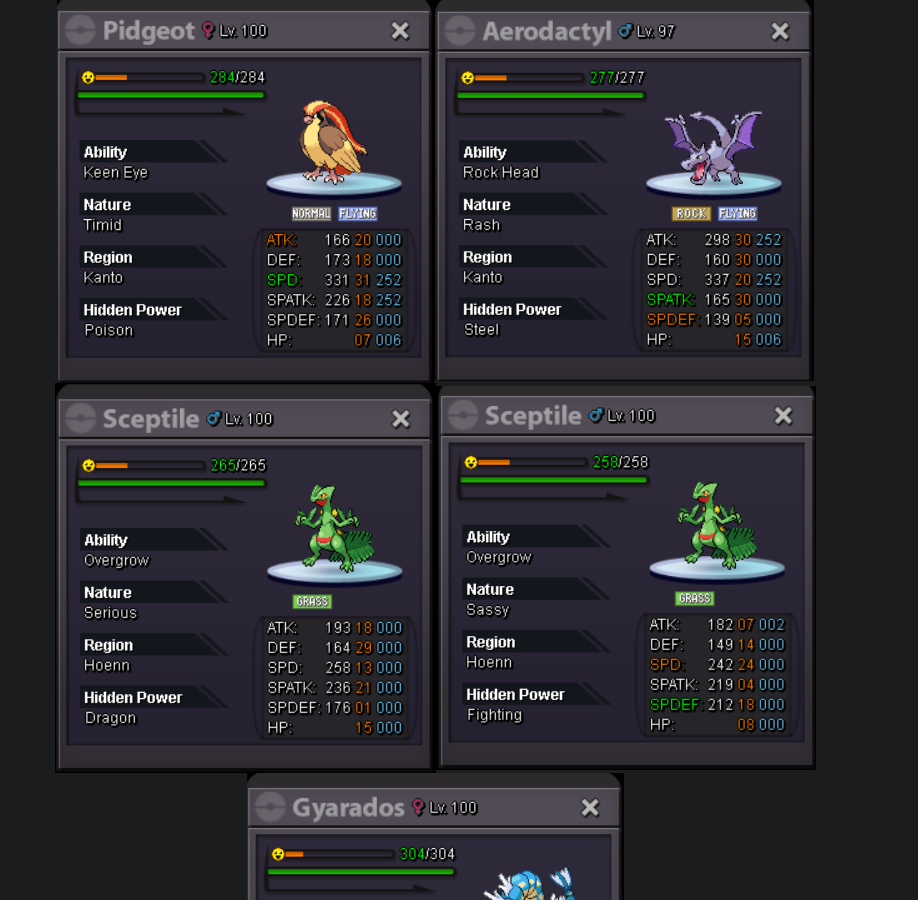 im free rn ^^53k51ktraded both (both accounts belongs to same person)
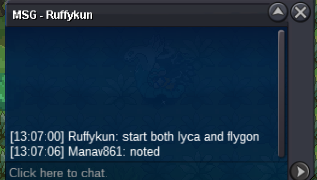
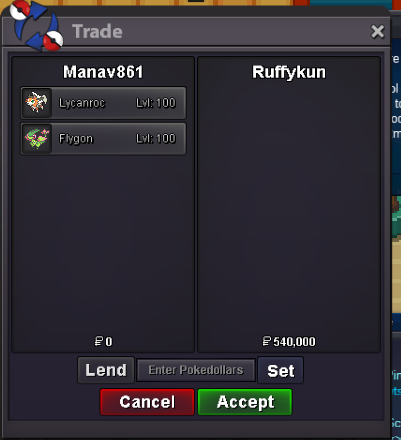 auction ended .... the winner is @Rufkun with the bid of 290k on lycanroc and @ruffykun with the bid of 250k on flygon will remove ribombee as its not started yetco-250k min bid- 20k insta- no insta end time- 48hrs after 1st bid co-250k min bid-20k insta- no insta end time- 48 hrs after 1st bid co-250k min bid-20k insta-1m end time-48 hrs after 1st bid GL BIDDING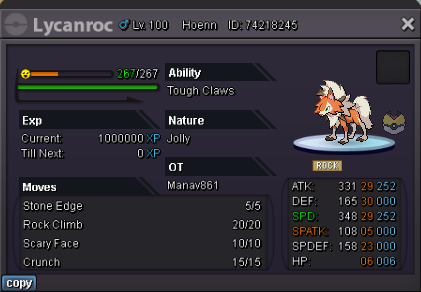
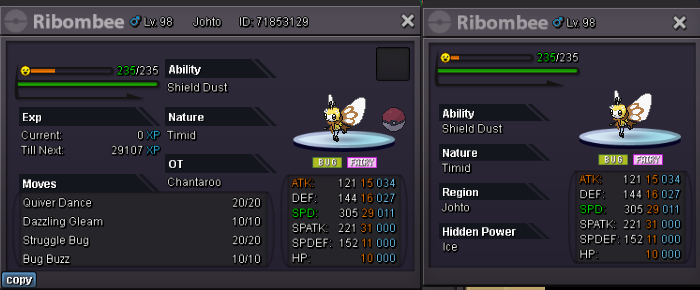
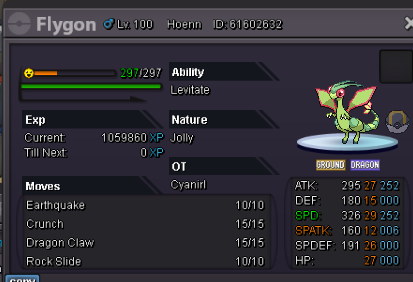 bump 😞auction already ended :(jhoto,hoenn,sinnoh,subway,teleport....done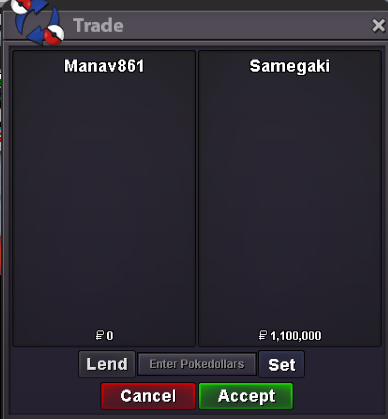


Account
Navigation
Search
Configure browser push notifications
Chrome (Android)
- Tap the lock icon next to the address bar.
- Tap Permissions → Notifications.
- Adjust your preference.
Chrome (Desktop)
- Click the padlock icon in the address bar.
- Select Site settings.
- Find Notifications and adjust your preference.
Safari (iOS 16.4+)
- Ensure the site is installed via Add to Home Screen.
- Open Settings App → Notifications.
- Find your app name and adjust your preference.
Safari (macOS)
- Go to Safari → Preferences.
- Click the Websites tab.
- Select Notifications in the sidebar.
- Find this website and adjust your preference.
Edge (Android)
- Tap the lock icon next to the address bar.
- Tap Permissions.
- Find Notifications and adjust your preference.
Edge (Desktop)
- Click the padlock icon in the address bar.
- Click Permissions for this site.
- Find Notifications and adjust your preference.
Firefox (Android)
- Go to Settings → Site permissions.
- Tap Notifications.
- Find this site in the list and adjust your preference.
Firefox (Desktop)
- Open Firefox Settings.
- Search for Notifications.
- Find this site in the list and adjust your preference.