




New Trade Zone
Trade Zone is now live
Use the new Trade Zone for auctions and instant-price trades so Pokemon and item offers are easy to find.


Everything posted by Lacomus
-
Updated 16/08/2023
-
Approx 3 hours remaining
-
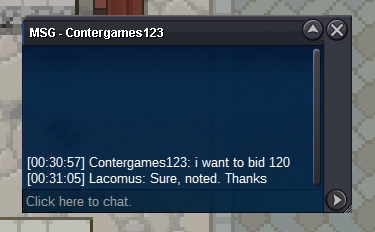
@Cathater Yes, you need a Pokémon with the "synchronize" ability. Pokémon such as Abra, Natu, Ralts have it. When hunting, put the sync (with the desired nature) in slot 1 of your party. One thing people like to do is use a high level / LV100 Pokémon with the move False Swipe, to bring the HP down to a minimal for catching (this Pokémon put in slot 2). The sync will still be in use as a fainted Pokémon in slot 1, so you don't have to worry about that. However, as you've said, its a 50/50 chance of synchronizing the natureStart all (10k each)Start: 1 Min bid: 1 Duration: 10 hours (after the first bid) Payment: Pokedollars Insta: N/A Note: Gold Server. HP Ghost Closed: @Contergames123 120k
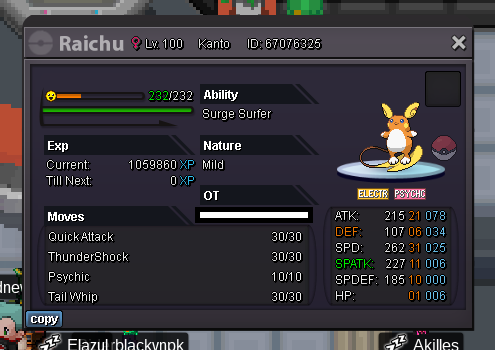 Start (3m)Enjoy @Ls2118
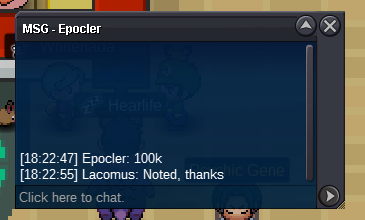
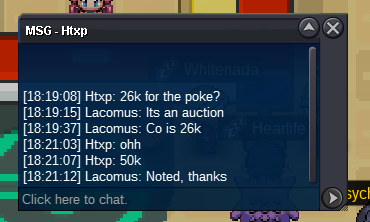
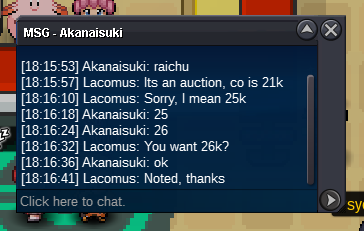
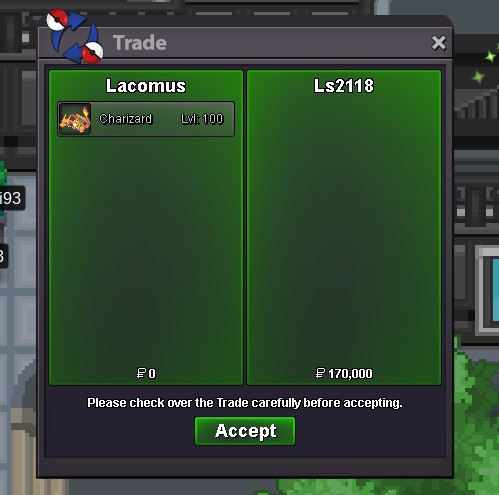 @Yasintahsin0 I can't accept it@Yasintahsin0 Sadly, yep. Check the timeYou win @Ls2118 congratsStart (100k)Start: 1 Min bid: 1 Duration: 10 hours (after the first bid) Payment: Pokedollars Insta: N/A Note: Gold Server. HP Fighting Closed: @Ls2118 170k
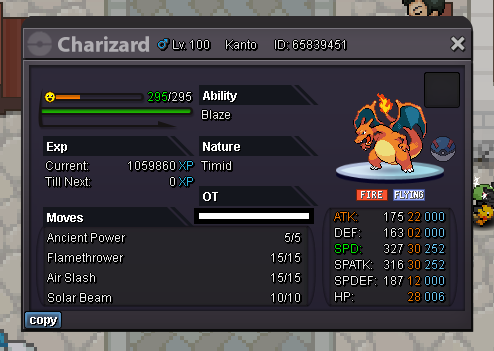 Enjoy @Lgfantasma
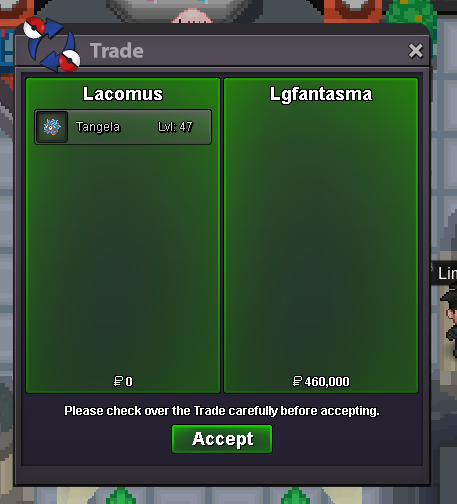 Think you win @Lgfantasma




Account
Navigation
Search
Configure browser push notifications
Chrome (Android)
- Tap the lock icon next to the address bar.
- Tap Permissions → Notifications.
- Adjust your preference.
Chrome (Desktop)
- Click the padlock icon in the address bar.
- Select Site settings.
- Find Notifications and adjust your preference.
Safari (iOS 16.4+)
- Ensure the site is installed via Add to Home Screen.
- Open Settings App → Notifications.
- Find your app name and adjust your preference.
Safari (macOS)
- Go to Safari → Preferences.
- Click the Websites tab.
- Select Notifications in the sidebar.
- Find this website and adjust your preference.
Edge (Android)
- Tap the lock icon next to the address bar.
- Tap Permissions.
- Find Notifications and adjust your preference.
Edge (Desktop)
- Click the padlock icon in the address bar.
- Click Permissions for this site.
- Find Notifications and adjust your preference.
Firefox (Android)
- Go to Settings → Site permissions.
- Tap Notifications.
- Find this site in the list and adjust your preference.
Firefox (Desktop)
- Open Firefox Settings.
- Search for Notifications.
- Find this site in the list and adjust your preference.