New Trade Zone
Trade Zone is now live
Use the new Trade Zone for auctions and instant-price trades so Pokemon and item offers are easy to find.

Lacomus
Registered User
-
Joined
-
Last visited
Everything posted by Lacomus
-
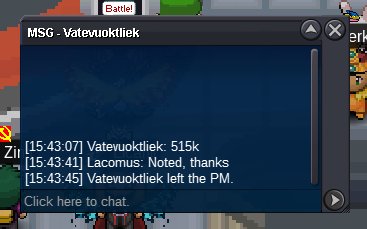
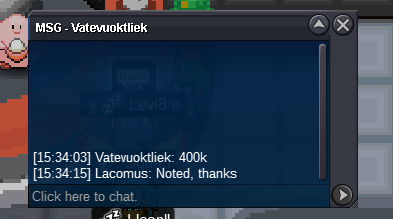
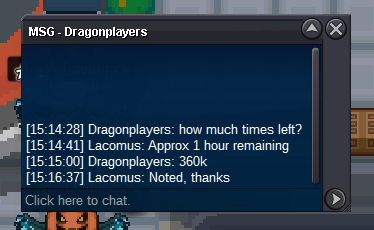
@Theophidom leads at 370kApprox 1 hour remaining@Avi001 There are tradable PvE items by the month, and they change at random. If I'm not mistaken, the likes of a regular Suicune Mount (500 coins) will range in the millions. As for the Prestige version, it will range in the tens of millions (if you have the money, you can buy prestige at anytime if someone is selling). Either way, they aren't cheapStart: 1 Min bid: 1 Duration: 24 hours (after the first bid) Payment: Pokedollars Insta: 1.5m Note: Silver Server. HP Grass Closed: @Dragonplayers 1.5m
 Enjoy @Luckytea
 Auction ended 2:23pm (GMT+1). Its now 2:28pm (GMT+1). @Luckytea bid 1:59pm (GMT+1), before the final 15 minutes, so no extension. If my calculations are correct, @Luckytea winsNeed to check to timeInvalid, sadly. 4 pokedollar min bid and I think now out of time@Dangarangs You around today?Minutes to goUpdated 04/08/2023Start: 4 Min bid: 4 Duration: 14 hours (after the first bid) Payment: Pokedollars Insta: N/A Note: Silver Server. Kabuto HP Grass, Feebas HP Electric, Scatterbug HP Bug, Gastly HP Electric. This is a bundle Closed: @Luckytea 999


 Thanks @Varun9696

Account
Navigation
Search
Configure browser push notifications
Chrome (Android)
- Tap the lock icon next to the address bar.
- Tap Permissions → Notifications.
- Adjust your preference.
Chrome (Desktop)
- Click the padlock icon in the address bar.
- Select Site settings.
- Find Notifications and adjust your preference.
Safari (iOS 16.4+)
- Ensure the site is installed via Add to Home Screen.
- Open Settings App → Notifications.
- Find your app name and adjust your preference.
Safari (macOS)
- Go to Safari → Preferences.
- Click the Websites tab.
- Select Notifications in the sidebar.
- Find this website and adjust your preference.
Edge (Android)
- Tap the lock icon next to the address bar.
- Tap Permissions.
- Find Notifications and adjust your preference.
Edge (Desktop)
- Click the padlock icon in the address bar.
- Click Permissions for this site.
- Find Notifications and adjust your preference.
Firefox (Android)
- Go to Settings → Site permissions.
- Tap Notifications.
- Find this site in the list and adjust your preference.
Firefox (Desktop)
- Open Firefox Settings.
- Search for Notifications.
- Find this site in the list and adjust your preference.