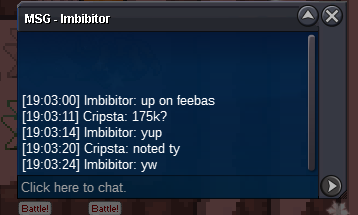
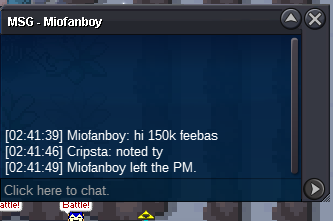
New Trade Zone
Trade Zone is now live
Use the new Trade Zone for auctions and instant-price trades so Pokemon and item offers are easy to find.


Blueciferr
Suspended
-
Joined
-
Last visited
Everything posted by Blueciferr
-
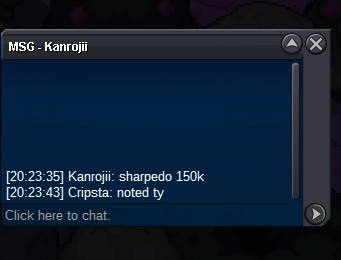
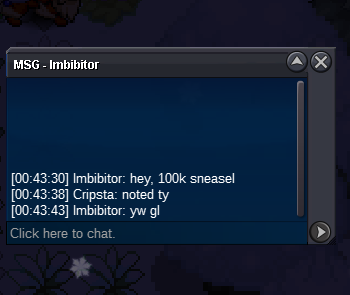
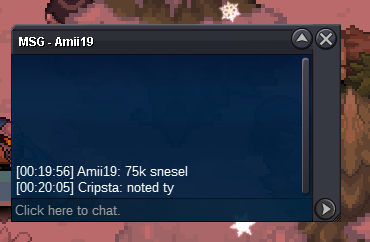
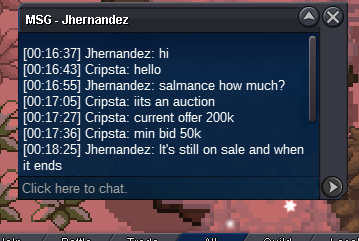
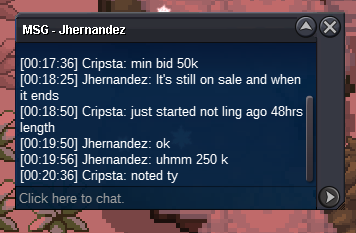
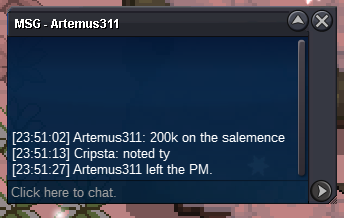
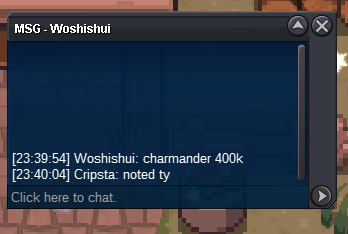
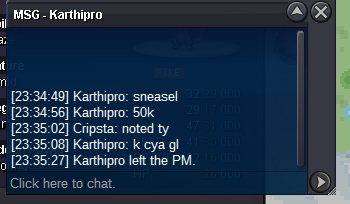
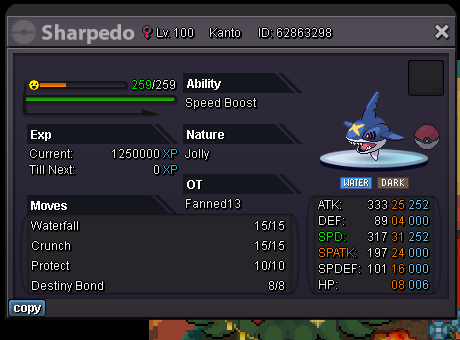
2mS.O Charmander 300k, Min Bid 50k S.O Salamence 100k, Min Bid 50k S.O Sharpedo 100K, Min Bid 25k S.O Sneasel 50k, Min Bid 25k No Insta On Any Accept Only Pokedollars End Time 48hrs After S.O Met Charmander countdown, https://www.tickcounter.com/countdown/4714642/charmander-countdown Salamence countdown, https://www.tickcounter.com/countdown/4714643/salamence-countdown Sharpedo countdown, https://www.tickcounter.com/countdown/4714645/sharpedo-countdown Sneasel countdown, https://www.tickcounter.com/countdown/4714629/sneasel-end-time
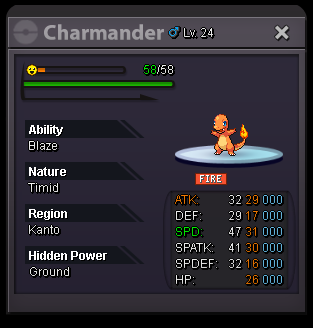
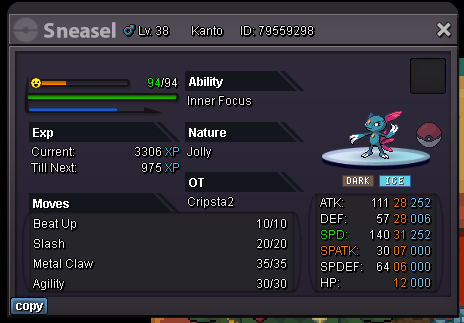
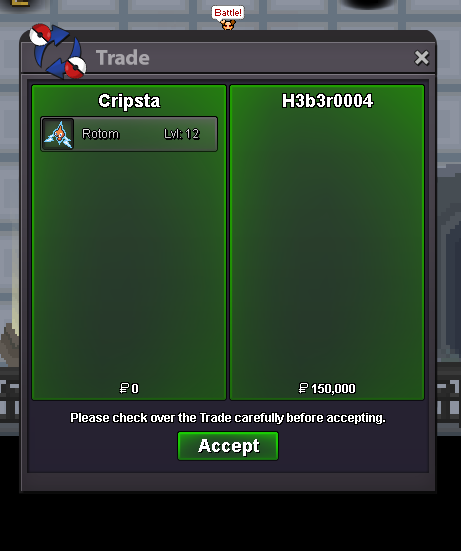
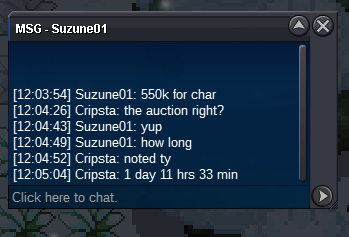
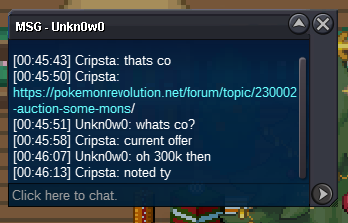
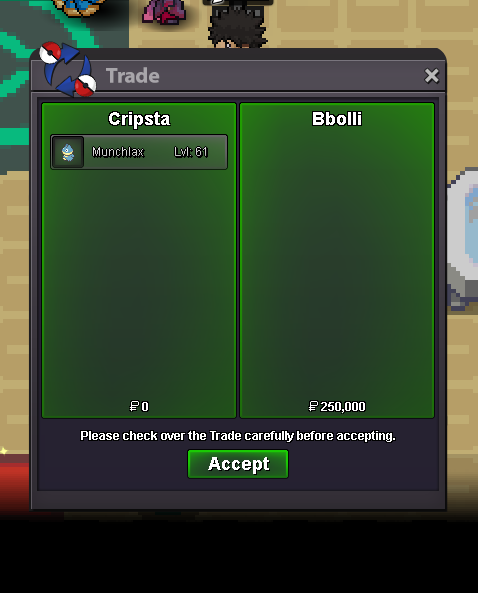
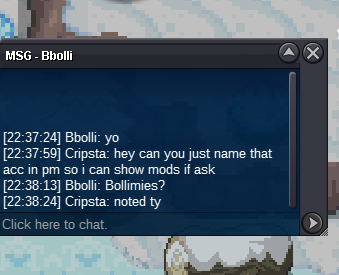
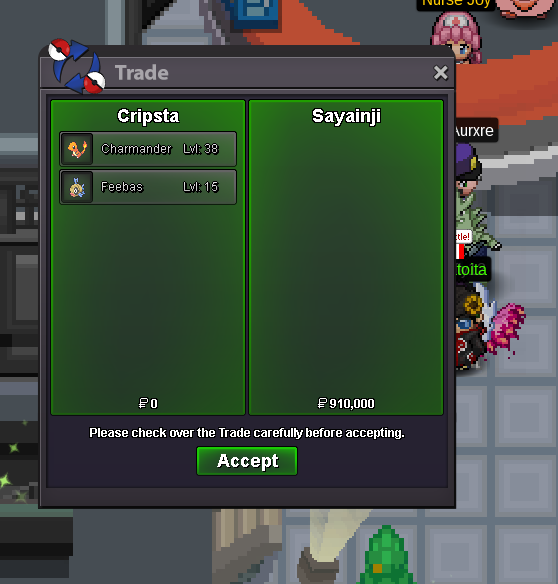
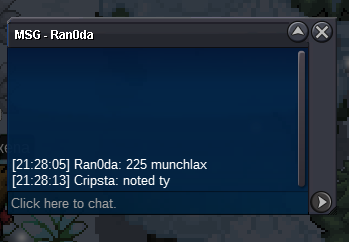
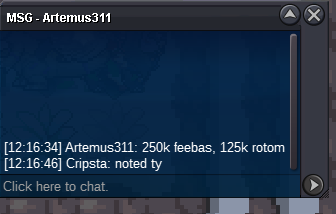
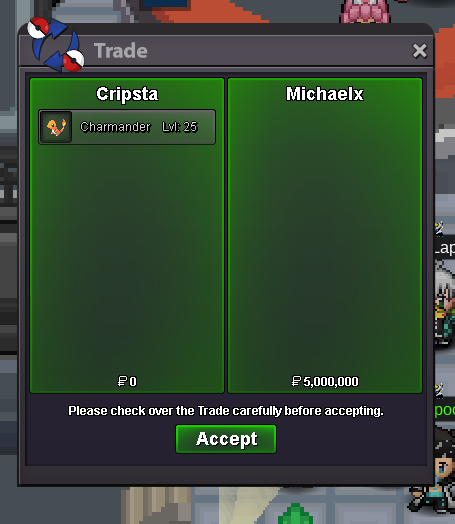
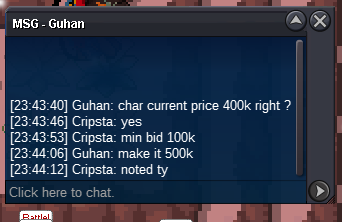
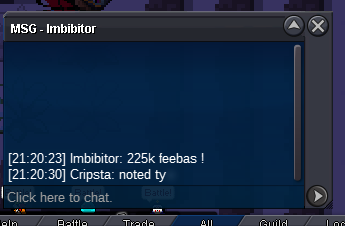
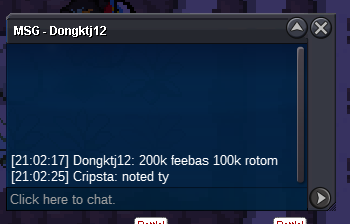
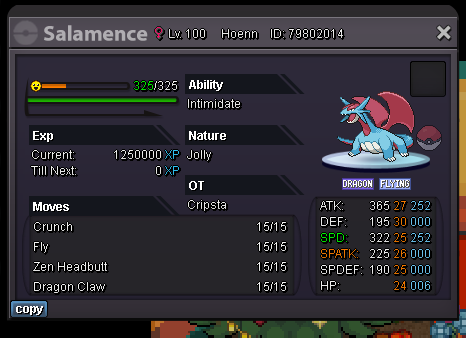 Munchlax over, sold for 250k to bollimiesCharmander over sold for 600k to sayainji Feebas over sold for 310k to sayainji rotom over sold for 150k to H3b3r004Bump less than ten hours remain on all6.1m
Account
Navigation
Search
Configure browser push notifications
Chrome (Android)
- Tap the lock icon next to the address bar.
- Tap Permissions → Notifications.
- Adjust your preference.
Chrome (Desktop)
- Click the padlock icon in the address bar.
- Select Site settings.
- Find Notifications and adjust your preference.
Safari (iOS 16.4+)
- Ensure the site is installed via Add to Home Screen.
- Open Settings App → Notifications.
- Find your app name and adjust your preference.
Safari (macOS)
- Go to Safari → Preferences.
- Click the Websites tab.
- Select Notifications in the sidebar.
- Find this website and adjust your preference.
Edge (Android)
- Tap the lock icon next to the address bar.
- Tap Permissions.
- Find Notifications and adjust your preference.
Edge (Desktop)
- Click the padlock icon in the address bar.
- Click Permissions for this site.
- Find Notifications and adjust your preference.
Firefox (Android)
- Go to Settings → Site permissions.
- Tap Notifications.
- Find this site in the list and adjust your preference.
Firefox (Desktop)
- Open Firefox Settings.
- Search for Notifications.
- Find this site in the list and adjust your preference.