




New Trade Zone
Trade Zone is now live
Use the new Trade Zone for auctions and instant-price trades so Pokemon and item offers are easy to find.

Rsa161994
Registered User
-
Joined
-
Last visited
Everything posted by Rsa161994
-
1. What's your Player name (IGN)? - rsa16 2. Number of hours played? - 186hours 3. What's your favorite Pokemon? - Salamence 4. Enjoy pve battles, completing in game new quests and starting on pvp once I have some better stallers! 5. How old are you? - 28
-
@Epithet please let me know
-
@Epithet any update?
-
@Epithet - let me know next steps please, I don't have 50k to spend on a npc iv prev reroll
-
@Lyn1311 - no I didn't see any new ivs My Volcanion is so weak I would have defo applied it!
-
@Epithet what are the next steps?
-
@Epithet that is correct
-
@Epithet please let me know as I want to move on from this zone
-
@Epithet any update on this?
-
Hello @Epithet Thanks for the speedy response and splitting the issue. I have attached a picture of my discussion with James, it implies I already have used it, but I am happy to show you all my pokemon as I only have one legendary...
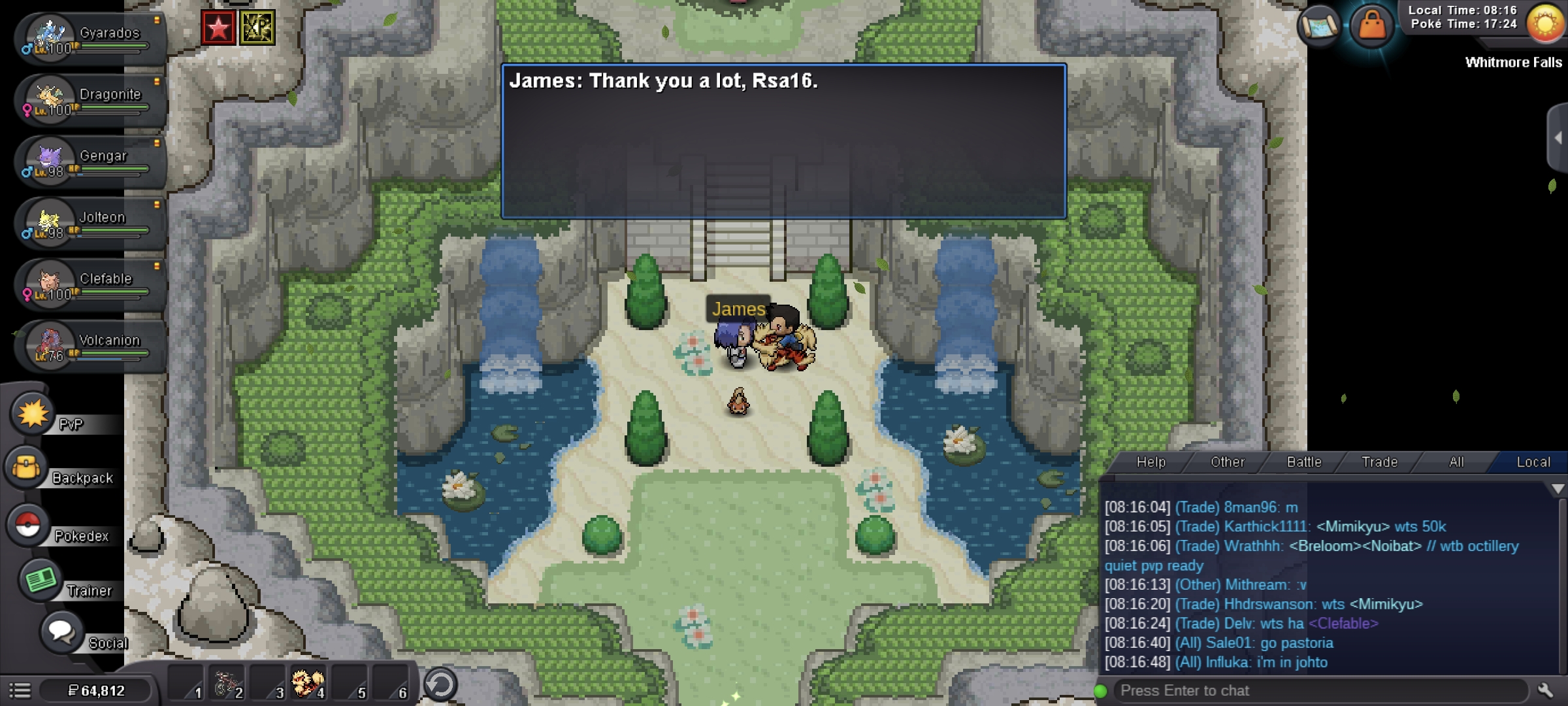
-
@Epithet This should be able to demonstrate when I was given this pokemon ivs havent changed 

-
@Epithet Here is dialogue...
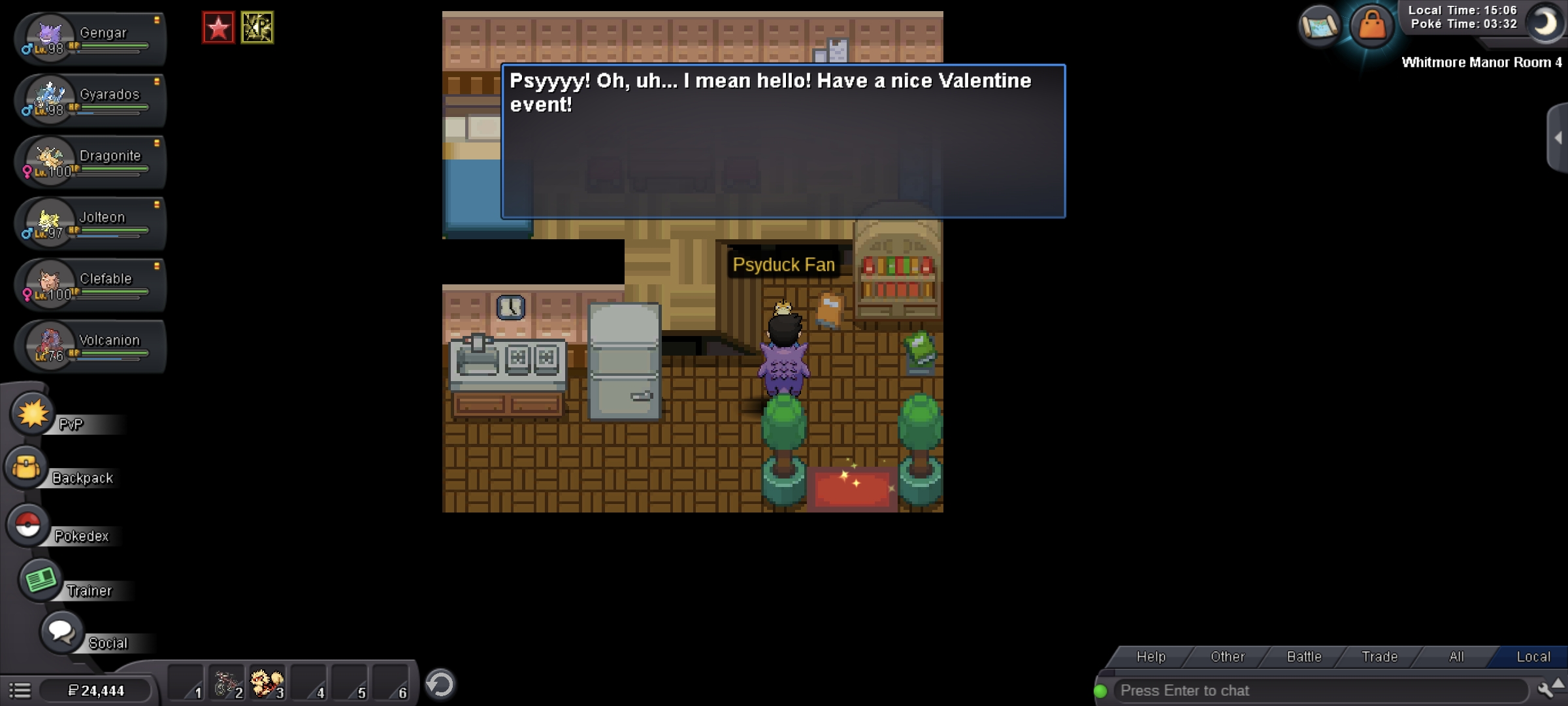
-
Hello @Epithet I completed the valentines quests, I went to the psyduck for my ivreroll for my volcanion but I haven't been given any new ivs? Will I be refunded a new ticket? Alot of time went in to completing the quest! Can someone please help?