




New Trade Zone
Trade Zone is now live
Use the new Trade Zone for auctions and instant-price trades so Pokemon and item offers are easy to find.

Mrclaireaa
Registered User
-
Joined
-
Last visited
-
you should post it on GOLD server instead of cross-server if you're making buyer transfer iirc.
-
its wrong section of the forum, you should've sold it on ITEMS not Pokemon care
-
pictures cant be seen fyi
-
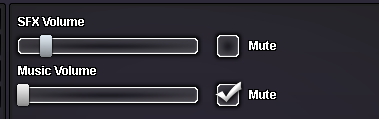
like tick like this not drag to 0
-
@Shachar1bo mute music
-
@Conquerorr dont say noted to every bid, they count as bump you might get a warning for that.
-
@M0nkeyk1ng epic means for abra for example every stat except attack +20
-
Lacomus The Rare mount whisperer, good luck in the auction.
-
man you're only allowed to bum your post once per day, be careful
-
@Epithet
-
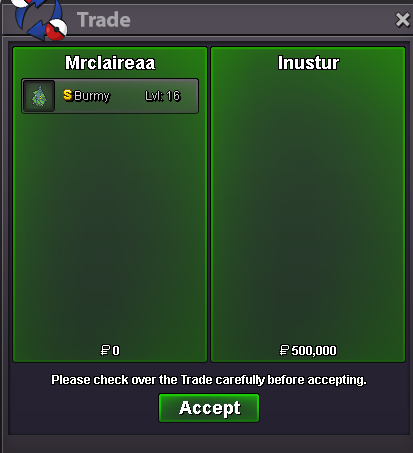
delivered.
-
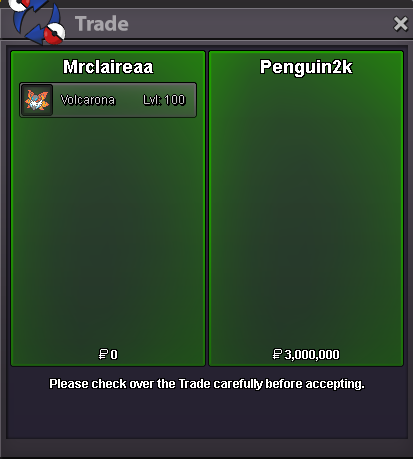
Volcarona delivered
-
yes
-
@Inustur pm me ingame mrclaireaa or discord mrclairea
-
devs must've added some luck points to him 😄

