New Trade Zone
Trade Zone is now live
Use the new Trade Zone for auctions and instant-price trades so Pokemon and item offers are easy to find.

Zuiyue
Registered User
-
Joined
-
Last visited
Everything posted by Zuiyue
-
-
-
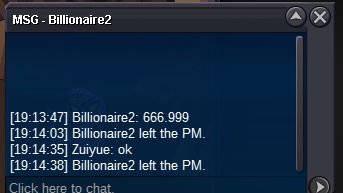
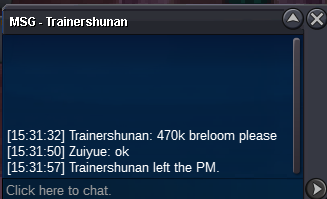
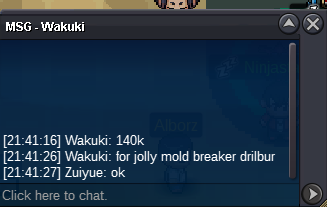
3rd 140k
 3rd 120k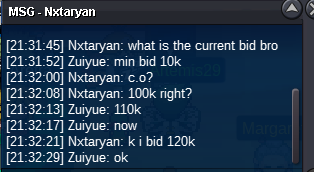
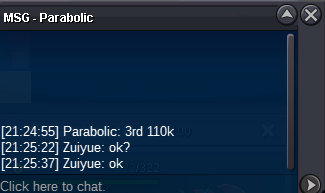
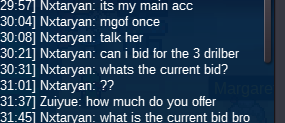 3rd 110k
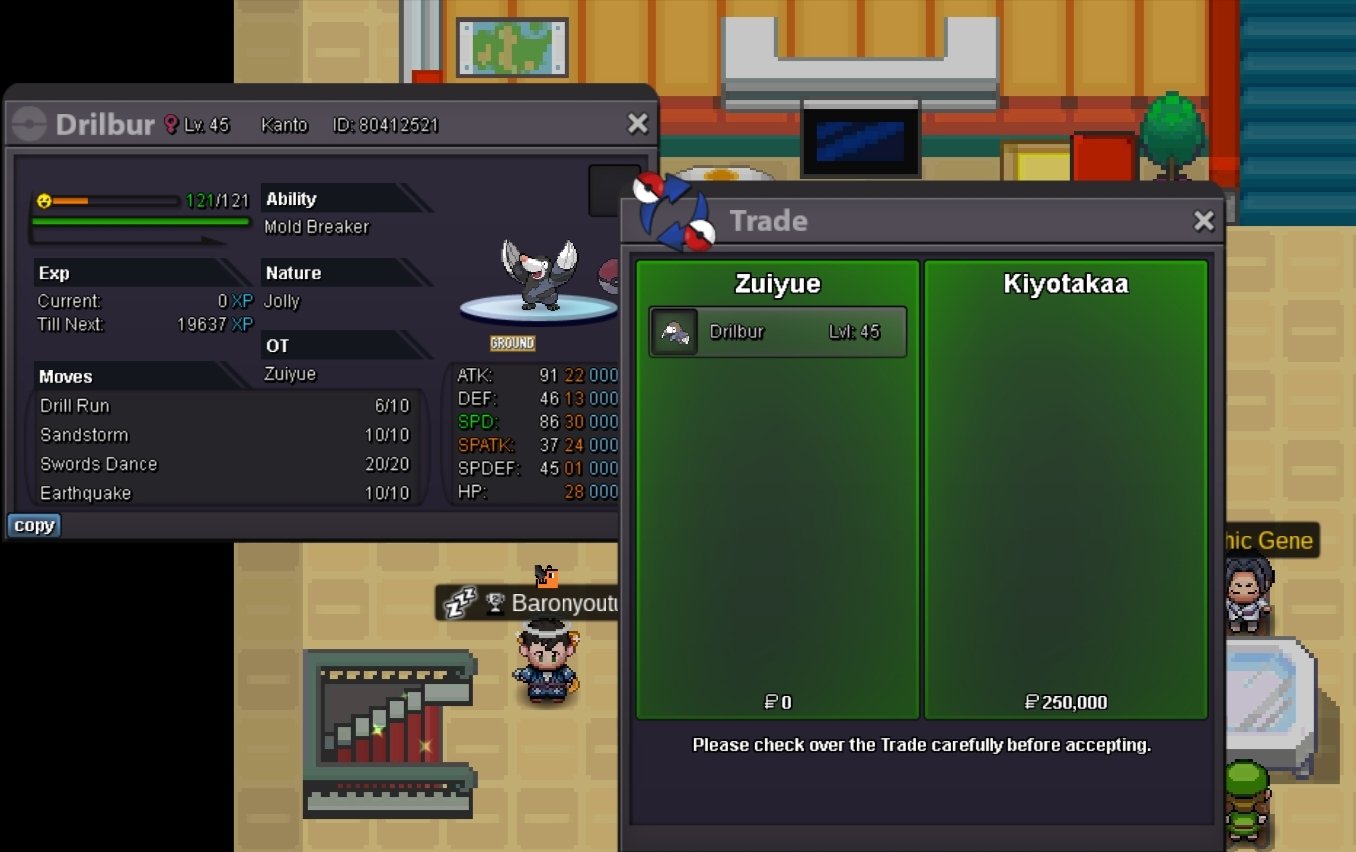
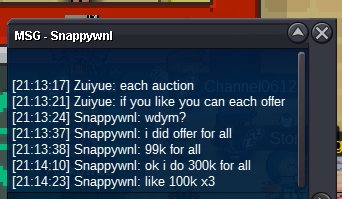
 start bid 50k each end 1 hours after the 1st bid minmum bid 10k each no insta 1st Snappywnl win (100k) 2nd Snappywnl win(100k) 3rd Kyiotakaa win (250k)
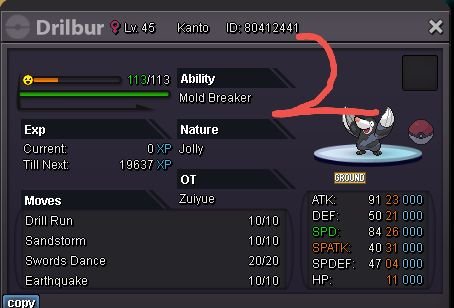
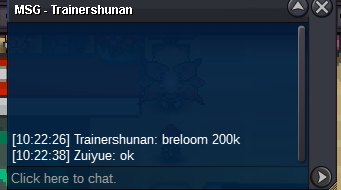
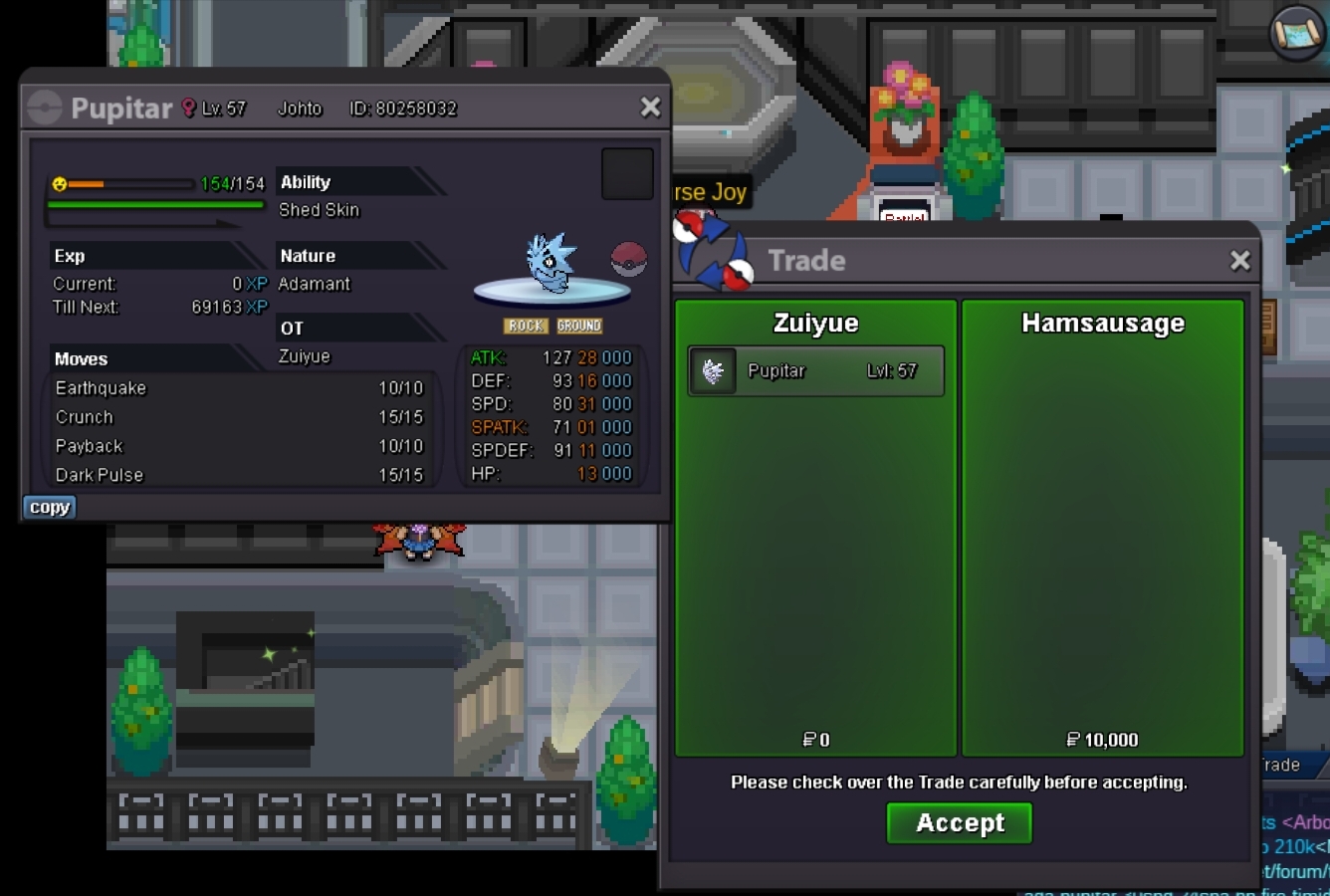
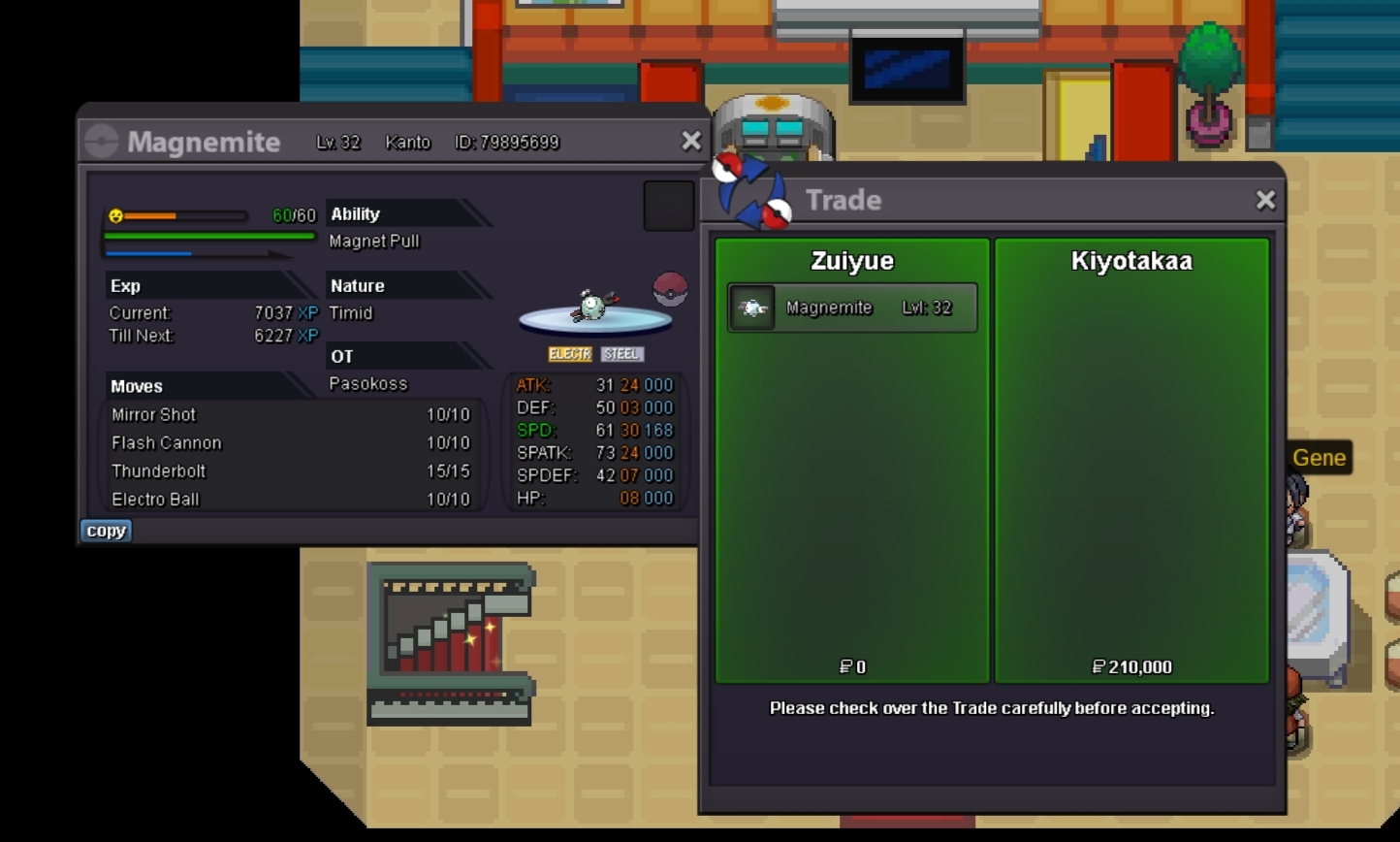
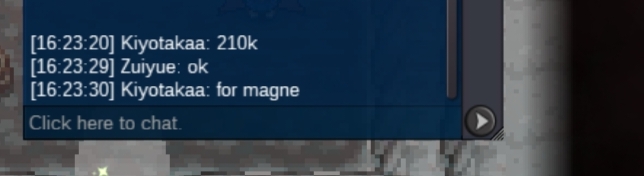
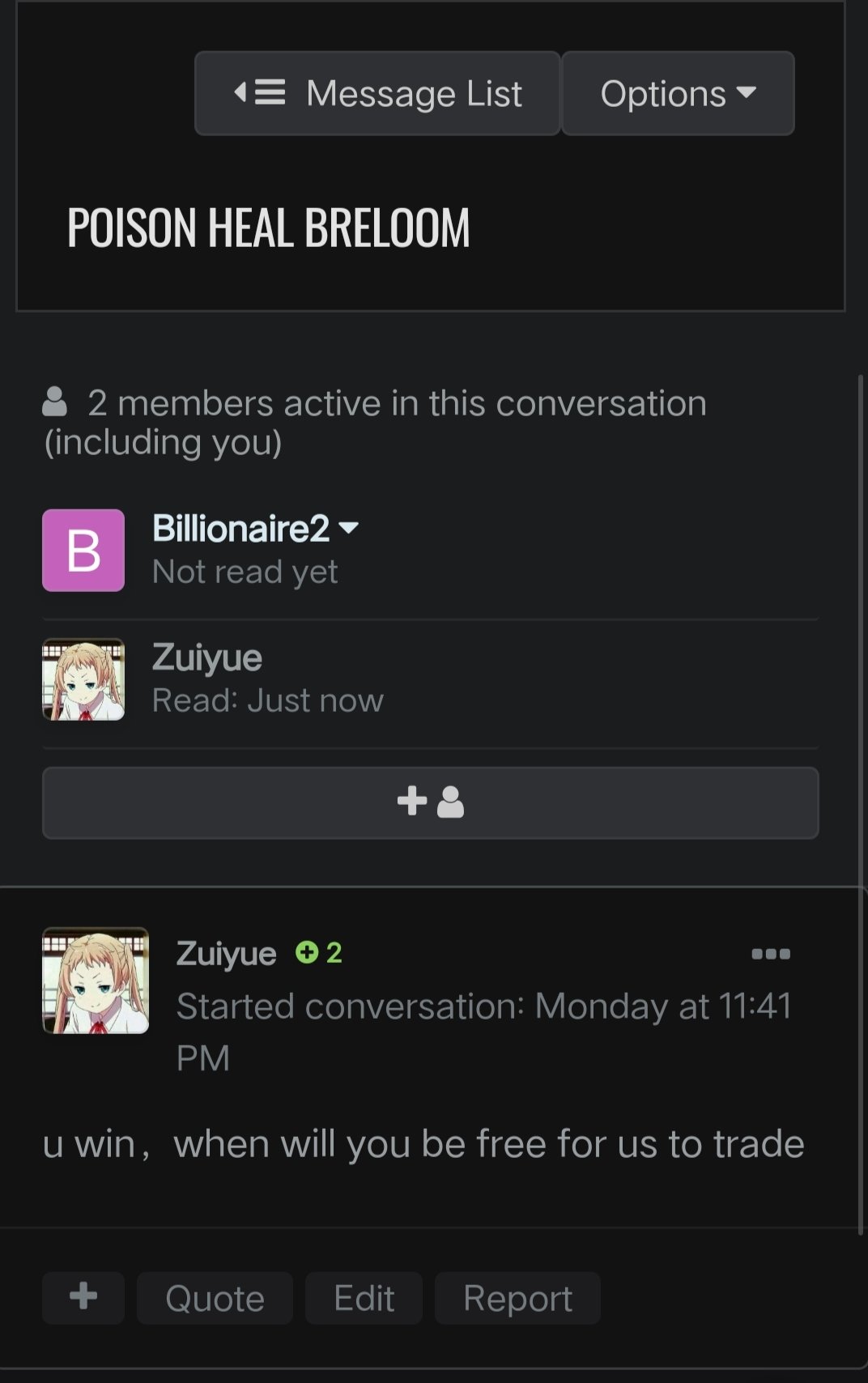
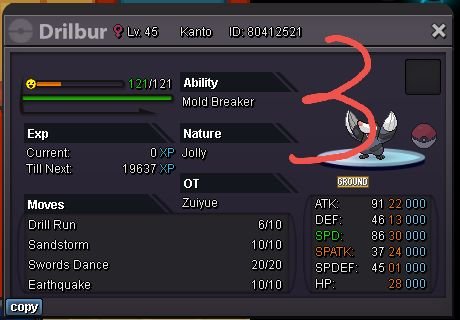 I tried to contact the buyer, but I couldn't reach him, so the deal couldn't be completed. I hope GM can help me complete the deal@Haruyukio@Mbk@Joncar9@ManbatThe buyer has not been online these days, and the forum has not returned.@Manbat
 startstart bid 100k end 34 hours after the 1st bid min bid 20k no insta accept CC360K (at the end of 3/2620:10:00GMT+8)
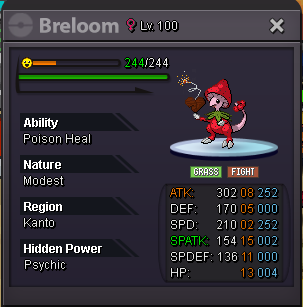 Time has passed
Account
Navigation
Search
Configure browser push notifications
Chrome (Android)
- Tap the lock icon next to the address bar.
- Tap Permissions → Notifications.
- Adjust your preference.
Chrome (Desktop)
- Click the padlock icon in the address bar.
- Select Site settings.
- Find Notifications and adjust your preference.
Safari (iOS 16.4+)
- Ensure the site is installed via Add to Home Screen.
- Open Settings App → Notifications.
- Find your app name and adjust your preference.
Safari (macOS)
- Go to Safari → Preferences.
- Click the Websites tab.
- Select Notifications in the sidebar.
- Find this website and adjust your preference.
Edge (Android)
- Tap the lock icon next to the address bar.
- Tap Permissions.
- Find Notifications and adjust your preference.
Edge (Desktop)
- Click the padlock icon in the address bar.
- Click Permissions for this site.
- Find Notifications and adjust your preference.
Firefox (Android)
- Go to Settings → Site permissions.
- Tap Notifications.
- Find this site in the list and adjust your preference.
Firefox (Desktop)
- Open Firefox Settings.
- Search for Notifications.
- Find this site in the list and adjust your preference.