New Trade Zone
Trade Zone is now live
Use the new Trade Zone for auctions and instant-price trades so Pokemon and item offers are easy to find.

Zuiyue
Registered User
-
Joined
-
Last visited
Everything posted by Zuiyue
-
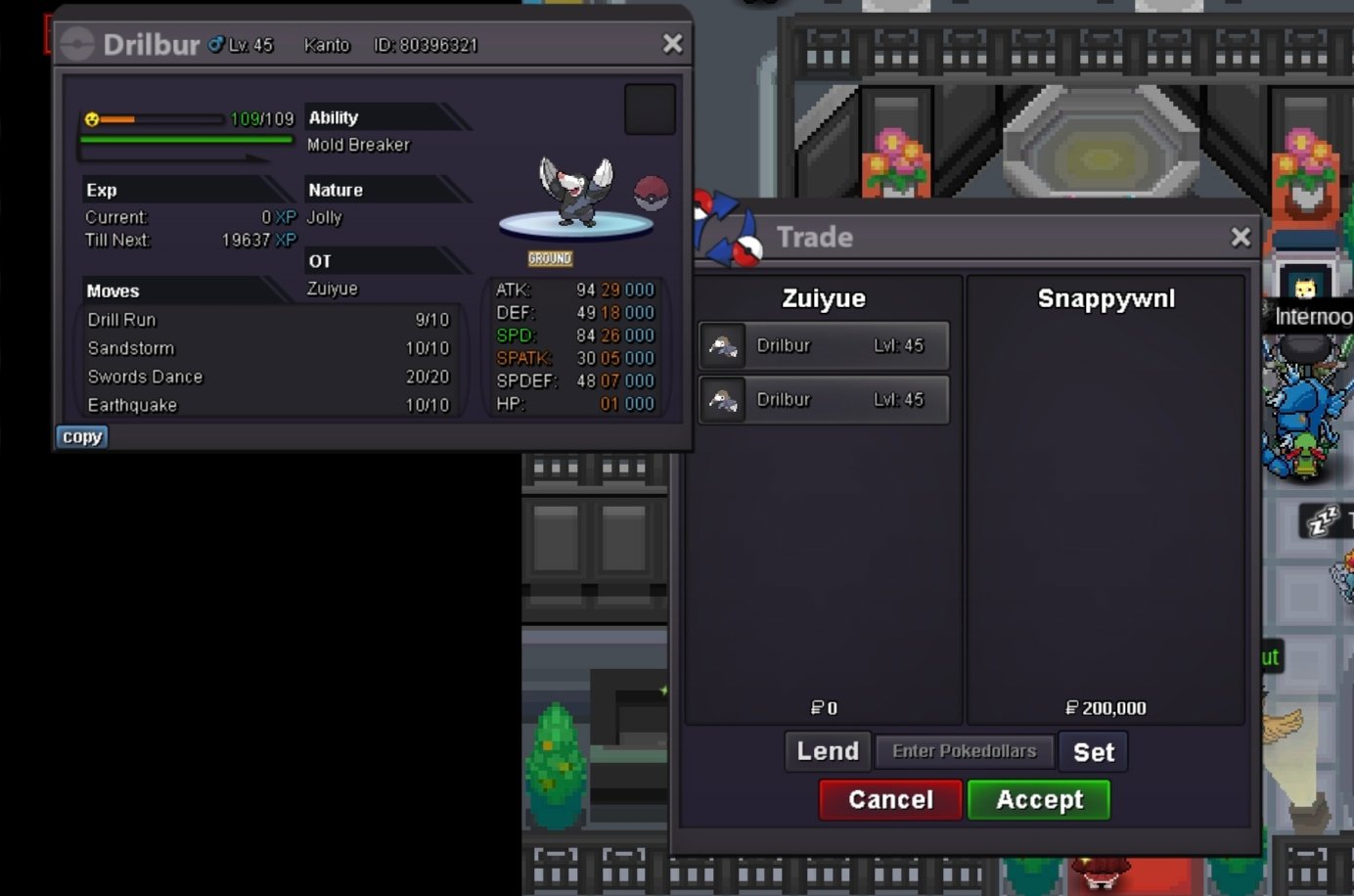
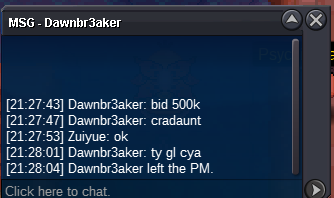
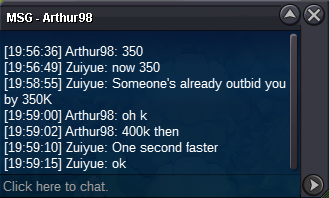
i am sorry it's overIt ends at 20:59:02 on May 8(gmt+8)start bid 100k each end 11 hours after the 1st bid min bid 50k each no insta
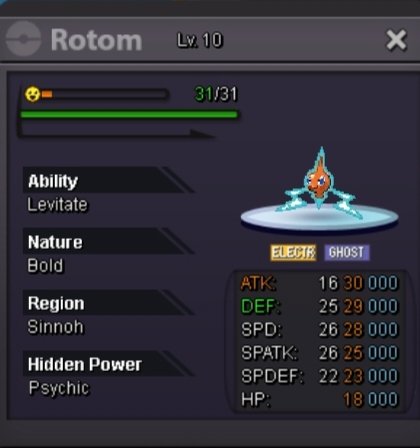
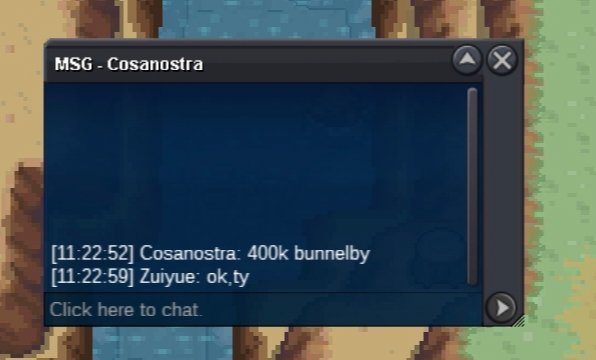
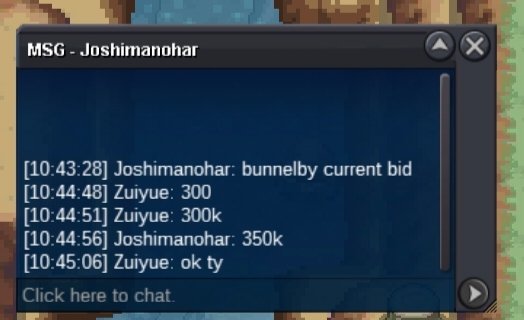
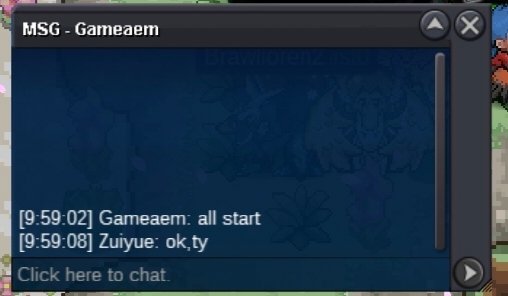
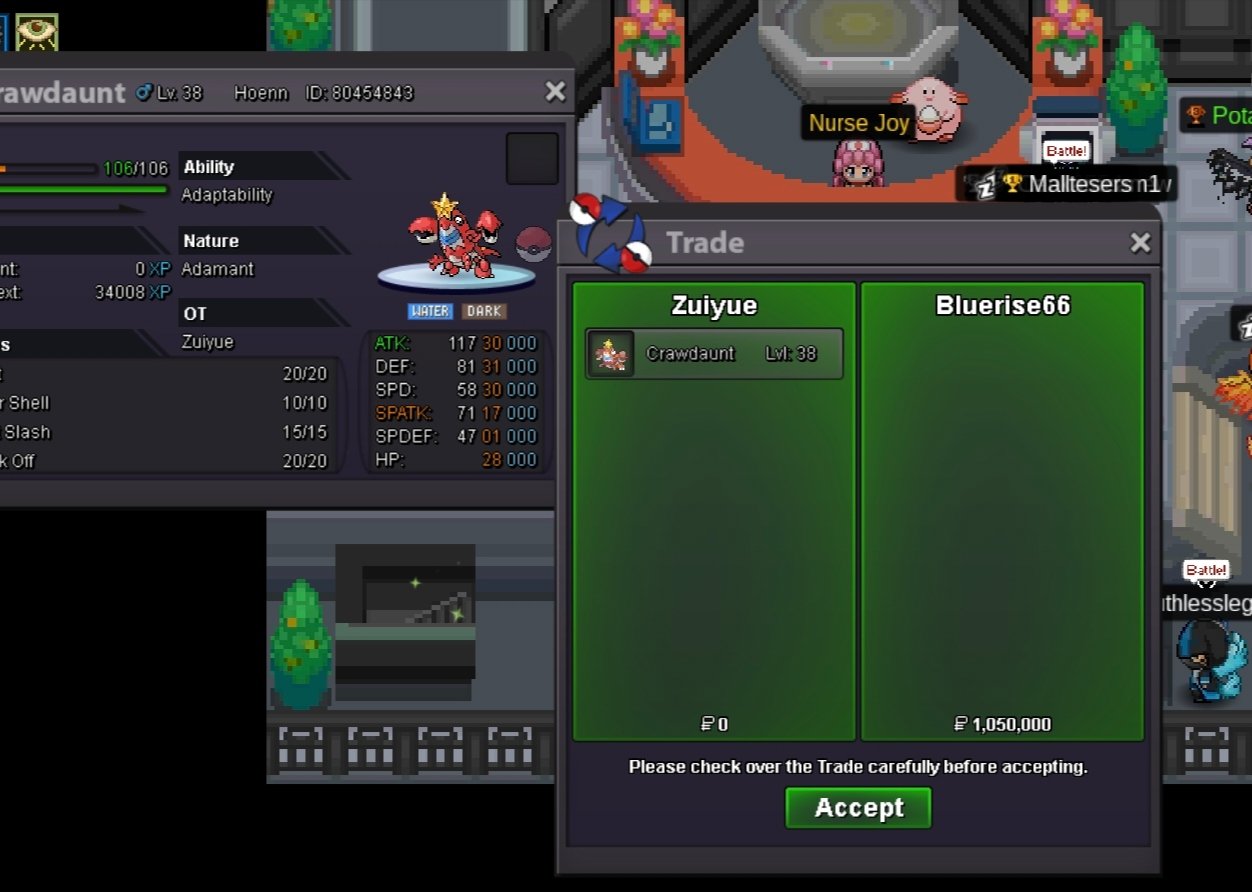
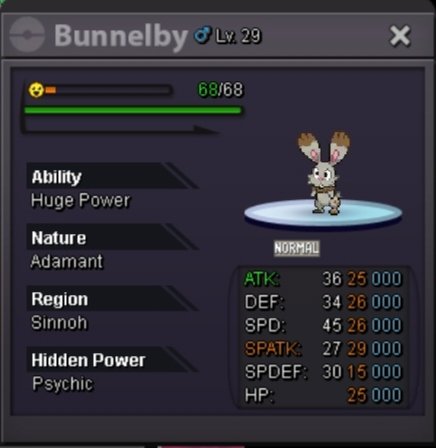 50 rc + 150kmantyke starttogepi 666kGM can help me? It's been a week and I can't get in touch with the buyer by any means.at the end of 4/3 20:28:00 GMT+8start bid 200k end 25 hours after the 1st bid minmum bid 50k each no insta accept cc 370k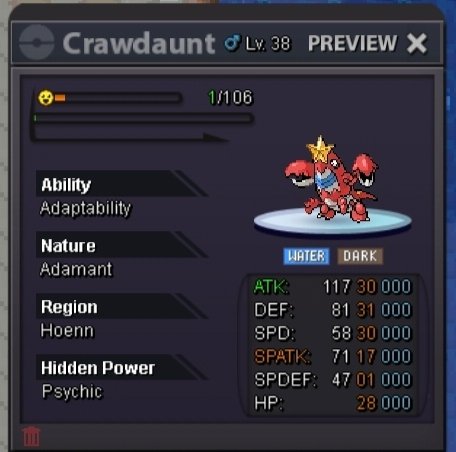
Account
Navigation
Search
Configure browser push notifications
Chrome (Android)
- Tap the lock icon next to the address bar.
- Tap Permissions → Notifications.
- Adjust your preference.
Chrome (Desktop)
- Click the padlock icon in the address bar.
- Select Site settings.
- Find Notifications and adjust your preference.
Safari (iOS 16.4+)
- Ensure the site is installed via Add to Home Screen.
- Open Settings App → Notifications.
- Find your app name and adjust your preference.
Safari (macOS)
- Go to Safari → Preferences.
- Click the Websites tab.
- Select Notifications in the sidebar.
- Find this website and adjust your preference.
Edge (Android)
- Tap the lock icon next to the address bar.
- Tap Permissions.
- Find Notifications and adjust your preference.
Edge (Desktop)
- Click the padlock icon in the address bar.
- Click Permissions for this site.
- Find Notifications and adjust your preference.
Firefox (Android)
- Go to Settings → Site permissions.
- Tap Notifications.
- Find this site in the list and adjust your preference.
Firefox (Desktop)
- Open Firefox Settings.
- Search for Notifications.
- Find this site in the list and adjust your preference.
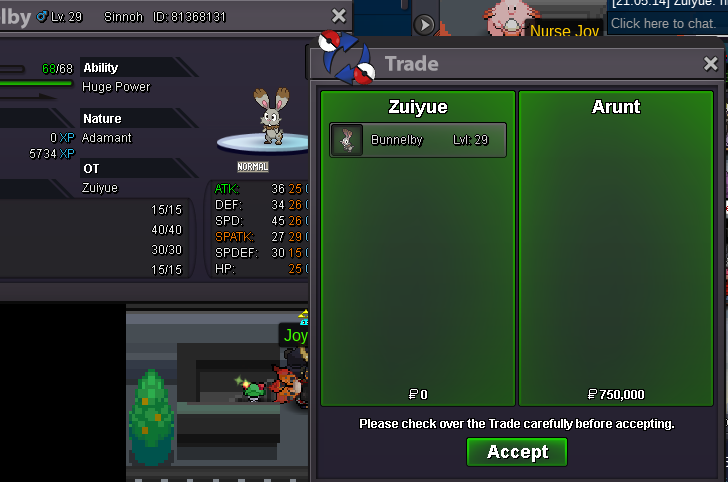
W(WGKKI.png.10c36ced88b264e498ed78fdac85fa49.png)
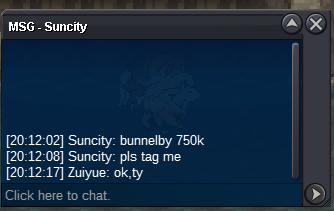
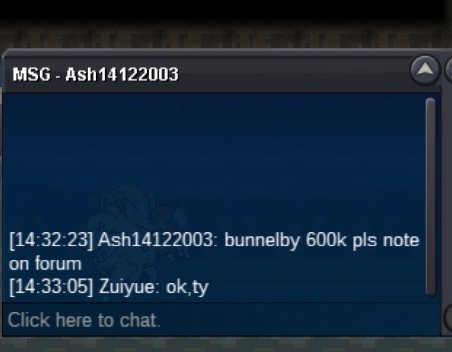


ZLSJRQPSTD@N.png.9c172fb1df2e72984a802912f7ea6cca.png)
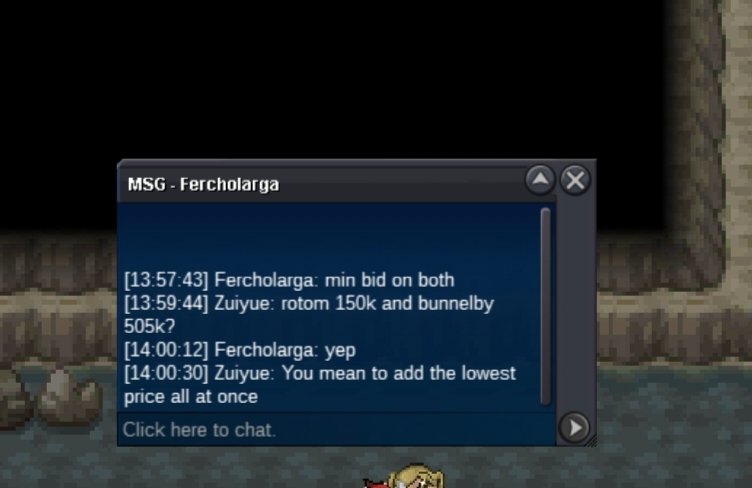
QZC(EV6X.png.6500744e04586ccf6defd8455b9867ce.png)